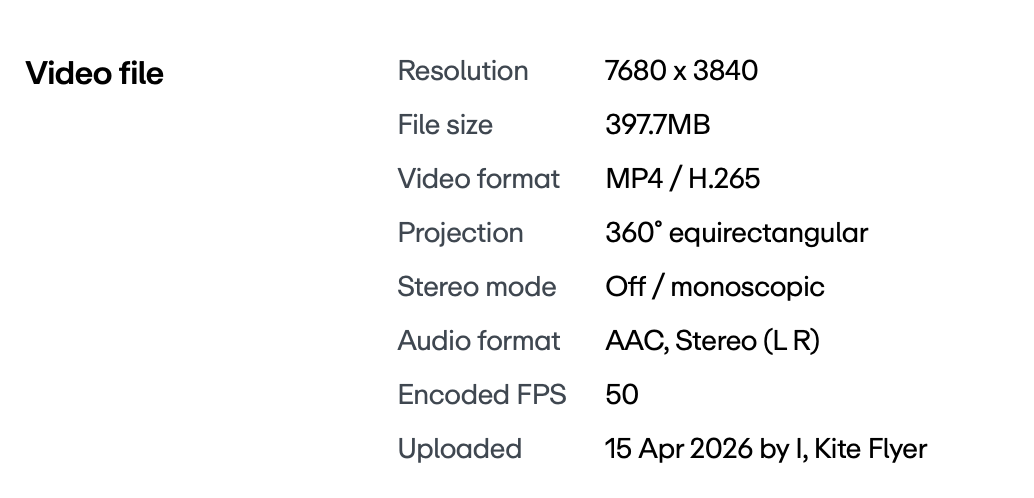
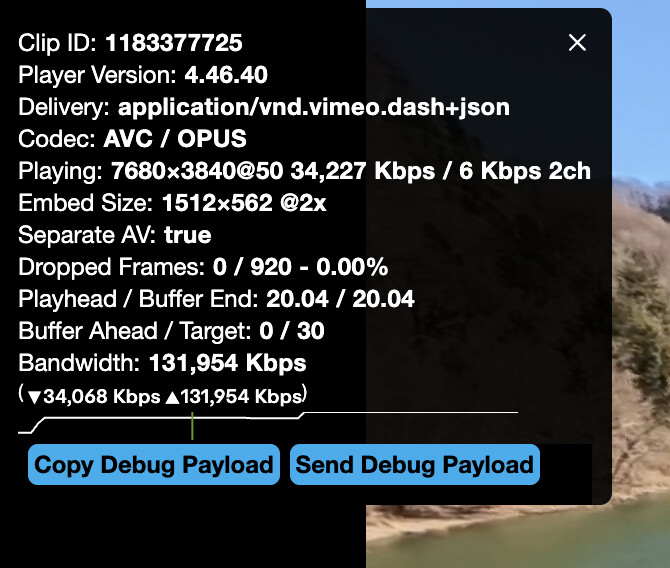
I see 8K as an option when I first open the video, but if I try and select it the wee spinny spinner pops up and then it reverts to 4K and the 8K option vanishes. That’s on a MacBook Air M4 with a 13” display (so not actually capable of displaying 8K).
I have nothing that will go up to 8K (including my eyes!) so suspect everything will be downscaled for me.
Pixel peeping here on a 4K monitor, with the YT version set to 4K and the Vimeo version set to 8K, the Vimeo images does look slightly sharper when I stop both on pretty much the same frame/angle and flick back and forth between them.
I admit, I’m a bit lost as to why it’s only offering 4K as max resolution. When I uploaded it, it processed over a few hours before I set it to publish live, and not before it offered me all resolutions up to 8K. That’s why I then amended the title to include ‘8K’ as I only did that once I was sure it had genuinely uploaded and processed to 8K.
When I look at my Samsung smart TV, it shows it as an 8K video but when i go in, I can’t select anything higher than 4K, despite me being on fibre 1 Gb broadband.
And now, even on Chrome, it’s only letting me go up to 4K.
I have now trimmed half a second off the video to force YouTube to re-process it to see if it makes any difference… but here’s what the YouTube app on my TV says:
Yea my understanding is it’s down to YouTube and playback device uses. Youtube can take months to encode it to 8k and some devices like TVs will only ever show 4k as an option.
I love Henrik I watched this yesterday, he’s so honest and puts up what he records even if he makes a balls of it
He’s just a big kid with a funny laughter, it’s obvious he does not take himself to seriously.
I like the fact it really does seem he records after just having a idea in his head and runs with it and and makes me feel better as there someone else out there who’s as bad as me but also helpful to understand more on what not and can do.
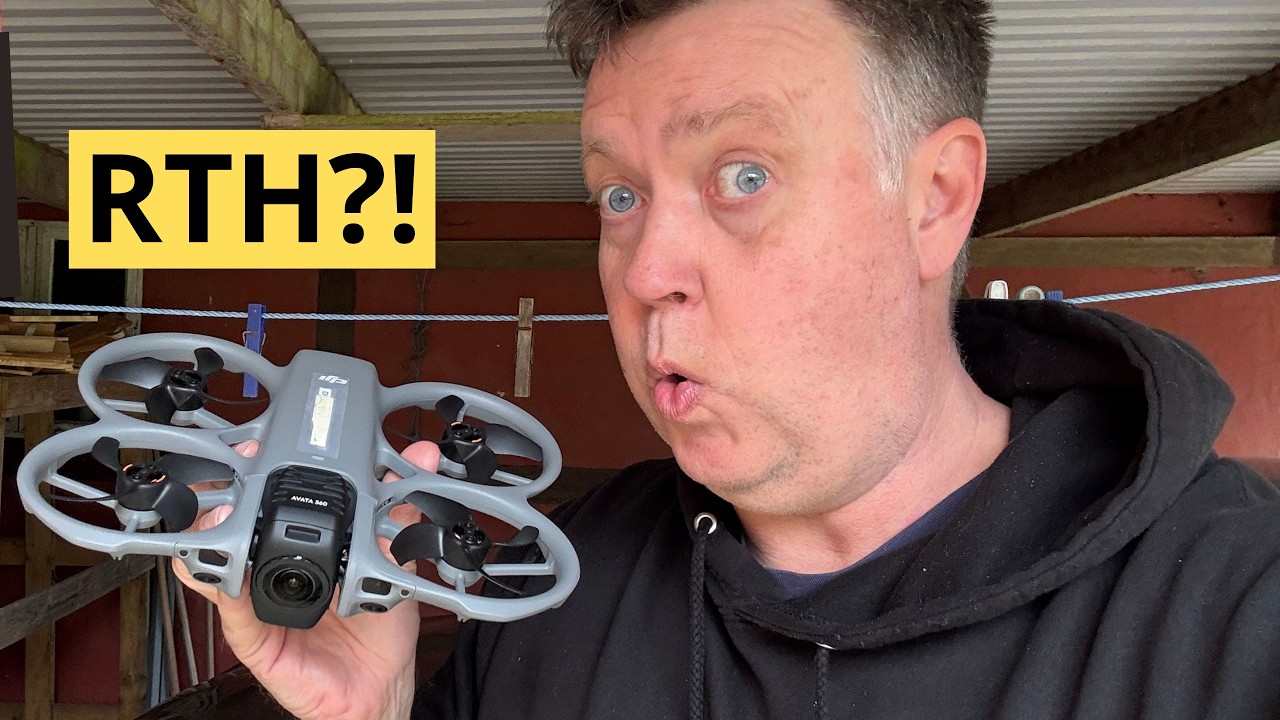
What the hell was the reason for the A360 RTH taken that route back home was very weird especially when it came onto the road again but it literally followed the exact route of Henrik and controller to the inch.
It must be something to do with the controller and the drone