Heres a vid. https://youtu.be/99vVpsYure4?t=44
Thanks. Im away from home now but hope to test the downgrade of my modified firmware when I get home.
Hello good people.
I’m sorry to bump up an old thread but hoping for someone’s help please.
I’m looking to load custom firmware on my Inspire 1 v2 using a x3 camera. My question is, there is no option for Inspire 1 v2 when using the tool, can any one point me in the right direction please. i would really like to unlock some more speed and height from my inspire 1 v2.
I am currently on FW_V01.11.01.50.
i have already downloaded some modified files from digdat0 on Github and installed this file on my inspire 1 - WM610_FW_V01.11.01.50_m0306.bin_MODDED but i didnt notice any diffirance in flight speed or any other change to the bird.
Here is the installation notes after i installed the firmware.
Result: Success.
========== 2015.09.01 22:30:02 =====================
Packet: WM610_FW_V01.03.00.00.bin
Upgrading …
Result: Success.
========== 2015.09.01 22:33:45 =====================
Packet: WM610_FW_V01.03.00.00.bin
Result: Abort.
The firmware on the SD card is identical to or older than the current firmware on the aircraft.
========== 2015.09.02 18:22:46 =====================
Packet: WM610_FW_V01.03.00.00.bin
========== 2015.09.03 16:03:28 =====================
Packet: WM610_FW_V01.03.00.00.bin
Result: Abort.
The firmware on the SD card is identical to or older than the current firmware on the aircraft.
========== 2014.01.01 00:00:04 remo-con disconnect======
Packet: WM610_FW_V01.04.00.10.bin
Upgrading …
Result: Success.
========== 2015.09.17 16:14:24 =====================
Packet: WM610_FW_V01.04.00.10.bin
Result: Abort.
The firmware on the SD card is identical to or older than the current firmware on the aircraft.
========== 2014.01.01 00:00:04 remo-con disconnect======
Packet: WM610_FW_V01.07.00.90.bin
Upgrading …
Result: Success.
========== 2014.01.01 00:00:09 remo-con disconnect======
Packet: WM610_FW_V01.09.01.30.bin
Upgrading …
Result: Success.
========== 2014.01.01 00:00:08 remo-con disconnect======
Packet: WM610_FW_V01.09.01.30.bin
Upgrading …
Result: Success.
========== 2014.01.01 00:00:08 remo-con disconnect======
Packet: WM610_FW_V01.09.01.30.bin
Upgrading …
Result: Success.
========== 2014.01.01 00:00:08 remo-con disconnect======
Packet: WM610_FW_V01.09.01.30.bin
Result: Abort.
The firmware on the SD card is identical to or older than the current firmware on the device.
========== 2016.08.17 09:18:23 =====================
Packet: WM610_FW_V01.09.01.30.bin
Result: Abort.
The firmware on the SD card is identical to or older than the current firmware on the device.
========== 2016.08.17 09:22:32 =====================
Packet: WM610_FW_V01.09.01.30.bin
Result: Abort.
The firmware on the SD card is identical to or older than the current firmware on the device.
========== 2016.08.17 09:27:33 =====================
Packet: WM610_FW_V01.09.01.30.bin
Result: Abort.
The firmware on the SD card is identical to or older than the current firmware on the device.
========== 2016.08.23 07:30:08 =====================
Packet: WM610_FW_V01.09.01.30.bin
Result: Abort.
The firmware on the SD card is identical to or older than the current firmware on the device.
========== 2018.07.24 09:15:48 =====================
Packet: WM610_FW_V01.11.01.50.bin
Upgrading …
Result: Success.
========== 2018.07.24 09:46:50 =====================
Packet: WM610_FW_V01.11.01.50.bin
Result: Abort.
The firmware on the SD card is identical to or older than the current firmware on the device.
========== 2018.07.24 09:50:33 =====================
Packet: WM610_FW_V01.11.01.50.bin
It’s the same firmware for a v1 and a v2.
I’ve no idea what’s in that firmware pack so can’t help there, I’d suggest rolling your own as per the first post in this guide.
That way you can be 100% sure it’ll do what you want it to do 
1 Like
Hi @PingSpike thanks for your quick response much appreciated.
So am i right in choosing option 6 and then option 32 in the tool.bat? Remember I’m using x3 camera.
Sorry @DjSpidey I don’t have an Inspire anymore (nor the modding tools for it).
But if that’s what the menu options are then yes, that’s the one to choose 
Just finished updating my inspire 1 v2 with your custom firmware, will test it out tomorrow and give feedback. I did start the drone with no props and the dji go app shows 10000m height limit so it looks good so far.
I didn’t change any firmware of the “Remove Forced Landings”, I only changed parameters for NFZ, Height limit, Speed and Ascent and Descent Speeds.
Wish me luck…haha…
Just want to thank @PingSpike for this great guide and for your time putting it together.
1 Like
You’re more than welcome @DjSpidey
It’s great to hear that it’s still benefitting people three years later - and in other countries too!
Thanks for the feedback 
1 Like
Hi. Just a bit of an update i loaded the custom firmware and done a test flight and all i can say is WOW! Now i enjoy my bird very much, its like a complete different bird its amazing.
I must say i was a bit disappointed with the inspire 1 when i first bought it, coming from a phantom 3 pro it just wasn’t a big difference for me but now with this custom firmware from @PingSpike its a totally different bird and its awesome.
Once again thanks to @PingSpike for this firmware.
I will also load this firmware on my Phantom 3pro.
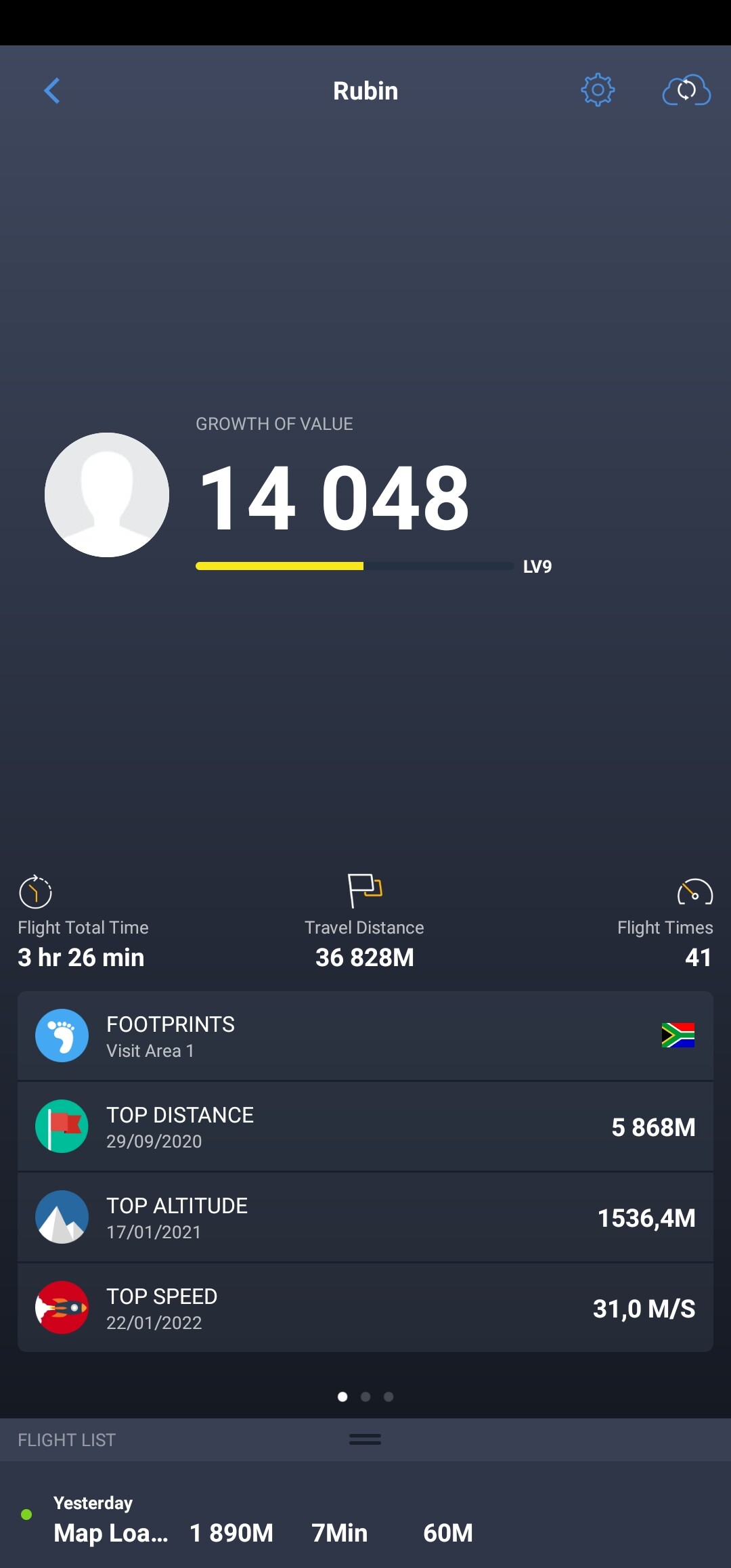
On my test flight i managed to do 111.6km/h thats 69.345mph thats from 44.738mph for stock firmware.
Just to help clarify things for other users that might want to use this custom firmware…
For the Inspire 1 v2.0 wit x3 camera the options in the tool.bat is as follows…
Option 6 (Inspire 1) use this option as there is no option for Inspire 1 v2.0
Also i changed all the parameters to exactly the values of what it shows in this guide (i was a bit of confused if i only needed to change the “min” and "default " values but i changed all 3 values like “min”, "default " AND “max” to what is stated in this guide.
Hope this helps other confused users.
1 Like