Out flying earlier and I must have touched somewhere on the screen and changed the map view that is normally in the bottom left, instead it was showing me an image from the left front sensor and using the arrows i could change it to look from the left, right, front or rear. I never read release notes, is this something that has always been there?
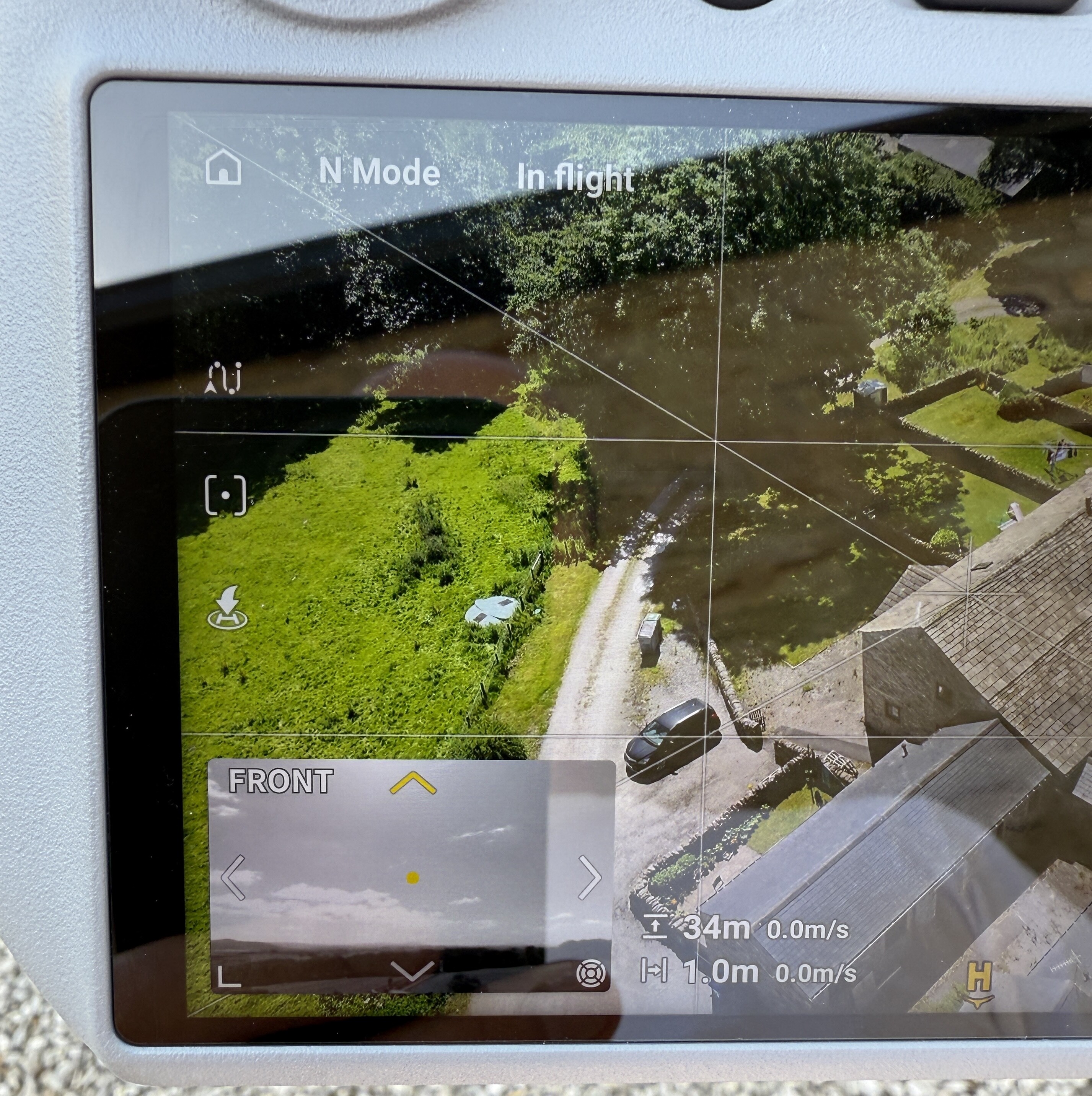
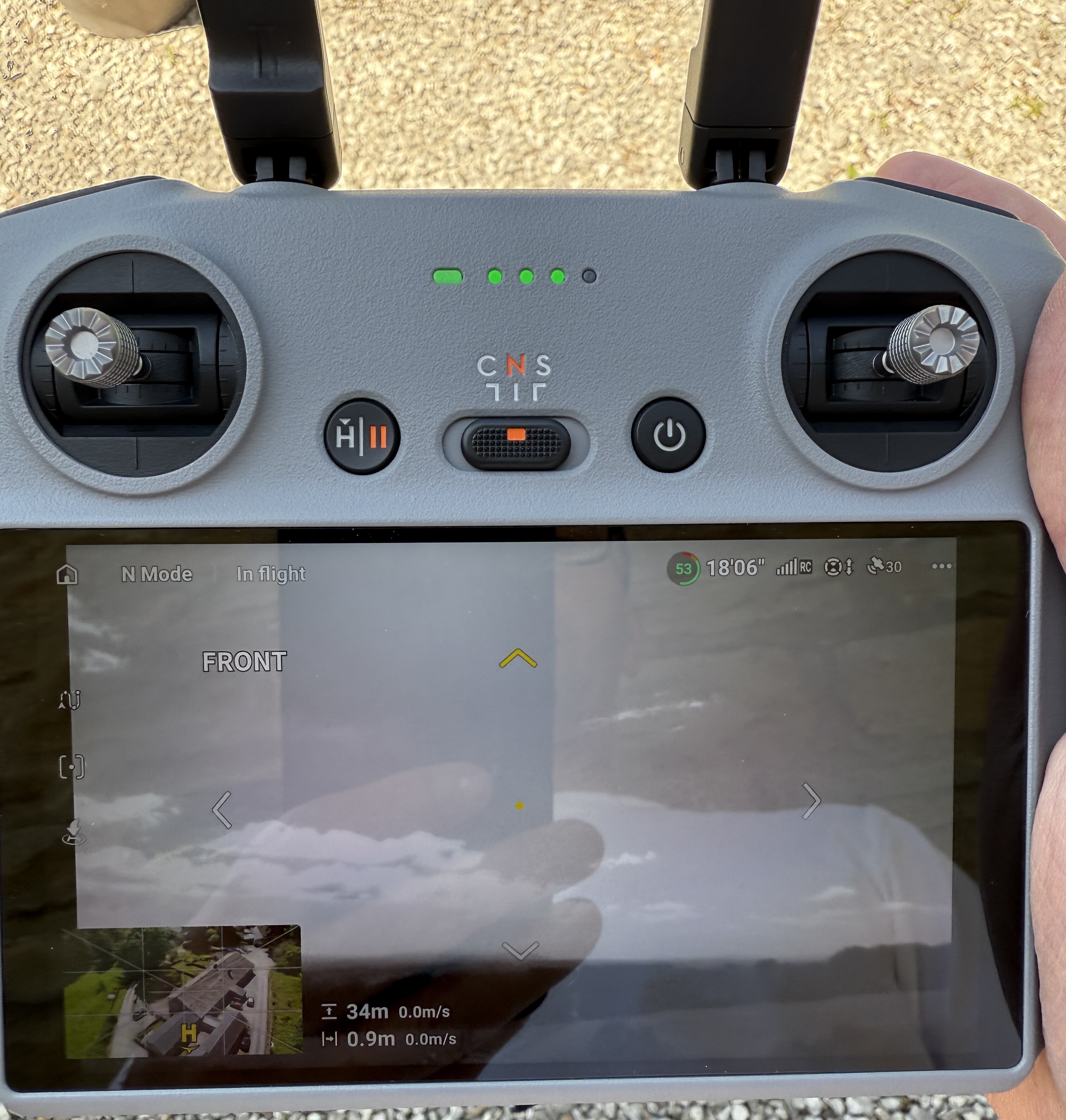
Since it was brought in with an update & as far as I’m aware & have experienced the same myself accidentally touching it then it goes to as per your screen shot above, swipe left & it goes back to map,
I don’t use it but have activated it by accident .
Had me all confused when I could see a propellor whirling away in the bottom left of the screen!
The time to worry is when they are not whirling away .. whilst in flight. 
I got more confused when I couldn’t deactivate it as I’d never used it before, but yes it only takes a gentle touch on it which is easily doable not realising .
You’ve been wondering how long DJI have been spying through these before this was even a thing 

It’s no wonder the USA are considering a ban.
Many of our cars have had them for at least a decade!!! … the view is useful if you’re flying backwards or sidewards when recording
That reads as though the ones on your car are useful for flying backwards and sideways.
.. but I know what you mean.
Interesting - didn’t know about this and haven’t managed to activate it so far but I can see it might be useful.
We have it on our Mavic. It is only with an update a short while back. You can see what the drone sees through it’s sensors. Very juddery as it is a fixed with no gimble. Interesting to see what it sees. You just click on the icon on in the corner to scroll through the different screens here.