lie it flat on the build plate 
Tried but it wouldn’t stick

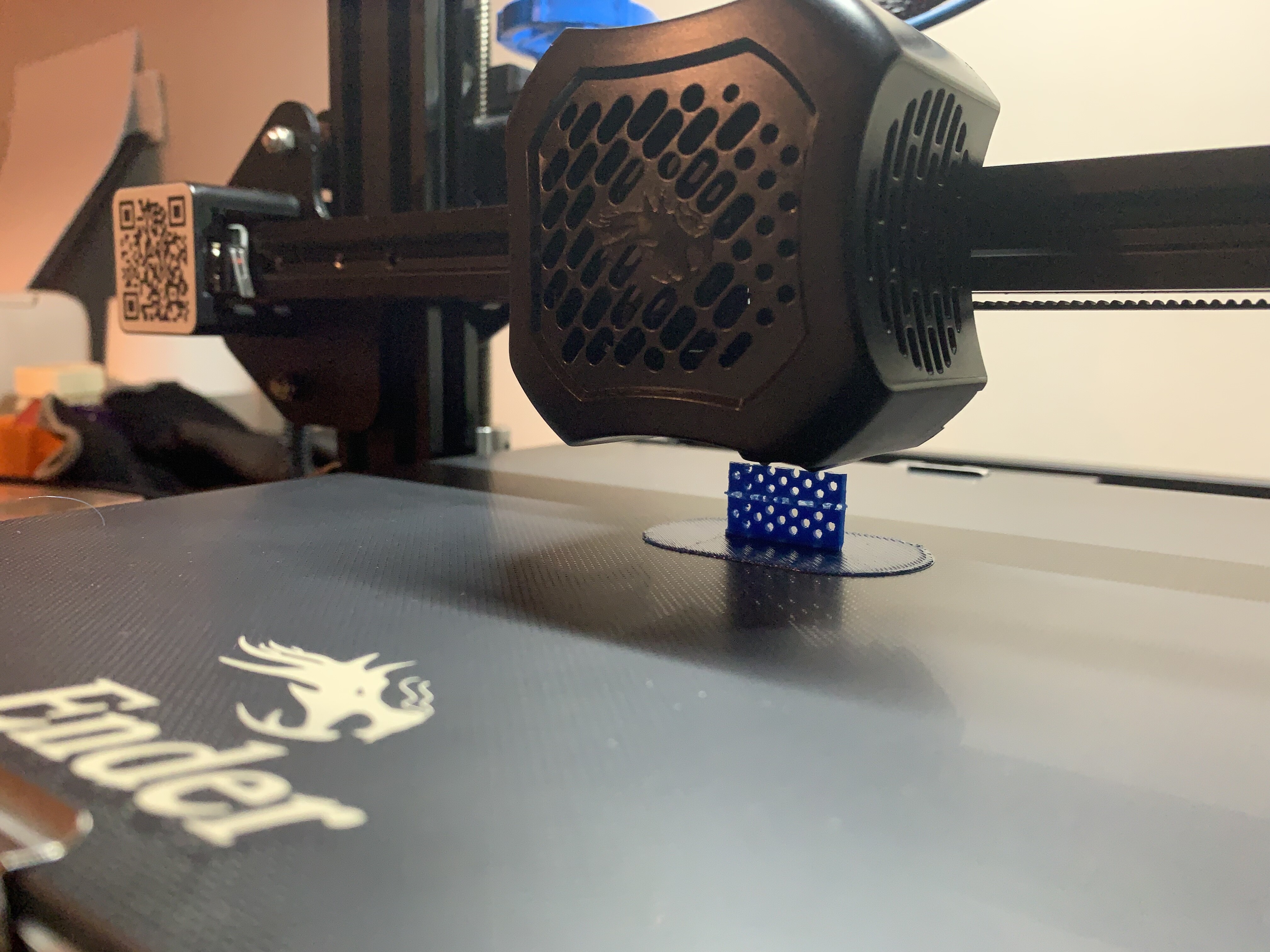

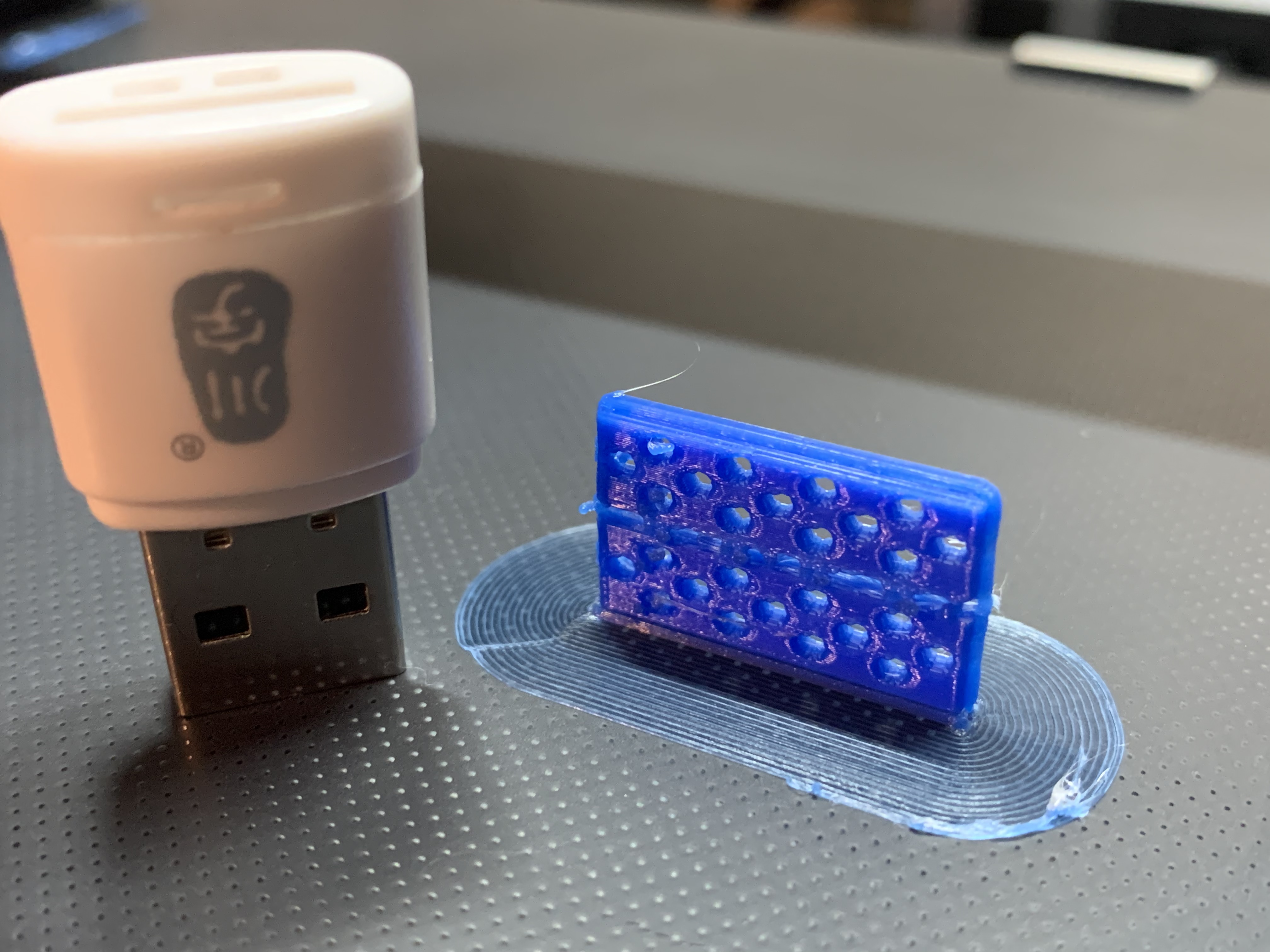
wow thats tiny.
1 Like
top tip though, if you’re using a glass bed, let it cool down completely before trying to remove the part from the build plate and it should come off a lot easier 
On it’s edge, my setup is 33min V 7min laid flat… 
1 Like
Check out the mini figures or high quality profile at 3dprintscape.com/cura-profiles
Works well on tiny things.
The standard profile is also great and faster than the cura equivalent
1 Like
Are they expensive to run these 3D printers
Sod that don’t answer 
Did you not notice the street lights dimming outside?
anything that uses heat will be expensive to run 
Looks to be pulling about 200watts whilst printing
@njoro did a measurement I think
If I had tea in my mouth I’d have redecorated my office wall…
Yes, alas the days of just chucking a large print on without a care is gone…
Cost, Watt x Time, it’s worth investing in one of these.
https://amzn.eu/d/9Ngzkqp
Heads up Manchester!
Wayne is about to start printing again!

1 Like
That’s actually not too bad, better than I thought it’d be
1 Like
Pulling 350 Watts max, but varies depending on temperature settings filament being printed such as ABS, a meter is the best method of determining the true cost of the print.
I always turn off the Bed at predetermined point during printing which does save quite a bit…
My slicer has a very good filament cost interface which does a good job of estimating to +/- 1p
or use this for a reasonable estimate (set to 200W)
edit anything green, don’t mess with the red
cost to print.xlsx (11.2 KB)
Excel is a good place to start, I’ve got it all setup in the slicer software to automatically calculate whatever I drop on the Bed… 