How to not lose a drone?

I got bought a DJI Mini 4 Pro earlier in the year for my 66th birthday, and been taking baby steps with the flying. Basically just like taking it up above me and doing a 360 degree and/or a couple of 180 degree panoramas.

Today, batteries all charged, set-up & connect controller, and launched the drone.
All looking fine, took off, got the “home point reset” voice, so started it climbing up vertically, Then at about 100m, I get a screen freeze with a “RC not connected” error :frowning:

I’ve had an occasion, where I lost video, but still was connected, and I control it fine … just descended the drone, and controller reconnected Ok, and video resumed.

But today it was a complete “lost connection”.
I tried the “return home”, but got nothing because of “no connection”.
Tried the “beep” function … nothing

I could see the drone, and it started drifting/slowly moving off over the river
Trying anything before it disappeared into the distance …

  • closed and restarted the DJI app, shutdown & started the controller

But no joy :cry: … it’s flying away

There’s no way I can get to the land it was flying towards; inaccessible farmland and woodlands without tracks or paths.
And even with my contact details on it, I seriously doubt anyone is ever going to be in the area.

If I can get another drone … how can I avoid this in future?
Any tips of what I should have done, hacks to force the return

Can you buy insurance for “lost drones”?

Cheers,
SteveC.

giphy

2 Likes

There are a few checks you can make.

The first is related to this:

Check it.

Check it on the map.

Make sure the home point is where you are stood :scream:

Taking off with an unstable GPS lock will cause that home point to be somewhere else - and not where you are stood - more here:

The second check to make is what your controller-disconnect option is set to.

Is it set to RTH? Or is it set to hover?

If it’s set to RTH, what’s the RTH height set to?

Setting a RTH height too high means your drone won’t be able to fly back in strong wind and will drift off elsewhere.

If it’s set to hover, how will you ever get it back? Only set it to hover if flying under a bridge or somewhere that you don’t want it to gain altitude.

Not checking your “home point has been updated” means your drone will RTH - to somewhere else :exploding_head:

Why is it flying away, instead of flying back to you? Any of the above perhaps? :thinking:

Yes, check out DJI Care Refresh - you may even have Care Refresh already?

Hey Steve,

First off, Happy 66th Birthday!

Hope you got spoilt and enjoyed time with loved ones.

Secondly, you should have a setting within the DJI app or controller that allows you to set it to return to home when the connection is lost.

Also, best practice, the drone should only be taken off when it has a decent satellite coverage.

You can do it with less, but it is at your own risk, as it could drift away as it won’t have a decent lock on it’s positioning.

Finally, you should be able to get DJI Care for damaged or lost drones.

Currently, I fly a DJI Air3s and I’ve lost signal loads of times when flying, even though I can see it! But I remain calm as I know that it will return to home / trace its route back and reconnect as soon as it can, giving me control again.

All the best and happy flying!

Bit harsh, poor sod’s just lost his drone, and it might not be his fault!

Out of interest @steveculshaw, were you using the DJI RC-N2 (with mobile phone) or the DJI RC2 integrated controller? if the former, I am wondering if the USB cable connection had anything to do with the error occurring.

You can unplug it whilst flying and still use the contoller without the app or screen, if you then reconnect the cable you will get the screen back. You dont need a phone connected to fly the drone

Thanks for the comprehensive response

“what your controller-disconnect option is set to.”
“Is it set to RTH? Or is it set to hover?”
“If it’s set to RTH, what’s the RTH height set to”

Poking in the DJI App, I found the Safety option, can’t see anything saying RTH or Hover
There is an “Auto RTH Altitude” which is set to 0m
And the “Advanced Saefty Settings” has a “Signal lost”, but the option box is empty, and I can’t select anything in it.

I found a post about checking using “Airdata UAV” … followed the instructions and managed to upload the FlightRecord txt … and it worked.
It shows the home point where I launched the drone from.
The signal strength was green all the way up to 354 ft, and that’s the end of the log :frowning:

Just looked up Care Refresh … sadly don’t have it

I was using my mobile phone.
Getting desperate, I tried unplugging and plugging back in but no joy :frowning:

Contact DJI anyway, tell them what happened

They will help

Always set to return to home and I have the RTH height set to 30 meters obviously change that if I need to but as a rule it sits at 30 meters

I work in old money, and my RTH is set to 120’, high enough to clear trees, electrickery pylons, the cables between them…

Another thing to consider might be to calibrate everything occasionally, to be sure you are on top of things! Click on the 3 dots top right of screen, and click ‘Safety’, then scroll down for Compass & IMU calibration (the IMU is the piece of jiggerypokery inside the drone that senses movement and the direction of movement of the drone, sort of a 3-dimensional accellerometer, and feeds back to the motor current; it is small variations in motor speed that allow control of your drone), and ‘Control’ to scroll down for gimbal calibration. Follow the on-screen instructions, but be aware that people observing you may assume you are doing a rain dance…

As you now know the drone’s location, is recovery possible? If it landed automatically on open ground it may be undamaged and reusable!

Thanks for the good pointers :+1:

I found the section in Profile, Find My Drone.
Sadly the location it shows is where I launched it straight up from :frowning:
This also matches with what the Profile, More, Flight Data Center shows
It goes up to 107m, flight of 1 min and then “RC not connected to mobil…”

Taking a positive … I’ve found out a lot about the things in the app :slight_smile:

Cheers,
SteveC.

Some of the settings don’t show up unless you have a drone connected

Ah ha … that explains (at least part of) my confusion :slight_smile:

Ta :+1:

Sorry to hear of your loss matey! Have a watch of this and see if anything can be done.

If that doesn’t help, have a look at this video where we convinced DJI that it was the drone’s fault and they replaced it:
Best of luck, Ian

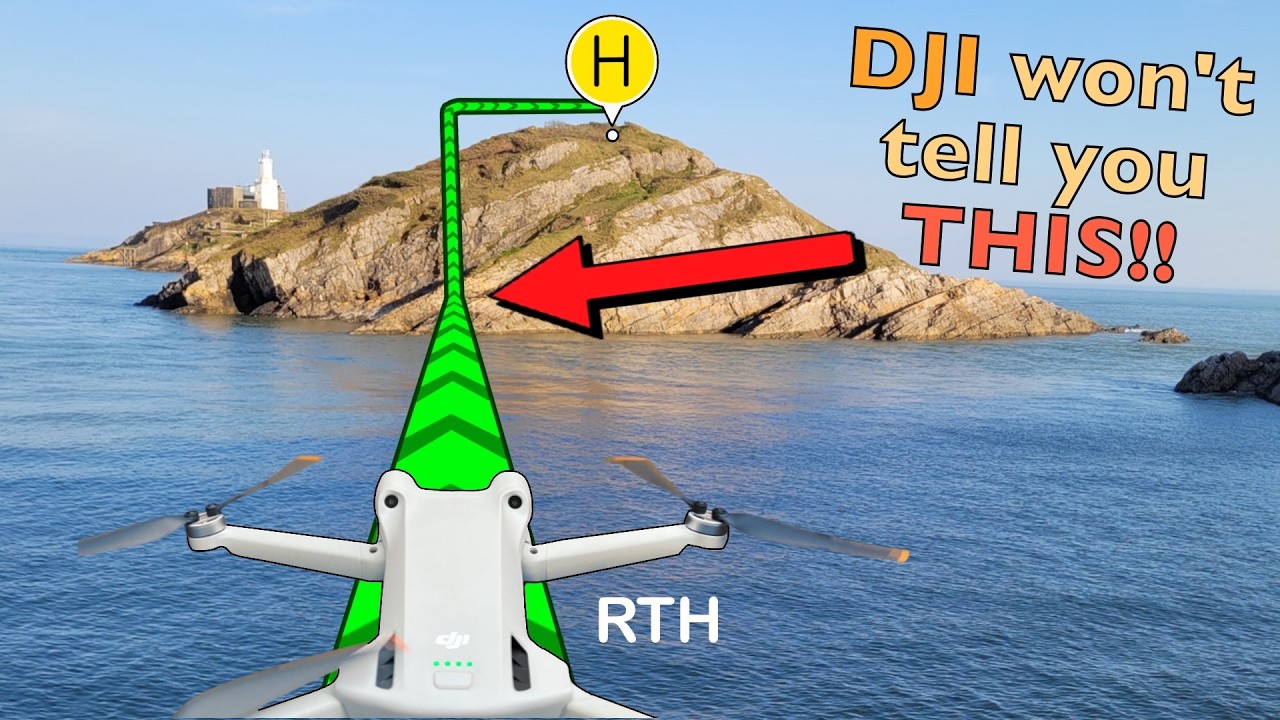
I was watching an interesting YouTube video recently about a negative RTH.

I’ll bet it’s something a number of flyers don’t think or realise if in such a location.

I don’t get what a negative RTH is? Do you mean it doesn’t come back? Or flies in opposite direction when initiated?

Here… :slightly_smiling_face:

@uav_hampshire Ta :+1: