Could some one help me please, I am having a lot of trouble changing the height and distance restrictions that my second hand DJI Mini 4 drone came with.
I have managed to work out how to get into my profile page and find the page on the controller where the hight and distance have been set at 50m hight and 100m distance.
But every time I try to change them, I get a message Function unavailable in Local Data mode ?
Actually this looks like 3 questions,
1 Do I need to turn off Local Data mode and if so how?
2 Should I then be able to change the restrictions?
3 I have not registered the drown yet is this required to do the above?
Before asking, did you try a search first?
Several thousand questions have been answered here and yours is possibly one of them 
How do you post a good question? 
We’ve put some tips and suggestions together for you,. Take a look at the pinned topic in this category for some guidance.
If you have searched but couldn’t find what you were looking for then please delete all this text and post your question 
I think I can remember us chatting about this at Portchester, what model Mini 4 is it also what controller & or what phone device are you using if using a normal controller without the screen ?
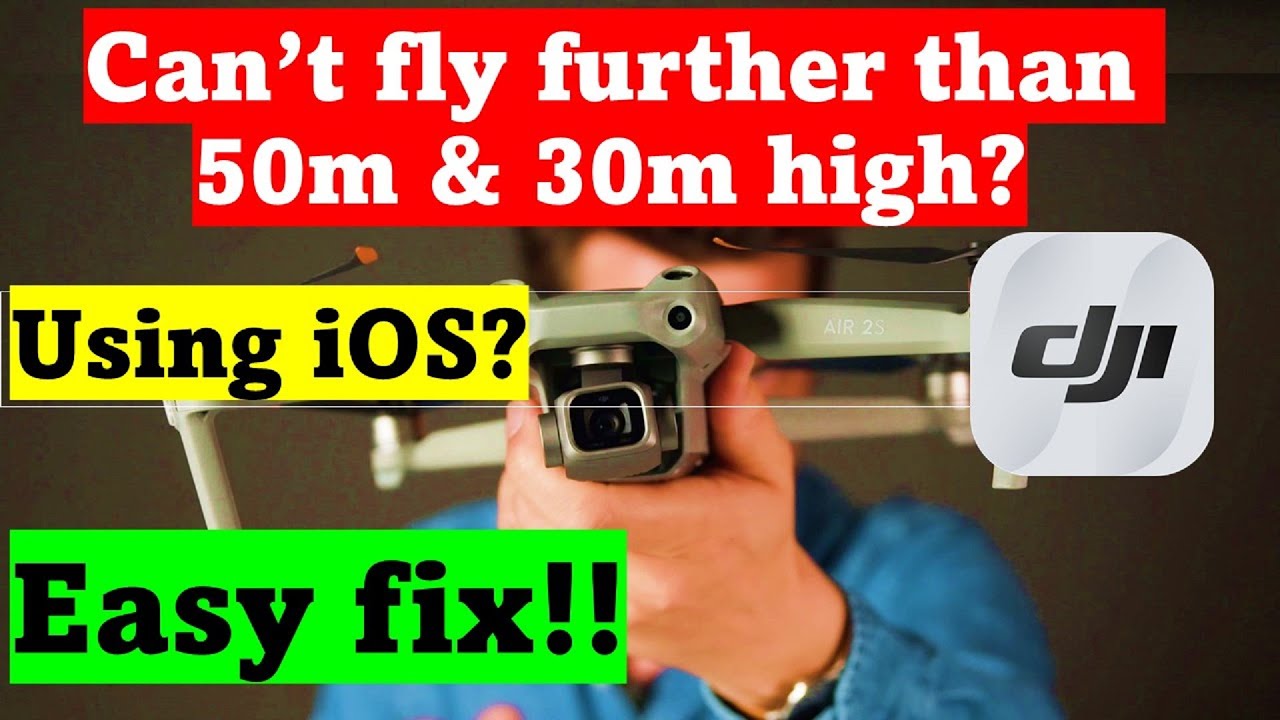
Edit : long shot in the dark but give this a watch its only a few minutes,
@winglider Are you logged into your DJI account on the fly app? if you’re not logged in (it automatically logs you out after a short period of non use) This will limit you to 50m and 100m To fix simply log back into your DJI account on the fly app and make sure the drone is linked to your account.
You need to register and be logged into your account or you’re limited in the way you describe. You say it’s secondhand did the previous owner release it from their account.
Yes. As above you need to be logged into your account, and Local Data mode inhibits the ability of the app to connect to the internet.
How ..
To disable Local Data Mode in the DJI Fly app, navigate to Settings > Notifications and Privacy > Local Data Mode and toggle it off. This will re-enable internet connectivity for the app and restore features like map access and flight data synchronization, which are disabled in Local Data Mode.
I dont know, is there a way i can check ?
Yes - by logging on to your DJI account with the drone switched on.
It won’t let you connect to the drone if the previous owner hasn’t removed it from their account.
hi guys, been pulling my hair out over this now!! I’m having real problems trying to log on to the dji account. it says for me to connect - so i try, i put in my email address to log on, tick the understand the terms and conditions box, press next. I then get a notice to check my connection (error3000003). wi-fi is good, but still won’t connect.
Would appreciate some guidance if possible.
Regards Winglider
Did you turn off Local Data mode, as above?
Dji error code 3000003 just signifies you are not logged in to dji fly
Thank you for all your help gentlemen, the range and distance problems that I have been suffering from have all been resolved now. Apparently the drone just needed to be unpaired and repaired.
Well being something of a Luddite, I think that is all I done, its going to 120 meters and scary distances now