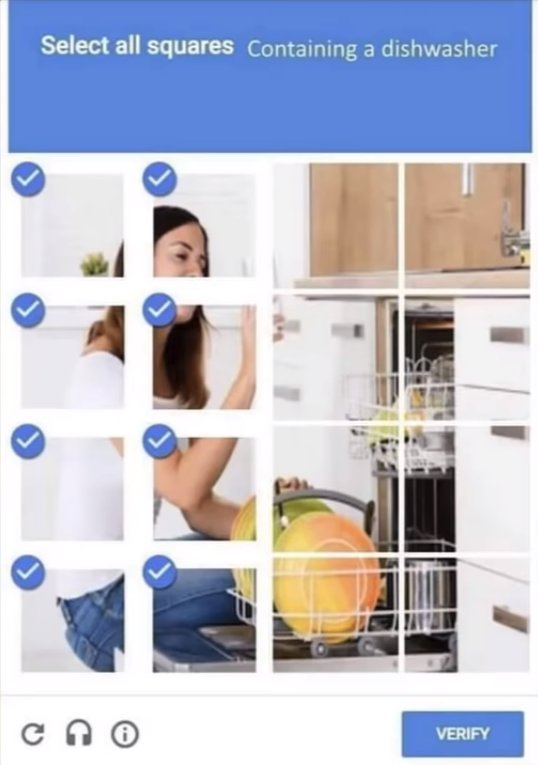
Haven’t used the drone for a couple of months and when I set it up for a flight today I was prompted to sign into my dji account. Since I couldn’t remember the last password I requested one through the on screen prompt and checked my email and went through the link but have found I’m stuck on the verify/picture acknowledged page of groundhog day.
I can fly my drone but restricted to 50m height and 30m distance until I unlock the eco mode.
Anyone care to help were I’ve gone wrong or just being dumb.
The picture verify fearure for security is now put me in the ‘You taking the piss’ mood.
Log into your accpount on a PC or Laptop with a decent sized screen, do the thing, change your password then log in on your phone/controller with the new password
You have my sympathy, I went though that a couple of days ago. Those pictures are dynamic, changing pics as you go. just keep going until the whole block is clear of whatever. You may get this two or three times before it lets you in.
I had it last Thursday and suffered a severe humour loss.
Took me a while to realise thatonce i had identified the pictures more sprang up in their place. I never know when it asks for all pictures of (say) a motorbike it means just the bike or the person on it as well.
And all because I hadn’t turned on my controller in proximity to my home wi-fi for a few weeks
I tried logging in on my phone last Saturday. Didn’t manage to and couldn’t pass the “ Select all pictures featuring traffic lights/ buses/ motorcycles. Tried three times then thought, sod it I’ll wait till I get home and do it all on the iPad ( only use the phone to download photos very infrequently)
I sorted the problem finally. I’d changed Internet supplier and my DJI was linked through a BT router. Since changing to Sky broadband then I had my eco problem with the mini4 pro, it was with the router doing the heavy lifting regarding broad band as an internet link(I avoid using my phones 4G for uploads etc).
Reset the router then went through the forgotten the password on DJI Fly app etc.
No verify pictures now just follow the email link which I didn’t get before regarding my cries for help but some of you folk also mentioned that stress after my post.
Not had my problem in the past but happy it was sorted in the end. I always use my home broadband connection for any firmware updates as the phone connection cant be relied upon if your somewhere with poor 4G.