The answer to this is the same as the answer to the question “Why don’t I have any Long Haul Flyer badges yet?”
My eyesight isn’t brilliant so 250m is definitely about my limit and it’s usually a whole lot closer if conditions aren’t perfect. If the drone is moving you’ll often find me walking along just behind it .
That’s good to know. I’ve had times where i tecnichally know where it is - I can hear it. Can see on the map where it is, as well from pointing the camera at the ground but still couldnt find it against the cloud.
I think that’s part of the lesson for me in this. Stop being stuck in one spot and update the home point on the way if needed. Means i might need to master hand catching though.
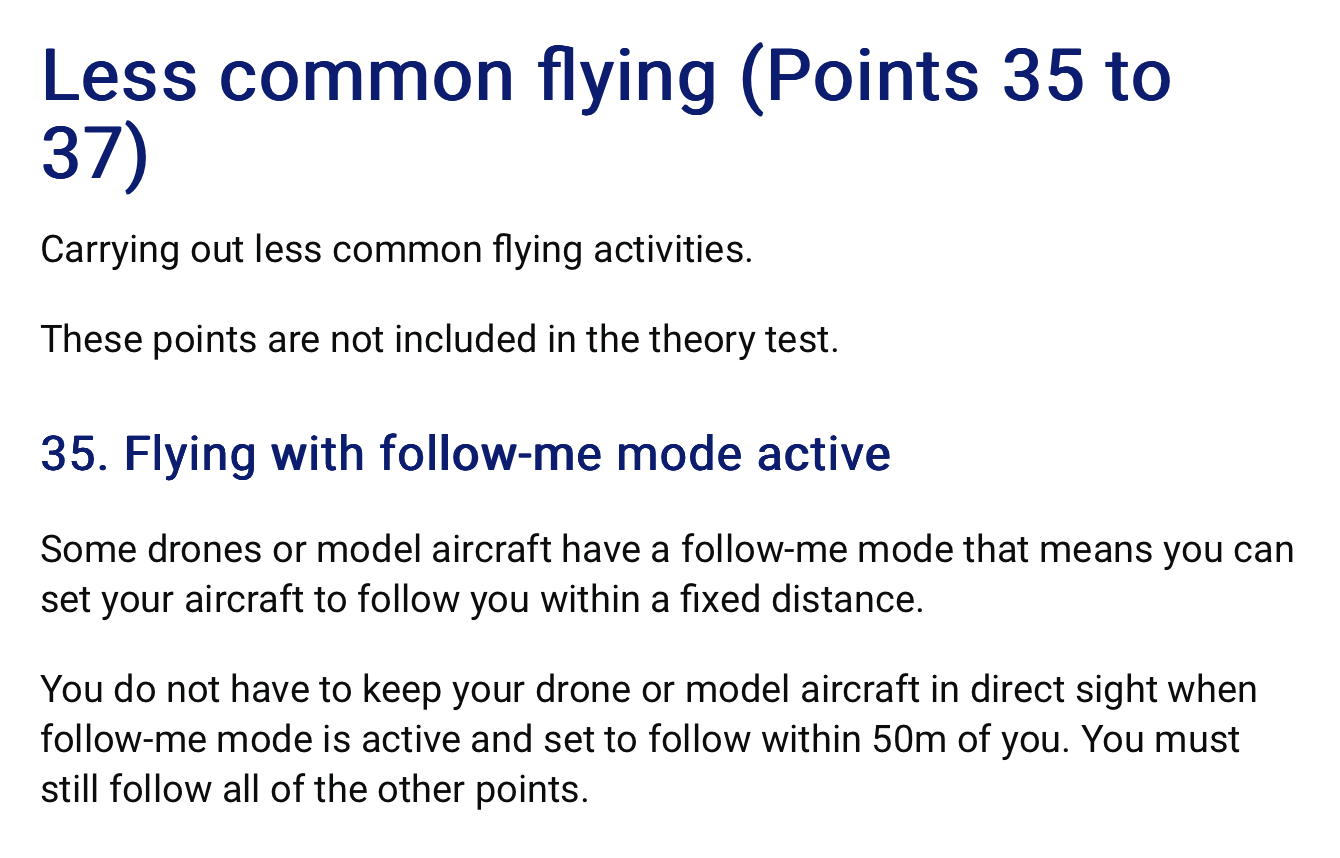
Just wondering how legal it is to have a drone in “Follow Me” mode (ActiveTrack 360 on the NMini 4) - i.e walking in front of it to get that epic shot of the lone adventurer striding out across the rugged landscape.
If it’s close enough you may be able to hear it but you certainly can’t see it. No VLOS. Not legal.
Perhaps you need a spotter witihin shouting distance walking behind both you and the drone
You have made an excellent point. I have practised with my my Mini Pro 4 basically in the confines of a football pitch and have no problem. I went to a private woodland and had been asked to get some film footage. With two spotters and me using the R2 controller we kept losing sight of the drone against a sunny dappled cloud background. Had to use return to home several times. Think I would have done better with my Air 3s as it is darker in colour and larger.
When I see some You tube footage with a credit to a Mini 4 Pro I just know the pilot is good but is not using VLOS. May have used waypoints to set up shots but is doing most of footage through the controller. I still have a big learning curve. But no crashes yet. Fingers crossed for the future.
Thanks everyone, there are some useful tips in here. I think what i need to do is limit the horizontal distance, move round a bit more and concentrate on gaining more height as I’m not yet getting the images I want.
That and i need to get an anti glare screen…and maybe bi-focal glasses! I only need them for the screen so have to wear them on the end of my nose like a school teacher!
Well thats very cool. Another thing I didn’t know.
So next question out of curiosity … what do people have their programmable buttons set to?
I’ve only been using it to tilt camera straight down. Cant remember what the other is set to.
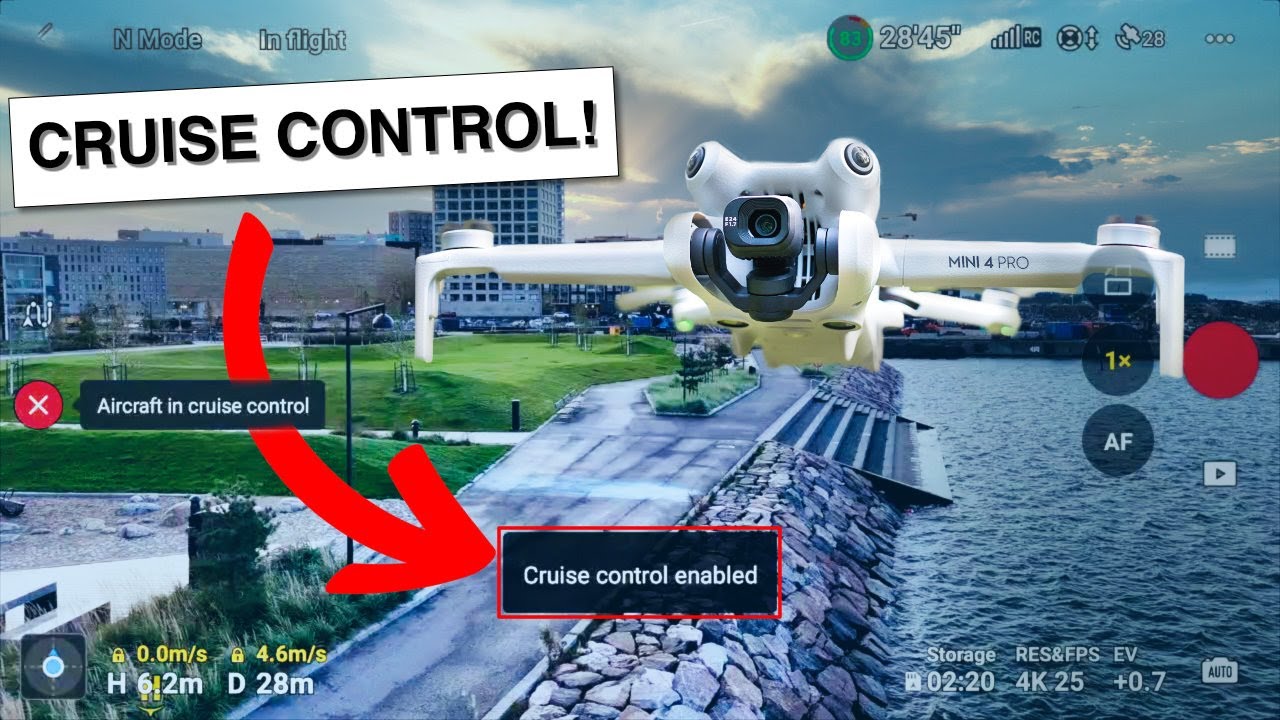
And another … I find the controls very quick. I’m getting better but it’s pretty jerky when i stop suddenly. Is the answer to use C mode? Or can i adjust the speed / responsiveness?
I havent actually tried the other modes yet
C1 - tilt down/up. I don’t find that very useful when filming, but when manoeuvring it’s very useful to quickly look down and see exactly what you’re above. It’s also a very convenient way to re-centre the gimbal if you’ve been tilting it (or even dragging it about on the screen). Quick down and up and it’s back in the middle.
To start with, play with C (cine) mode as it’s much slower and smoother. But it won’t be long before you’ll want to tweak it to be just where you want it. @ianinlondon covers it all very well
One thing to be aware of … the default mode on takeoff is always N (Normal), regardless of where the switch is on the controller.
So if you leave your controller set to C when you land, when you next take off the drone will ignore that and might be a bit quicker than you expected. Just switch the controller back to N and then in to C again and the drone will pick up the change of mode

 .
.