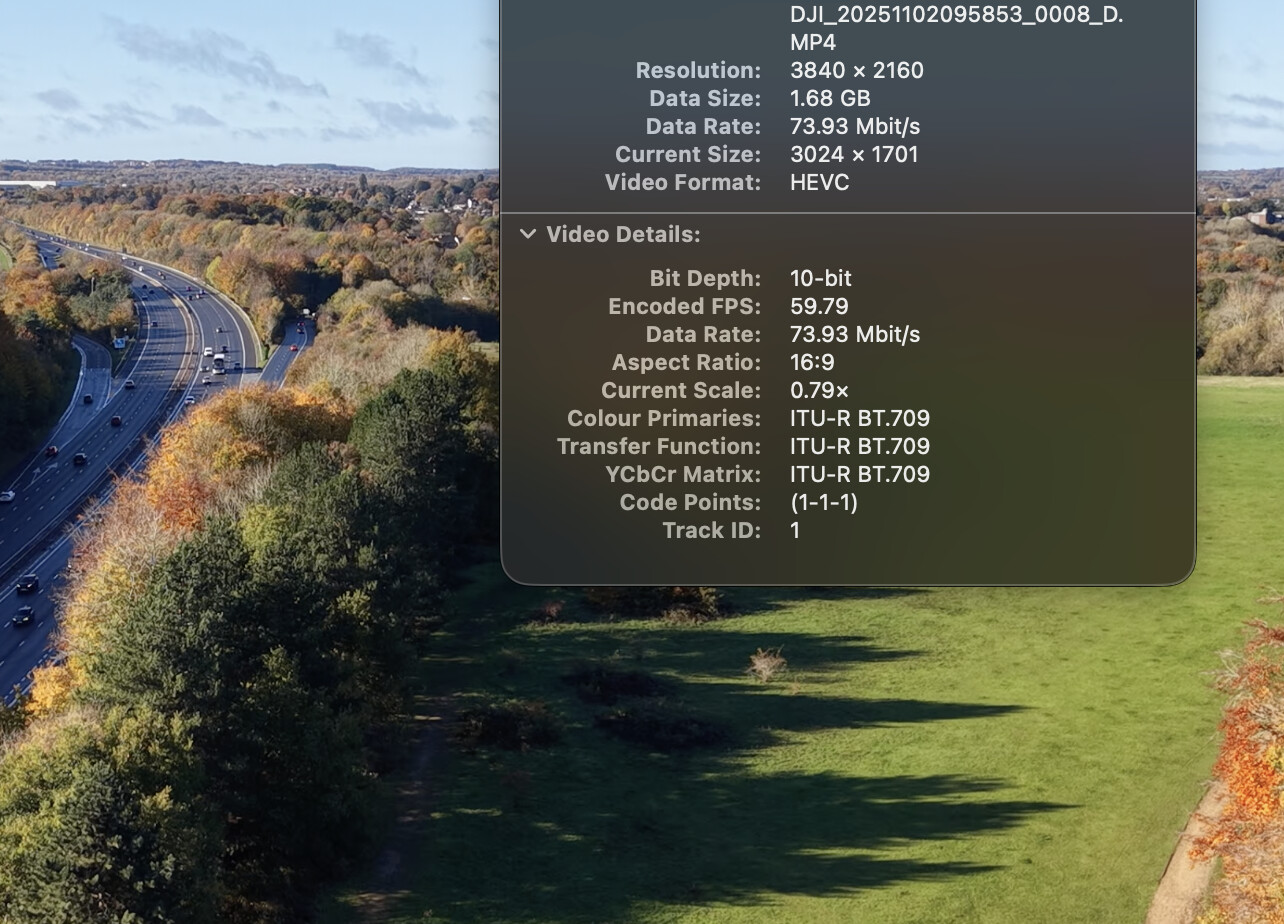
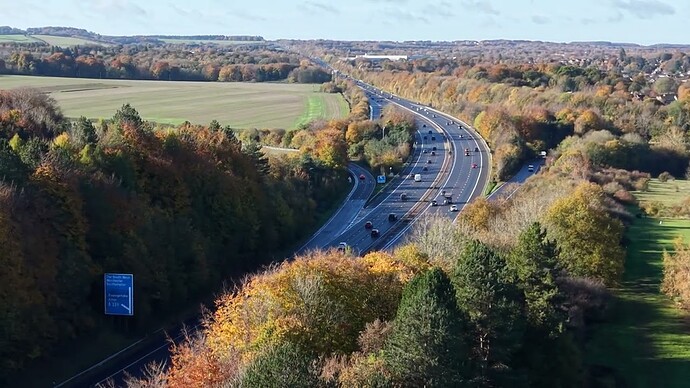
First flights with a new Mini 5 Pro - first drone. I changed the settings for controls to mirror those in the YouTube videos on here and took some video in open parkland at Crabtree Plantation Basingstoke. First issue (no video settings changed in the RC2) was video played back at slow speed. When I converted it to WMV in a free converter it played at correct speed. Is the issue that my 8-year old laptop graphics card isn’t handling the quality of video setting I used and should I down-spec the video settings in the drone?
Second issue, the video is very clicky especially when turning the drone (yaw) - is there a setting that will smooth this out as it was still clicky on the WMV converted video - or is it still likely to be a FPS problem with the video playback on the laptop? I’m happy to re-try with anyone’s settings who’s achieving smooth video in Normal and / or Cine mode. As I say, completely new to me so looking to the experience on here to cut me through hours of trial & error! Many thanks, Richard.
Hi Richard. Definitely worth playing back the video files in a more capable device to see what they actually look like. It could simply be your computer dropping a lot of frames.
I know that my mini 4 pro automatically creates lower quality “proxy” files along side the full quality main video files. These are designed to be easier on hardware, for video editing etc. See if your drone has written them as well - they’ll have a “.LRF” file extension. Move them into a new directory and rename them with “.MP4” as the file extension. Do they play more smoothly?
It’s more likely to be as @gaamuk says, but did you use an ND filter? If your shutter speed is too high you can get that “1900s jerky motion” effect. You probably know this already, but you want a shutter speed twice the value of your frame rate for a smooth cinematic effect, e.g.: 1/50s for 25fps. You can set the shutter speed in Pro mode, and let the drone choose the gain (ISO).
Good idea - hopefully the below link will enable you to view the footage as taken by the drone. I have altered the control settings to those suggested via YouTube videos but not changed any camera settings from “out of the box”. Plays at slow speed on my laptop, super clear but very jerky / clicky through the frames.
Are the videos shot in H264 or 265. Ive found that some older devices really struggle with 265 but run finecwith 264. Milkmanxhrus also suggested to me that PotPlayer may solve the problems which it did.
Plays perfect for me, nice and crisp, you’re right its a bit jerky (but thats you, and comes with practice to smooth those movements out)
I think the issue is in your conversion
One question though did you record in h265 or h264 (the former is very hungry on resources especially on older machines)
I can upload to youtube if you want (or you can) to see it in the flesh? I’d recommend just uploading that file you shared not the WMV (bad choice of file by the way) to see how it plays.
If you could upload to YouTube I’d be interested to view it through my work PC as it’s much higher spec than my laptop. Also, excuse my complete ignorance on the h265 / h264…is this a setting I change on the controller before taking video? All I’ve done so far is slow down the yaw rate and the other related control settings to hopefully make things smoother.
Many thanks
Richard
This plays perfectly for me as well.
I had similar issues with my mini 4 pro footage. Solved it with a new tv and laptop
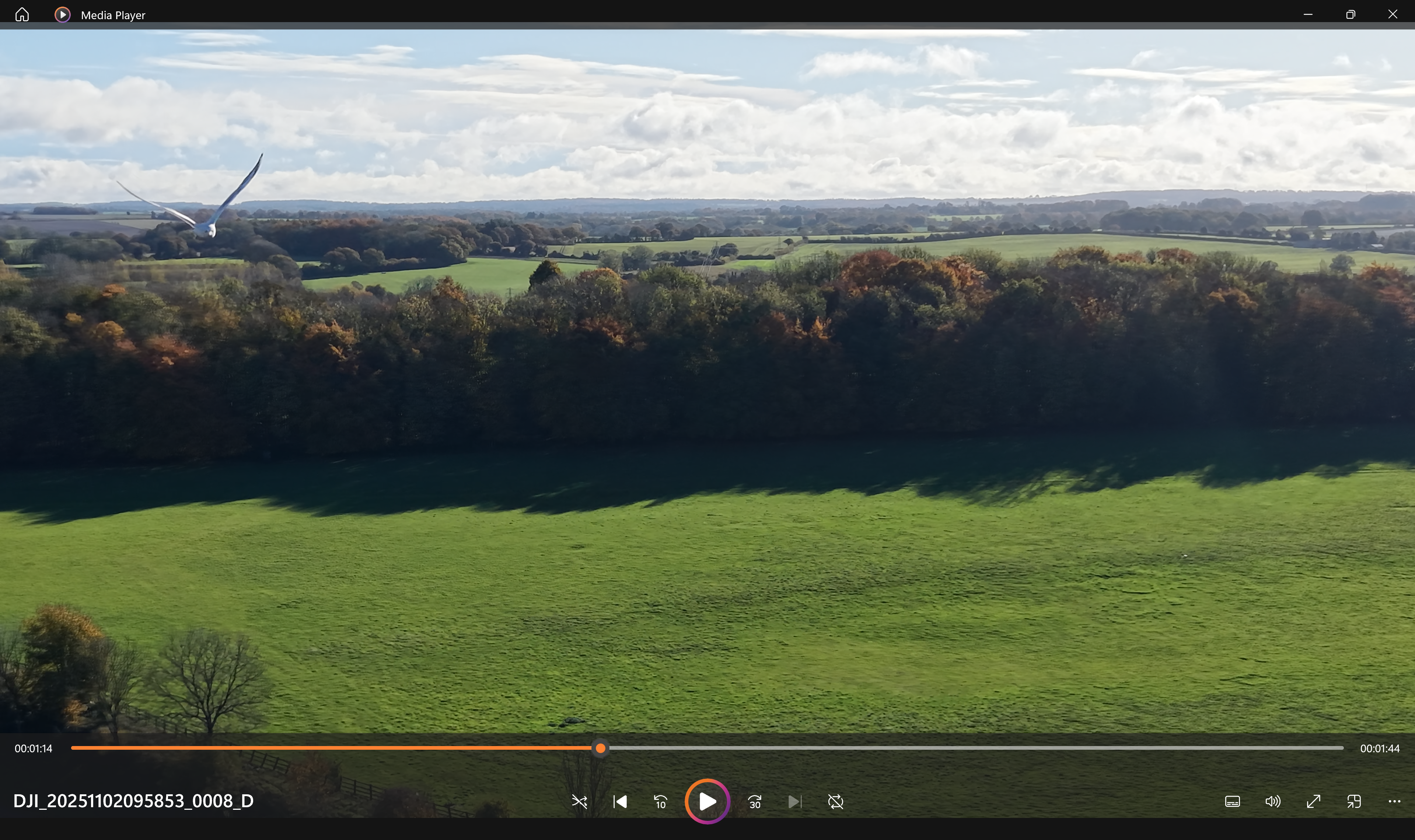
Screen grabbed of a seagull eyeballing you!
The .LRF files will be lower resolution and h264 so will play nicely on older machines. They can be used as proxies if you’re doing video editing (you use these in your editing timeline so the machine doesn’t get bogged down but it uses the full quality files for the final rendering).
The advantage of using h265 is the smaller file size for comparable quality. If you have a big enough memory card then recording the high quality footage in h264 is perfectly fine - you can set this on the controller.
Chris,
Many thanks for doing this and as you say it views OK so must be the capability of my laptop that’s slowing it down and making it click through the frames…the rest of the issues are obviously down to my first flight. At least I didn’t crash it into Mrs R and managed to land manually on the mat!
I can see a new laptop and more hours of practice coming up! I really appreciate your help.
Not very helpful as many already responded, but it plays smoothly for me - the drone moves could be more gentle, but the video itself is absolutely fine. As others said, you may convert the video to more ‘lightweight’ format like H264 (if you want to keep the quality, the resulting file will be larger). One of the apps you may want to use is Handbrake (free and supports many formats and codecs)
Sounds like Handbrake is something I need to get into at the weekend - appreciate all the responses as I’m just learning as I go. Mind you, I might upgrade the ageing laptop as well!