That is excellent advice, I have this arguement with customers all the time… especially estate agents who cut corners and cost by using office grade MFDs to print out their “high quality house details sheets” and I always run into the “but it looks so much brighter on my screen” a quick but simple task of taking their printed image and slapping on the window of the shop so the daylight can backlight the image through the paper and a quick explanation of “your computer screen is backlit” usually shuts them up 
1 Like
I think my brightness is now set to around 10. Somewhat down from the 80 or so it was set to.
ICC color profiles also help massively
I set my camera to iso 100, f11, 1/8 shutter speed,
pointed it at the monitor and adjusted monitor brightness until the camera ev value was 0. This will fix the brightness question, colour accuracy is a whole different thing…
2 Likes
Thanks Lee for the advice.
Cheers Chris
Lee I will check that out.
Cheers Lee.
Thanks Deano.
1 Like
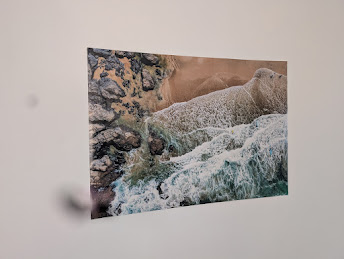
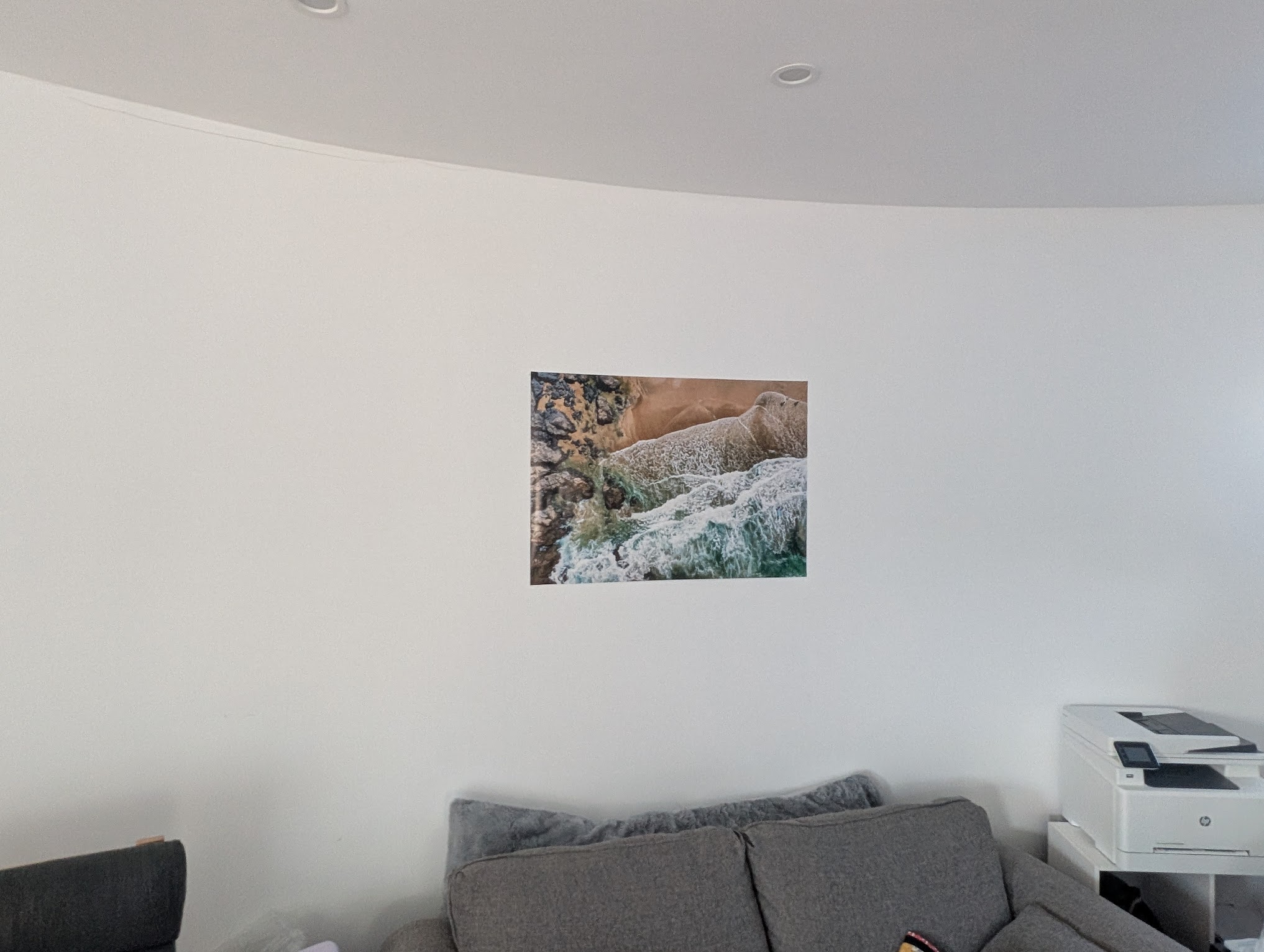
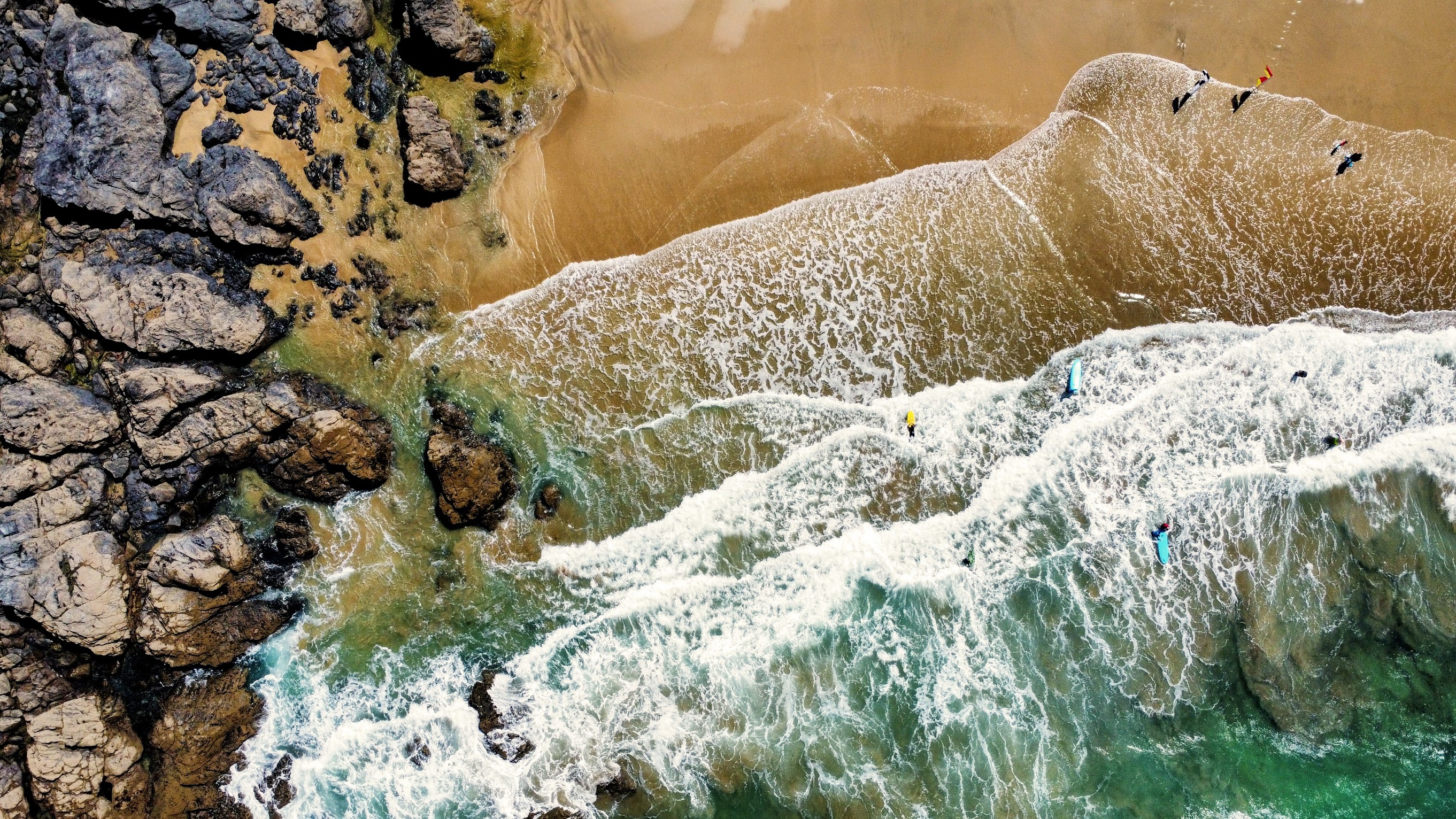
I thought I’d share my recent experience with printing a photo for my office.
I wanted to put up one of my own images, but since I’ve got a rounded wall, mounting it wasn’t an option. Instead, I decided to go old-school and just print it as a poster—kind of like how I used to stick up posters in my bedroom as a kid (shoutout to Blu Tack!).
I ended up using WTTB to print an A1 (594 x 841mm) poster for £9.72, and it turned out really well. Just thought I’d share in case anyone else is looking for a simple way to print something without breaking the bank.
If you’ve done something similar, I’d love to hear how it worked out for you!
I’m a photocopier/printer engineer by trade so I can print mine at work for free (IF we have a working machine in the office that is…  )
)
2 Likes
Bought myself an A2 printer last year. Paid about £120. Came with more than that in paper and ink.

1 Like
@stevesb What printer did you buy?
A Canon pro-10s
10 colour photo printer.
1 Like