@OzoneVibe
You can change the default fps to what you want.
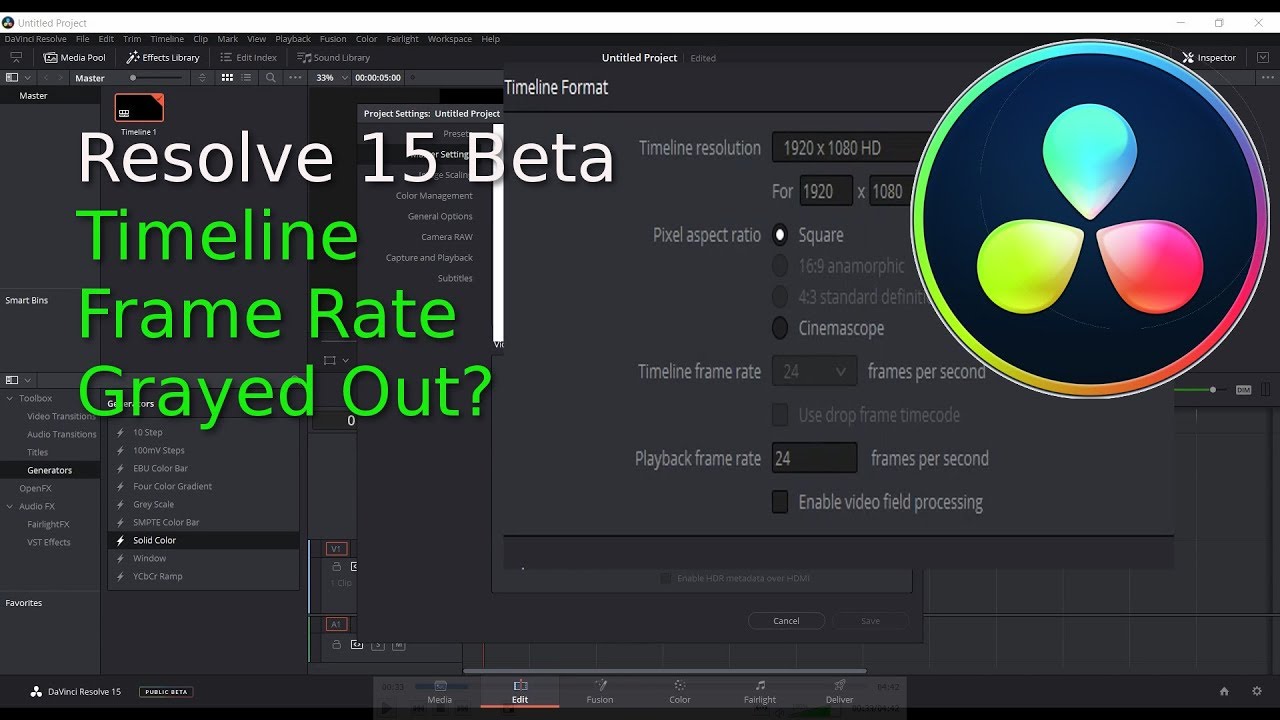
This is the video that showed me how to change the fps, the first two minutes deal with changing for a project, from about two minutes onwards it shows you how to set the default fps.
@OzoneVibe
You can change the default fps to what you want.
This is the video that showed me how to change the fps, the first two minutes deal with changing for a project, from about two minutes onwards it shows you how to set the default fps.
I didn’t say you couldn’t change the base default fps - but can you guarantee that you’ll never need to use another frame rate?
If, for some reason, you want to shoot in 4k on the MP, you only have 24fps (23.98  ) available, if you use another camera or phone, it may be set to something different, etc.
At least by the method I use “always drag in a clip from the main source first” you know the project will be set to the correct fps … even if it’s not always the same.
Horses for courses … I like a “works correctly every time” work flow.