Hi there! Before you post, have you selected the most appropriate category for your new topic?

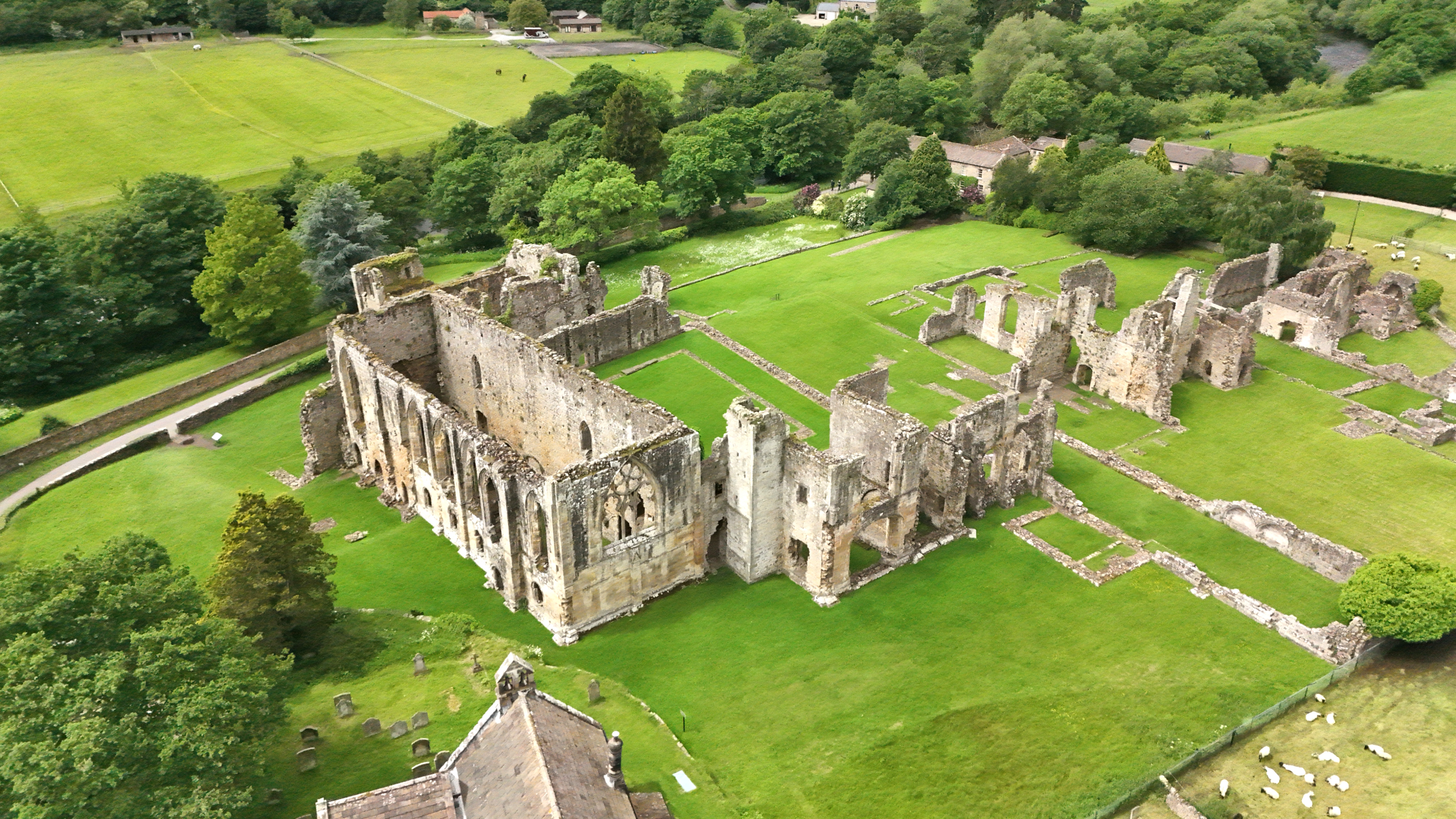
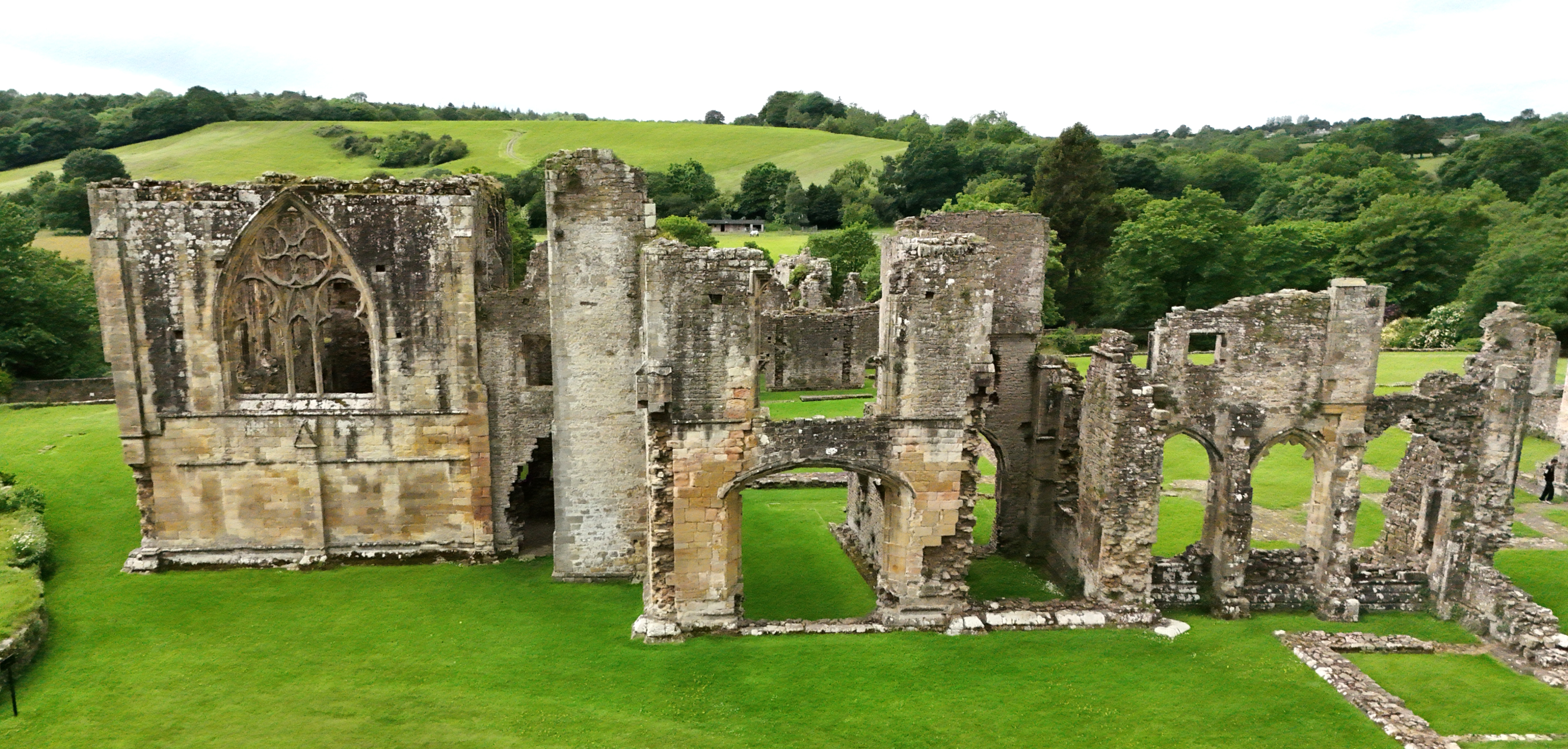
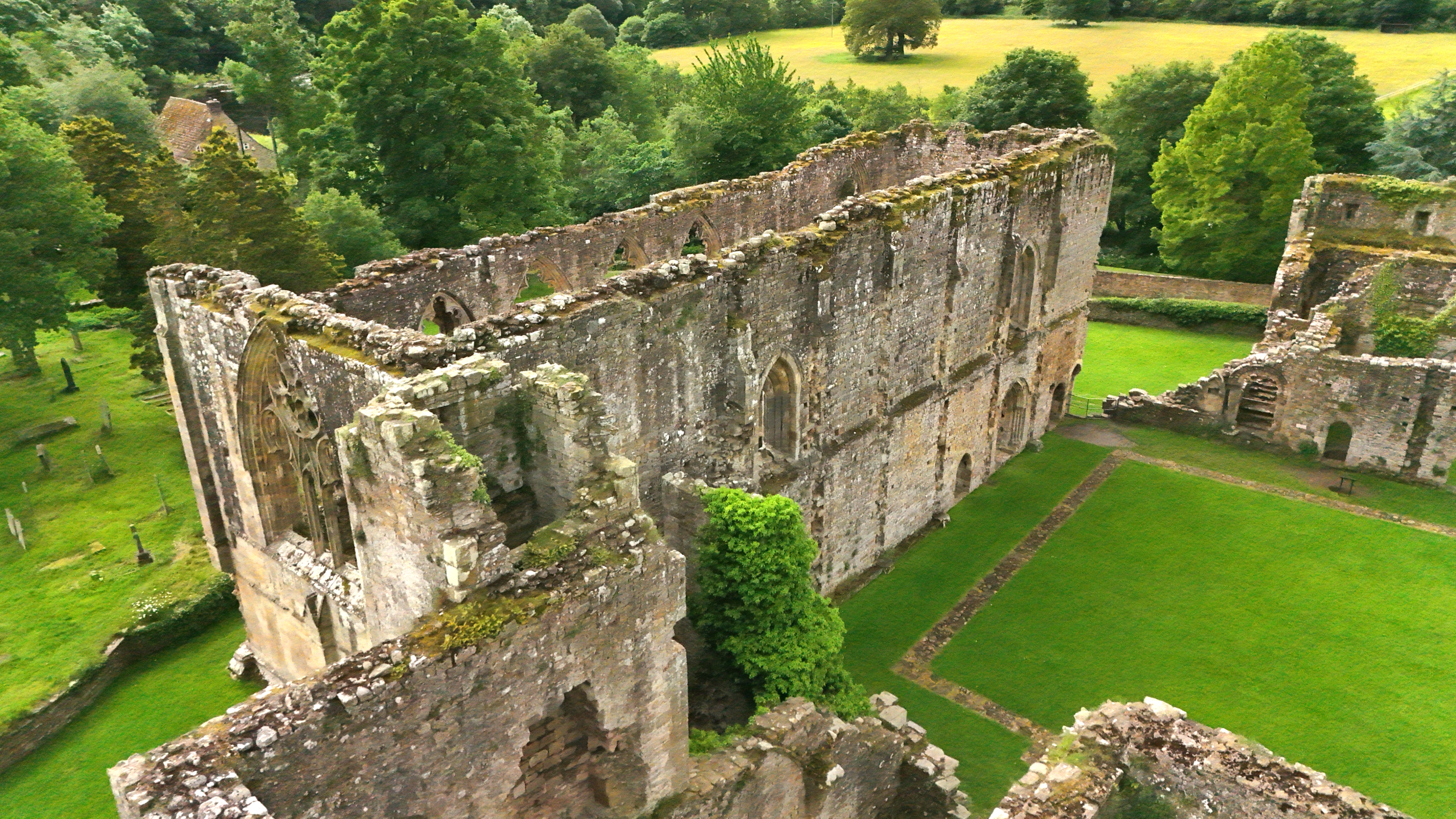
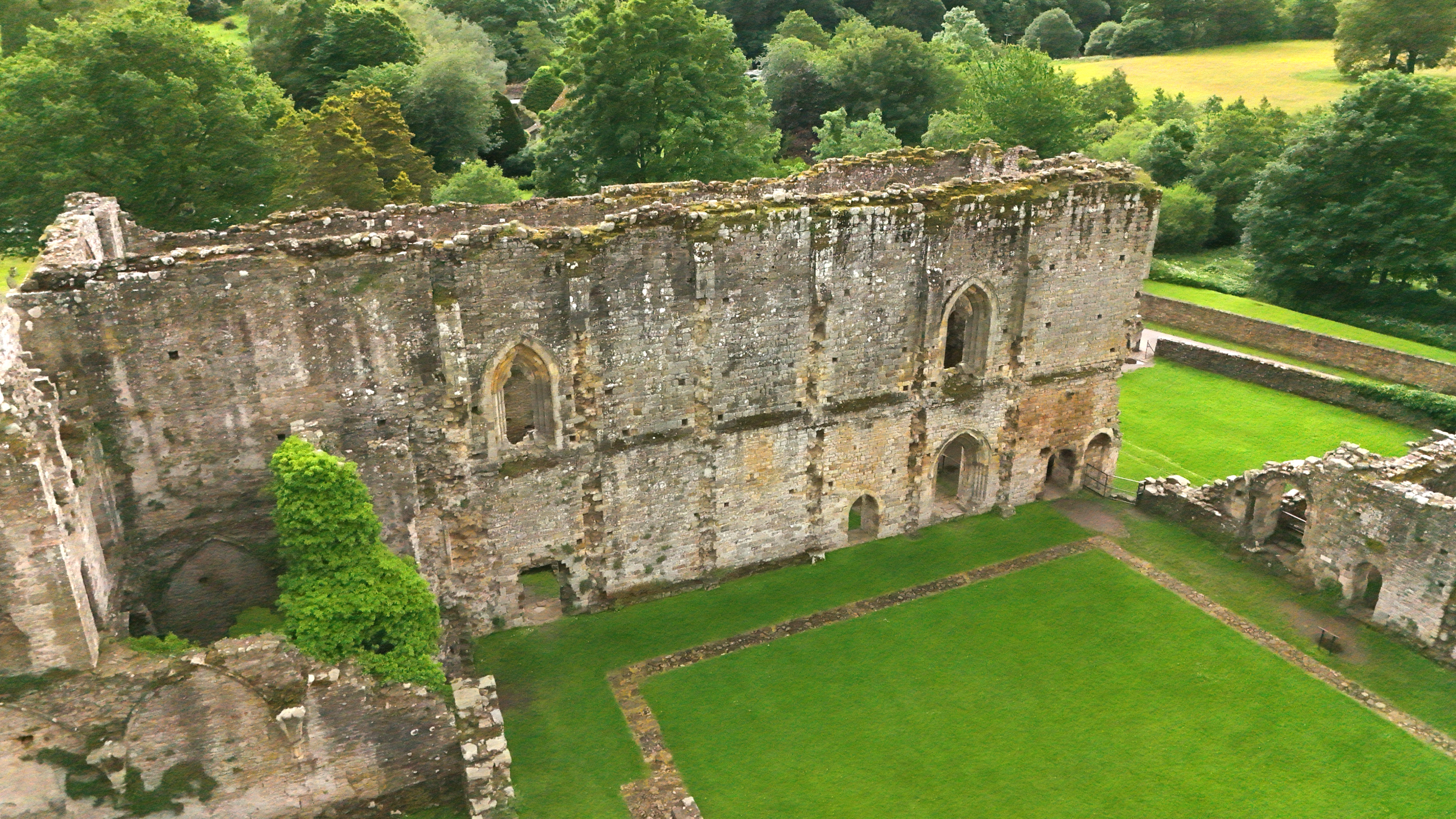
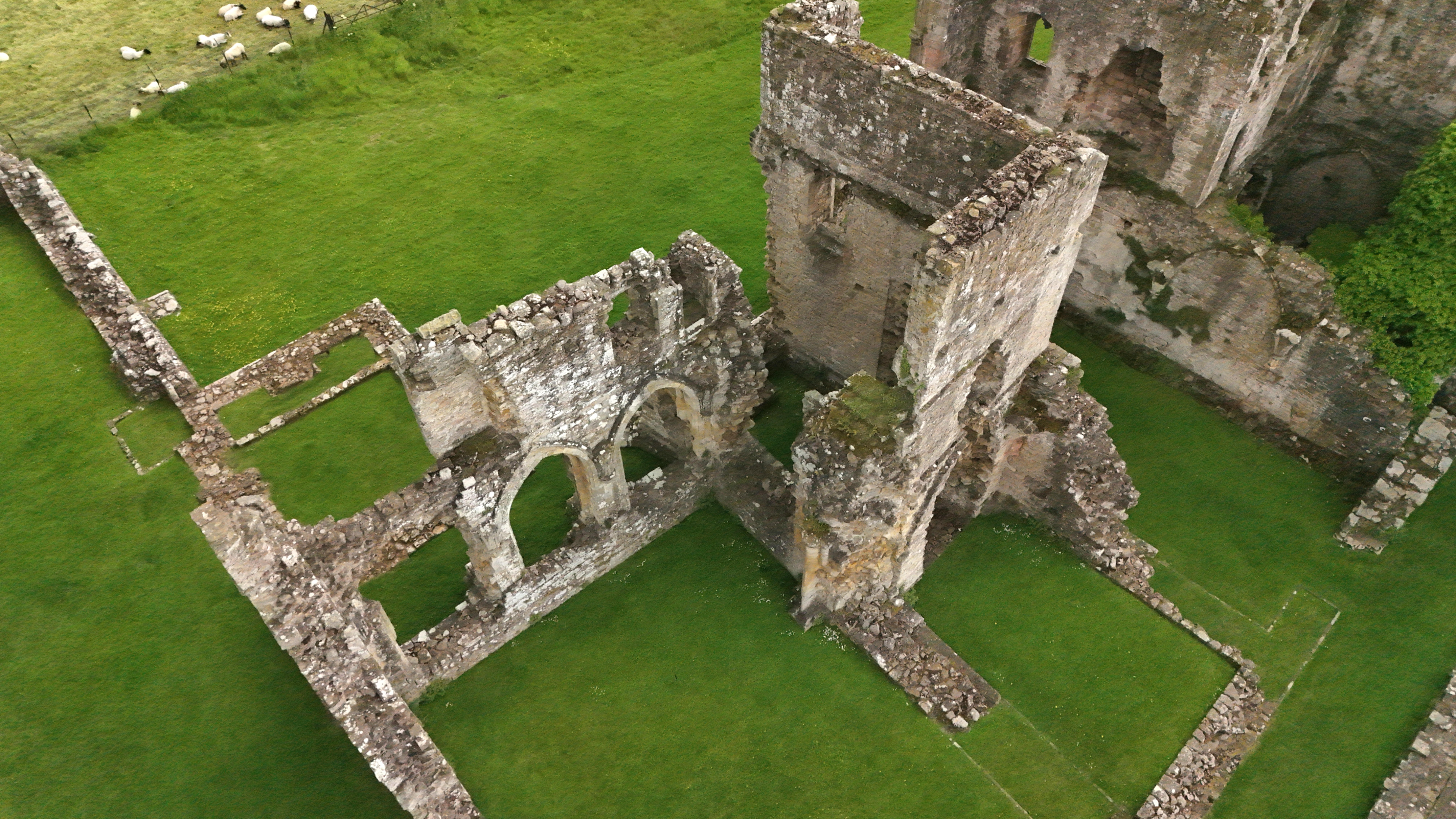
In addition to taking stereo photos, I sometimes like to create a 3D model of sites I have flown. I usually take a video while flying, so my source data is a 4K 60 fps video shot on my Air 3S.
There are a number of software packages available to make 3D models, but since I only do this occasionally, my choice is limited to those which have a workable, free option – I don’t like subscription models and I don’t use modelling enough to justify a constant outlay.
I identified four possibilities and to standardise the test I flew a Litchi waypoints mission at a favourite site and used its output to feed the modellers. I prefer Litchi because it flies a straight line where I want it to, rather than the wibbly-wobbly DJI routes:
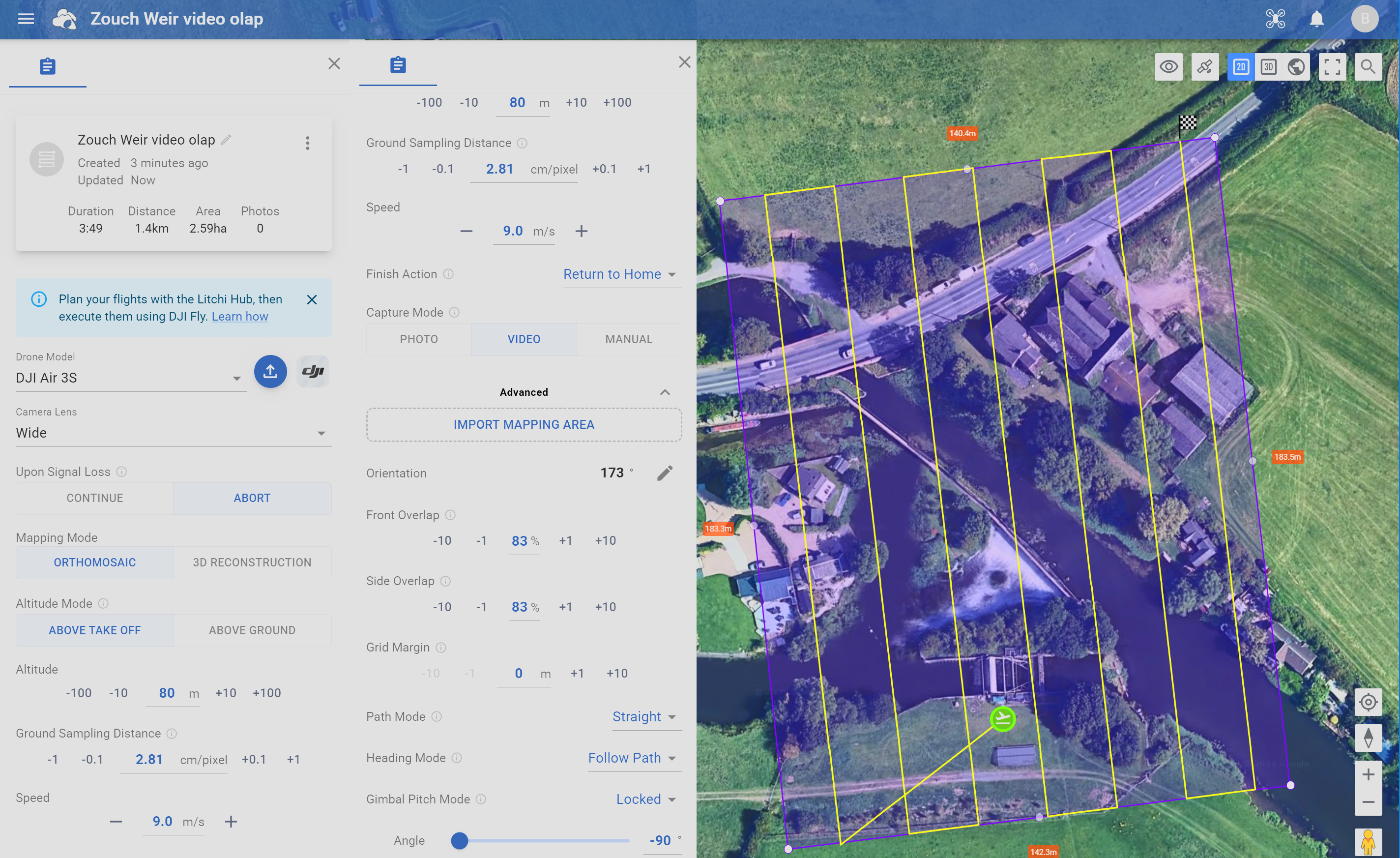
… and it works!

Four programs were used to render the 3D model, all using the same video data:
WebODM
- Had the poorest geometry of the four
- Was fairly quick, but each task is deleted from the website after 2 days
- Has a pay-per-model option if you need access to the full feature set
Polycam
- Reliable and easy to use
- Quite slow (say 40 mins) but good rendition
- Free version has maximum of 150 still images or 3 minutes of video
SkyeBrowse
- Quick rendering but not much height in the model
- Monthly subscription is the only way to get pay-per-model
- Free version is limited to two models
- Allows you to view the source images as well as the model
MipMap
- A PC program rather than a web app.
- Free download of the program for local processing of video-based data
- Free version allows you to generate up to 500 stills from your video, at a time interval you specify, so you can generate up to 500 images. Just remember to delete the files afterwards!
- Slow processing (4 ½ hours!), obviously dependant on the speed of your PC. Maybe best run overnight.
- Uses the .SRT subtitles file to geo-reference the images used.
- Excellent detail and geometry in the 3D model, but a slightly quirky user interface to manipulate it on screen.
- Model can be output in several formats, but is not available as a web page, so maybe less shareable than the others.

My first choice would be MipMap, followed by Polycam. Your mileage may vary.