Delivery for this little whirlwind finally dropped today. I’ve managed to get through 8 batteries on day 1. The fast charger recharges within 45mins with a decent power supply. I’m super happy with this. The setup process in Betaflight (hadn’t used it yet) was not as hard as I thought. I guess years of RPi and Homeassistant tinkering plus a life in IT have helped me a lot with the learning curve.
This little whoop will fight the Avata for stick time dominance for a while.
It’s a great little whoop, I always enjoy flying mine.
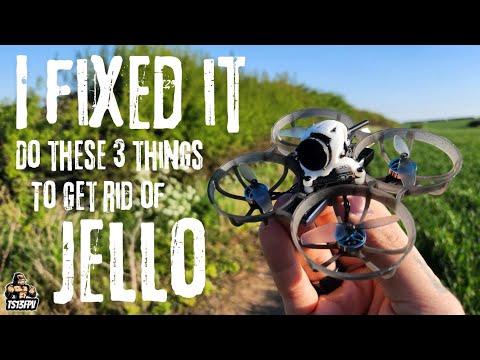
Have you had an issues with jello in your footage? I did, so I ended up changing the mounting system and fitting the Flywoo wide camera upgrade too, which sort the jello and narrow FOV issues.
At this point, I hadn’t noticed anything. But that is probably because I’m way too excited flying this thing and keeping it in the air. I remember from the reviews on YT that a lot of people changed and altered it to reduce Jello. I saw the wide lens option, which I might consider down the line (thank you).
How do you record actual footage from the camera? People talk about onboard recording - aside from the video I can get from the goggles, which includes OSD.
I’ve set the O4 lite to auto record upon arming the quad, it records straight to the SSD chip on the O4 lite (approx 20Gb), then I off load it to my computer via the USB C connection on the O4 board.
Thank you, this clarifies it. I was confused yesterday, as there was clearly no memory card slot and no indication of internal storage. I’m surprised that the start/stop recording button on the DJI FPV Controller isn’t mapped to the O4 air unit’s recording, which means I either auto-start recording or manual start from the OSD menu in the N3 goggles. It doesn’t matter a great deal, as I didn’t get the O4 Air version for any cinematic stuff.
I also have a BetaFPV Meteor 75 Pro O4, and was wondering if any of the wide upgrade options were worth considering. I’m not confident yet with soldering etc, but I guess you need to start somewhere!
Flying in the sunshine today. Absolutely fab. Yes there’s Jello. I’m going to look into it at some stage but for now I’m not too bothered. I hope it’s ok to share iCloud links like this.
The Flywoo wide angle camera upgrade is a doddle (no soldering). It’s just a case of prizing off the original lens unit from camera sensor board and sticking the new Flywoo wide angle camera lens to it.
You’ll need to modify the mounting bracket, because the wide angle lens larger.
Here’s my earlier post, which is includes a step by step upgrade video.
Yes this lens is the way forward. I set my view to 16:9 for the recordings and goggles, but surely that’s cropped.
I suspect my FPV skills won’t require the full vision to fly those tight corners at speed, but give me a week.
Sounds like I should give this a go too, I did a similar upgrade to my Pavo Femto and it really sorted out the jello so hopefully this would do the same.
I have a Meteor as well, great little drone but the frames are really brittle, I am on about my fourth! Compared to my Mobula7 which has taken a real beating but just bounces off everything, the Meteor frame seems really fragile. Fortunately they are cheap to replace, it is just annoying to have to keep doing it.
I have one of these also, the first one I had to send back as the mipi cable failed. The jellow doesn’t seem too bad on mine but good to know the flywoo mod helps something I may look into.
Might be an idea to start a thread of best/smallest gap flown through with a whoop/micro
Im just getting round to sorting out the jello in my 65, iv put up with it up till now but it really has got wores. I found this which seem the way forward, sio if you havnt resolved it yet have a watch and see what you thinck..
decreasing PWM freq usually brings more vibration (low PWM is better for perf / heat - but worse for vibration and flight time)
Bi-blades / Tri-blades – Bi-blades usually bring more vibration and make tuning/smooth flight harder (all else being equal)
Those changes also impact the PID tunes/filtering – it is possible BetaFPV got their factory tune completely wrong but somehow unlikely?
They are cheap things to try mind… Keep us updated if you spend some time experimenting yourself
I tried changing the PWM settings and switching to a different brand of prop, with a different angle, it improved it a little, but didn’t eradicate it all together, hence why I tried Flywoo’s Wide Camera upgrade.
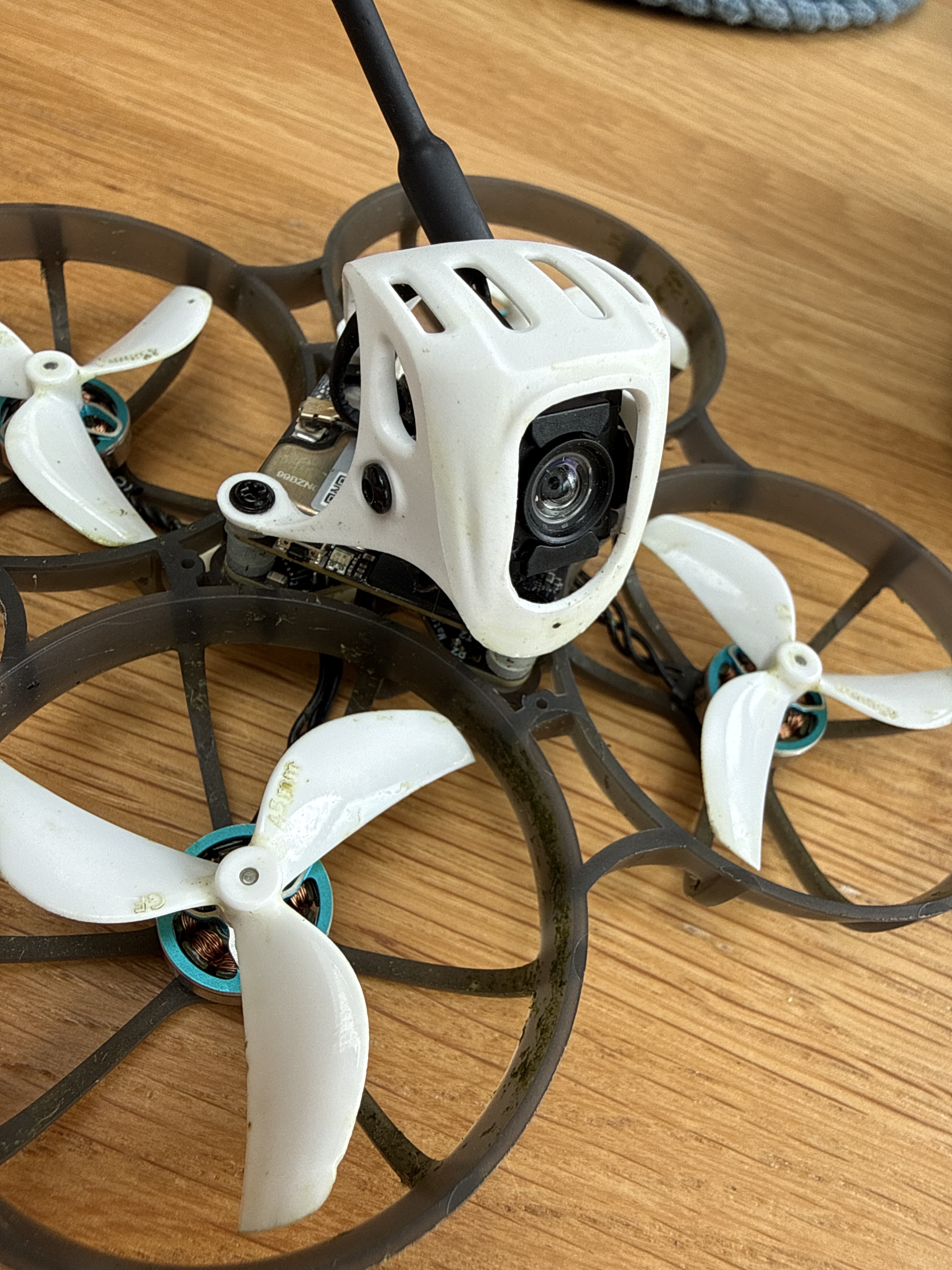
I noticed today that I had lost the standard antenna. I ordered a couple of replacements and clipped on a spare WiFi aerial from a Single Board Computer I had lying around. The plastic bit of this makeshift aerial is about twice as long as the stock one. The wire is also longer. Yet I suddenly have no Jello anymore. I saw somewhere on YT that wires touching above the O4 Lite board could cause it. Maybe the previous wiring caused this?
The gyro on the O4 is in the camera - not on the air unit itself so vibration of the air unit should not have much impact - mind you the camera cable is quite rigid so it could trigger some residual vibrations through there?
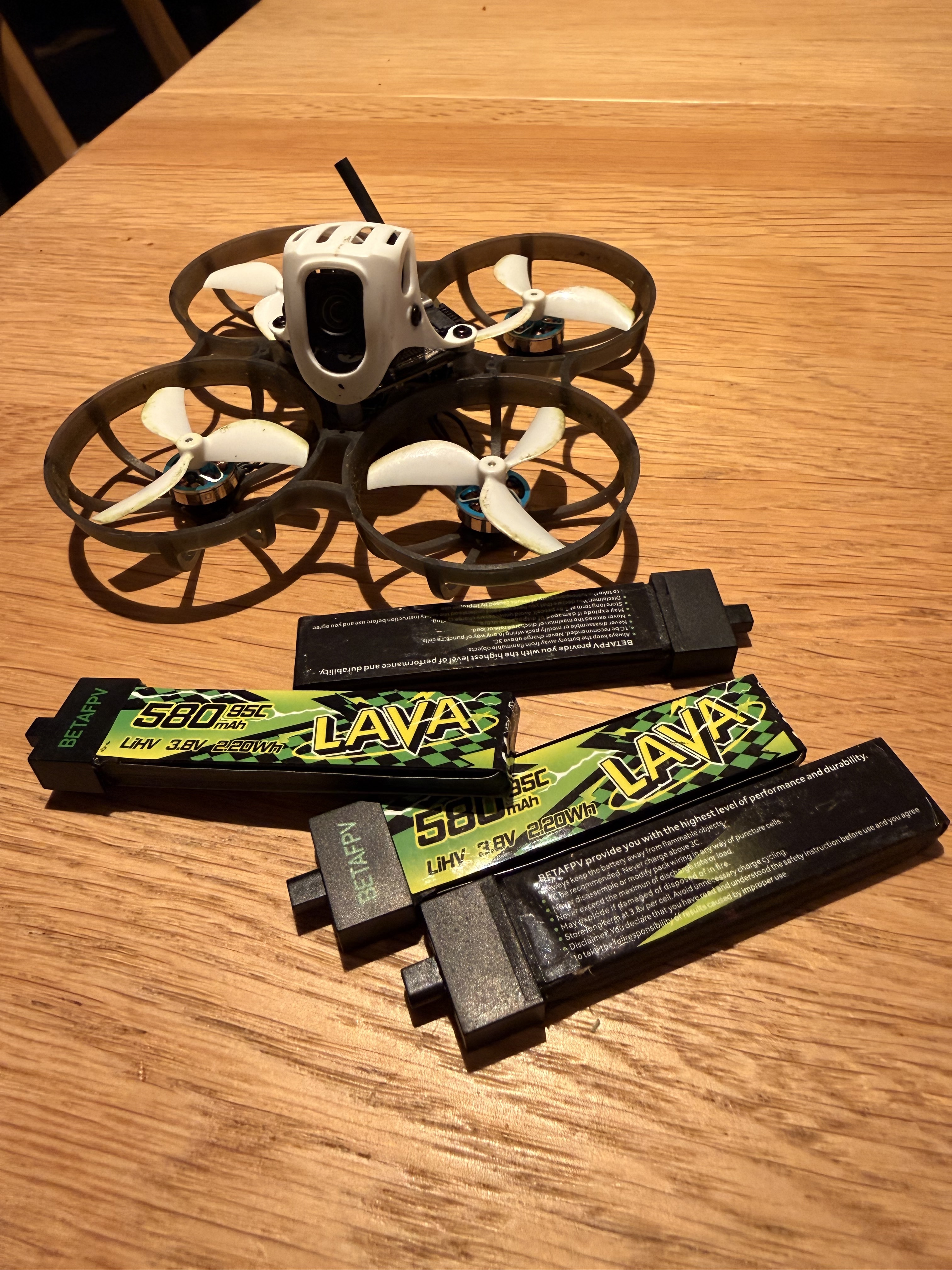
That was my thinking. Anyway, it seems to be gone for now. I got myself 4 more Lava II lipos. Getting a bit addicted to throwing this whoop around my garden, I have to admit. My throttle control is getting better.


 -
-