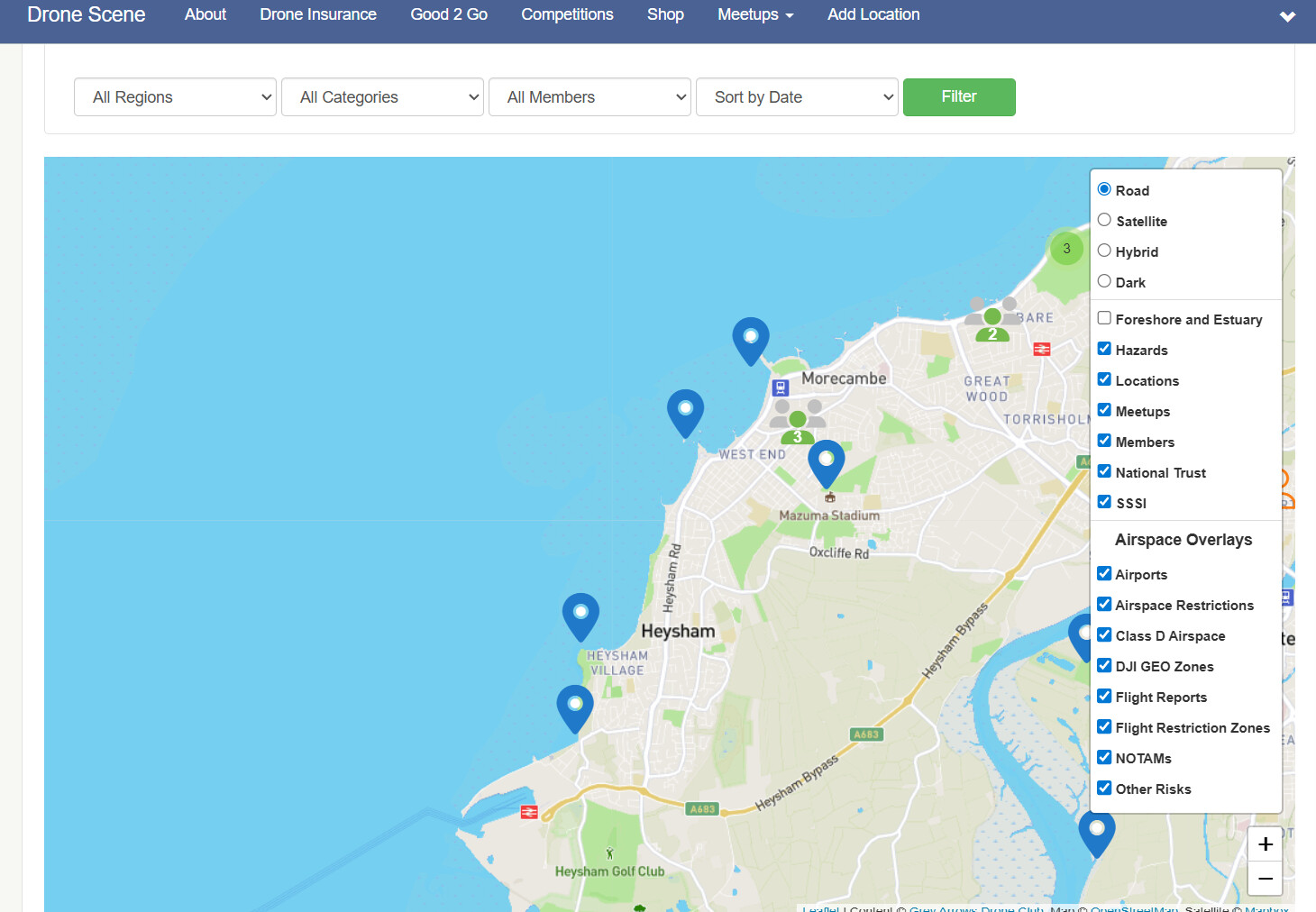
As subject, it’s not showing any zones but it’s showing members and locations. As you can see, all layers enabled but none visible, e.g. the zone around Heysham nuclear power stations or the reason for my visit, a NOTAM over Morecambe for a drone display.
It’s also not saving the options I’ve selected, if I close the window and go back, they’re all unticked.
I’m logged in, can click to go to my profile and there’s a logout option. It also works OK on my phone, albeit takes a few seconds to load the layers. I’ve also just checked after typing this and the page hasn’t updated (in case it was taking time to collate and display the data).
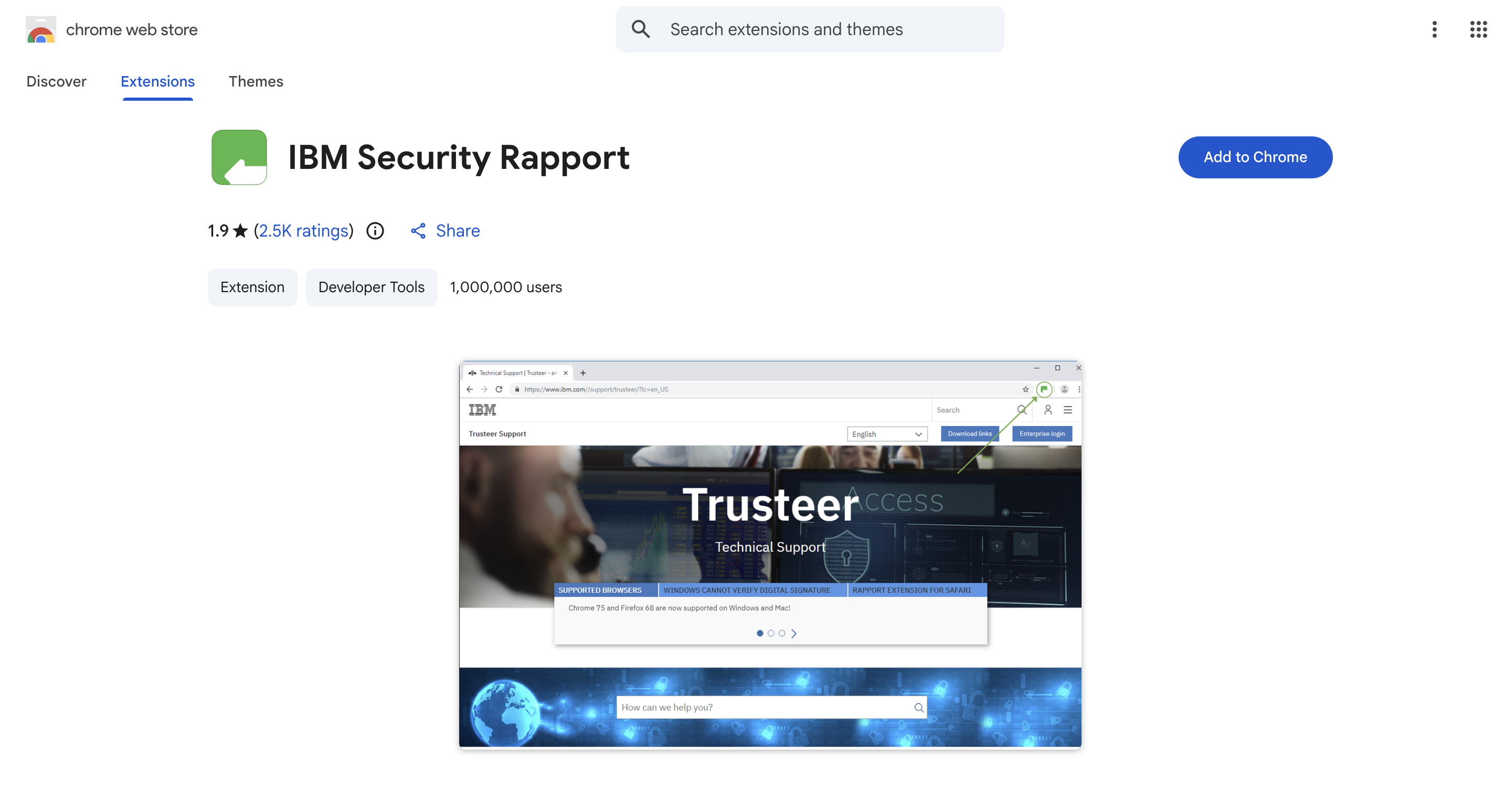
That usually points towards a browser extension interfering with things.
Do you have any installed that you could disable in order to check via process of elimination?
We’re aware of issues with over-protective third party apps such as Bitdefender. Sadly they’re beyond our control
If you find the offending app or extension then please let us know, you might be able to whitelist Drone Scene locally, or better still we can reach out to the vendor to request they whitelist it globally