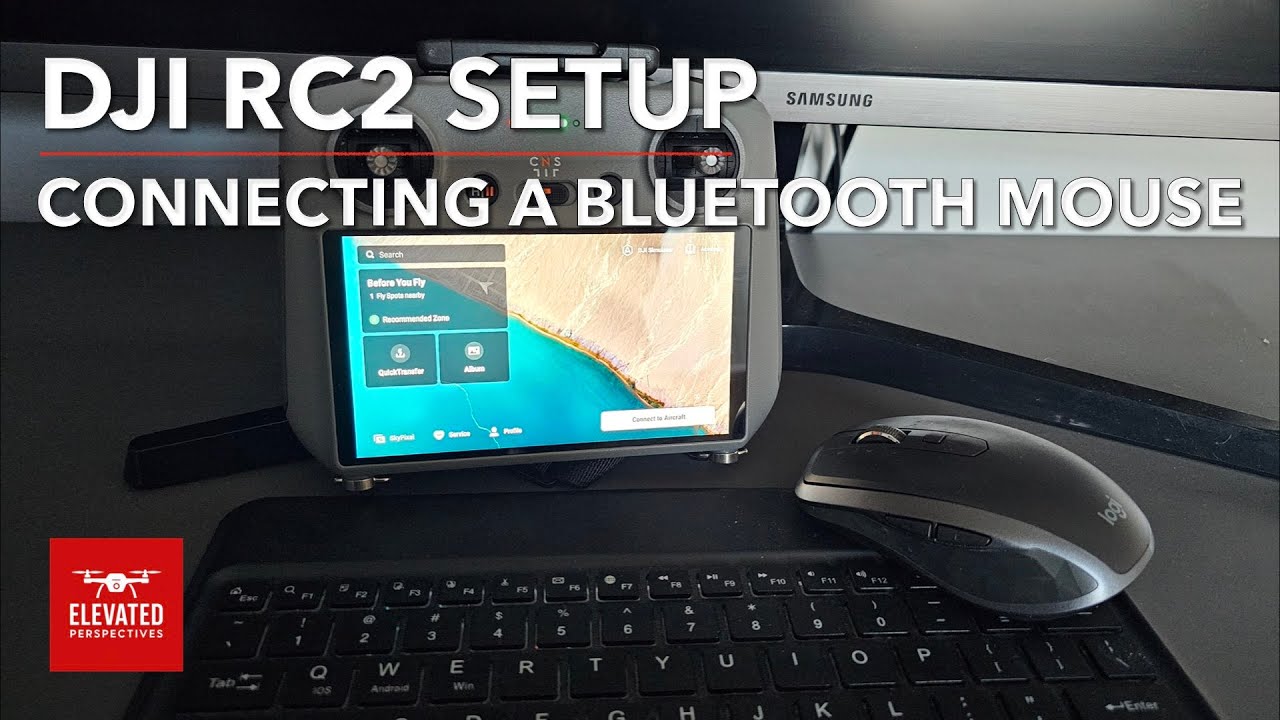
I recently discovered that you can connect a Bluetooth mouse and keyboard to the DJI RC 2, which I hadn’t seen mentioned much before. It actually makes navigating menus and setting things up a lot easier, especially when working with waypoints.
I put together a very short video (about 90 seconds) showing how I set it up, in case it’s useful to anyone else:
Hope it helps — and if you’re doing something similar, I’d be interested to hear how you’re using it.
Glad you enjoyed it Phil. I’ve done a quick step by step guide on waypoints and just completing a desktop version now. Both with pdf’s available in the description. I’ll put a link on here once I have posted it on YouTube. Have a great Christmas.
I haven’t used an Apple mouse but pretty sure it will work with any Bluetooth mouse. It is also possible to connect a Bluetooth keyboard which makes life a lot easier when renaming files.
How frustrating. I expect you have but, just in case, have you set the mouse to discoverable? On mine I have to hold the button on the bottom for a few seconds until the light flashes fast.
I can’t think why else it would not pick it up. Hope you get it sorted.
I’ve not used an Apple mouse for years but try connecting the a usbc lead to the charging port on the mouse and then to the controller. Make sure Bluetooth is turned on, on the controller.
I’ve just had a thought. Use a stylus pen. The one from your tablet or phone probably won’t work. It has to be one that mimics a human finger like BoxWave or many other similar, and cheaper options. I found a couple of old pens (never used) in my draw and it works! It will make fine adjustments to waypoints and controller adjustments so much easier.
Plus you will be able to wear gloves when out in the field and still tap bottons on the controller. It’s a game changer for me!