Help needed🤦
Treated myself to a set of dreamglass flow AR glasses, but unable to connect to either my dji mini 2 or phantom 4 pro, Samsung phone or samsung A9 tablet.
Any suggestions please?
I take it these are fed from an HDMI feed ? if so you need to ensure the device you have supports an HDMI output and you have the right cable - beyond that I would not know
What makes you think these will connect
2 Likes
Hi,
I use Xreal Air2 glasses plugged into the USB-C port on the RC2 controller that I use with my mini4, to mirror the controller screen. Great for use when the sun makes the controller screen hard to use.
No configuration needed, the glasses just plugged in and worked.
I don’t know if any other glasses work, though, unfortunately.
Hi Thank you all for your responses a few more details.
They are supposed to work with dji as the go 4 app was shown installed. they also advertised that they work with the drones. Go4 didn’t come install on my cloud box so I installed the apk, it all loaded up fine but would show drone not connected?
Is it possable to connect to the controller over wifi off phone?
Also when plugged into my phone samsung 20fe, it connects then disconnect continually and not able to connect to A9 tablet so either I’m missing something or they haven’t provided the correct cables🤦 no sure where to go to next.
I have emailed still waiting for response
Cheers
M
No
1 Like
See if this will help
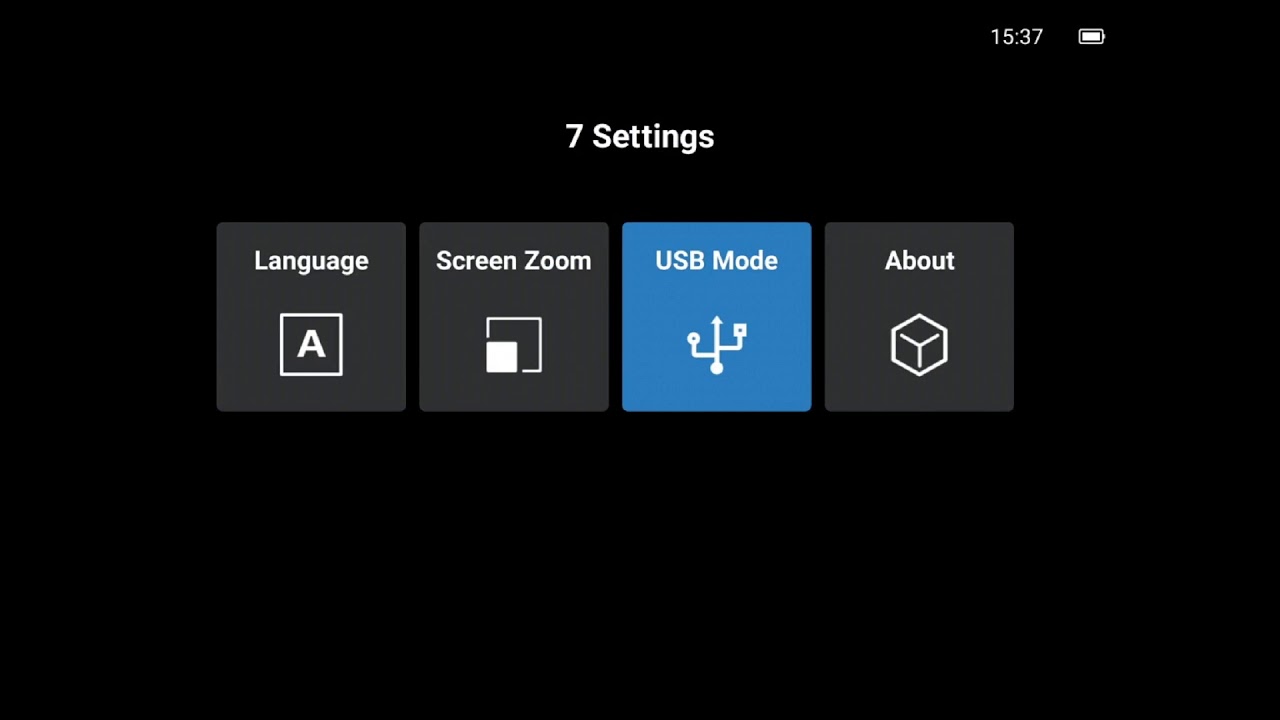
You may need to Google a fair bit.
I have a feeling that the go app might not be the right version - depends on if anyone has developed for these units / OS I guess.
They do look kinda cool.
Good luck hope you get it to work.
1 Like
Is that the Mini 4 Pro and the newest RC2?
So you’re able to get the video feed just by plugging into the USB-C port on the RC2?
DJI told me that wasn’t possible. I was trying to find a way to mirror the display on a phone or tablet and they told me it wouldn’t work.
Obviously if it’s working for you using the products I’ve mentioned above then would love to know exactly your setup as would love to get this working.
Thanks,
Mark
Hi Mark
After some tips from the other guys on here And a bit of fiddling ive got it working on my phantom 4 pro I’m now working on it to get the mini 2 working with it.
If your controller has a hdmi socket the glasses should plug straight in
As long as the app uploads on the “flow” system which the dji fly app doesn’t  the go 4 app does but doesn’t support the mini 2 as far as im aware.
Hope that answers some of you question
Cheers
Confirmed, it doesn’t.
Litchi supports both the Phantom 4 and the Mini 2, might that be an option for your use case?
Thank you. Ill take a look at Lichi
Hi, Mark
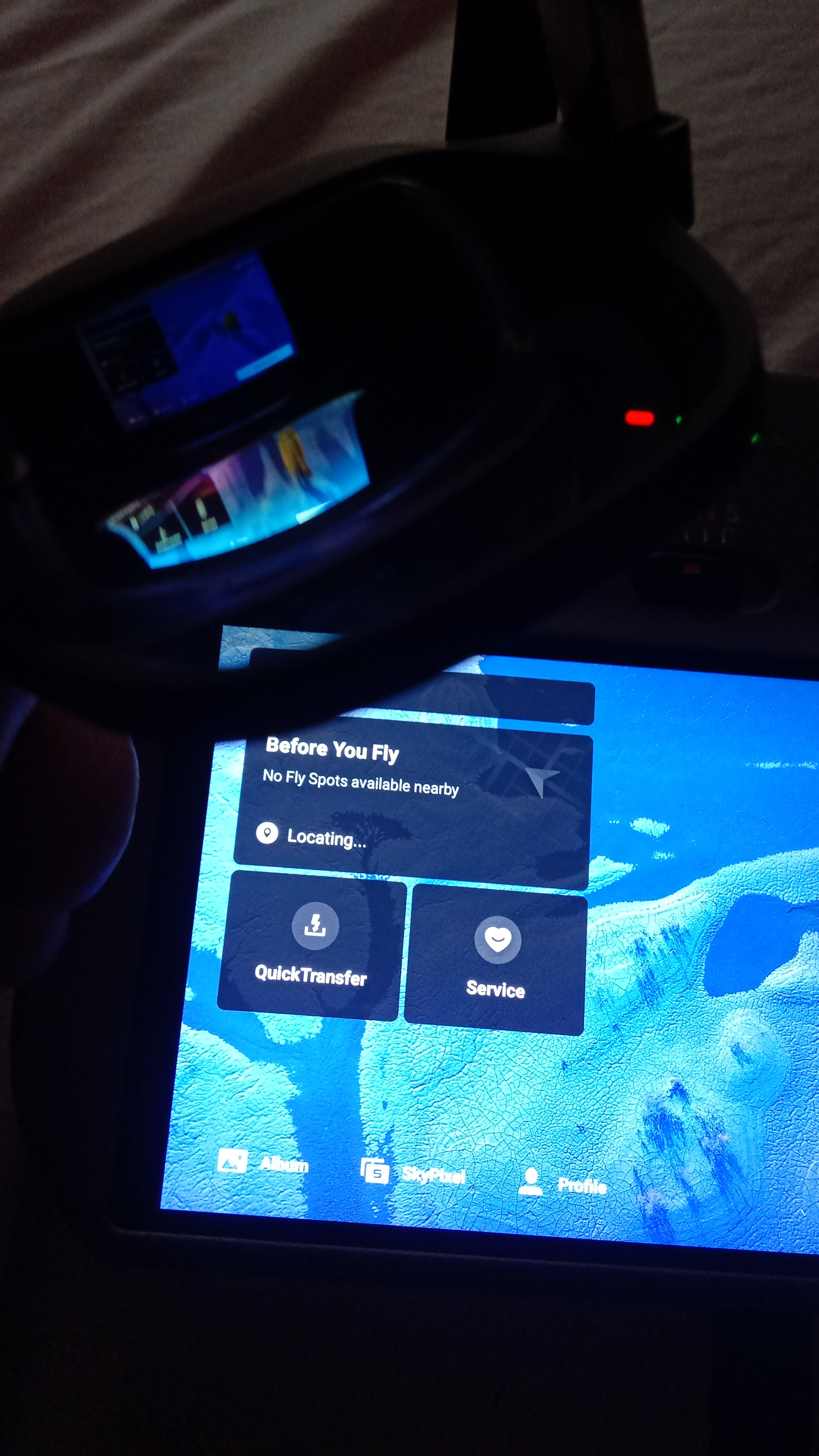
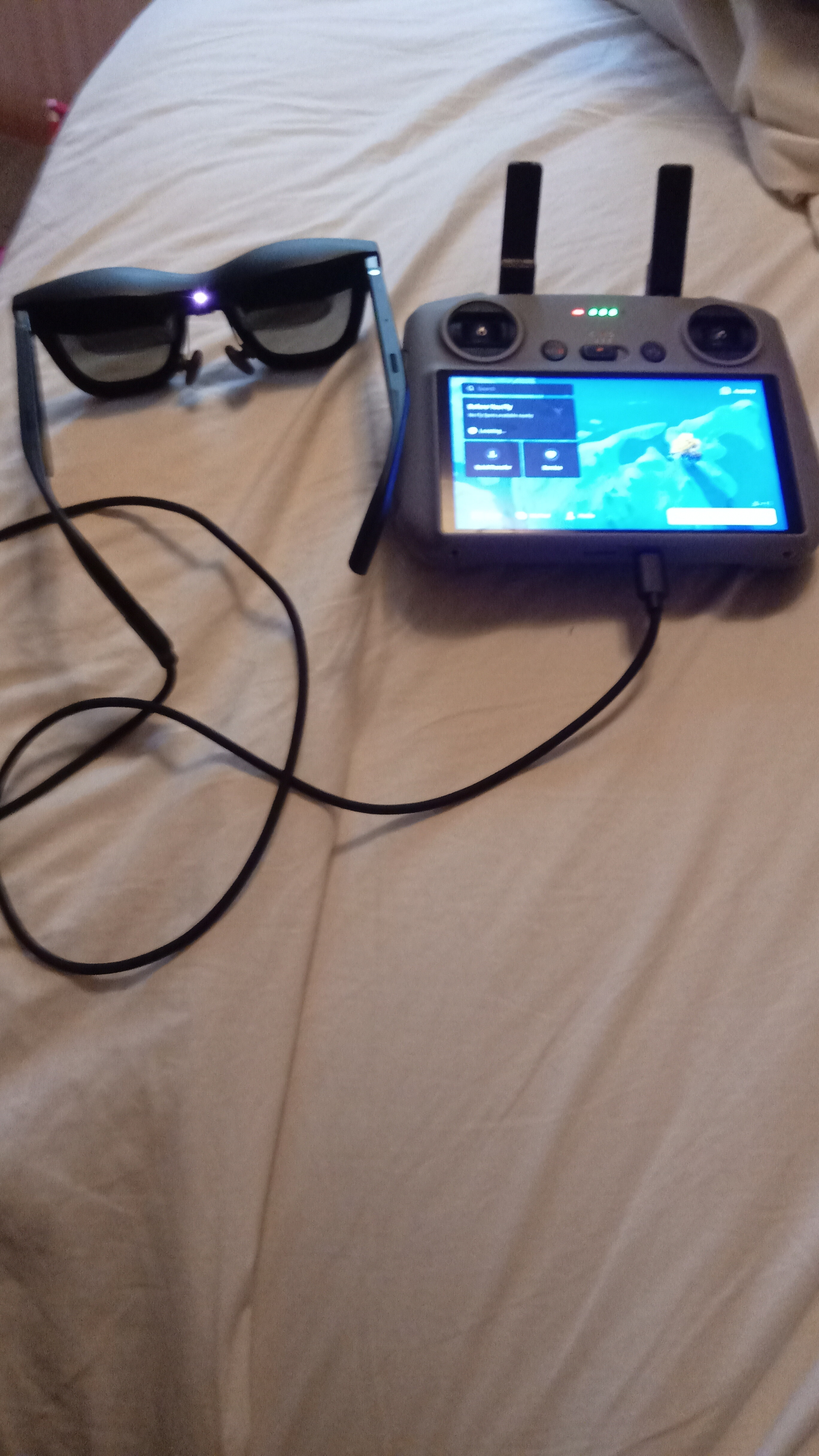
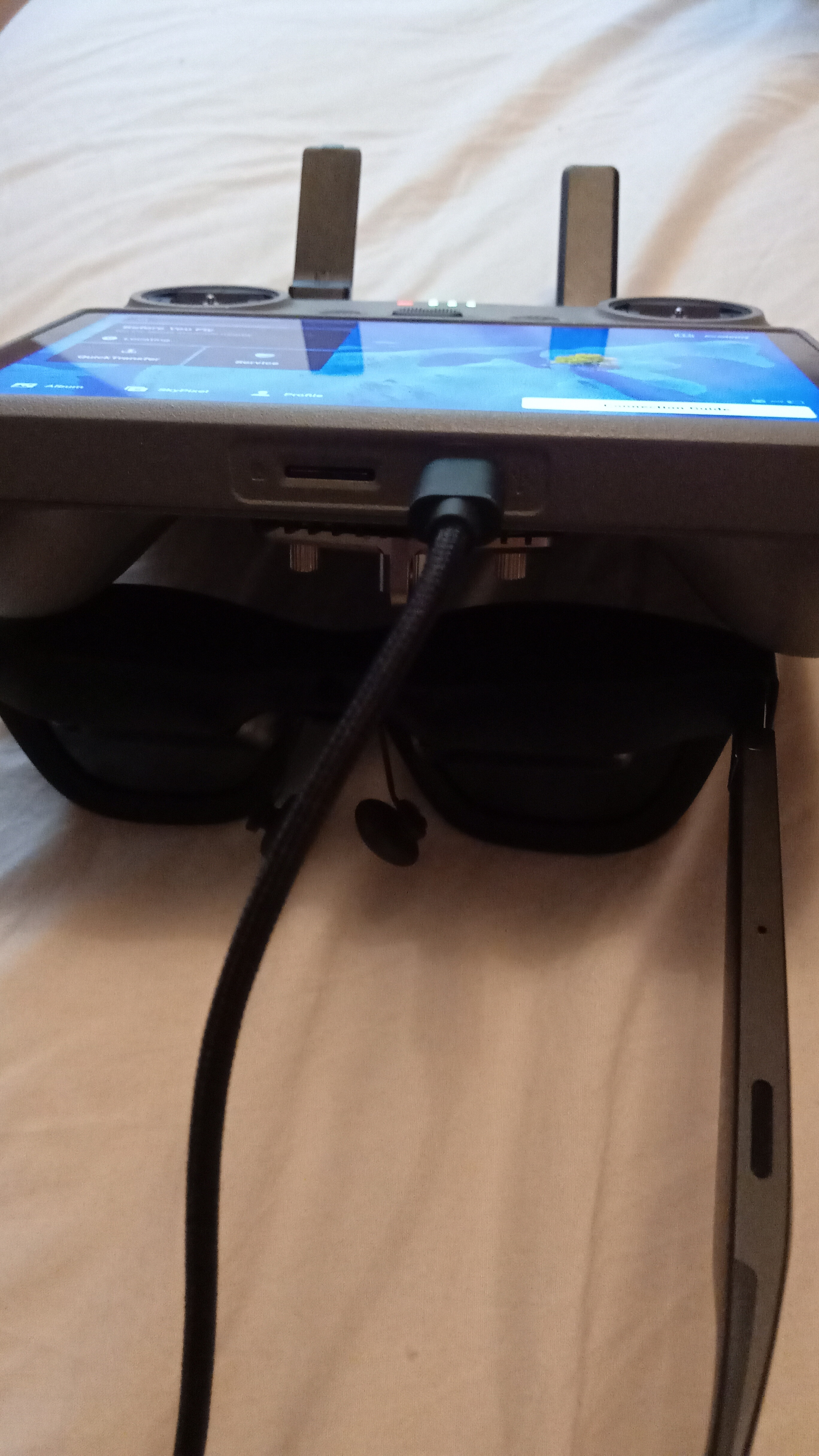
Sorry for poor quality of pics 
RC firmware is 02.02.0000
App version 1.13.5
Everything that goes to the controller’s screen goes out of the hdmi/usb socket on the controller. No configuration needed or asked for.
2 Likes
Thank you. So literally just a straight USB-C to USB-C connection then?
DJI told me there was no way anything like that would work as I asked them so no idea why they told me that if it’s not true.
Thanks again.
Mark
Hi,
Litchi has a VR output option, but natively it only works by sending a split-screen image to the phone screen that is plugged into your drone controller, for those earlier controllers that do not have a screen or hdmi output.
The VR goggles (see Google Cardboard) for use with this option involve you then taking the controlling phone, and putting it into the goggles themselves (they have no internal screens or electronics).
A bit cumbersome, but it does work, and it’s cheap.
As long as the drone is supported by Litchi, it works.
1 Like
Cheersfor that I have no hdmi socket on my controller,so went through the flow box and it all kicked in thank you very much, everyone 
You can get an HDMI output for the Phantom 4 controller. Its DJI unit that fits on the underside of the controller
2 Likes