You mentioned Windows 7. My late wife had Windows 7 running on her deskside computer. Been sitting 4 years now, but worth a try. No VMs involved. Pretty wrapped at the moment, but will give this a try and let you know.
I am also having the same issue with the missing files i saw a post from the developer to use the files form the older version. the server with the files is in ukraine and down for he pas 30days this is he newest Bata that works with the fpv. does anyone have the non beta version that would be willing to share
I have some Mavic Air batteries I cannot get out of Hibernation, this DJI Battery Software and CP2112 board may do the trick…however the software is a Windows exe file, is there an Apple Mac version that I can get, or is there some other way I can restart the batteries ? Many thanks in advance.
The link works fine, but as per the message you get when you click the link, it looks like you’re not yet a member, hence the message you’re getting which says:
This content is only accessible to club members, you may need to upgrade your account (see FAQ for more details)
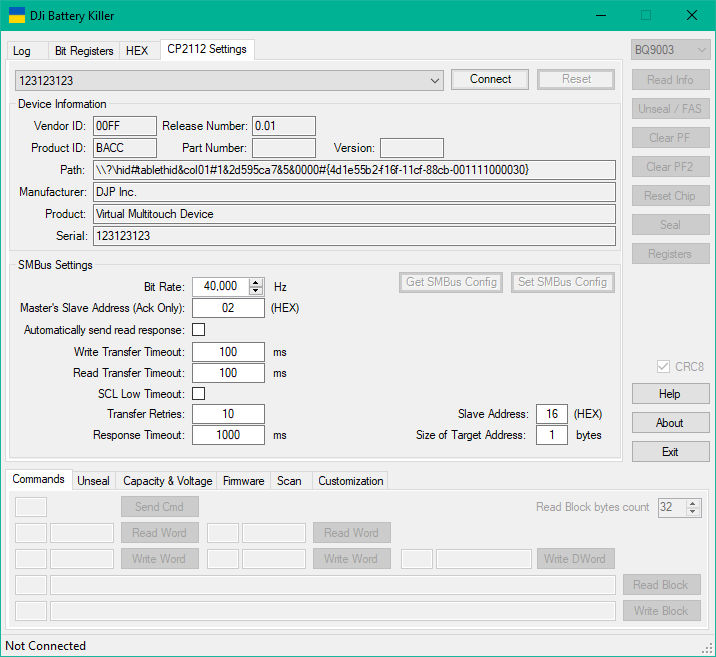
Howdy! I have my DJI Mavic 1 battery connected to CP2112 and usb connected to my laptop. Clicking the “Connect” button gives me: ERROR: Could not open device. I triple checked all contacts etc.
How do I go about it?
Thank you!!
Same here with a Spark battery - tried everything even getting a second CP2112 thinking the first was faulty. I have 2 batteries, can’t get either read. From what I understand the board is driverless so not sure what could be causing the issue.
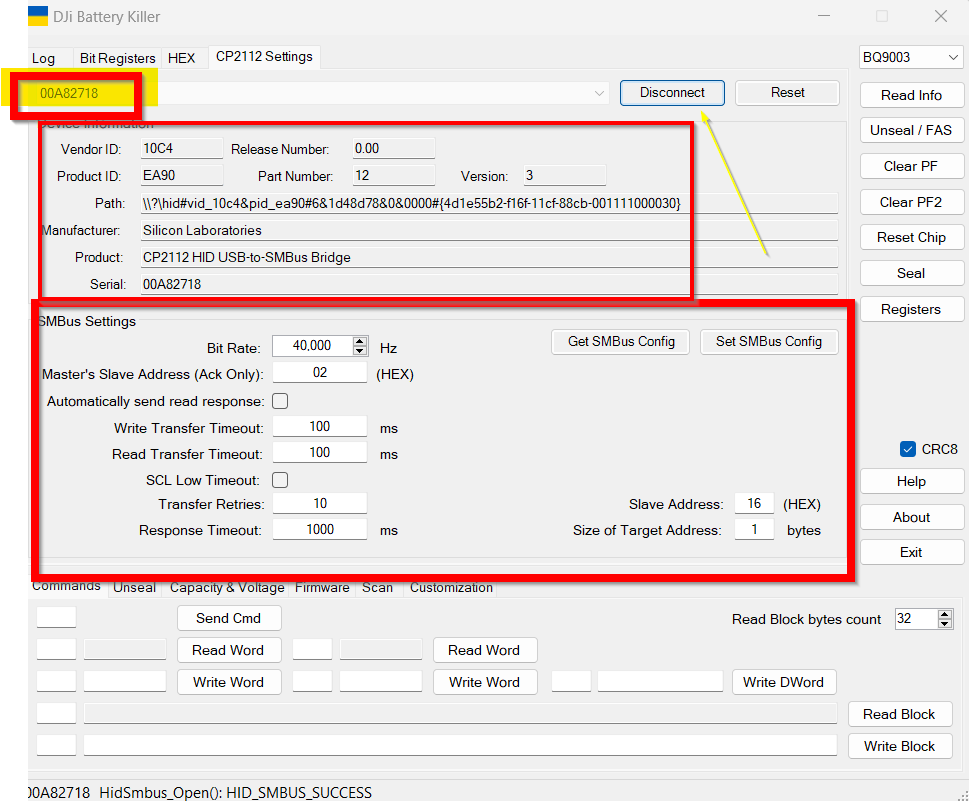
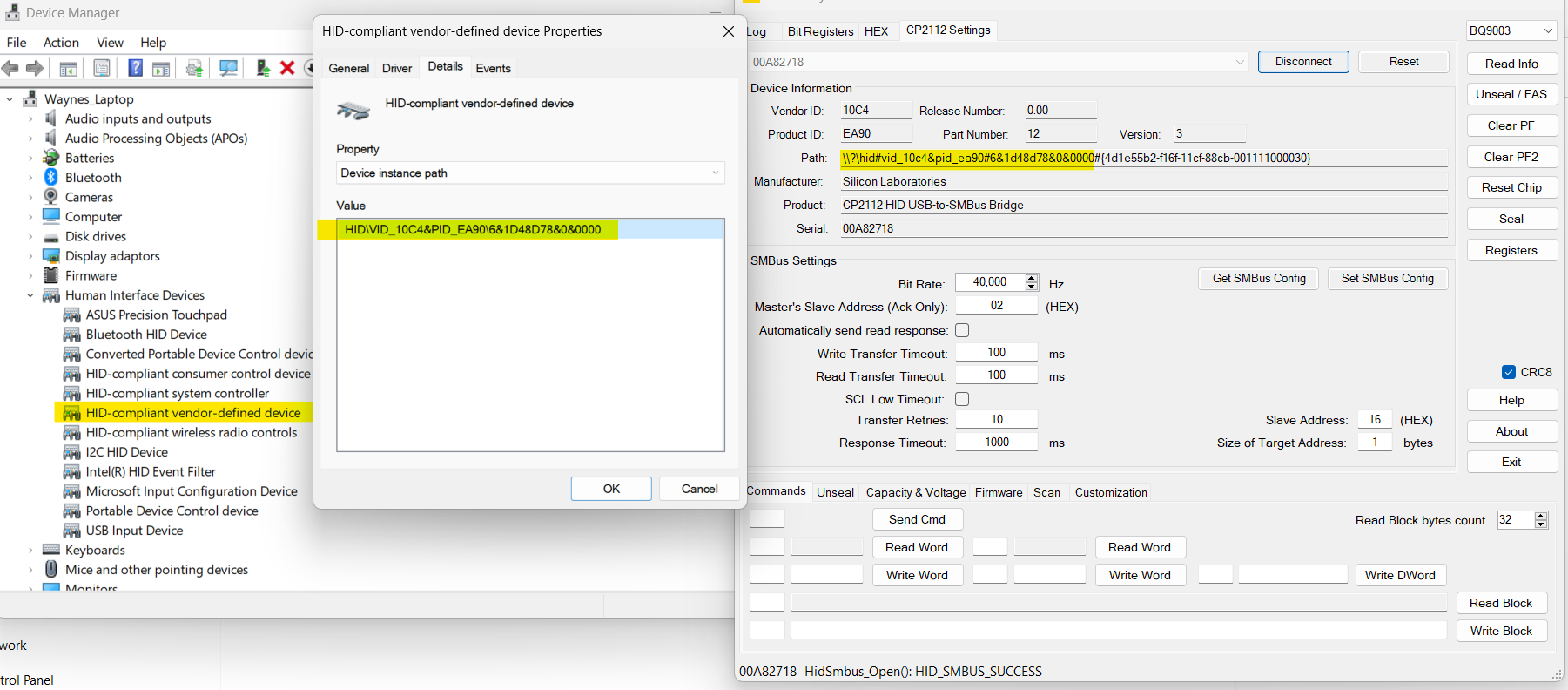
Thank you for the info! Which version battery killer are you running? I’ve looked at several versions and none have the 00A82718 option. Is that an ini file I’m missing?
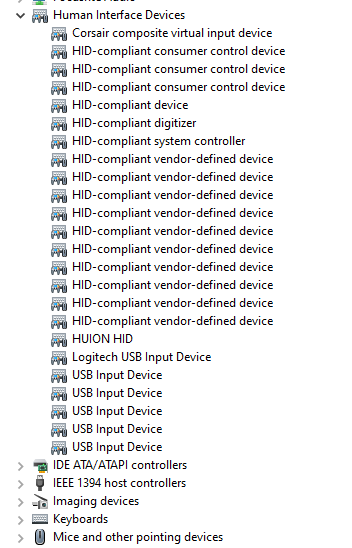
I’m using a CP2112. When I plug it in Windows does nothing. I’m guessing when you say drivers you mean the ones included in the battery killer folder? Thanks!