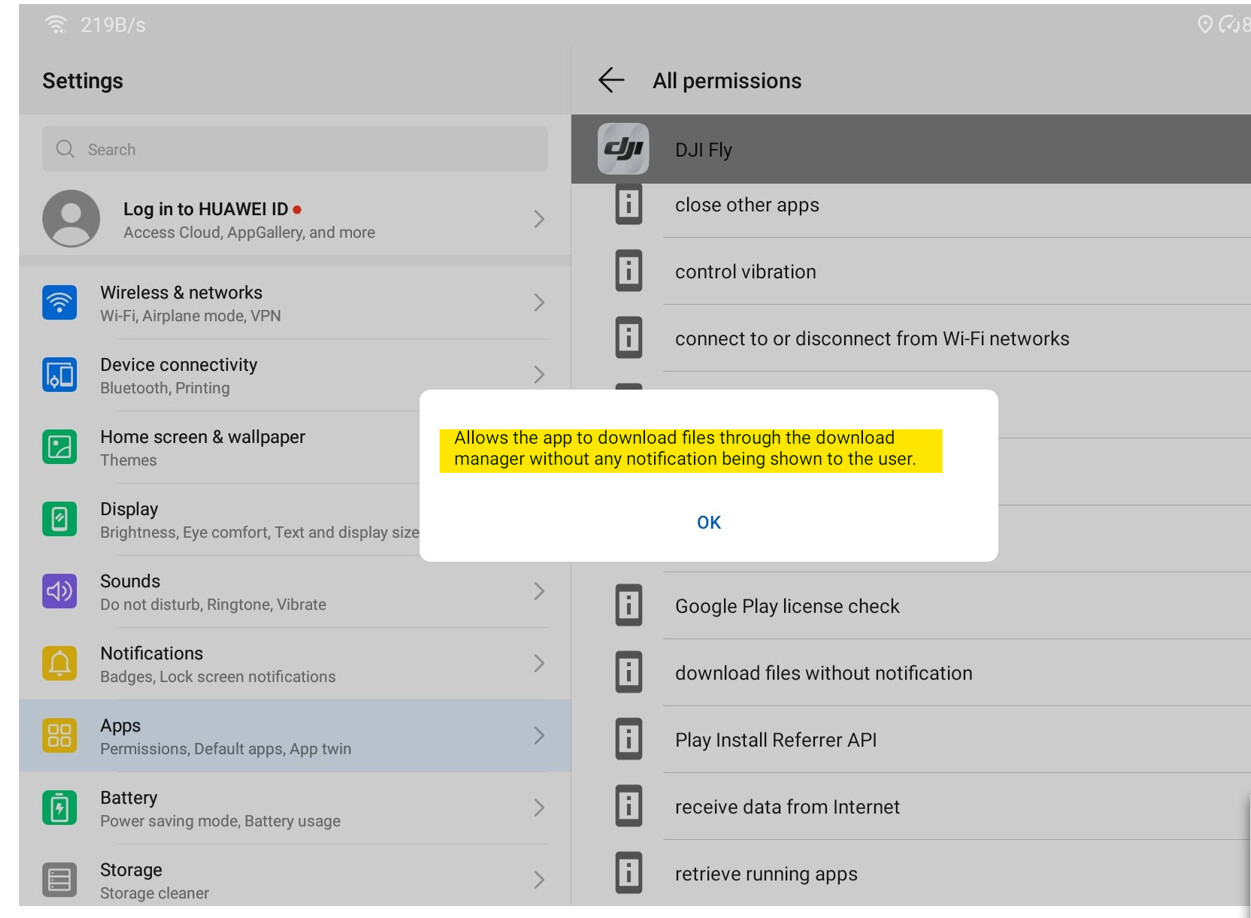
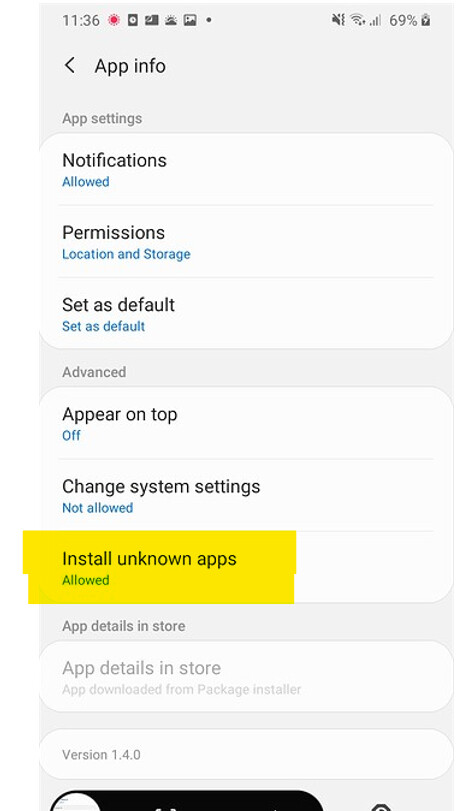
I wasn’t afforded such courtesy on my Huawei devices. Turning off APP self update permissions in the service settings only angered the Huawei APP gallery so that had to be disabled too.
There could be multiple reasons, one I didn’t think of but sounds very plausible is the one @firstadekit has given above.
DJI have a very poor history when it comes to securing user data and they have been the subject of a few data breaches. About five years ago they offered a cash reward to anyone who could find flaws in their cybersecucrity. One chap did quite quickly and when he claimed his reward DJI insisted he sign a NDA. Fearing DJI would not fix the security issue he refused the cash reward and went public.
There was also the line they put in the early (moddable) versions of the GO code taunting the modders to ‘get round this’, took less time than it took them to type it.
Is the current none beta version, if you uninstall and then install 1.4.2 it will auto-update to 1.4.8 (1120) which has caused a lot of issues on some Andriod devices
1185 is the beta version and has not been released by DJI, its being shared online
Just checked mine on my phone and it’s still sitting on 1.4.0 after I last had to downgrade it. I’m assuming it only auto-updates if I actually run it, given that I’ve not run it on my phone recently.
On anything other than a Huawei device I think that is the case. Huawei devices have the Huawei APP Gallery which is their version of the App store. There’s probably a plethora of Apps on their that have been denied resident status in the Google Play Store. Even after disabling all side load APP updates in the system settings the App Gallery will force updates if that itself is not disabled, and the user will not be alerted.
The latest 1.4.12, 1410, is still a pile of rubbish. Took a 360 today, it’s taken the 26 photos but there’s no option in the album to view the Pano and download it.
A quick flight with 1.4.12 1420. 360 seem to be back and they’re saved to the new DJI Album automatically once you open them (which triggers the stitching). This time I was still connected to the drone which may, or may not, have enabled the 360s to appear in the Fly album view.
Still looking for a non-Adobe Chromebook solution though. One thing I also learned tonight, delete the 360 image in the album and it also deletes the 26 images
Some more bits of 1.4.12 info. If you upgrade, it asks if you want to migrate your photo & video cache to a DJI Album folder sitting under DCIM, the usual camera folder. If you install from scratch, it uses DJI Album.
In the last week I’ve uninstalled and re-installed many times. I’ve deleted the DJI folder which should have removed everything. I have photos in DJI Album from September
If I use a file explorer like Solid File, the DJI folder is empty. I also have a OneDrive sync tool, that can see the folder structure in the DJI folder but when I add the folder to the sync, it copies nothing.
So the pile of crap calling itself 1.4.12, panoramas. You need to have the Mini connected to generate a pano.
Any cached image you want to access, you have to view the image then hit the download button which puts it into the DJI Album folder below DCIM. I haven’t found an explorer app including the one built-in that can find the cached images.
I’ve given it a chance but I’m going back to 1.4.12 1185.