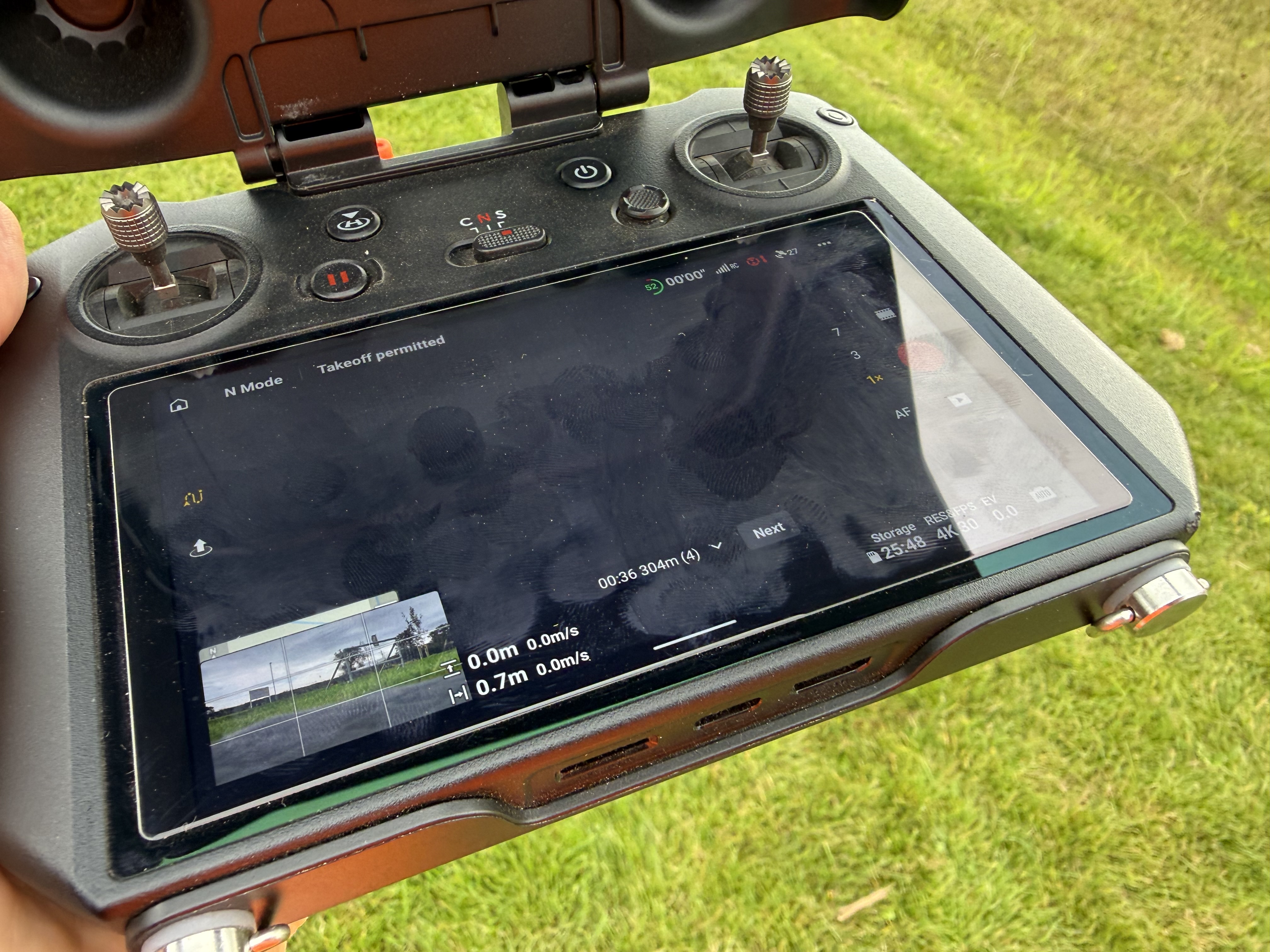
Today I had a new experience. About a minute into a waypoint mission, as I went to switch from the camera view to the map view, the screen went black and the tiny screen in the bottom left corner of the main screen, showed the camera view, with the map underneath showing the top edge just above. No amount of touching either the little or the big screen changed anything, so I had to continue the mission, barely able to see what was going on. When I tried it again, on the second flight, the tiny screen kept switching randomly between the black and white propeller camera and the mission map. A web search hasn’t produced a reasonable explanation. Anyone else had this?
Next step is to contact DJI, as if this happens on a flight, not dictated by a waypoint mission, I could lose the drone
This has come up before. Go to RC screen. Three dots top right. Under safety. Switch off vision assist auto display. That should cure it. It started affecting people after a recent update. Hope this helps
Many thanks for this. I did a search but couldn’t find anything, so appreciated. I shall try as advised.
Not if its in VLOS you wont
Let us know if this cures the problem!
Will do.