This adds the abilty to connect VR Glasses and a touchscreen via USB-C to USB-C
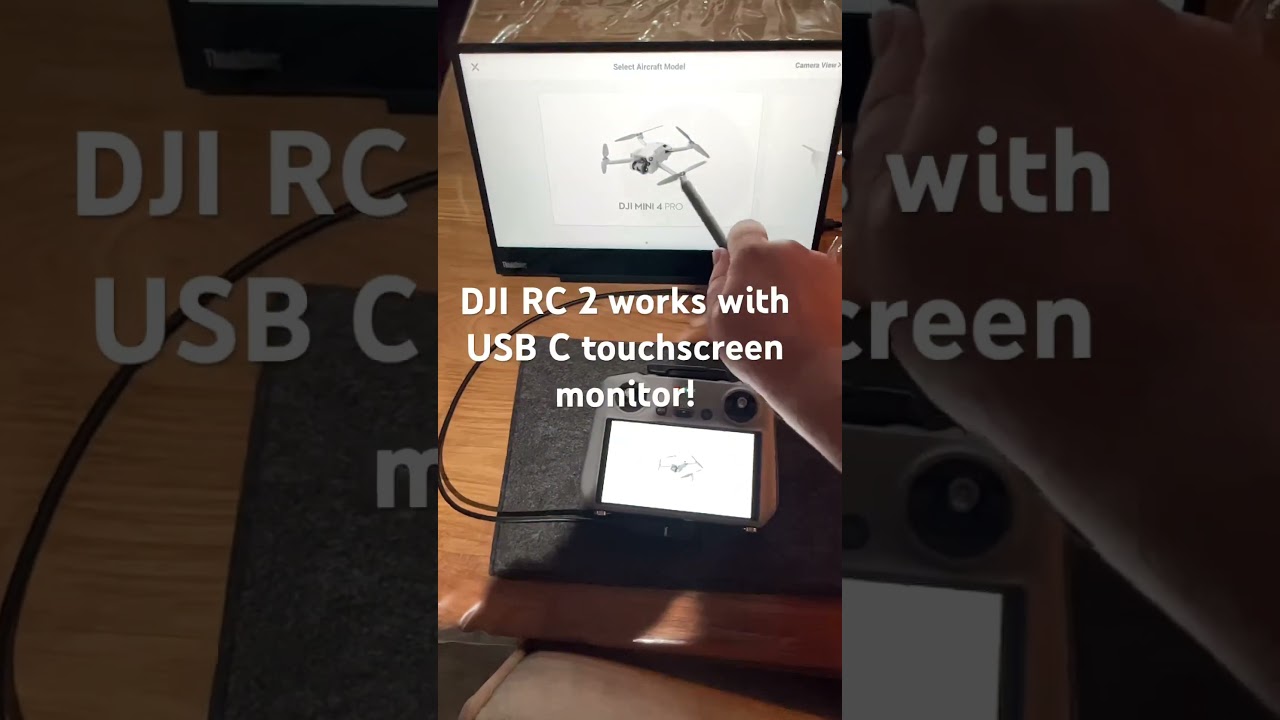
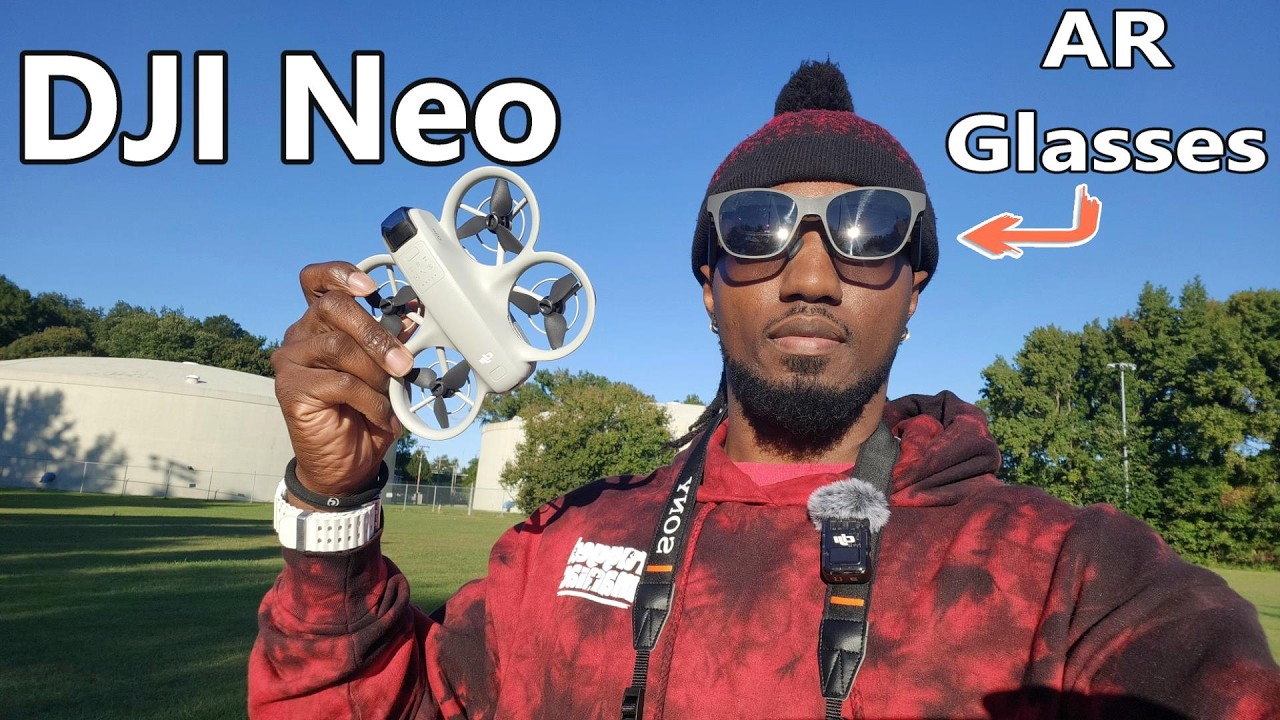
This adds the abilty to connect VR Glasses and a touchscreen via USB-C to USB-C
I seen these they plug into usbc on an rc2 or any controller and dusplay a 130 inch screen through the glasses ideal for sunny days when dusplays are hard to see.
Bit of a technical one I’m afraid. Purchased the Xreal Air 2 Pro AR glasses to work with my DJI Air 3s and RC2 controller. The glasses are usb-c to usb-c and require both power and video signal to work. When plugged into my iPhone they work perfectly with power, video and audio all supplied by my iPhone 14 usb-c port. When plugged into my RC2 controller usb-c port it supplies power but no video. DJI said the controller performs a handshake and determines whether to supply power or video to the connected device when switched on but can’t do both. I’ve watched YouTube where people have it working and have tried turning the connection around, timing when to connect, different cables and even purchased a Xreal charging hub to supply separate power. Nothing has worked. Has anyone tried the glasses as my goggles 3 are not yet compatible with the Air 3s until DJI do an update. Sorry for the long explanation but wanted to get all the info in.
It’s a plug and play so should work without any extra apps.
Make sure all firmware updated the controller and drone linked correctly, reboot while plugged in try a few times plugging in and out the cable and it might just kick in, try different usb cables.
If this fails maybe resetting controller understanding you will lose all data.
Moved your post to this thread covering all aspects of the RC2’s Display Port and its use. 
Excellent, did your glasses work straight away with your rc2 or did you have to update them. Does unplugging and re plugging work with yours?
Mine worked straight away, my controller and drone all updated and no hacks.
Unsure the reason, usb lead might be only charging not supplying data, pulldown menu bar see if there’s a usb notification prompt.
Like I said mine worked even check the glasses to see if it’s set to charge only.
Another thing you could try to eliminate fault drone or controller is if you know someone with rc2 controller and drone to see if it will plug and play and if works try temporarily linking there controller to your drone.
I think you can do linking temp controller and drone for certain amount of times but not 100% sure as old age forgets alot 
Thanks for that, it’s nice that someone else has the dji rc2 controller and the xreal air 2 pro glasses working. I will keep trying.
Just tried my Xreal air 2 pro glasses with the rc2 and they work plugged directly into the usb c port. They don’t work via the beam. Sometimes they do not receive the video feed immediately, you have to wait a few seconds or remove and refit the usb lead. Hope that helps.
I have the same glasses and they work just fine with the RC2 using the supplied cable. Do note however, if using a 3rd party cable it must be gen 3.1 min with 4k video support
@MarkJ
I had to update my Air 2 Pro to the latest firmware to get them to connect, If you haven’t done so it’s worth doing as it’s more stable than the previous version. You’ll need to have the latest version of Google Chrome too.
2 Firmware versions needed, do both.
Fly long and prosper… 
As of Yesterday I have updated the xreal air 2 pro glasses, rc2 controller and air 3s drone, all to the latest firmware. Everyone says plug in and they work or flip the usb-c or un-plug and re-plug usb-c. Unfortunately nothing has worked for me after trying everything on internet and YouTube regarding xreal and dji video issues. They work great with my iPhone but not rc2 so I’m thinking it’s an issue with the rc2 video out/power out configuration on my controller as other people with the exact same set up have them working. More research needed unfortunately.
Whilst DJI won’t formally support you with the issue, have you tried the official DJI forum?
If there’s not an existing thread, start one, you never know, you may get an answer from one of their official representatives
Reach out to a member on here that has an RC 2 that lives near you 
Try this, powerup the RC-2, plug the glasses flowed by double clicking the small button on the glasses.
I do hope you get it soughted as it’s a great feeling.
I flew yesterday straight out the box and no problems, you will think when you have glasses on and daylight coming in via nose and side how will it work and being comfortable but boom instantly submerged into the mirror screen and the clarity of compared to looking at the rc2 is day and night, I still catch myself moving my head thinking it will move the gimble 
Only part of can be annoying is I have fitted prescription glasses clipped in and when someone else wants to use the glasses it’s a wee bit fiddly as prescription sit balanced on a nose clip then you push nise clip in to the glasses, as I’m typing this I’m thinking maybe stick nose clip and prescription glasses together. 
Thank you to everyone for their advice but I’ve decided to send the air 2 pros back while I can until I make sure my rc2 usb-c port is working correctly as my Air 3s / rc2 are only a month old. I can always buy them again or upgrade to the ones or one pro. Hopefully I will be able to see someone else’s working and test them in my rc2 soon. Thanks guys for all your help.
Looking for a budget (poor pensioner) pair of A.R. glasses to use with my DJI RC2 controller. Just want to mirror the display to the glasses not interested in any other function…Thanks
I have recently been looking for some type of interface that would allow an oldish smart phone to be used as a remote monitor via USB-C to hdmi. I haven’t found one yet, but I’m still looking.
This would then allow the phone to be placed into a cheap (about £30 “VR Goggles”). The phone would need to run an app similar to vr viewer, to split the display across both eyepieces of the goggles.
Litchi already has the ability to do this, but uses the phone linked to the drone RC (the older non-screen types), so can be a bit of a pain to use.