Hi,
New to this drone stuff and working through a few small issues.
What software are you guys using for video / photo editing?
I am restricted to a iPad Pro as no lap top and my PC belongs in a museum.
There are loads out there, my options seem to be Adobe Premiere, LumaFusion, DaVinci resolve, light cut etc.
To start with i just want to undertake basic editing and move on from there.
I’m not a iPad user so cannot say what would run smoothly on your device.
I know from experience what I owned like tablets and the computers/laptops could not handle 4k video editing so it was open the wallet and bought a dedicated machine.
Thanks all, I will try iMovie.
`I watched so many YouTube movies last night I glazed over and went into a trance… Red wine was involved to be fair
As Ziceman said it might be a wallet job in the new year sales to get something with the right spec.
If it’s a iPad pro give davince resolve a go. It’s incredible on the mac and I believe the iPad version is basically the same as new macs and ipads can run each other’s apps
Know my speed editor will pair with an iPad and work. So could be the way to go and with a USB C Ssd plugged in boom you will be fine.
I’ve an iPad Air M 3 (the current model) and that seems to run Adobe Permiere quite effectively. I find iMovie a bit limited. I also use Snapseed for photo editing, which runs well too. Hope this helps
There’s VN Studio, which has some free AI tools too.
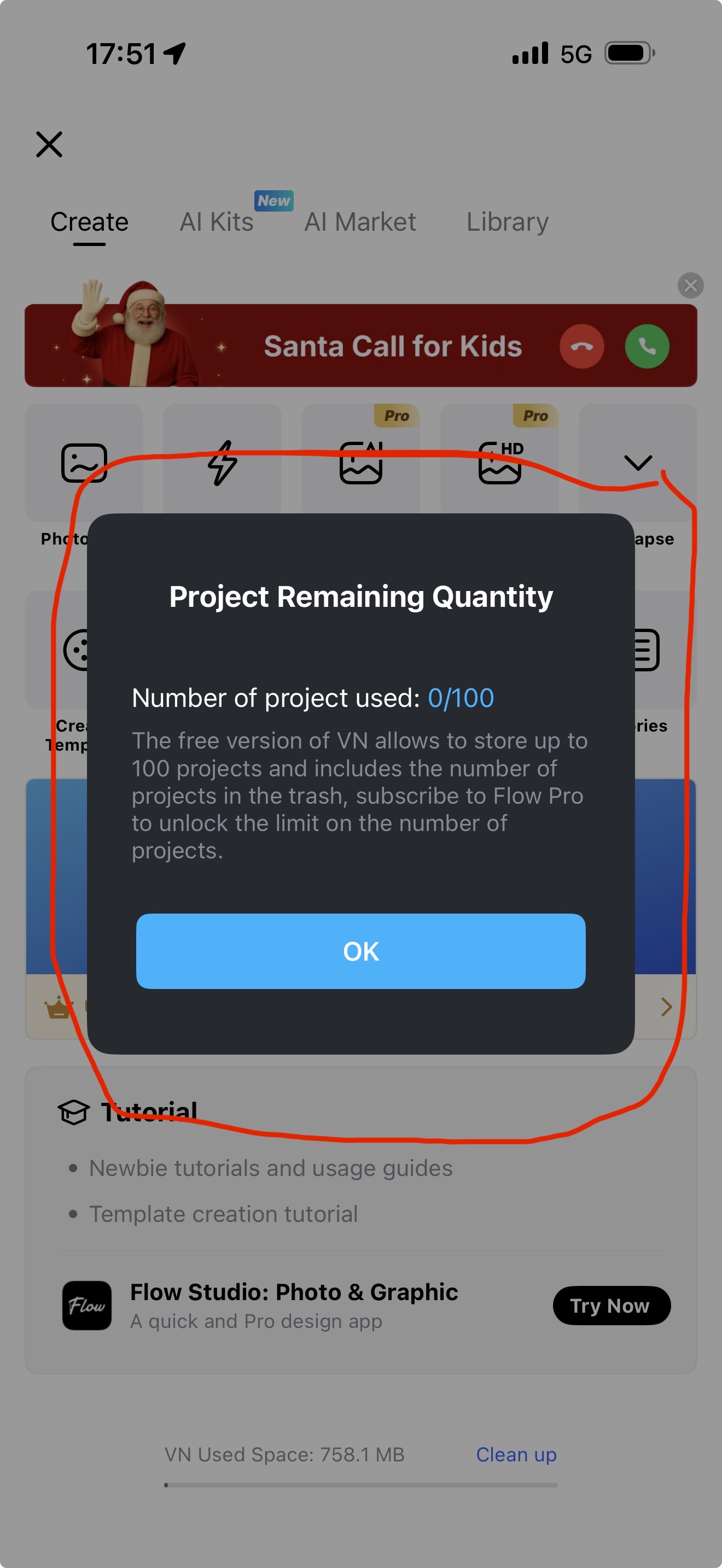
It is limited to a max amount of 100 projects, however that’s easy to get around.
When you’ve created your final version of the footage, export it to your preferred storage location (iPad, iCloud, google drive, YouTube, etc…) and then delete the project from VN Studio.
I use Lightcut on the ipad. It’s really quite powerful … I don’t need to shoot professionally but the ability to paste multiple video files (ranging from a few seconds to ~4 mins) then trim them, add stills etc on one device is terrific - it’s an 8th Generation ipad and I’ve not experienced any memory issues or performance issues as of yet.
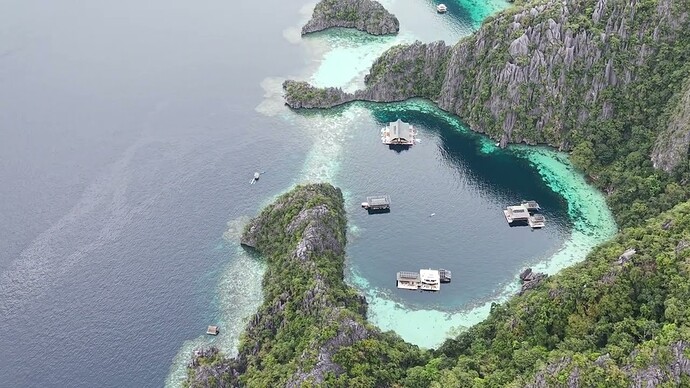
The attached took an hour or so to shoot and 90 mins on the ipad to export to Youtube. Nothing fancy just great memories of a recent trip
Mini 5 Pro with no post edit colour/tweaks - just shot on Auto/Normal @ 4k/30fps (I don’t use 60fps any more as the footage looks a bit weird as you fly close to stuff, and the increased file size isn’t of editable value)
Only had my drone for 2 weeks, first one as i wanted another hobby to supplement my golf!
Hobby not a obsession, loads to learn with flying, video, settings etc and then editing
Playing with iMovie, premier and Final Cut.
YouTube videos are great, only problem with my set up using a IPad to edit none of their screen shots are the same as my iPad , even though the videos are for iPad, work in progress lol
Simple things like transition between clips…
On wards and up wards.
\Anybody in Chelmsford and can suggest any good locations?