Sparky, I don’t seem to have any icons there on my screen ( tried both the top left and bottom right icons)
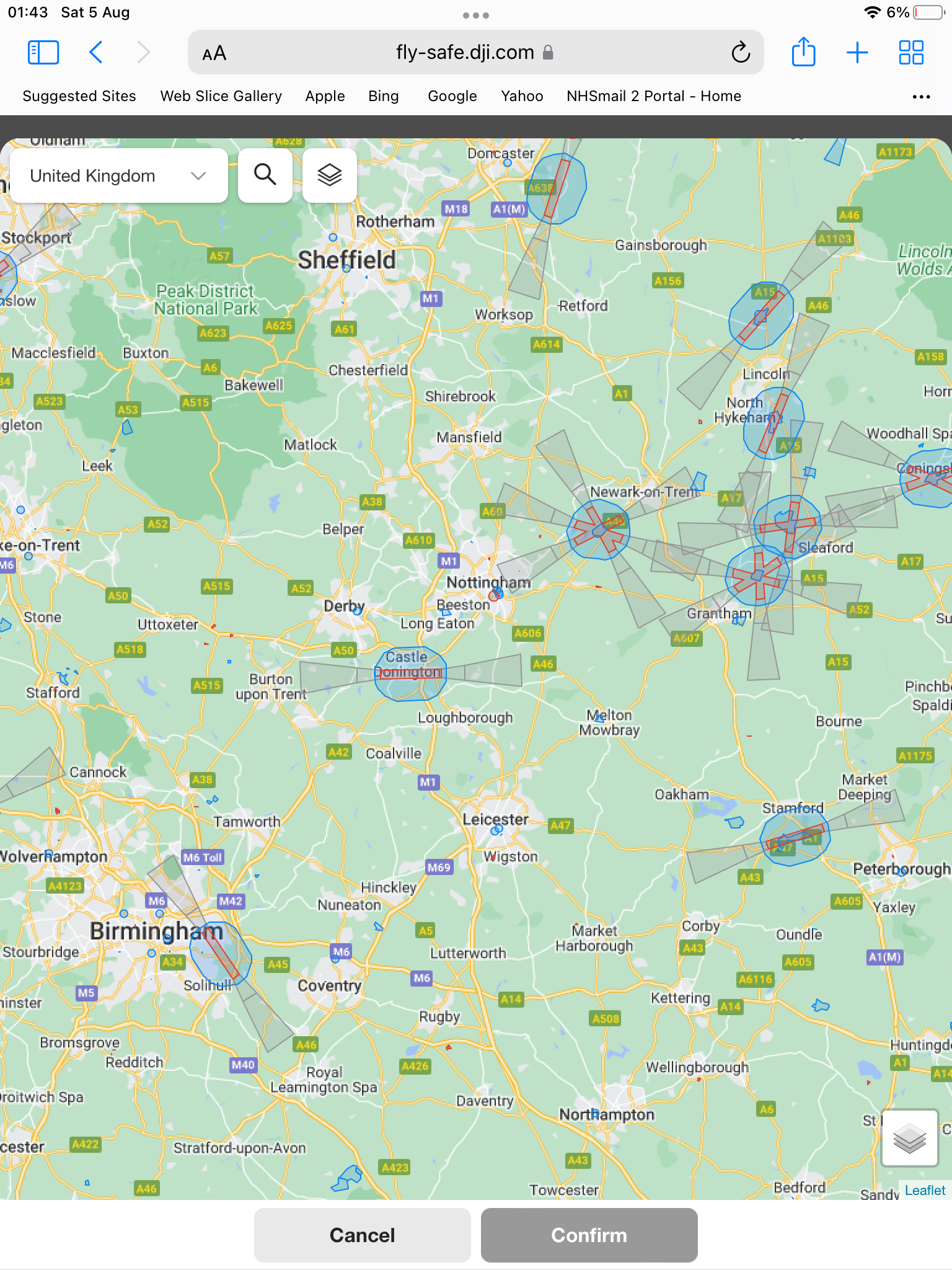


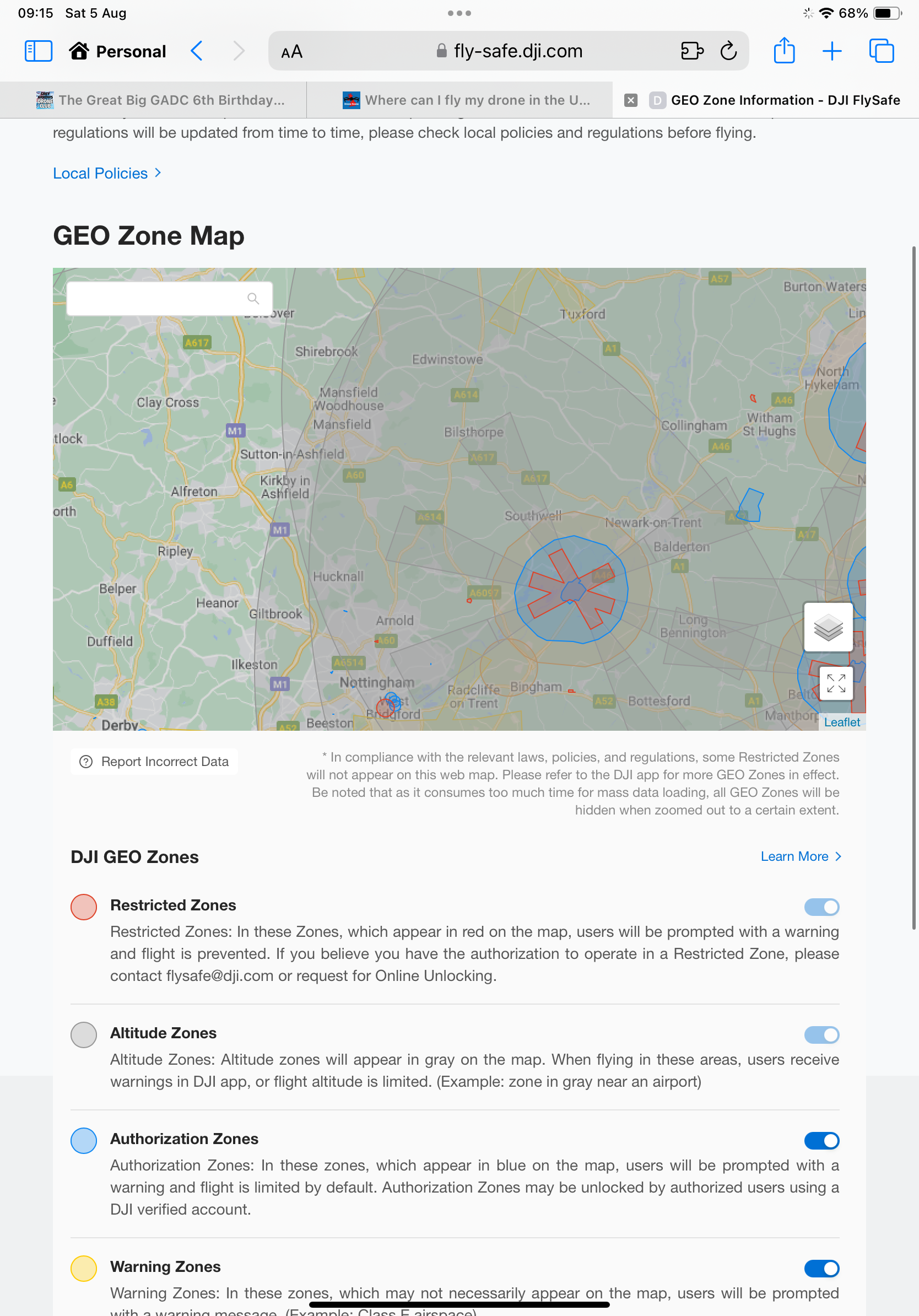
I had the same display as you @JockyB , but noticed that if you come out of full screen mode, the options are below the map
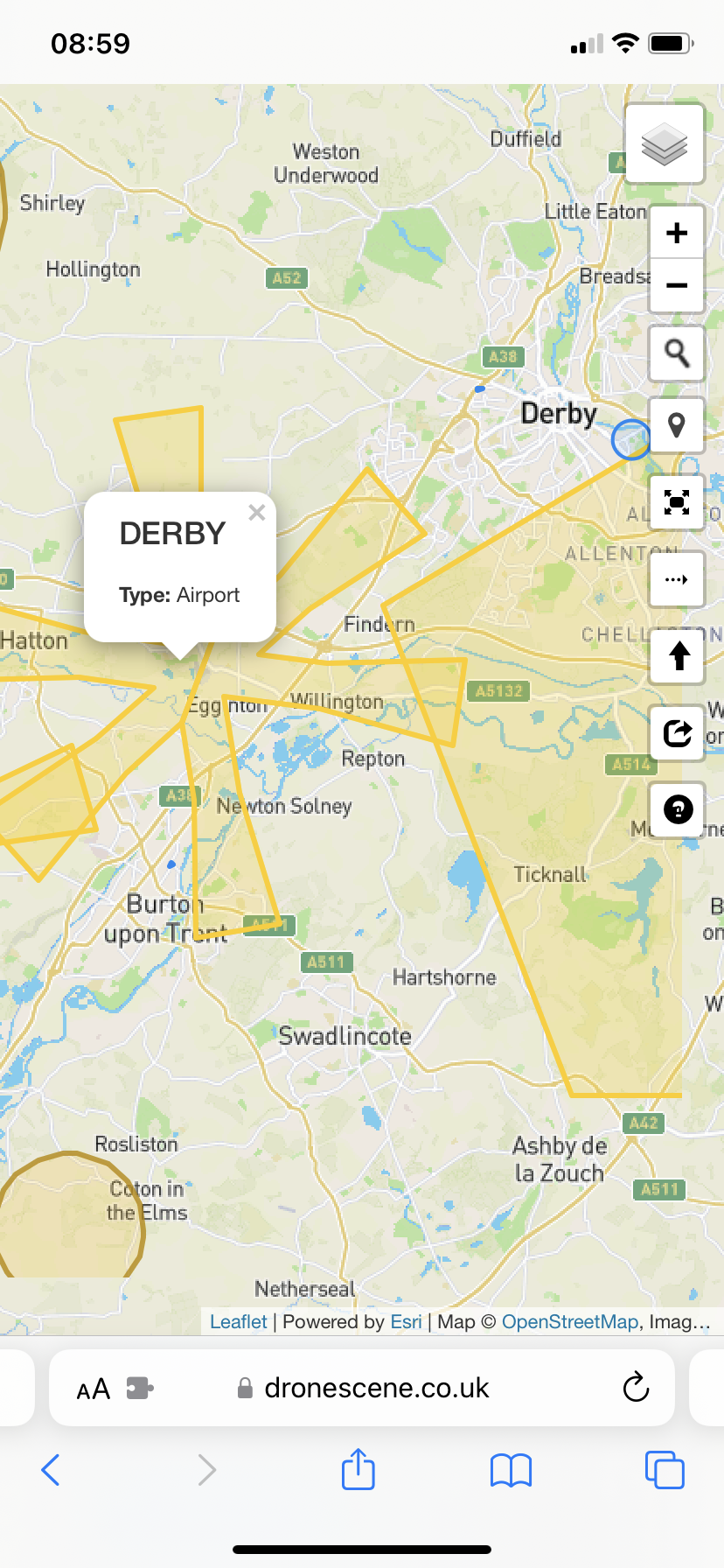
But as @SparkyFPV has said … DroneScene is your friend here 
I’m agreeing with what has been mentioned above, the permission granted to the original person contacting ATC in relation to flying inside there operating area. But in the past I have flown my drones inside someone else Notam( during my night flights to record the lasers). I was added to their Notam and had permission. Although there isn’t anything to prevent another person flying there drone within a Notam designated location, flying inside the area of ATC really isn’t advised, contacting ATC for additional permission would be a better option.