With mum acting as spotter. 
With mum acting as spotter.
Fab, it’s like I’m there 
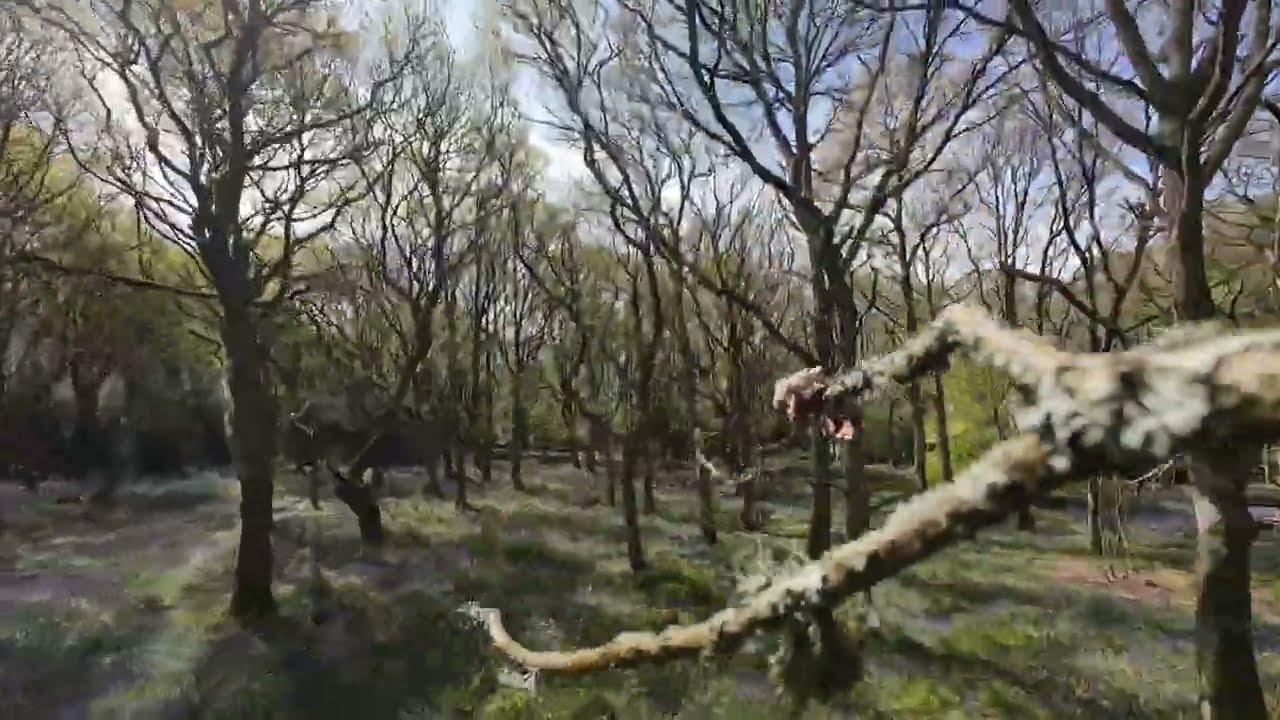
I’d love to see a higher bitrate upload, to minimise the detail popping. Nice to see a tree come off worse for once!
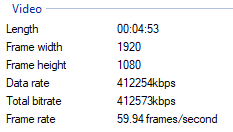
As I’ve bemoaned elsewhere, I cant’ seem to stop YT knackering my videos. This was already a 14GB upload. If anyone knows the secret, I’m all ears. I usually do my final edits in Resolve, unless it’s a quick & dirty in CapCut.
For reference, here’s a still from the final render I uploaded.
Ah - that’s frustrating. Youtube uploading is a dark art. I love your video and wish they hadn’t mangled the detail.
try 4k at 60fps MP4 (H265) at 80mbps - it works for me without damaging the video
This is the correct answer @Earwig. The codec is different, so upload 1080p as 4K for better quality.
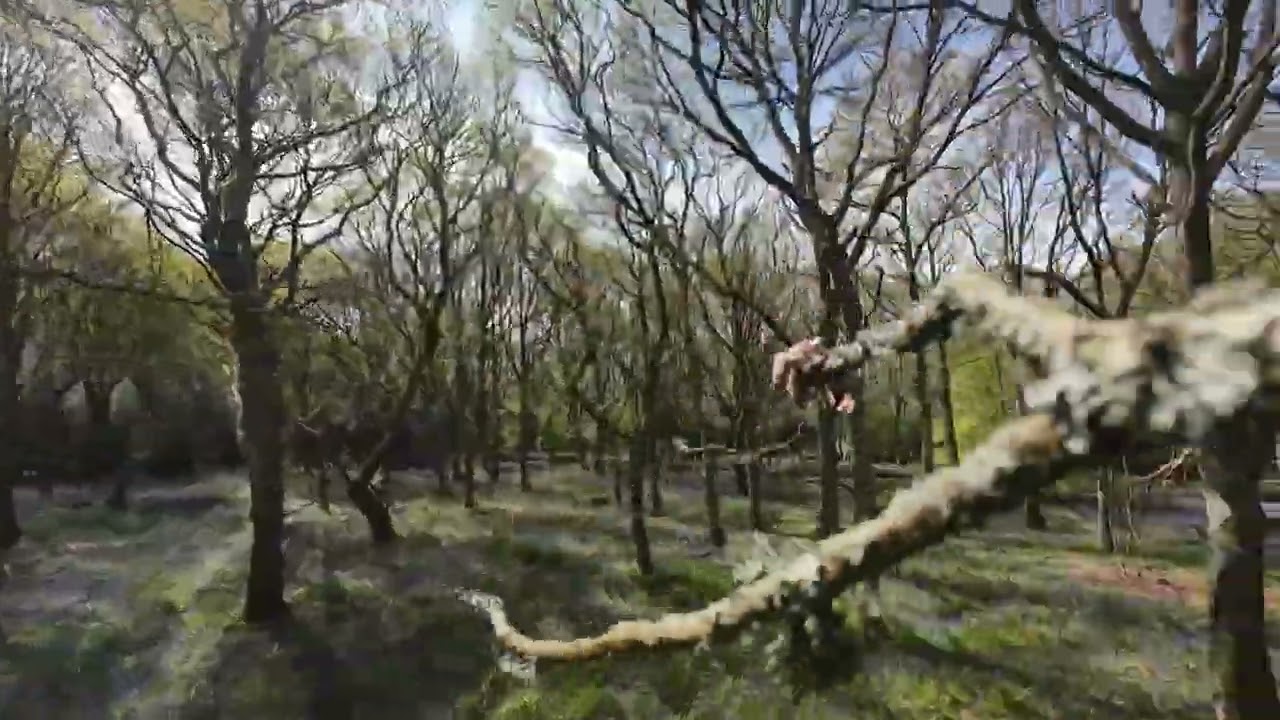
4K upload. Bingo!
A billion times better!