I was in a forest earlier today with my M2P. I did t have a mat with me and the ground was basically wet/frozen/soggy leaf litter. I did my best to clear and compact a zone for take off and landing but it wasn’t great.
I noticed on Amazon some landing leg things. Anyone used them?
I have the PolarPro ones permanently attached to my M2P, but only sometimes use. Like the guys mention above, mostly hand catch. Having said that, they are great quality and can sometime be useful in certain circustances.
I’ve used the leg extensions but honestly a hassle - -to install and remove every time you fly. Hand catch the best - I used to avoid hand catching because it was hard at first - but you absolutely have to hand cacth if a dog appears out of nowhere excited at the thought of your landing drone and you are out of battery - - - best to learn to hand catch before you wish you had
Thanks all. I will watch some guides on hand catching. I did it with my Mini2 the other day (land catch, not take off) and it seemed ok. Obviously the M2P is a bigger beast, but evidently doable.
…I dare say I could 3D print some legs if I can find a model.
I have hand caught and launched my Air 2 a few times recently due to location. Only problem is if the sensors pick your hand up I found the drone goes up and away. yesterday I tried catching and botched it. Received a nice little cut on my hand., Kids thought it funny.
I prefer hand catching but if needed, I prefer skids not legs. There’s some skids on thingverse that take apart to fit neatly in a bag pocket and I believe there’s a 2nd version which includes a strobe holder.
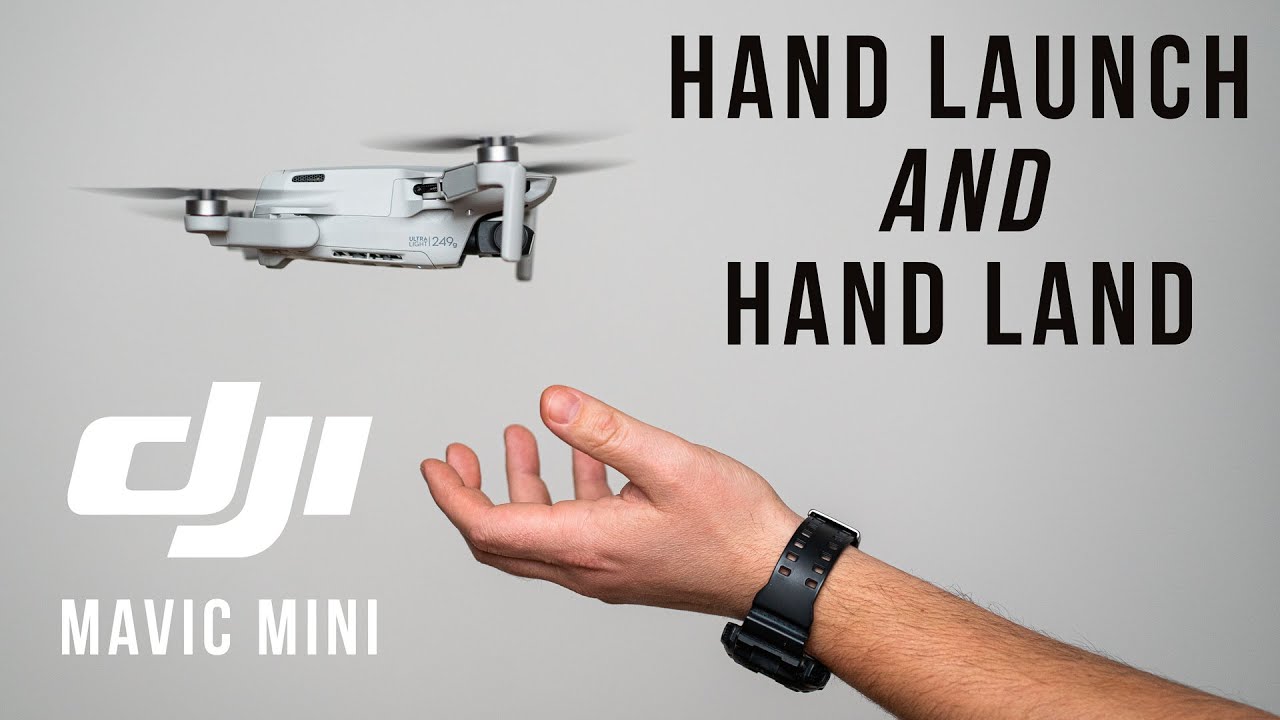
The sensors will always detect your hand. What you need to do is lay your hand flat below the aircraft and keep your left stick in the down position and the drone will land on to your hand. Keep the left stick down until the rotors stop and do not move your hand until they have stopped!!
Easier is just hold your hand there, let it think its the ground, as soon as it descends, let go of the sticks, grab it by the sides and the motors will stop, thinking its on the ground
You need to either keep your hand flat until blades stop or hold your fingers ready to pince the drone. Moving your fingers to pince the drone from hand flat and blades spinning isn’t advisable.
I use the PGYTECH leg extensions permanently on my M2P & Zoom and think they are great.
If hand catching, hover in front of you and ‘slide’ your hand under the drone less than 3” or so from the underside of the drone and the sensors don’t see your hand and you can just turn off the props.