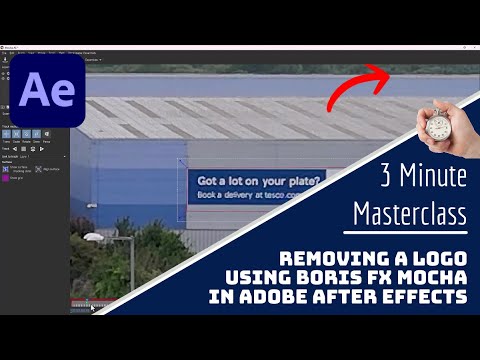
If anyone’s ever struggled to remove an object or logo from a video, this little video might help.
It shows how to use the in-built Boris FX Mocha plugin in After Effects to track an object, create a mask layer, then create an reference frame in Photoshop, followed by a fill layer back in After Effects.
I used it to remove the logo from the side of a building, but the possibilities are endless. It’s worth playing around with the fill method and lighting, depending on what you are trying to remove.