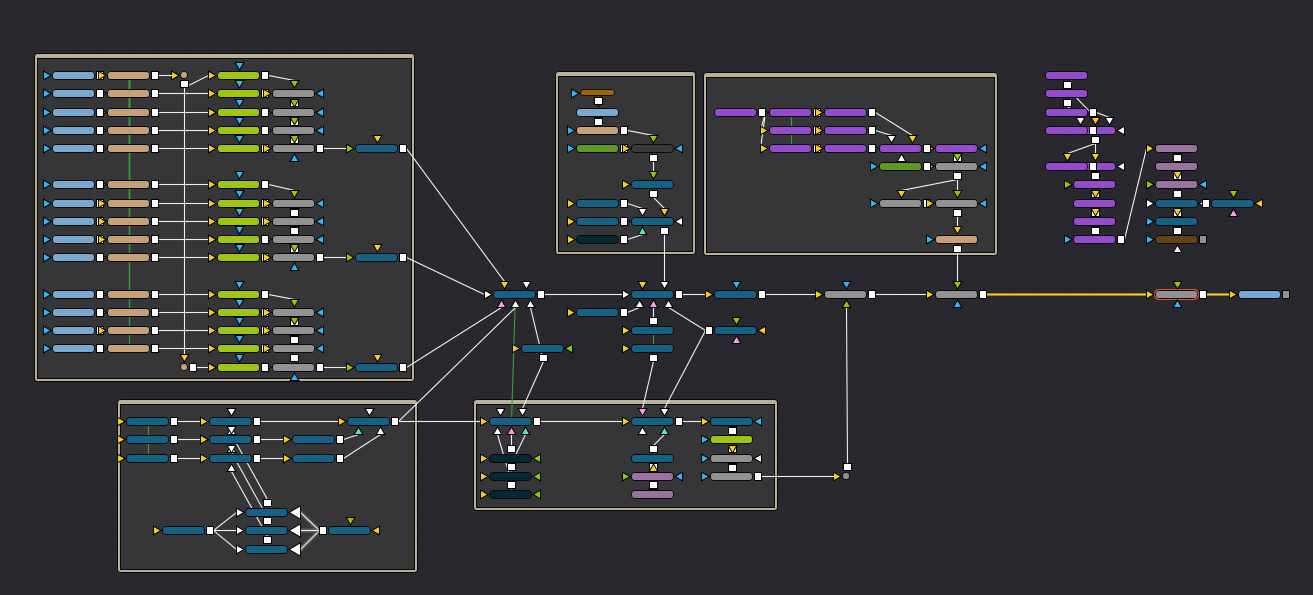
With resolve.
Is it possible to export your settings/workflow?
Im just randomly wondering if its possible for eg.
You do all the hard work making the video and sending to someone else to process?
Is that a thing?
With resolve.
Is it possible to export your settings/workflow?
Im just randomly wondering if its possible for eg.
You do all the hard work making the video and sending to someone else to process?
Is that a thing?
It is possible to backup a project and someone else restore it.
But whether that’s to the level of including the render settings as well I’m not sure.
But it doesn’t really make sense that way .. IMO .. can’t expect someone else to be sat there 24/7 waiting receive GBs of footage, process it and then return GBs of render.
Most things I do only take a relatively short time to process .. quicker than that round trip.
Also - some of the intense Fusion stuff I do won’t be quick on any computer .. so it would also rely upon someone else having a beefy machine … AND Studio, since I use a lot of Studio-only features.
Studio does have a cloud sharing feature .. that’s not free but probably would be the best solution. (best = most practical)
The only sensible solution is getting a machine that’s up to the job.
True true,
Possibly a bad example from me. 
Another way to put it would be me sitting with company and a laptop, discussing and setting everything up and then using a beefy pc to do the actual processing.
Reminds me of a few old games i used to fiddle with ;p
You can export and import projects, but even a slow computer is likely to be faster than transferring, I’d think?
.. as already said.
But also ..
The reason I say that is that if you simply duplicate a project, the duplicate loses ALL the various timeline render job settings that were, and remain, in the original.
Something that’s pissed me off more than once.