Was it this one Andy

Mini 3 pro near the battery
How can you rubix cube with those? Haha
Tbh I find the stock DJI rates ok (they around 600 like betaflight?). But yeah 300 odd fine, bizarrely I leave raw higher…
Couple of pieces of advice for manual on DJI. Find that emergency button and don’t be scared to use it. Will drop you right into N mode. I use it to land now. Just hit it before landing. Practice hitting that emergency button.
Keep moving forwards. Don’t try and hover in manual. Just move forwards in a circle then Figure of 8. The DJI have hover mode… Hit that emergency button!
Throttle control is the hardest thing with manual mode (any acro/manual quad). Once can do circles try flying straight and keeping same altitude. Get used to that.
I guess keep gimbal angle 20-30 until you wanna break the speed limit then up it. Actually to start 10-15 might be fine. Don’t have 0 camera angle. Always have some.
Release it? Don’t ever take fingers off sticks I manual… Always hold that throttle.
I think so, it was first on but I was listening more than watching. Glanced up and saw your name.
Sorry mate you’ve taken it in the wrong context. I never meant you release while flying, haha ffs, that’d be good  .
.
I just meant when your setting it. I found if you have it a little stiffer, just a little, I can concentrate more on my yaw, which is still sprung, and I know the throttle is still were I left it, instead of being loose as fook and dropping or whatever.
@robertspark Rob, please don’t let go of the throttle stick while flying😂
TBH as I’ve been letting others fly the avata and FPV in N/S modes, I’ve just left the throttle sprung on the DJI controller. Easier that keep switching it. Slightly weird to get used to, as 50% throttle is a LOT on manual, unless you’re at some silly angle (45 degress+!) so you’re forcing it down. I do recommend loosening it until you get used to it.
Also @robertspark you done much time on the SIMs? I learnt on sims, whoops, and self built quads, so coming to the DJI manual market was a breeze for me… Whilst you have the emergency button I still recommend sim time!
I get you on that one…if your experienced. But you still have resistance wanting to spring back to the centre which means throttling up or down. If your still new to it, it can have you have you off, I tried it when starting because I couldn’t be arsed adjusting it, nar didn’t work out great😂. Could probably do it now.
And again mate, the rates I posted up above are a nice introduction, nice and floaty, nothing twitchy going on, which is what you want.
I’ve upped mine now because I found them above too slow, probably not as high as yours, but your used to FPV and that’s why you found DJI stock ones ok.
On the subject of sims, Lift off was great and give me that real sense of FPV, DJI virtual I found utter dog poo😁
BTW I’ve used Liftoff, Velicidrone, and one other. Velocidrone I think is most realistic and my prefered, but you can fly bardwells place in LO. TBH I get board in 10 mins unless we’re in a GADC room all playing togther. Never tried the DJI sim. I found the DJI remotes buttons won’t work on a Windows PC, might work on a MAC. So I use my TX16S for the sims
Oh you want it lose as a new guy to it for sure. Was just the passing it between friends mid flight so they can try FPV! They ain’t manualling it… Not yet anyways!
Yeh, I read that was the best, realism wise, but I couldn’t hold of a blag copy, so Lift off had to do. I also found it quite boring tbh. The race tracks taught me a lot. Beating my own lap times certainly helped me to get used to the small increments and directions of moving my thumbs😁.
It did it’s job, I played it over last winter, then went out with the Avata and havnt been back since.
@robertspark. As Martin said, don’t keep a zero degree gimble angle, my usual now is around 30 but I think I remember starting at 15 while going slow with those rates above.
I’m sure you’ve sussed it already…all you will see is grass and not actually where your Avata is heading👍
This was something I did, which was advised by my mate, and to be honest it has been quite handy.
Besides learning me some fine tune controls to be able to actually do it, it comes in handy like I said:+1:
Yeah ok. But not day one is all. Keep it moving a hit that emergency button…I’d call hover an intermediate skill.
ahhh… I was trying to hover in manual, and then carefully and slowly pitch forward, apply throttle plus pitch back to a hover reducing throttle… then hit the emergency stop!!!; more practice required… using liftoff at the moment before I go back out to try again
I will try with a bit more height (I was at about 40 50m)
the yawl spins I have been doing to get used to the horizon (yes I can confirm the dizzyness!!)
I think my rates are still too high. I did lower them but had no idea of at least a starting point so it all went wrong VERY quickly… quicker than my brain and fingers knew what to even try to do
left stick is non spring return and stays put when released.
I obviously take off and land in normal mode (or I wouldn’t have a hope in hell getting off the deck!!! )
)
I now have a starting point with the gimbal angle which I didn’t before… I’ll try 15 as my brain is not yet tied in with the finger response)
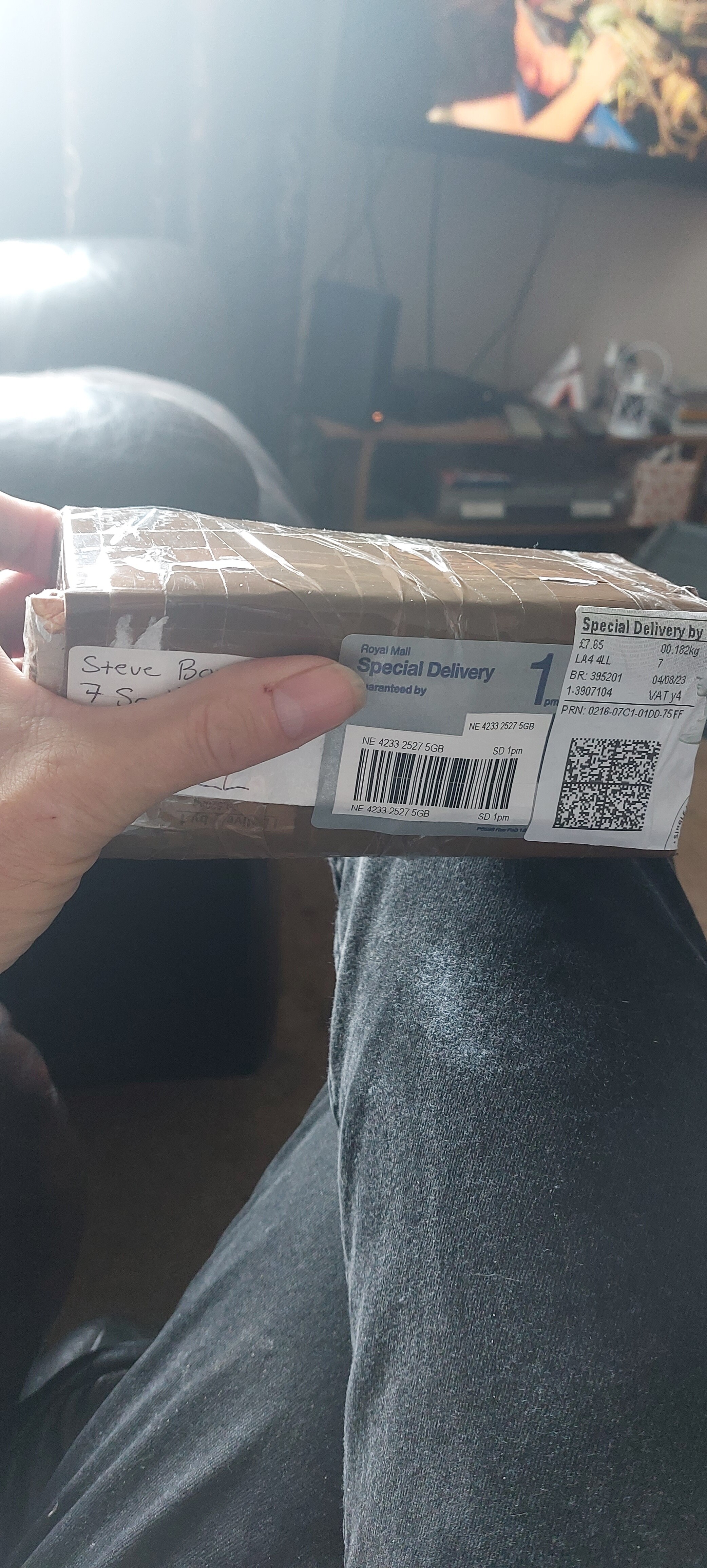
Package arrived safe and sound. Contents are still working. I’ll open it later. 
Thanks again
@Foley and @FoleyMrs Russ and Sarah.
I think Russ and Sarah may be taking the proverbial
Thought you may need that lol
will it be lost at the next meet?
does it still work?
Works fine. I tested it before i opened the package
You need to keep that box, it’s been around 4 of us now, it’s the lucky box 
funny you say that. I knew that so it’s now sat on a shelf in the office waiting, and my ears are ringing from the wife shouting ‘what the fuck are you keeping that for?’