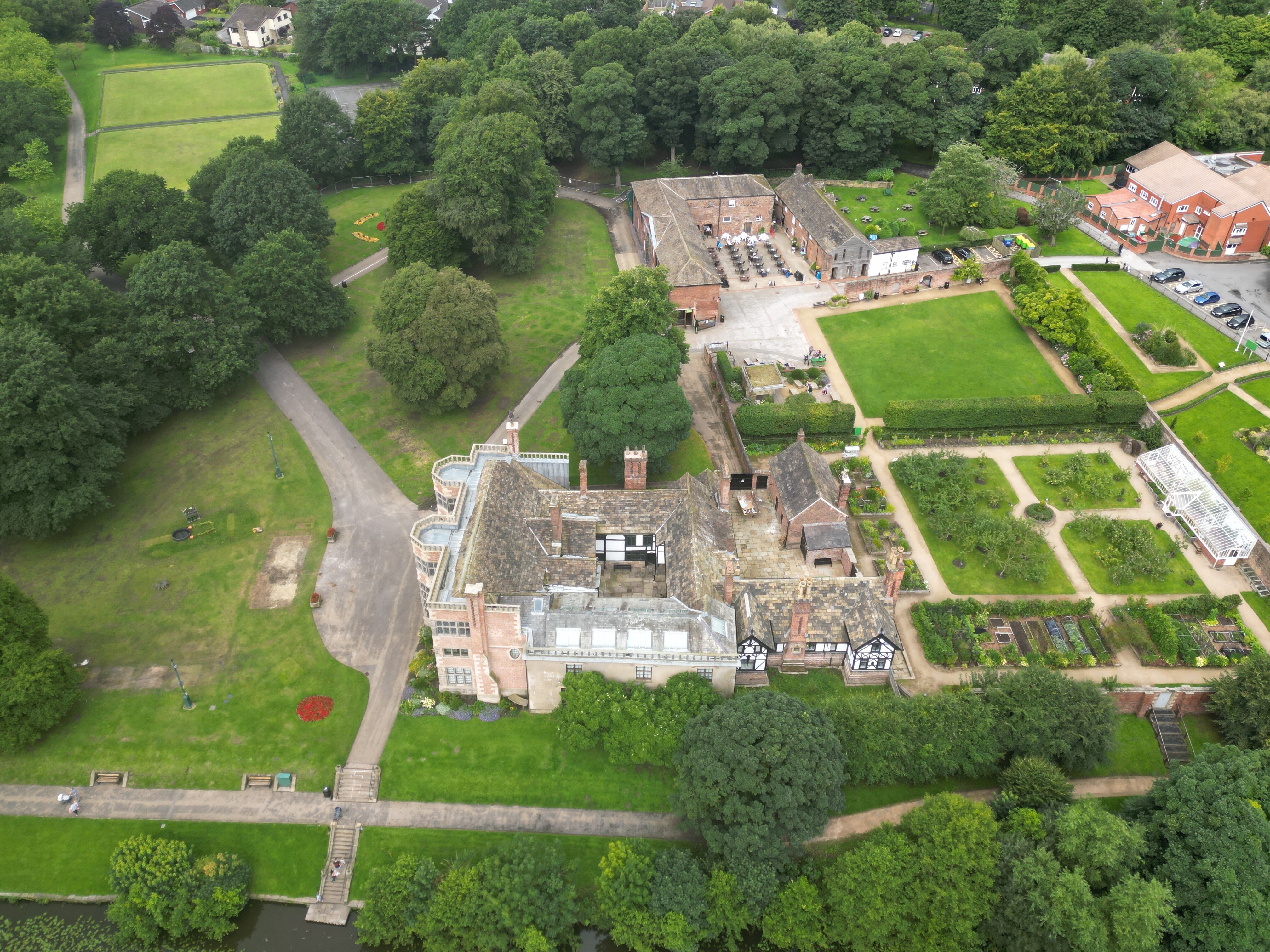
Took this on new Mini 3 pro, all settings to auto, no post prod. not particularly impressed though
2 Likes
Well, that’s because:
and:

2 Likes
That’s better than mine when I’m using pro settings 
Only needs a bit of colour in places imho 
@PingSpike Rich
old fashioned here, belief that how it comes out of the camera is the real interpretation of what the scene was actually.
If a shot can be improved by aperture or f stop settings then that is acceptable, photoshop and the like allows someone with technological abilities to create something on a computer so far removed from reality that people go ‘ooh, arrr that’s great’ when really, it’s not. It’s clever what that person has done but that detracts from the basic image, the image the photographer was looking at. (besides, i can’t operate Elements let alone anything more sophisticated)
Just saying…
1 Like
It’s not a bad first photo. What more were you hoping for?
EDIT: I think you answered this just above 
Does the Mini 3 Pro have a “smart” mode for single photos?
@PitchFader Richard, you are so nice!
Umm… 
Not on a <250g drone camera which is set to AUTO mode 
The “AUTO” mode, on any camera, will be applying more changes to the image per second than I’ve had hot dinners - that’s kinda the whole point of auto mode
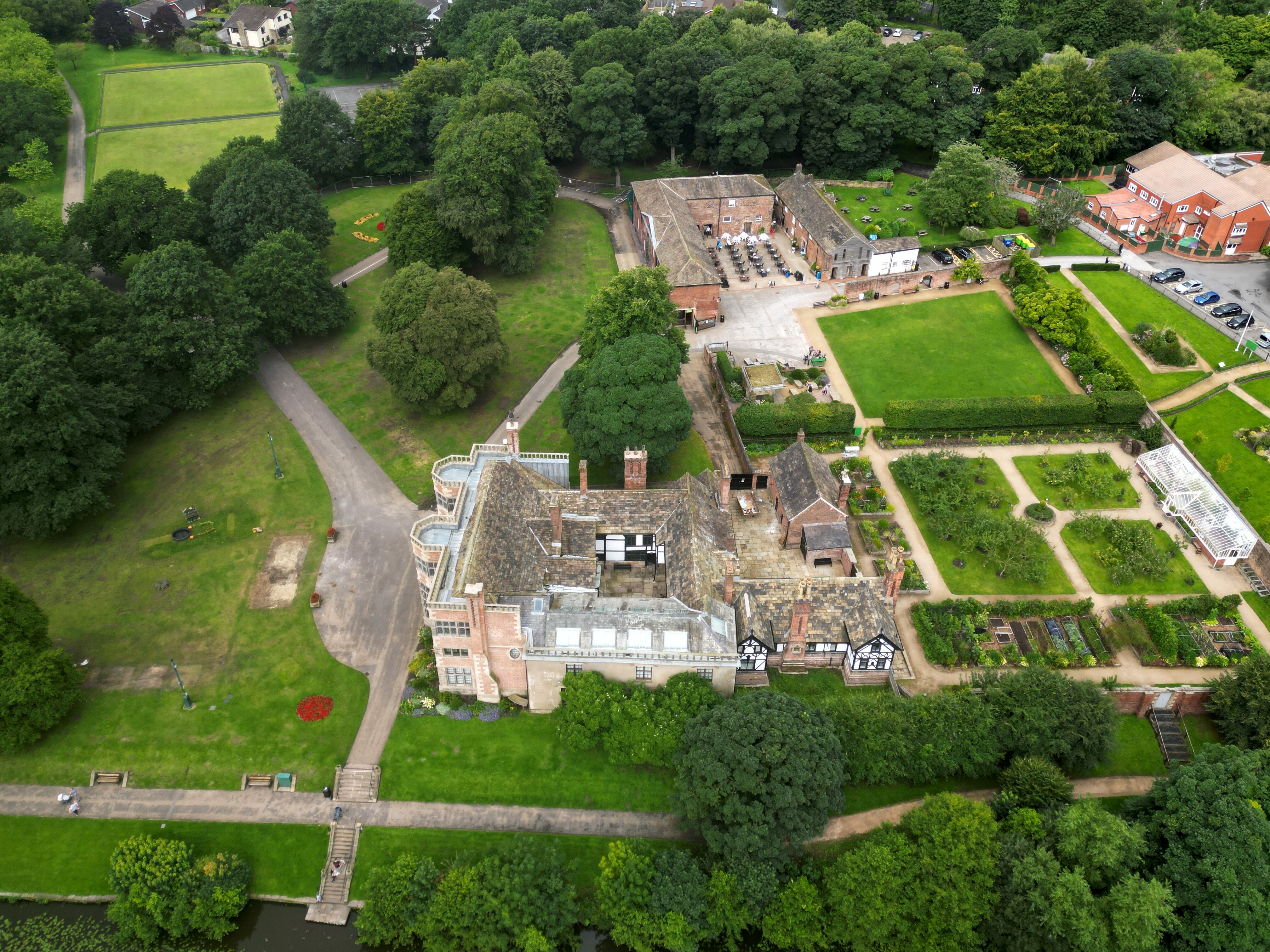
As Kirky said, edit the RAW image that the camera captured (and that the DJI software didn’t alter 1000 times), pull up the colours, job done - you’ll have a cracking photo and a real interpretation of what the scene actually was
Just one click in PS will probably get it closer to what you expect … you don’t need to take things beyond the realms of reality …
1 Like
It’s amusing how a camera in auto mode, plus a photo editor in auto mode often makes for a more pleasing image.
And I wonder why the camera doesn’t “do” the second auto as it makes the jpeg and stores it on the SD card.
And I wonder too is there an app that would take the PS auto, and allow one to do another auto and improve it again?
And then why wouldn’t Adobe put that feature in to PS.
And now my brain hurts.
Depends on the settings.
Did it not capture as I saw it? I thought JPEG was the unadulterated version?
Where is the RAW version then?
Did you have it set to save both RAW and JPG?
Errr? didn’t know that i was able.
JPEG is the opinion of the image processing firmware in the camera and on the drone.
It will try to interpret the scene before guessing the exposure. After taking the photo, it will do demosaiicing, apply a white balance, and gamma correction. Then it does lossy compression on the image by throwing away details that our eyes may not see.
There is fine detail recorded in a raw file, and usually extra detail that lives in the shadows and highlights that would have been discarded in the conversion to jpeg.
There’s a lot going on behind the scenes, it’s trying to create an image that’s pleasing to the human eye, and it’s not necessarily going to be accurate to what the camera actually saw!
I think you would click on Format at the bottom right corner of the screen (in photo mode) and click on JPEG+RAW.

@BadManners Andrew
Thanks for that, i will alter that setting at next power up and see if there’s any improvements.
You’ll get two files and it’ll eat disk space a bit quicker. And then you’re looking to use a photo editor on the RAW file. You’re much more involved in the process of getting the coloured image the way you like it. But it’s more work!
1 Like
I use video capture for my stills at the moment
@GhostWsM Paul
Thanks for that pointer, as i’m all Apple I can use Photos (been doing some research) so I understand.
@OzoneVibe Dave,
I just put the image I posted next to the image above from you and I agree, not a massive change but definitely better. Looks like I need to re-learn.
Off to the garden to do a RAW image to play with.
Cheers
1 Like