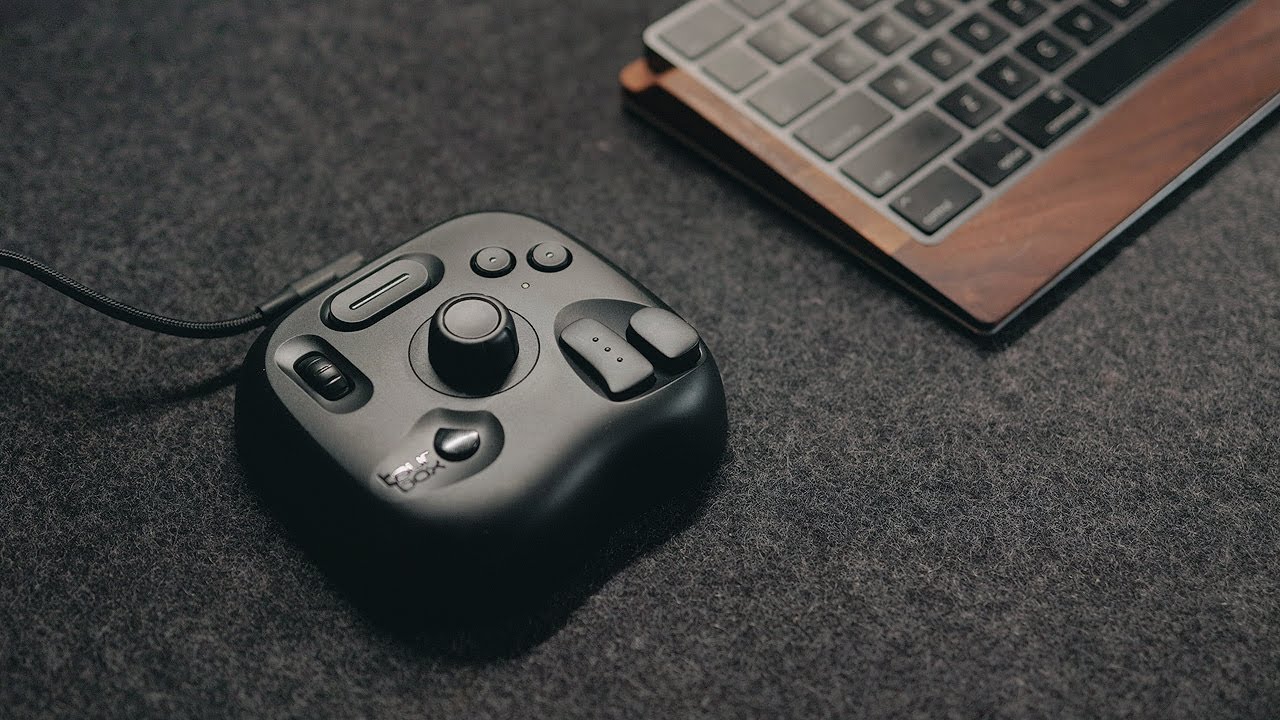
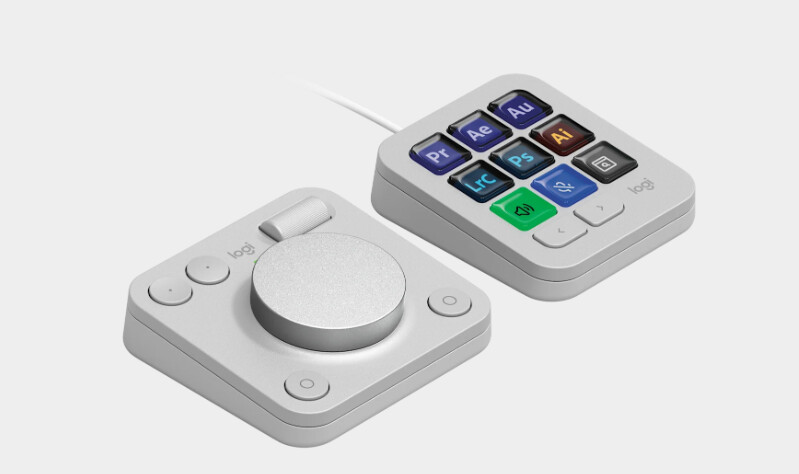
All over my socials at the moment
Seen them advertised before and thought I’d never get nearly £250 worth out of the elite/plus, but the lite is tempting.
I know a lot of peoples use the Speed Editor on Resolve, but as an FCP user this appealed, also works on lots of other photo/video editors, including Resolve.
Anyone used one?, seems reasonable for similar money to half decent mouse.
I have the SpeedEditor and I love it but I have been looking at these type of devices along with the Logitech MX creator console
What I do like about these over the speed editor is that they can be used for all sorts of things beyond video / music editing. The Logitech one you can use it for zoom / team calls to turn mic’s on and camera’s off amongst other things ( I currently use my MX mouse and program 3 buttons on that to do diffrent things in what ever app I am in )
From a versatility point of view these things are awesome and may even offer more flexibility over the speed editor as you cant config any shortcuts as such on that
So currently I use a Magic Mouse and Magic Touchpad that swap between the iMac and Macbook Pro.
Combined with Better Touch Tool they open a whole new world
I have the Logitech MX Master keyboard and mouse as I use it across my work laptop and my personal Macbook and they work seamless across both with a push of a button to swap between them. Then using the software I can run shortcuts on the mouse for editing and app control too
Its great what you can do and then with these type of extra’s you then have a load of other options you can dive into. I do think they are well worth it and from an edit point of view they just speed up your workflow, an easy 50% increase in productivity for sure.
After humming and hawing, I went for the Elite - Nice solid piece of kit. I use it for Resolve and Logic (music). It works really well, though in a similar vein to those “Ten things you must change in your drone settings” YT videos, It can be too much information at once.
I would suggest programming only a couple of buttons etc at a time, i.e. keep it blank until you need something. I found myself looking at the thing and wondering WTF?! The HUD is really helpful. It will take time and practice getting used to it, especially if you are hopping between programs, but it does save time over extended key commands
I use one at work to control 3 PC’s via a KVM setup, very clever they are too
Hi, I have the Bluetooth version of the Tourbox lite and I love it. I’m very much a novice, finding my feet with Davici but it all works well together and reduces the fiddliness once you build the muscle memory.
I’m sure there are many 12 fingered professionals out there bashing out slick, beautiful videos in minutes with more expensive stuff, but for a hobbyist like me I doubt I’ll ever miss the few extra buttons.