That link is useful as the option to submit a flight report is no longer shown on the main menu for me.
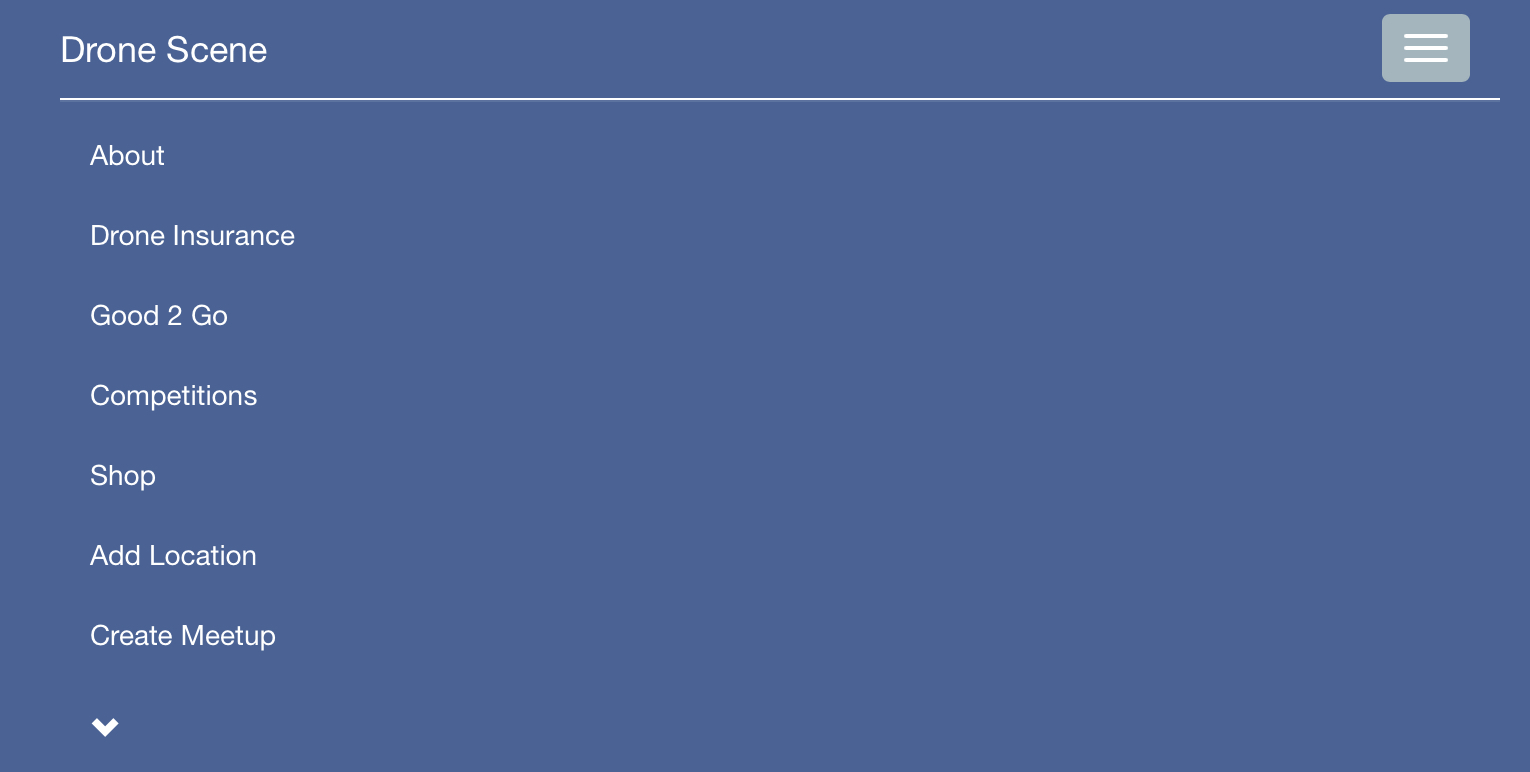
It’s under the sub-menu, click on this menu arrow to expand it @ParmoPaul 
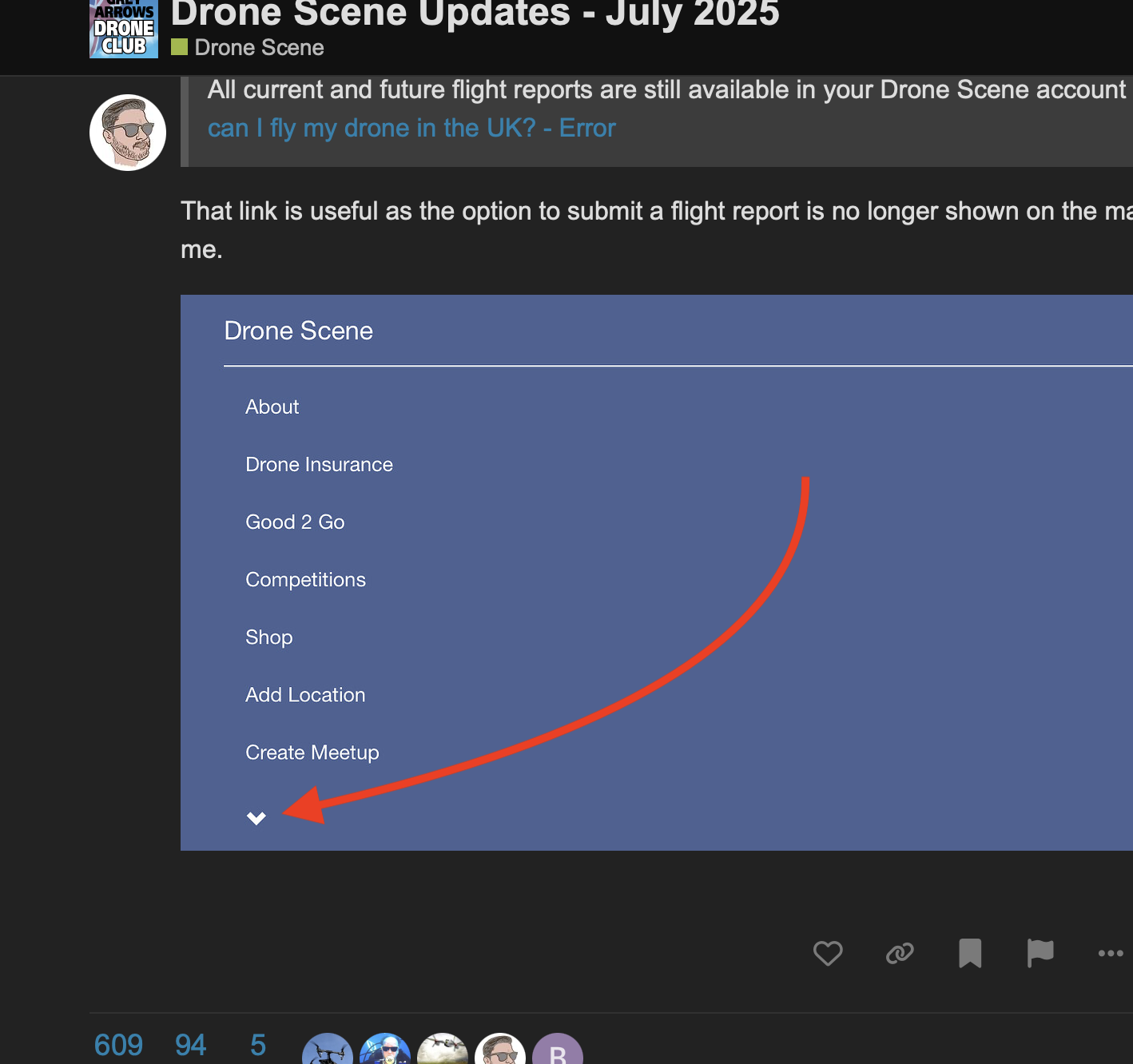
It moved there a couple of versions ago 
I thought that would be the case but it’s not expanding for me on my iPad which is up to date and has been restarted. Works fine on my iPhone though. 
I can’t tell from your partial screen shot as I’m unsure how large your browser window is, but are all the extra menu items not just expanding off the bottom of your screen and you can scroll down to them?
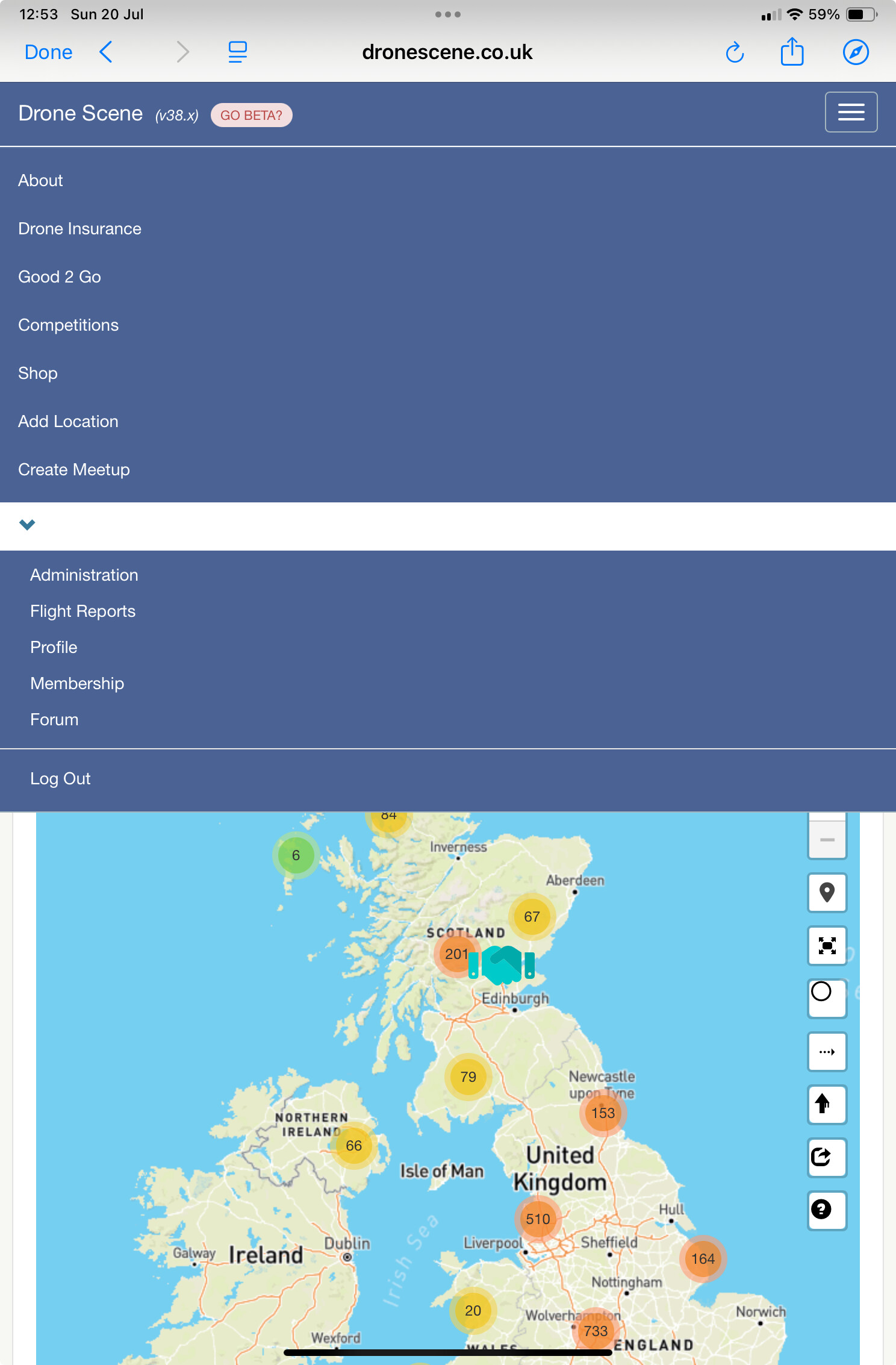
No bueno.
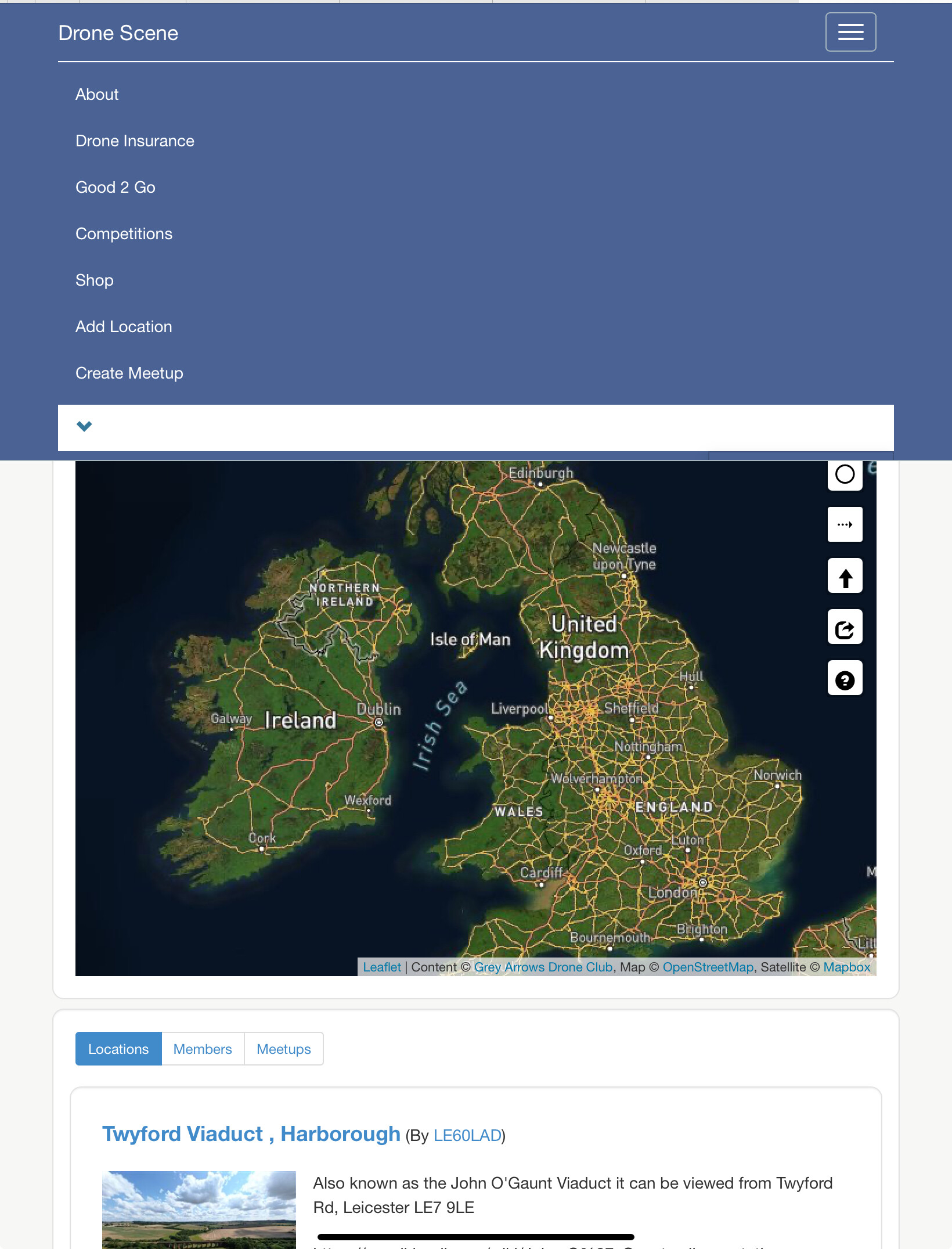
That’s the full screen with the down arrow selected.
Interestingly if I sit it in landscape mode, then go into a subpage like About, then the down arrow works. Just not on the main page or in my normal portrait mode.
Quick edit : Turns out it does show the menu in the main page in landscape mode, only if you refresh the page and don’t try to expand the menu in portrait mode.
It’s an iPad Air 4th gen on the latest 18.5 software.
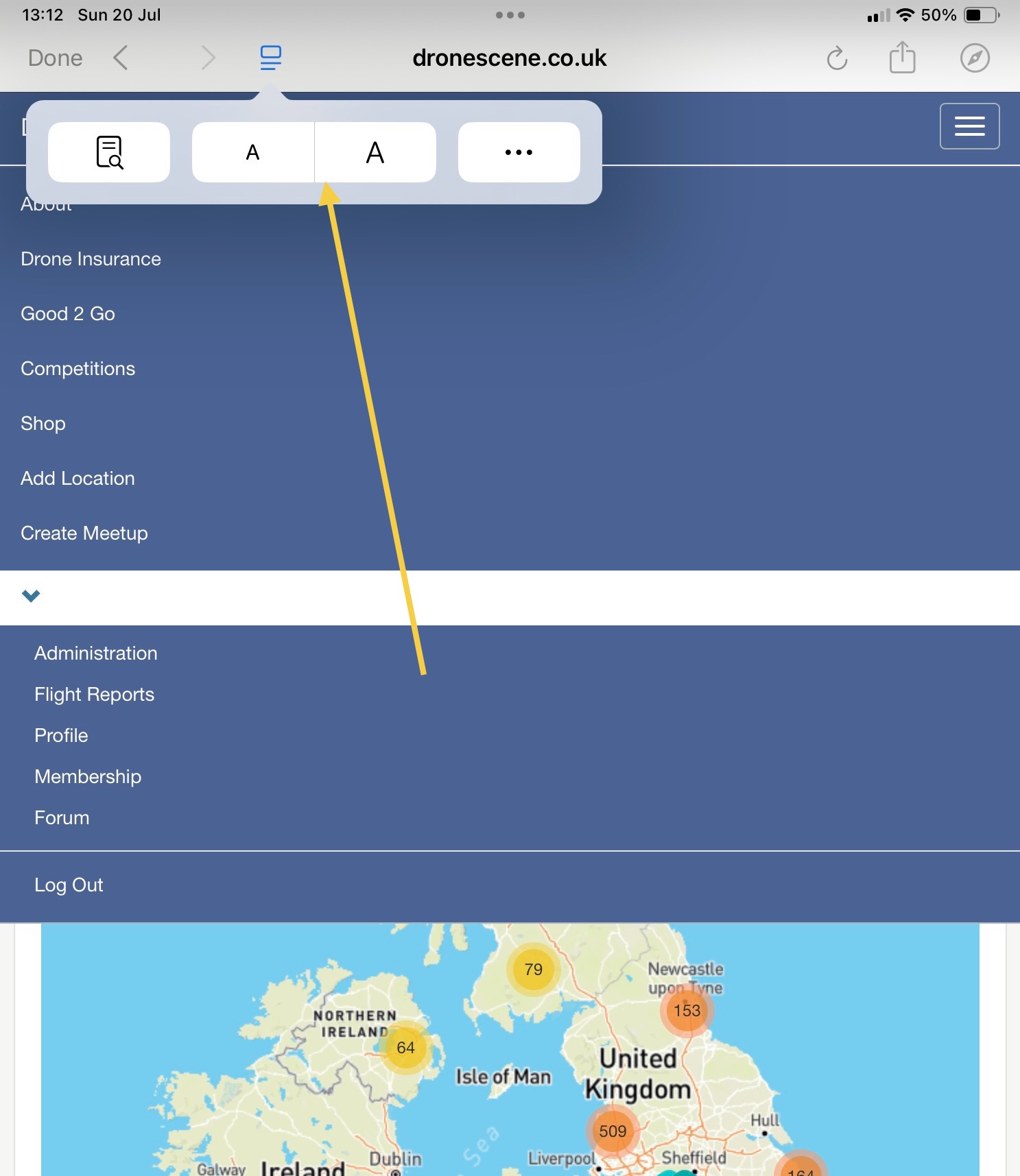
Yep, on 100%.
1 Like
Moved some posts in to a new thread to discuss in more detail.
Which browser are you using @ParmoPaul ?
Safari but I’ve tested in Chrome and the behaviour is the same.
Right, got it, on Safari I can replicate the issue if I change the text size to +125%
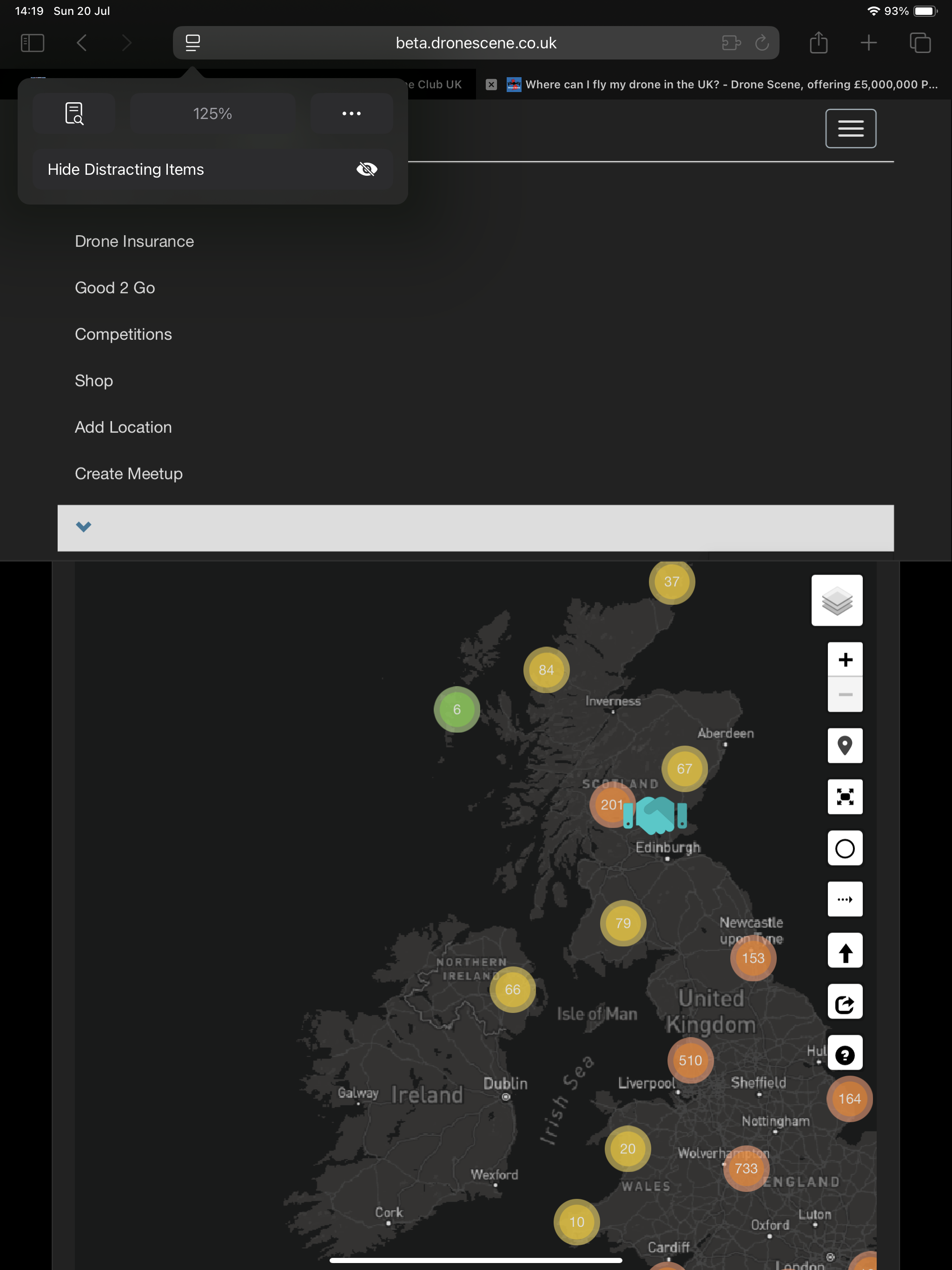
In the short term you could try decreasing the text size if you need to get to that menu.
Leave it with us @ParmoPaul, will add to the list for the next update
1 Like
Glad it’s not just me 
I’ve tested through a few text sizes and it seems to be 85 and 100% where it fails to expand. 50% and 115%+ it works fine.
1 Like
Bug now fixed: Drone Scene - Minor Updates and Bug Fixes - #32 by PingSpike
Thanks for the heads up @ParmoPaul
2 Likes