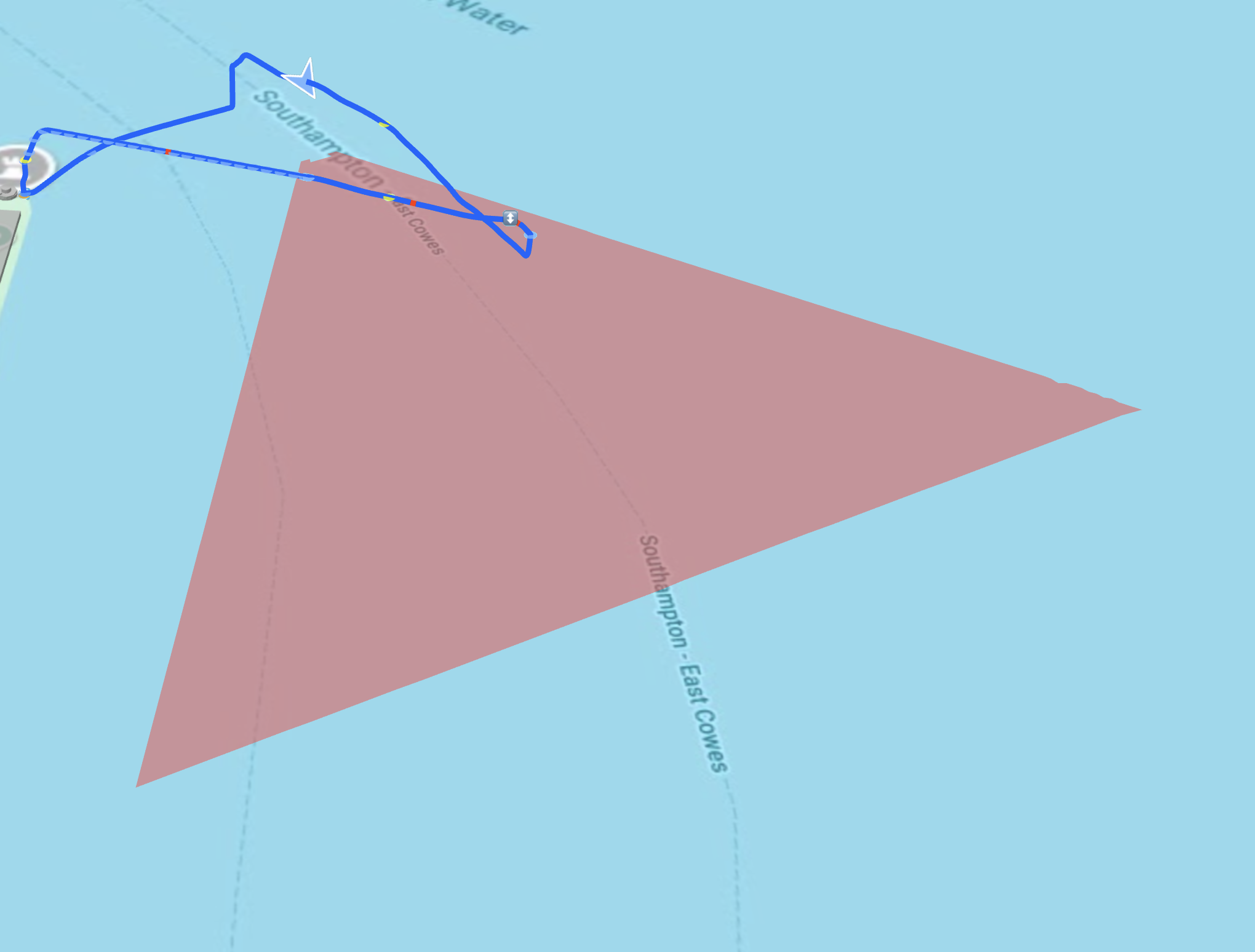
Hello all… I’m struggling with the intracacirs of uploading flights to airdata and analysing the results.
Didn’t I read somewhere that it’s possible to open an uploaded flight and replay it? Also- where is the detailed list of the flight events please?
Sorry if these are idiot questions. I am one, at least when it comes to drones!
First off but I’m taking it you have downloaded the Airdata UAV app and signed in , if you have set up and linked your airdata app then you just upload the flights from the fly app , unless you have remote with built in screen that is , if you have then it’s in the the left side menu on Airdata.
It’s been a long time since I set up my Airdata account, but from memory you create an account and then you can ask it to sync your data.
There is step by step instructions on the Airdata site describing how to set up the synchronisation.
Once that’s done, you should see a list of your flights on the left hand side of the screen, and the various options on what can be displayed on the right.
Loads of helpful information on the web site
The free version is sound but if you go for one of the paid-for options dont forget the Member’s discount
https://greyarro.ws/t/airdata-uav-exclusive-gadc-discount-code/59701?u=sparkyws
When setting up an account and syncing the data I use a PC as if far easier
Thanks for the responses - but I’m sure I read somewhere about a method of exporting your airdata flight to google earth or somesuch to play through the flight? No? Was it all a dream?
 This was
Actually, my original post said


Thank you - I use an iPad, so will check that out.
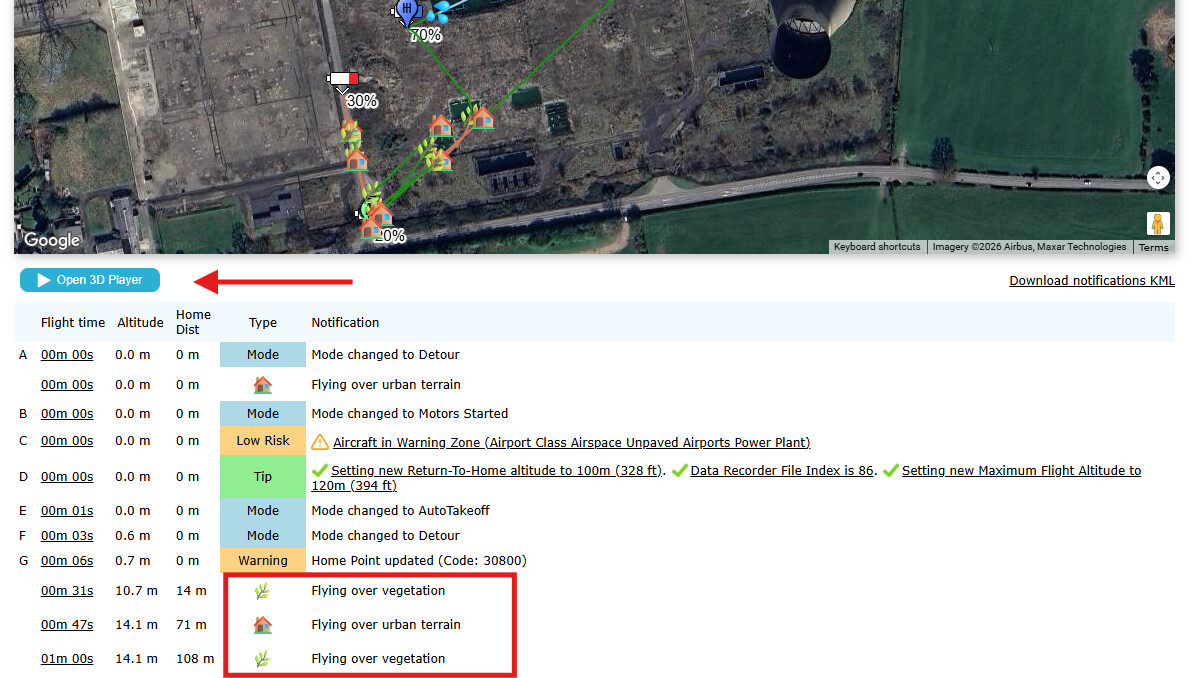
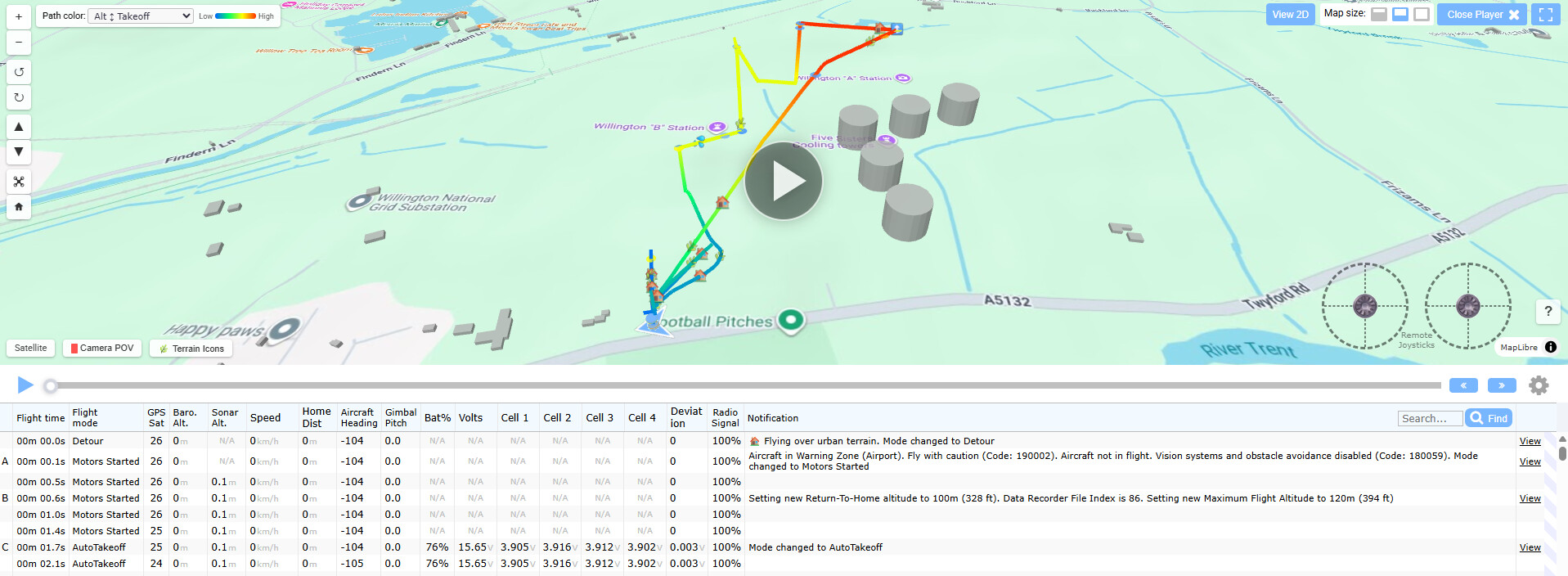
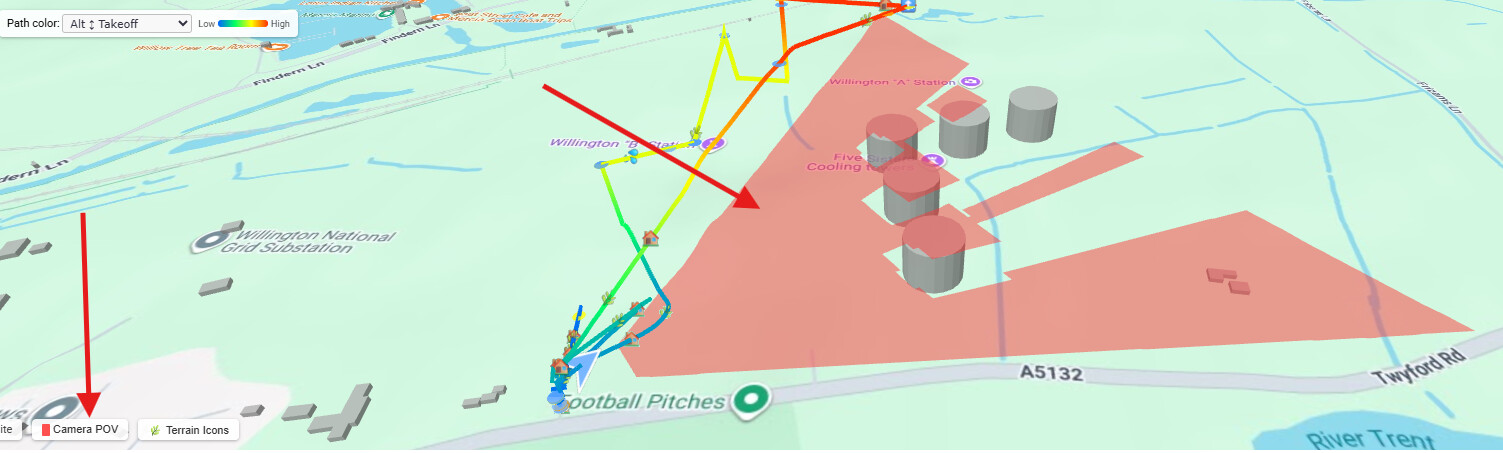
I was having a look at this earlier this week. Not sure why the red directional arrow has to be so big though. 
??? what red directional arrow ?
The drone is shown as a bit of a blue arrow and it needs to be a bit bigger to stand out over the icons - the red bit you see in the image I shared is the POV of the camera.
Ahh that’s it, the POV, it’s a tad big IMHO.
its the angle of view of the camera - I am sure if I had used the wide angle it would be bigger - will have a look as I did use the wide angle on the Air 3s