I have a problem with my new Avata 360 when using my N3 goggles and Motion Controller 3.
The drone brakes by itself while I am flying forward in Sport mode (where obstacle avoidance is off by default), and also when I manually set obstacle avoidance to off in the settings. This happens in different locations and often in the same parts of my flight path. It makes flying very unpleasant.
I’ve flown the same locations with my Neo 2 using goggles/motion controller and it flies normally, so the environment is not the problem.
I’ve updated all firmware and recalibrated compass, IMU, etc on all devices. I also reset the goggles twice. The first time it had strange consequences (see video).
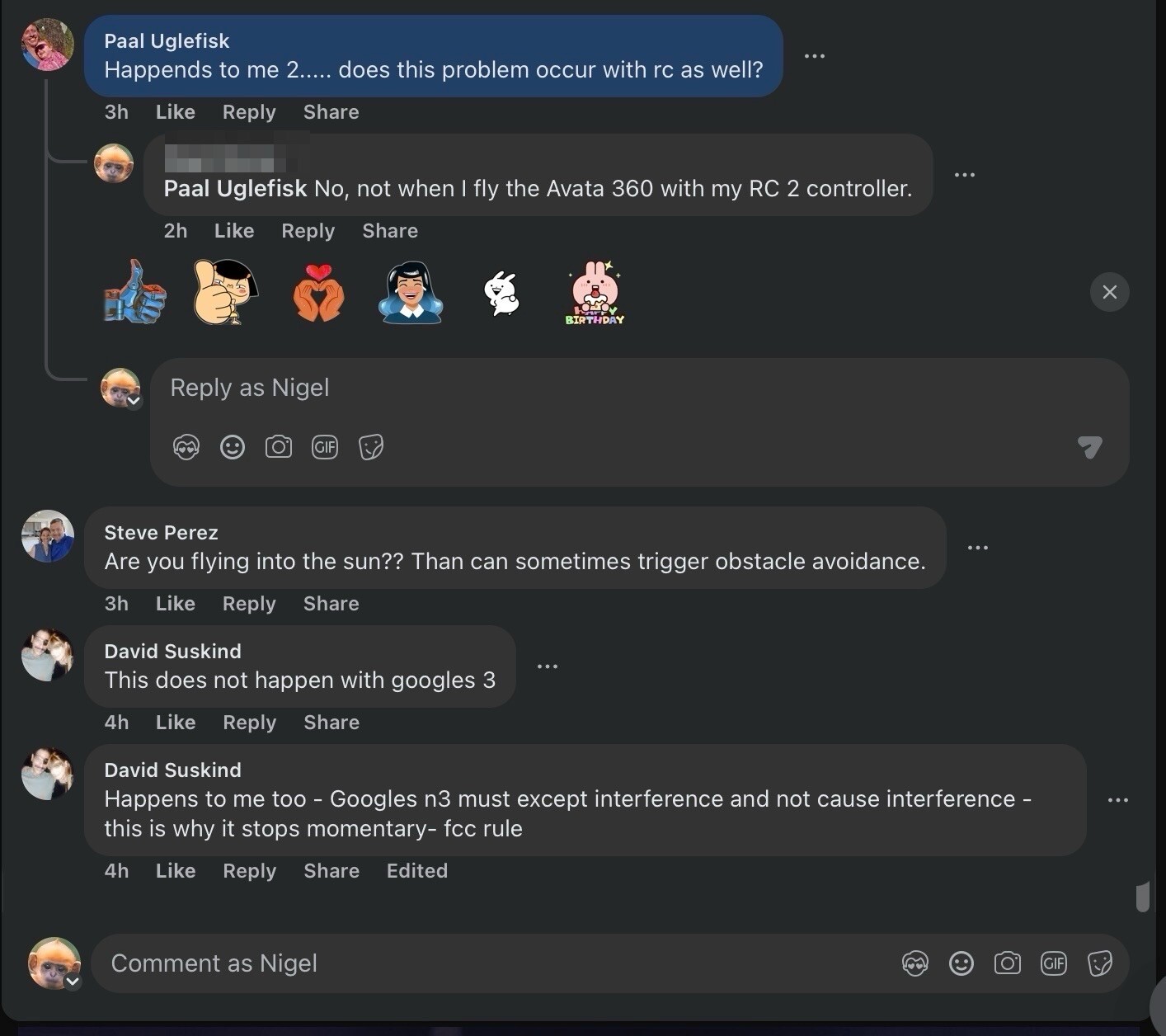
When I use the RC 2 controller instead of my goggles and motion controller, the Avata 360 works correctly on the same flight path.
If you’re not familiar with Airdata it’s an independent platform that allows you to aggregate your flight records and it also allows you to share logs with other people.
Here’s a guide on how to upload your flight logs to their web site / app:
Setting up Direct DJI Sync
Once your logs are visible in Airdata you can use this guide to share the log(s) in question:
Once you’ve created the share on the Airdata web site simply reply here and paste the URL, someone will then take a closer look for you.
Here are all the flight logs. Be aware that a few times, after experiencing problems with the A360, I swapped to my Neo 2 and flew the same flight path to have something to compare to the A360. As mentioned in the video, I reset the goggles twice during these flights
Flight 4 - 2:10PM - A360 (Possibly after goggles were ‘Reset’ the first time, where A360 was not manoeuvering strangely afterwards)
Flight 5 - 2:12PM - A360 (If the flight above wasn’t the one after the goggles reset, it will have been this one instead)
**** I changed to the Neo 2 here (with goggles/motion controller) to see if the braking problems persisted on it. I think it was also behaving erratically to start with…or maybe I’m mis-remembering that! ****
Flight 6 - 2:26PM - Neo 2
Flight 7 - 2:30PM - Neo 2
**** I moved location at this point using both Avata 360 and Neo 2 ****
Flight 8 - 3:39PM - Neo 2
Flight 9 - 3:43PM - A360
Flight 10 - 3:50PM - A360
Flight 11 - 3:56PM - Neo 2
Flight 12 - 4:02 - A360
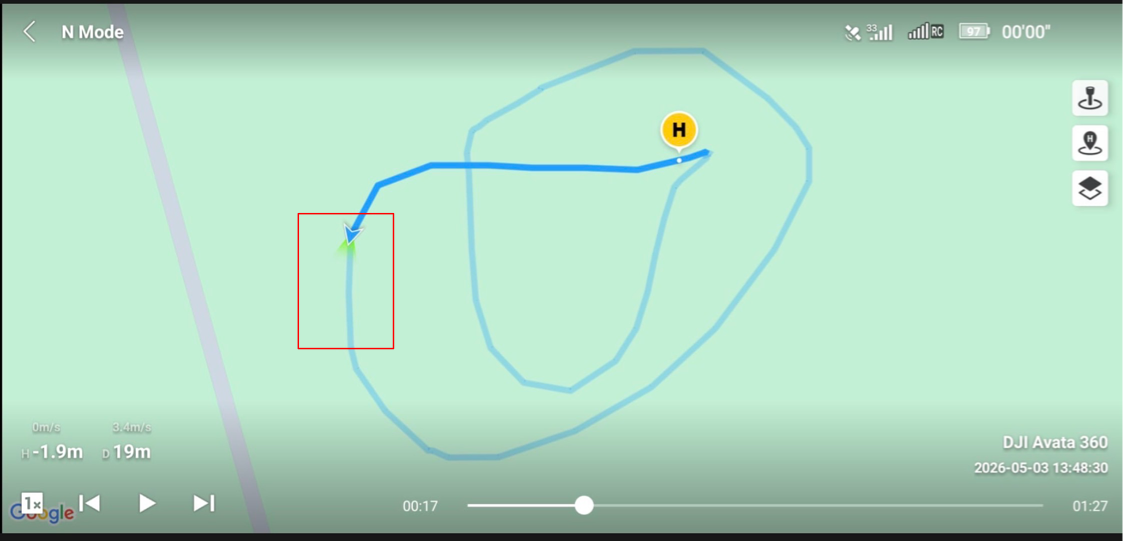
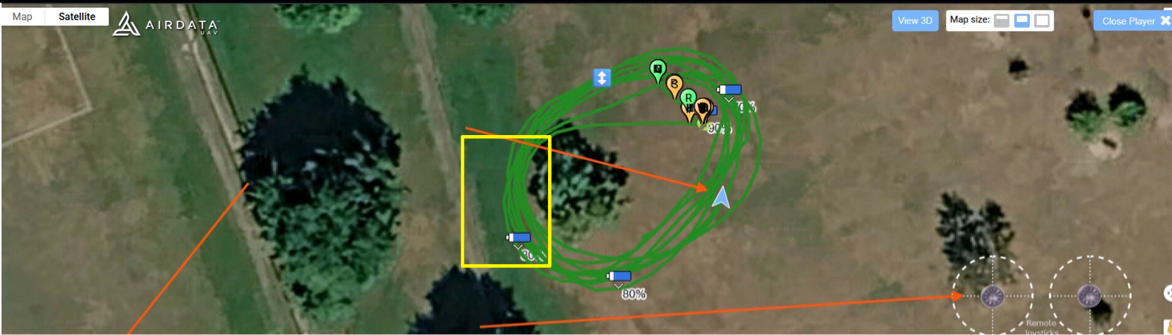
Finally, for the first seven flights, this (flight log screen grab) is the part of the flight path (in the red box) that created the breaking more than any other part of the flight path at the first location.
JUst had a quick look (tired eyes after a weekend of night shifts).
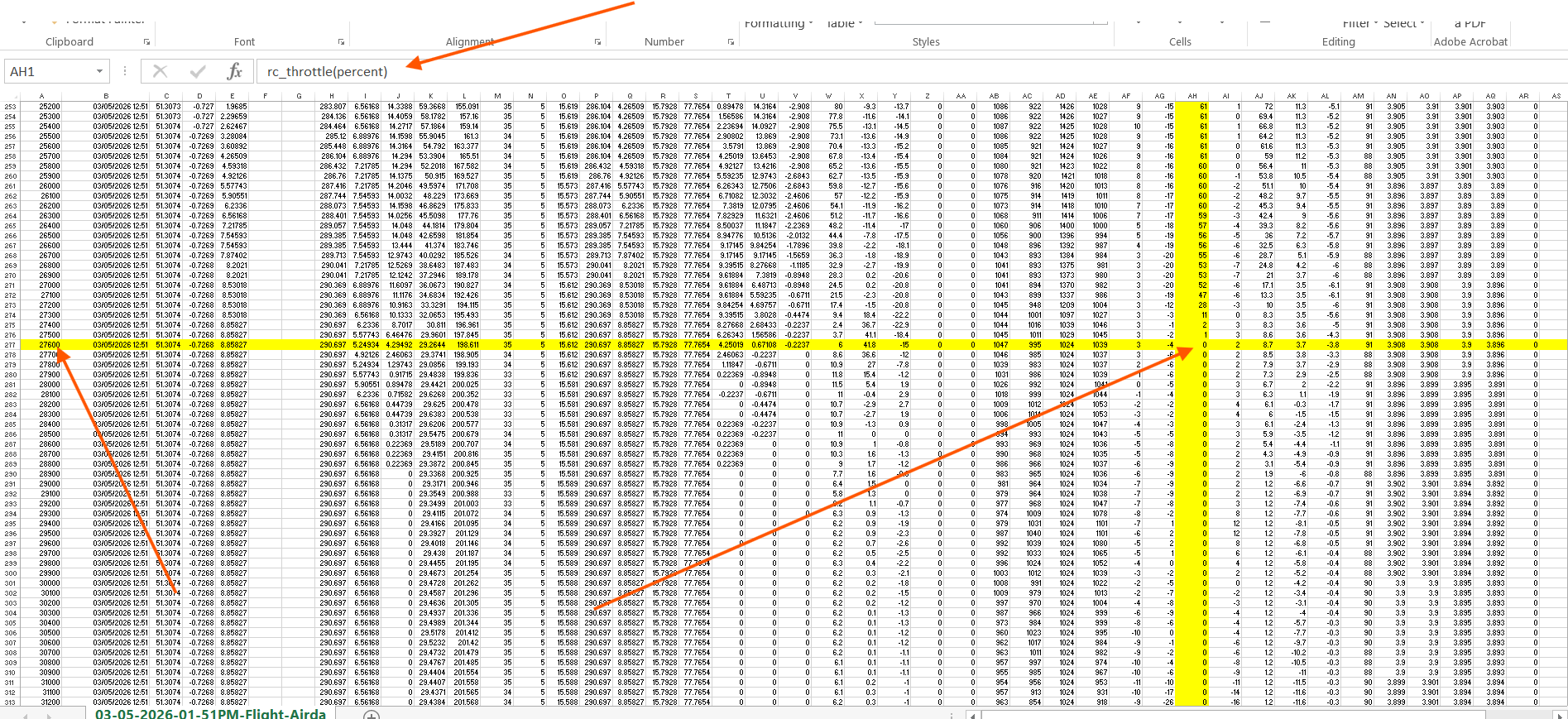
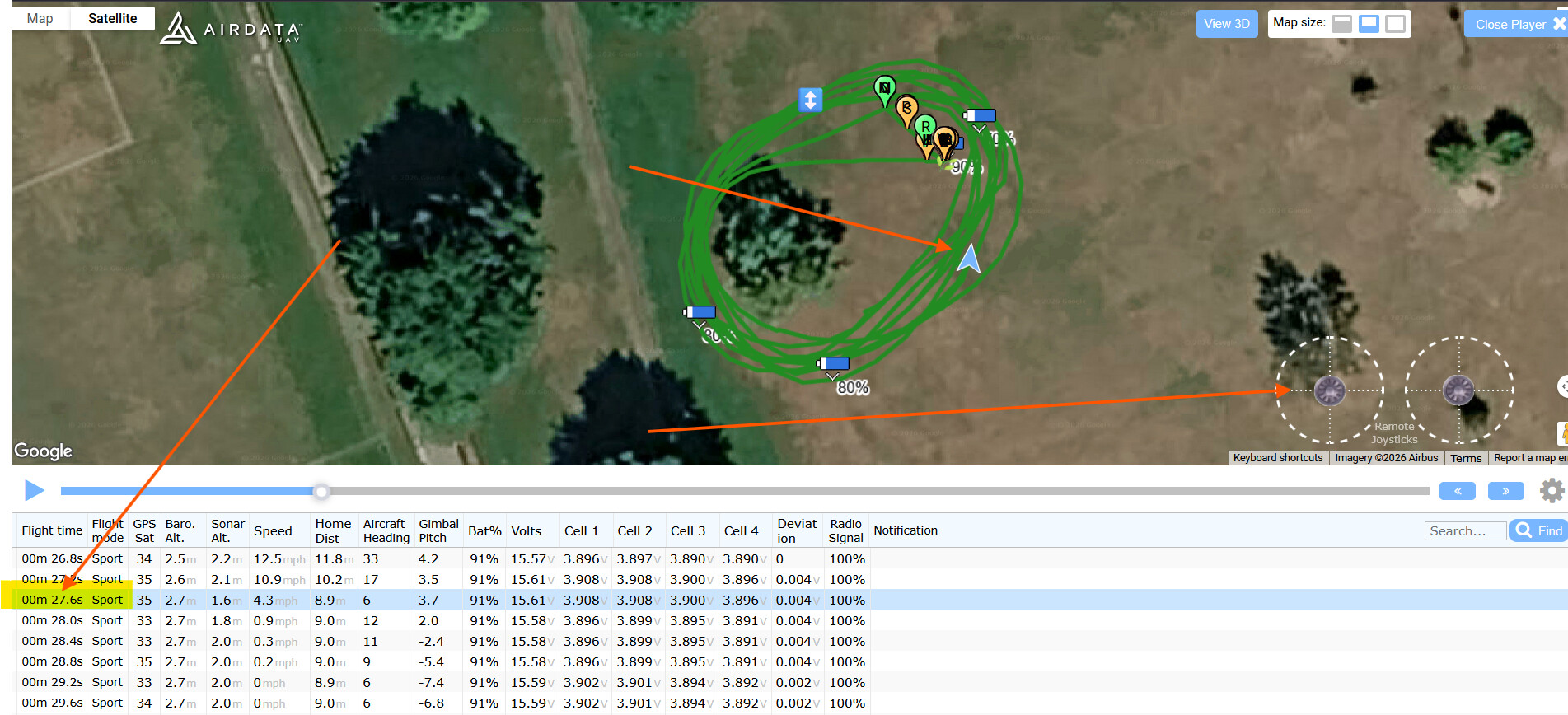
Those first couple of flights you are flying very slowly for the majority, is the ‘braking’ effect when you are slow, it could be just you slightly releasing the throttle.
Have you tried it flying faster maybe at 50% speed to see what happens, the sticks in the 3D player do show you coming off the throttle a lot
Just to clarify, are you saying in 360 mode using N3/3 goggles and a motion controller you were getting the same braking symptoms that I have posted? Then, when you switched to single lens mode, the braking issues stopped?
If so, when you were in 360 mode and you flew (I assume) a loop several times, did it always have issues in the same spot or spots on your loop?
Thanks for looking. Compared to how I fly the Neo 2 on the first location loop, I wasn’t flying the A360 any differently. I know I wasn’t suddenly coming off the throttle/trigger. If I was slowing down, it would’ve been just as gradual as the same flight on the Neo 2.
At the second location (in straight lines) I was not coming off the throttle.
Also, I the examples in the video at the first location show (for the side angle taken on my spotters phone) the braking is quite sudden and abrupt. Also, importantly, if you look at the A360 HUD footage at those moments, it’s as if the software is locking on to something. Note how the circle cursor suddenly jumps direction as the braking occurs.
I’m pretty sure the coming off the throttle you are seeing in the data is the A360’s onboard software or sensors instigating it and not me doing it.
Thanks for clarifying. Ok, that’s the opposite to what I thought you meant. Interesting though that it was still doing it for you, but in the opposite mode to me. So there still might be an issue with either the drone or the FPV set up.
I didn’t think to try it is single lens mode. Mainly because I want 360 footage via the googles/motion controller. So if it doesn’t work in 360 mode for me, it’s pretty pointless owning it.
I realise what the data says in black and white, but I know for sure I wasn’t coming off the throttle.
What I currently believe to be the case is my finger was either holding the trigger/throttle steady or very slightly reducing speed for the turn.
I’m as sure as I can be, having experienced it lots of times now, that either the software or hardware was coming off the throttle. It also wouldn’t explain the cursor jump on the HUD you see in the video, which then instantaneously results in braking. Plus it wouldn’t explain why the A360 was manoeuvering very strangely after the first goggles reset.
I know it’s anecdotal, but I’m currently aware of 3 other A360 owners that are experiencing similar issues.
Yes I’ve recalibrated my motion controller and the goggles. I’ve also just realised you are referring to a section of my flight where I most likely would come off the throttle. The area of my flight path where the problem happened again and again was here