NAB 2026, Las Vegas, USA - Monday, April 13, 2026 - Blackmagic Design today announced DaVinci Resolve 21, a significant update introducing the new Photo page, which enables colorists and photographers to use Hollywood’s most advanced color tools for still photos.
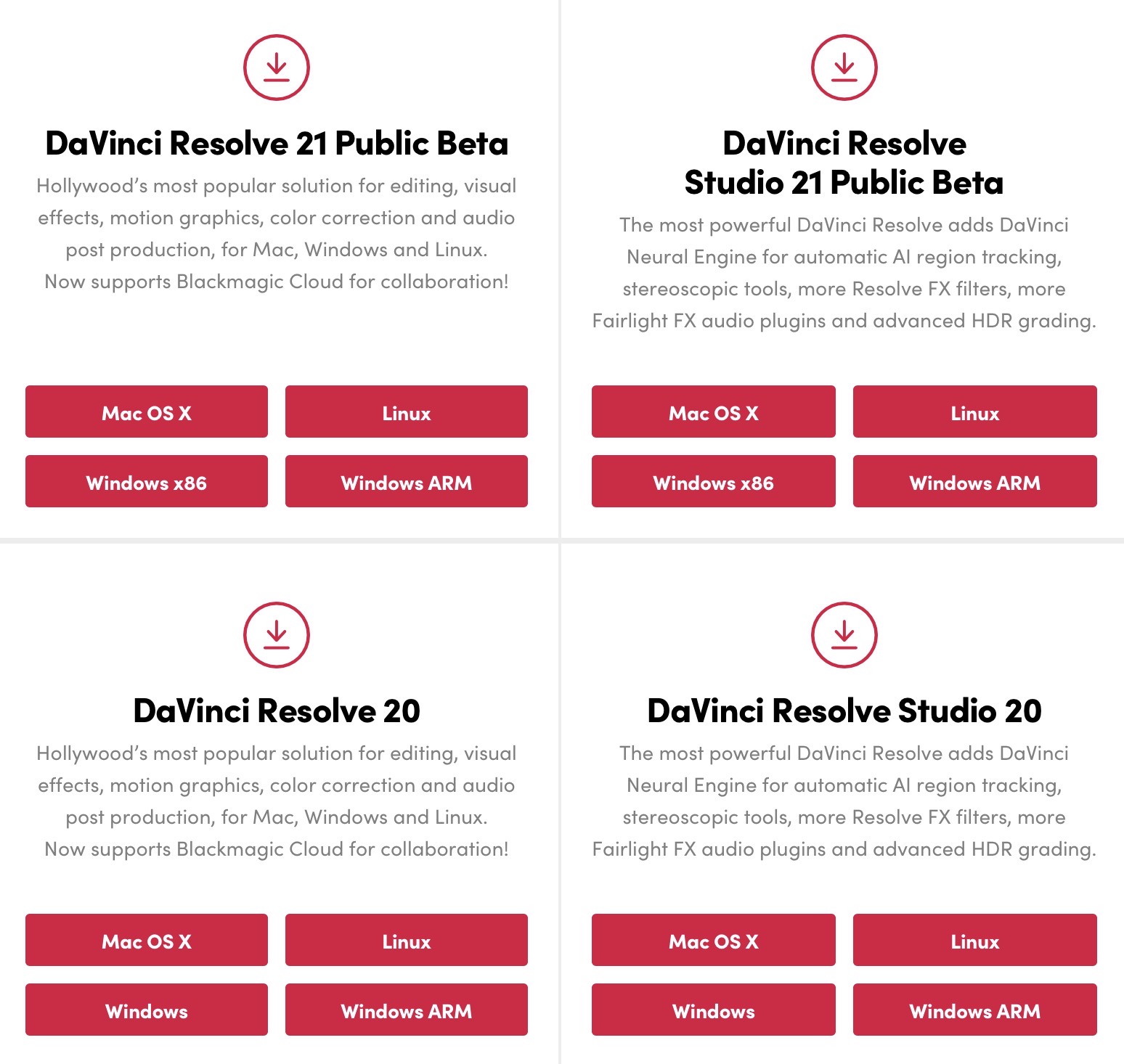
Other updates include new AI tools such as IntelliSearch for fast content searching, CineFocus for focal point adjustment, tools for facial refinement, and more. The Krokodove toolset adds over 70 new graphics to Fusion, Fairlight folders simplify audio track management, plus there are improvements to keyframing, MultiMaster trim passes, layer list node graphs and more. DaVinci Resolve 21 public beta is available for download now from the Blackmagic Design web site.
But, unless the vid is 24 hours in length, it probably doesn’t cover all of this …
What's New in DaVinci Resolve 21
The following features have been added or updated.
Photo Page
New photo image editing now fully integrated within DaVinci Resolve.
Image library with tagging, favorites, ratings and album collections.
Albums let you build, manage and tweak photos at source resolution.
Native RAW support for major camera formats.
Direct image capture via Sony or Canon tethered cameras.
Import media from Apple Photos on macOS.
Import Lightroom Catalog files into the media pool.
Use Resolve multi-user collaboration and Blackmagic Cloud syncing.
Support for DaVinci color control toolset and grading panels.
Use all of Resolve’s native AI toolset including AI IntelliSearch.
Looks, LUTs, ResolveFX and OpenFX for your images.
GPU accelerated batch exports and conversions.
AI Tools
AI IntelliSearch lets you easily search for people or objects.
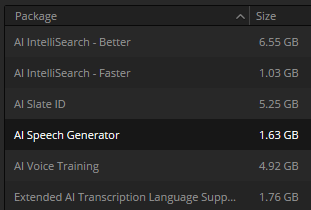
AI Speech Generator transforms written text to spoken voice.
AI CineFocus allows refocus with realistic bokeh and lens effects.
AI Face Age Transformer lets you age or de-age a face.
AI Face Reshaper for flexible reshape and resize of facial features.
AI Blemish Removal to repair facial and skin blemishes.
AI SlateFinder automatically detects slates and marks position.
AI SlateID to read slate and populate clip metadata.
AI UltraSharpen for high fidelity sharpening of moving images.
AI Motion Deblur enables removal of common motion blur artifacts.
Improved AI UltraNR quality for UHD and higher timelines.
Cut and Edit Page
Keyframing provides powerful retime controls with 4-point bezier.
Keyframe and add curves for multiple selected clips.
Keyframing ease options, loop, ping pong, reverse and stretch.
Keyframe Fusion effects, generators and text along with edit effects.
Subframe support for keyframing and markers.
Native support for OGraf HTML graphics.
Native support for Lottie animations.
Resolve FX Picture in Picture effect.
Font browser window for text and subtitle elements.
Preview fonts during font selection as a preference.
Spell checking for all text elements.
Emoji and color fonts for Text+ and MultiText.
Multicam angle previews in clean feed and video outputs.
Multicams can include all audio tracks for each angle.
Multicams can use full clip extents on creation and during sync.
Replay control to limit view to the last 5 minutes of recorded media.
Replay editor allows timeline selection from search dial.
Replay now allows independent start and end stingers.
Replay title palette allows up to 6 favorite titles.
Mono audio now plays on left and right channels of stereo tracks.
Improved waveforms, markers and fades for short edit tracks.
Source timelines support auto track selectors.
DRT timeline import supports link and conform options.
Compare timelines with timeline backup snapshots.
Subtitle inspector now supports search and replace.
Edit page lets you show or hide tracks from the index.
Support for editing EDL clip name in the edit index.
Affinity.af file support with group and individual layer control.
IntelliScript supports Final Draft or plain text screenplay imports.
Faster audio transcription and improved subtitle word timing.
Edit page timecode options for frames, subframes or audio samples.
Duration timecode option to show duration for clip selection.
Improved timeline view options with presets and clip name option.
View remote color versions in the source viewer.
Local color grade versions use remote grades on new clip creation.
Up to 2x faster AI Speed Warp Metal option on macOS.
Timeline menu action to select transitions in the cut and edit page.
Paste and remove attributes for clip color, markers and flags.
Paste and remove attributes to retain image position under crop.
Switch audio channels for multi-clip selections via the context menu.
Edit page source tape supports stereoscopic 3D clips.
Edit page source tape includes multicam clips.
Match frame finds source media for nested clips and multicams.
Resolve FX Video Collage with separate tile fill and border controls.
Subtitle support for fade in and out.
Media Pool and Metadata
Support for tabbed layouts.
Thumbnail, list and metadata views can be set for each bin.
Star rating support for clips.
Cut page supports smart bin views.
Export media bin thumbnails as a PDF.
Automatic smart bin and clip filter for offline clips.
Custom metadata for smart bins, filters, data burn and naming tags.
Customize your project poster frames.
Show input colorspace and gamma in metadata view.
Transcription column support in list view.
Custom keyboard shortcuts to set thumbnail, list or metadata views.
Ability to reset audio clip attributes to the original configuration.
Color Page
MultiMaster trim pass to grade single timeline to many deliverables.
Render Magic Mask in place as an external matte.
Clip groups now support grade versions.
Node graphs can now be viewed as a layer list.
Node stacks now support up to 8 layers.
Film Look Creator adds Aurora preset and contrast roll-off controls.
Film Look Creator softness controls support for film gate.
Shared node support for stereoscopic 3D clips.
Customizable HDR and nit scopes ranges.
Multiple HDR Vivid improvements, including mini panel controls.
ACES AMF improvements, with transform name and custom folders.
Reset Dolby Vision and HDR analysis from the option menu.
Adobe RGB colorspace and gamma support.
OpenFX 1.5 color management APIs for colorspace aware effects.
Advanced panel controls for 2.39 and 2.4 safe area aspect ratios.
Multi-user projects can bypass color management on the color page.
Motion Blur option for Metal on macOS.
Pasting tracking data between power windows retains original shape.
Immersive and VR Workflows
Apple Immersive workflows now support foveated rendering.
Initial VR180 and VR360 standard immersive workflow support.
View VR180 and VR360 source clips as immersive or viewport.
Mix and match VR180 and VR360 in immersive timelines.
Standard immersive timelines support immersive transform controls.
VR180 and VR360 deliver presets for Meta Quest and YouTube.
LatLong patcher allows customizable field of view.
Fusion adds Panomap immersive rotation and ILPD retargeting.
Fairlight Page
Folder tracks allow a group of tracks to be folded down or expanded.
Go to mouse pointer support using the C key.
Fusion Page
Support for Krokodove motion graphics effects.
Over 100 new motion graphics effects and tools.
New Macro Editor with inspector view and publishing to edit effects.
Fusion animation can be creatively driven by Fairlight audio.
Native support for OGraf HTML graphics.
Native support for Lottie animations.
Text+ and MultiText support spell checking.
Font improvements include emoji, color fonts and more.
Improved MultiText for position, pivot, alignment and CSV import.
Support for USD SDK 25.11 with Hydra 2.0 API for Storm renderer.
USD support for 3D matte objects and textures.
Support for USD Texture Projector and Catcher.
Global in-out controls for USD Loader.
3D Renderer support for Cryptomatte.
Native support for creating Relief Maps.
Change inspector properties for multi-tool selections.
Change common inspector values in all selected multi-tool layers.
Multilayer support for stereoscopic 3D clips and deep images.
Color correction for deep images in Fusion.
User defined metadata variables in paths, expressions and scripts.
Lens Distort offers checkerboard calibration and GPU acceleration.
Vector channel support in multilayer workflows.
Guides and rulers persistence, presets and improved snapping.
MediaIn nodes show clip name.
Open keyframes and spline as a new window.
Up to 2x faster Relight tool.
Up to 6x faster Depth Map tool.
Support for remote monitoring of Fusion previews.
Codecs and I/O
Enhanced MXF growing file support for broadcast workflows.
MXF OP1A support for MPEG2 bitrate and other encode options.
Canon CR3 RAW decode support.
Fujifilm RAF RAW decode support.
Apple ProRAW decode support.
Support for compressed ARW from Sony A7V and newer cameras.
Improved Nikon NEF RAW decode support.
HDR decode support for HEIC, JPEG, PNG and TIFF images.
HEIC encode support on macOS and Windows.
HDR encode support for HEIC, JPEG, PNG and TIFF images.
Improved EXIF metadata support for stills formats.
HDR Vivid supplementary IMF ISXD package support.
MainConcept H.265 and MV-HEVC 4:2:0 and 4:2:2 encode support.
Intel QuickSync H.264 10-bit 4:2:0 and 4:2:2 decode support.
Intel QuickSync AVC Intra decode support.
Intel QuickSync AV1 4:4:4 decode and encode support.
MV-HEVC decode support on Nvidia systems.
Encode support for multi-output audio only ambisonic formats.
Per render job option to override RCM or ACES outputs.
General Improvements
Background renders, quick exports and proxy generation.
Background analysis for transcription and audio classification.
Powerful, expanded and flexible data burn-in window.
Preferences and project settings can now be searched.
Multi-user projects support dynamic project switching.
Up to 3x faster file sync performance to Blackmagic Cloud.
General performance and stability improvements.
Notes
From DaVinci Resolve 21, Intel based Macs will not be supported. Codecs and third party SDKs needing Rosetta continue to be supported.
Sony camera control on Windows needs the Sony IEDT application to be installed from the Sony website.
DaVinci Resolve 21 needs exclusive access to connected Sony and Canon cameras. Running other camera or photo apps may interfere with DaVinci Resolve’s ability to access and control the camera hardware.
@OzoneVibe Gives you a good insight though, Dave. Obviuosly, I’ll wait until all the usual suspects do their YT tutorials before I dive in, cus I’m a lazy git at heart!
I can scan that and see what does/might/doesn’t interest me in a couple of minutes. Takes longer to watch a vid that doesn’t cover something .. as is often the case since they tend to have their own areas of interest and knowledge to comment.
Don’t forget that most of the AI features are only available in the Studio version.
That doesn’t mean that the Free version isn’t great, it is .. but a lot of the v21 hype revolves around AI .. and I’ve not seen a recent Free v Studio comparison to get a handle on it.
I was hoping that the new Photo feature would have expanded the range of RAW file types that DR handles .. specifically, in my case, for Panasonic. Just tried .. still won’t accept them directly without using “DNG Converter”.
The new Photo page is in the Free version .. though there may be features within that that are only in the Studio.
I’ve always preferred the DR grading tools .. and most of the DR effects and colour node workflow can be used, too.
Sure there are plugins for PS .. but fewer tools available as is.
I’d quite like to save the cost of LR/PS .. and this, along with it being a familiar grading experience I don’t have to learn afresh, makes it a serious contender.
Hopefully, too, they’ll create a photo only app, for those not interested in video. Currently, photo only people would at switching. That would significantly boost take-up.
Early days .. but I liked the DR familiarity in my initial play.
I’ve been hoping for native support for D-Log M (not D-Log) but can’t see any mention in the release notes. It would be nice to have a comparable workflow to that available for HLG, as DJI seems to be dropping support for that on their newer devices.
Anyone else having issues with 21 Beta. I’ve had an issue with a project twice now. Go to open the project, it shows the 100% screen and freezes for about 20 seconds then closes Davinci down. Tried another older project and that loaded ok.
First time, I deleted the dodgy project and started again as backups didn’t work. Second time two of the backups failed both from the same session, but the previous days session backup loaded ok. But had to delete some of the clips proxies, import their original files one at a time which automatically re-established the proxy and the clip(s) in the timeline showing media offline (tried relinking the media first but wouldn’t work).
Going to attempt to finish the new backup renamed project first, then delete the project cashe from the media folder manually to see if the failed project works again.






 at switching. That would significantly boost take-up.