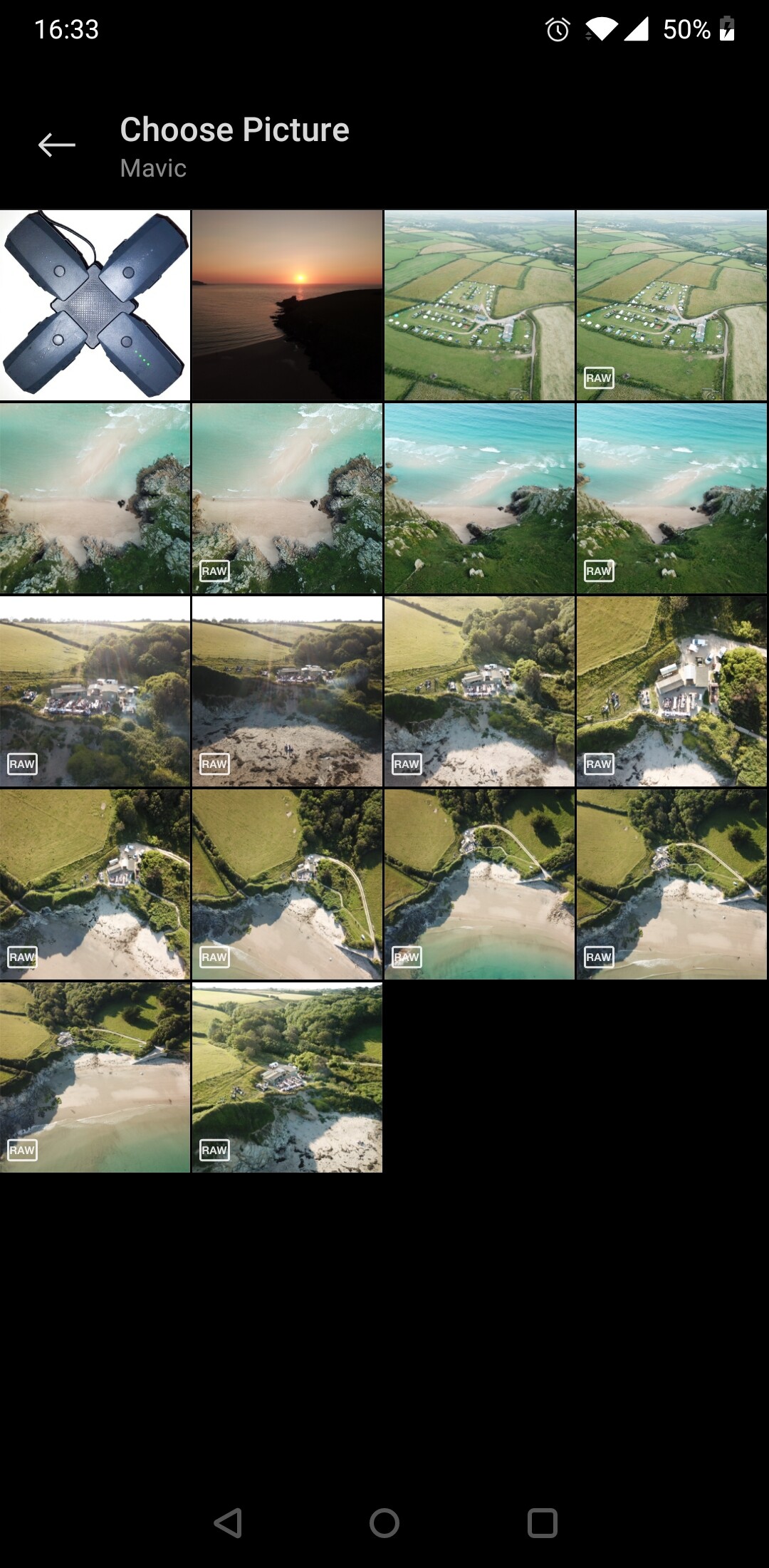
I can start a thread later this evening if everyone’s happy want to try an iron out some details hear before setting up so the new thread doesn’t get full of too many extra question. So…
Is everyone ok with RAW and jpeg editing (whoever creates the wetransfer link will need to post the link and a corresponding original jpeg image in the thread)?
Whats everyone think? 1 per week or 2 per week?
Original poster of image picks the favourite edit of what people did with their original image and then that person posts the next image to work with?
Do we categorise? Say most natural and most artistic? Or stick with just one favourite?
Anymore suggestions/questions?
Not trying to over complicate but just want to get a good idea of how it will work before I set it up
1. Is everyone ok with RAW and jpeg editing (whoever creates the wetransfer link will need to post the link and a corresponding original jpeg image in the thread)?
I’m happy with either.
2. Whats everyone think? 1 per week or 2 per week?
1 per week
3. Original poster of image picks the favourite edit of what people did with their original image and then that person posts the next image to work with?
Forum vote, like the other photo comps
4. Do we categorise? Say most natural and most artistic? Or stick with just one favourite?
Use Snapseed all the time so well-used to abusing the crap out of images. Never used Lightroom on phone or PC. I do have Photoshop Elements on my PC which can read in RAW images, but I’ve never had much luck getting anything good out of that either
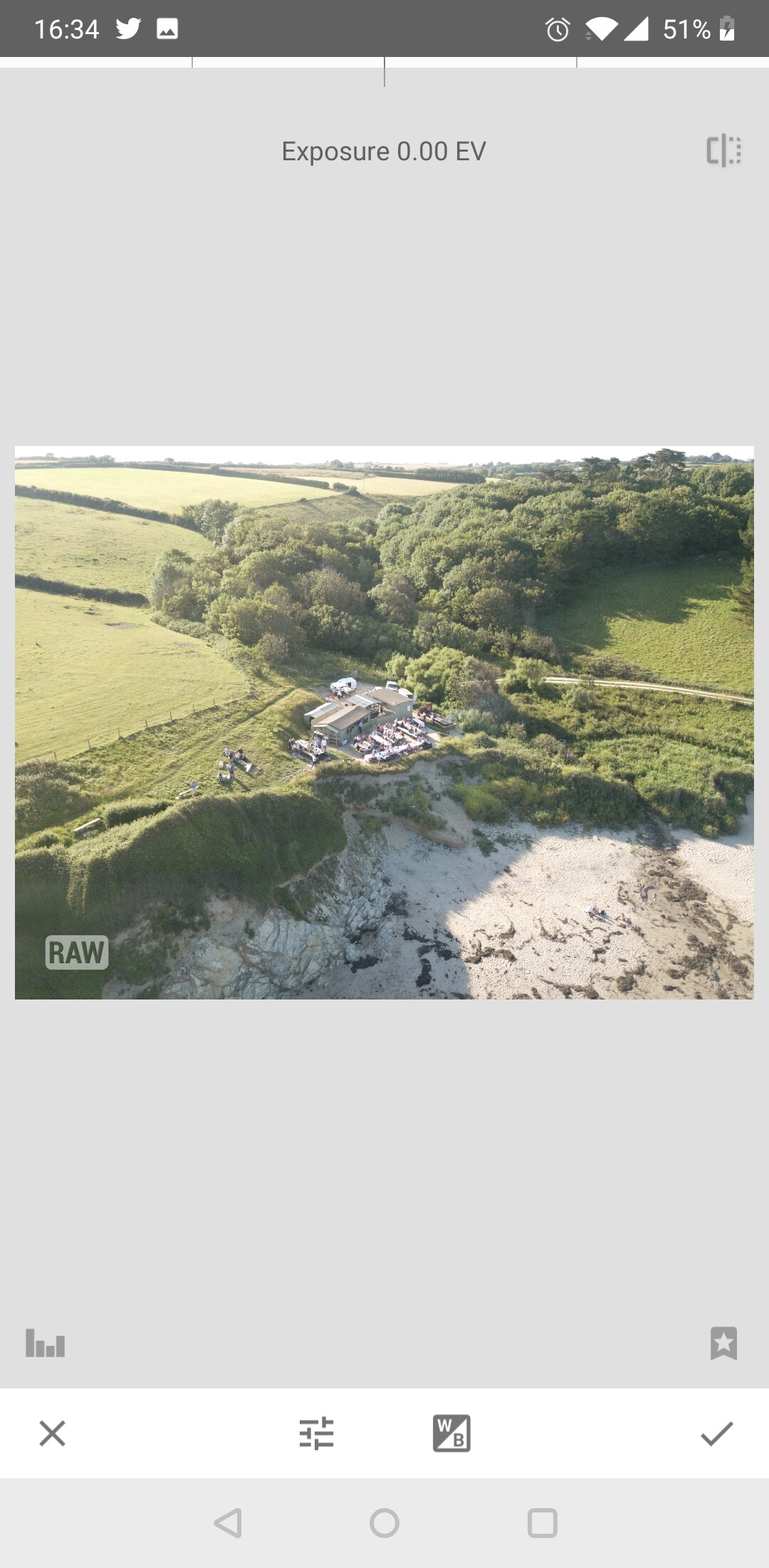
I agree. One thing I’ve just realised is that Snapseed refuses to open any DNG file unless the device you’re running it on is capable of capturing DNGs.
Yes they are Ned but only active for 7 days but thats a good point. General public could download them if they see them on here for 7 days but the same could be said for any image anyone posts on here or anywhere else online
My tablet is having none of it. I can see the file ok, but it’s greyed out. LR on the tablet, no problem. Snapseed on my phone (it can shoot RAW), no problem.
Maybe its more to do with the processor? (If the device can take RAW images then it will have a processor able to deal with RAW)? What tablet is it Ned?
 want to try an iron out some details hear before setting up so the new thread doesn’t get full of too many extra question. So…