I took another flight today and still noticed some jelly effect. How would I refresh the firmware?
Use
I refreshed the firmware of the drone now. I can’t seem to do it with the controller though, would that affect anything?
Would it need to be recalibrated?, ie hold it turn around 500 times kinda shit
No just the drone will do
Okay, would try again soon. Thanks for staying here - will update you after.
As @Raider says, have you tried gimbal/compass/IMU recalibration?

@isaacthere,  you may have done this but as I didn’t come across it in this thread, have a look behind the camera for any very small debris that may be hindering. Turn the drone over and move the camera about as it floats on rubber mounts…
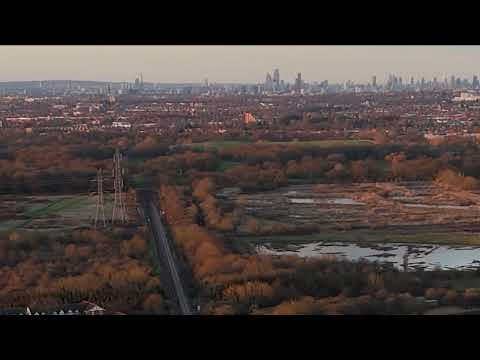
The video looks slightly “offputting” when in normal percent, like there might be a slight jitter or jelly somewhere in the frame. This video shows the normal scale and zoomed in scale, which there seems to be some jittering.
I have tried
- Gimbal calibration
- IMU calibration
- Fresh sets of props
- Updated firmware
Is this level of jitter normal for the DJI flip and would this be a defective unit?
A) This is a lot better than your original video. So much so my middle aged morning eyes can’t really see any jitter on this. Give us a timestamp where it is bad so I can rewatch. I’ve played it back full screen on my iPad but on a TV it might show what you are seeing.
B) Why didn’t you put this in your existing topic? “They” don’t like clutter so someone will be along soon to merge this into your original thread. Then I’ll look like a madman.
Look at the buildings around 0:22. They seem to moving up and down slightly.
B) Sorry about that, I thought the jitter and jelly was a separate issue and one was about prop imbalance and one was about the gimbal.
The question I would ask is were these issue there before the crash
If yes then its worth sending back to DJI to have a look
If not and you are not happy with it then care refresh it
Ah I see what you mean now. Without seeing footage before your crash I don’t think anyone will be able to say with confidence if that’s within tolerance.
As @Sparky mentions, if you are not happy with it and have care refresh, use it. If you don’t have care refresh then, in this instance, I don’t think it’s worth sending for repair when you’ll have to pay for it.
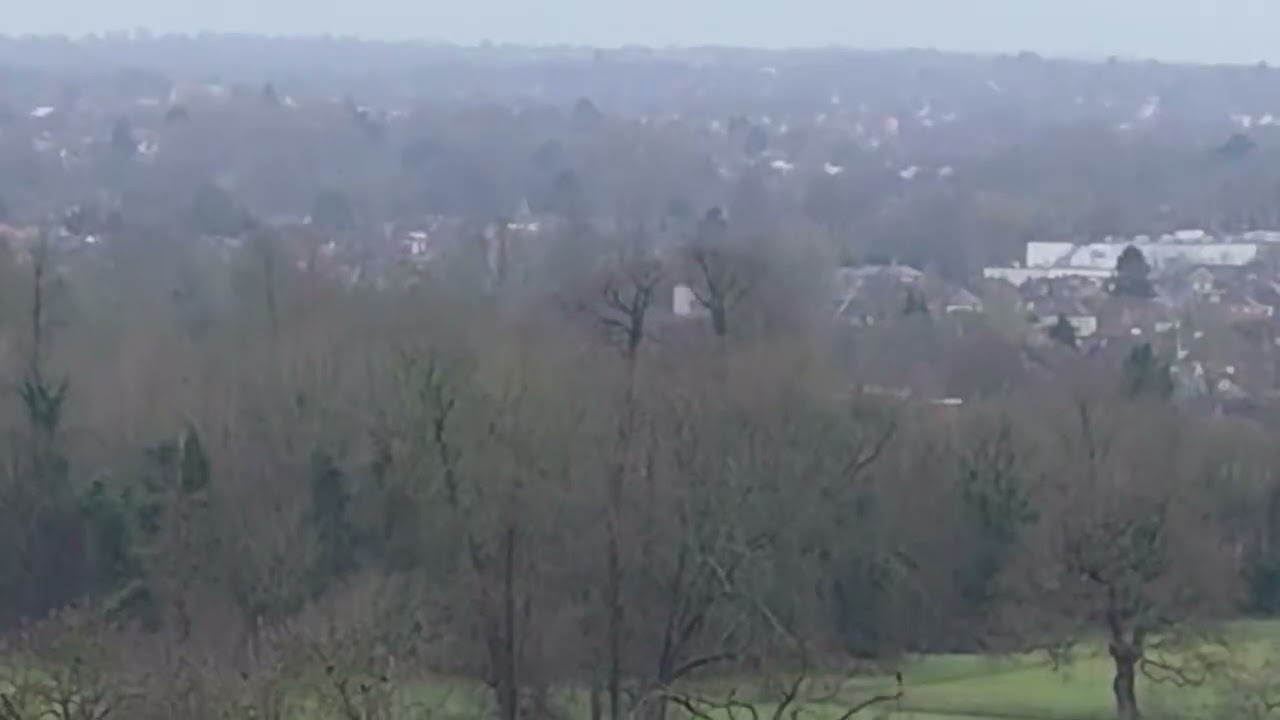
Here’s some footage before the crash. Think it’s looks the same or slightly steadier?
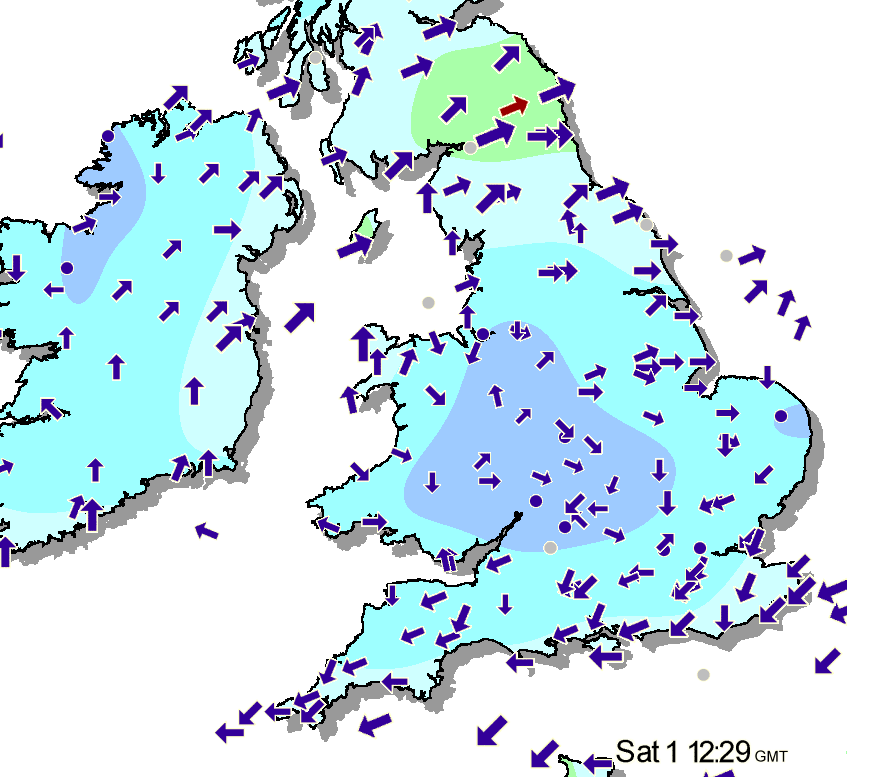
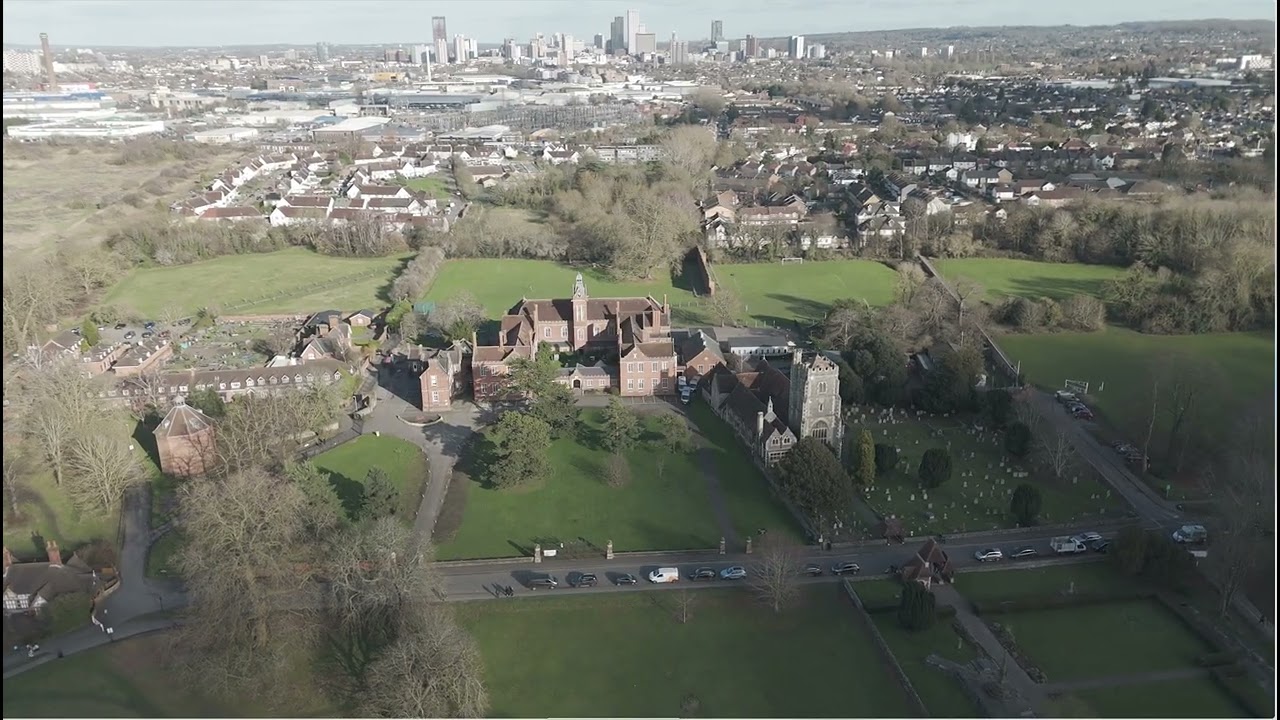
Yikes, seems like this issue is most noticeable in >60m altitude. There were a few breezes but I don’t know what is causing this.
@ianinlondon how’s yours been !
Any video jitter/jelly ?
Only person I know that’s got one for a comparison
It’s not all bad though, I managed to capture some great cinematics of the area but seems like some shots were ruined cuz of the effect.
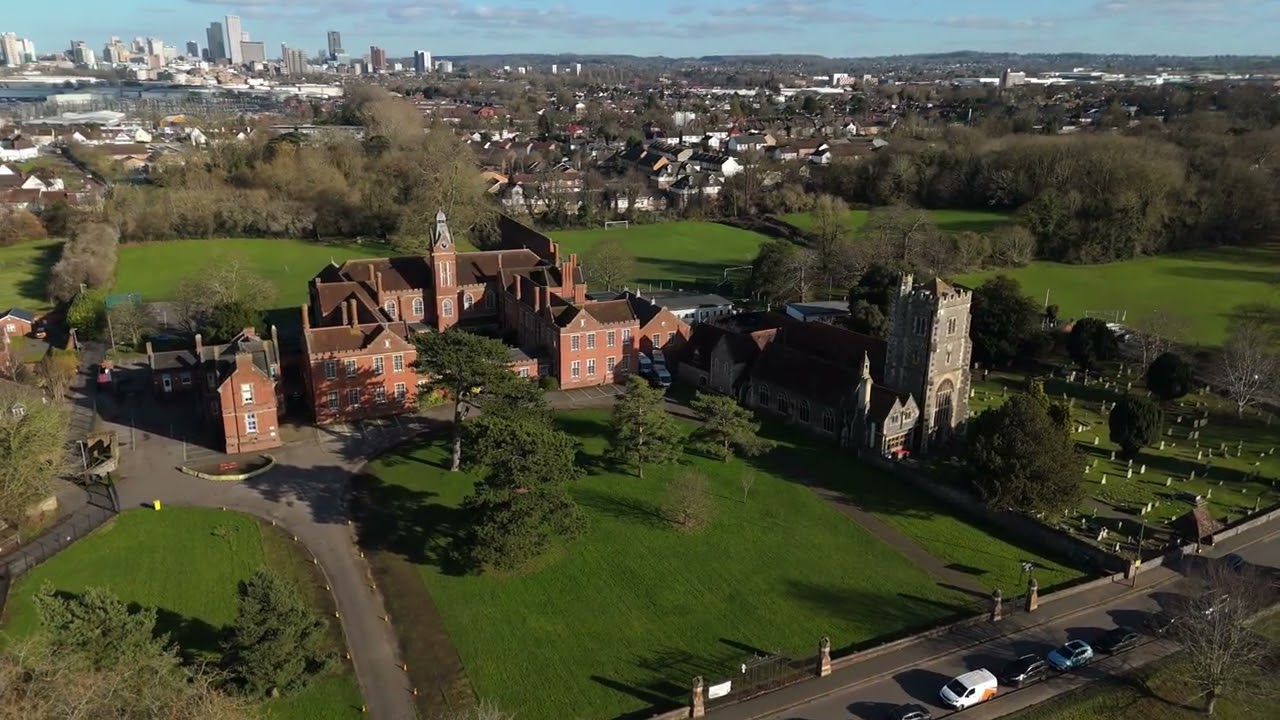
See if you notice any jitter in these clips?
I’m not suggesting I really know … but the jello in that seems too slow for a vibration issue.
It’s uploaded at 60fps, so I’m assuming it was recorded at 60fps … and I wouldn’t have expected a jello to wobble that slowly in just the middle band (vertically) of the image.
I think this is something sensor or onboard video processing related.
If I’m right, and no real reason for thinking that I am, I’d be sending it back to DJI under care-refresh … assuming you have that?