Panoee Live - New way to display your 360° Panoramas

Back in the 2022 I came across Panoee when I was looking for alternatives after the demise of Hangar360 (remember that), when the only (free) solution was Kuula , which is still great

Anyway fast forward 4 years and I was poking about in Panoee Studio when I came came across a link for Panoee Live

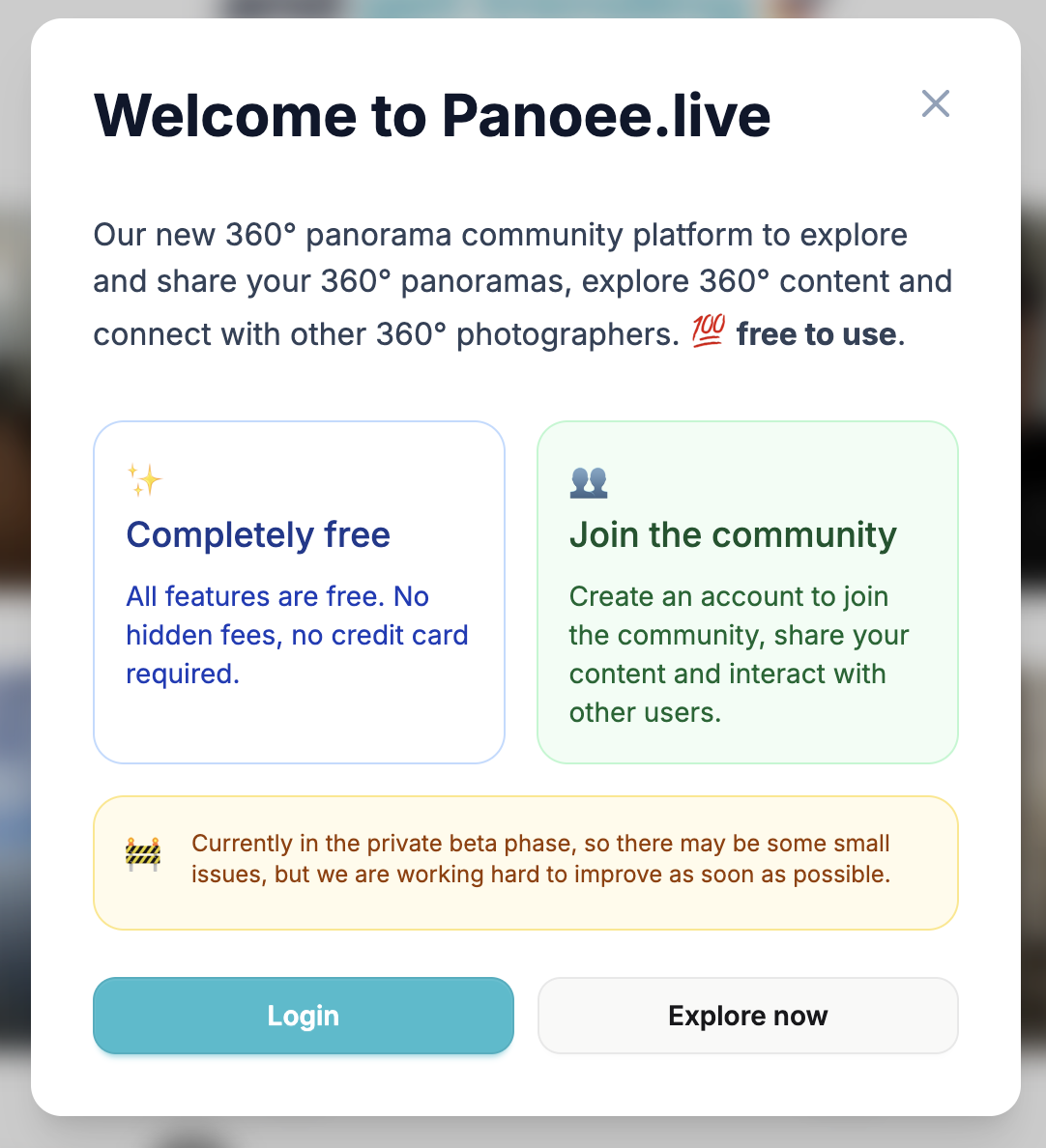
As you can see it is currently in beta and is designed as a 360 community.

I reached out to the great support team @panoee360 and @leo_panoee after finding issues with their embed, which is a great feature that studio has so we can onebox the panoramas here on the forum.

So how do you get this magic

Sign up for a free account using the link above (or use your studio account if you have one)

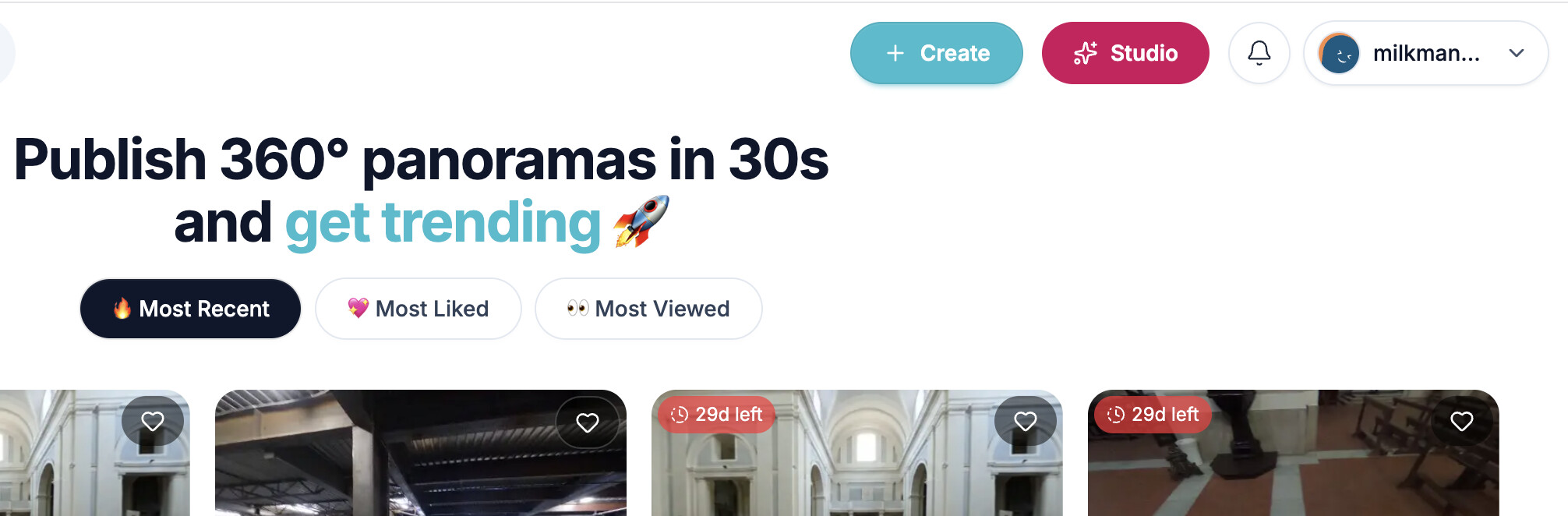
Click create

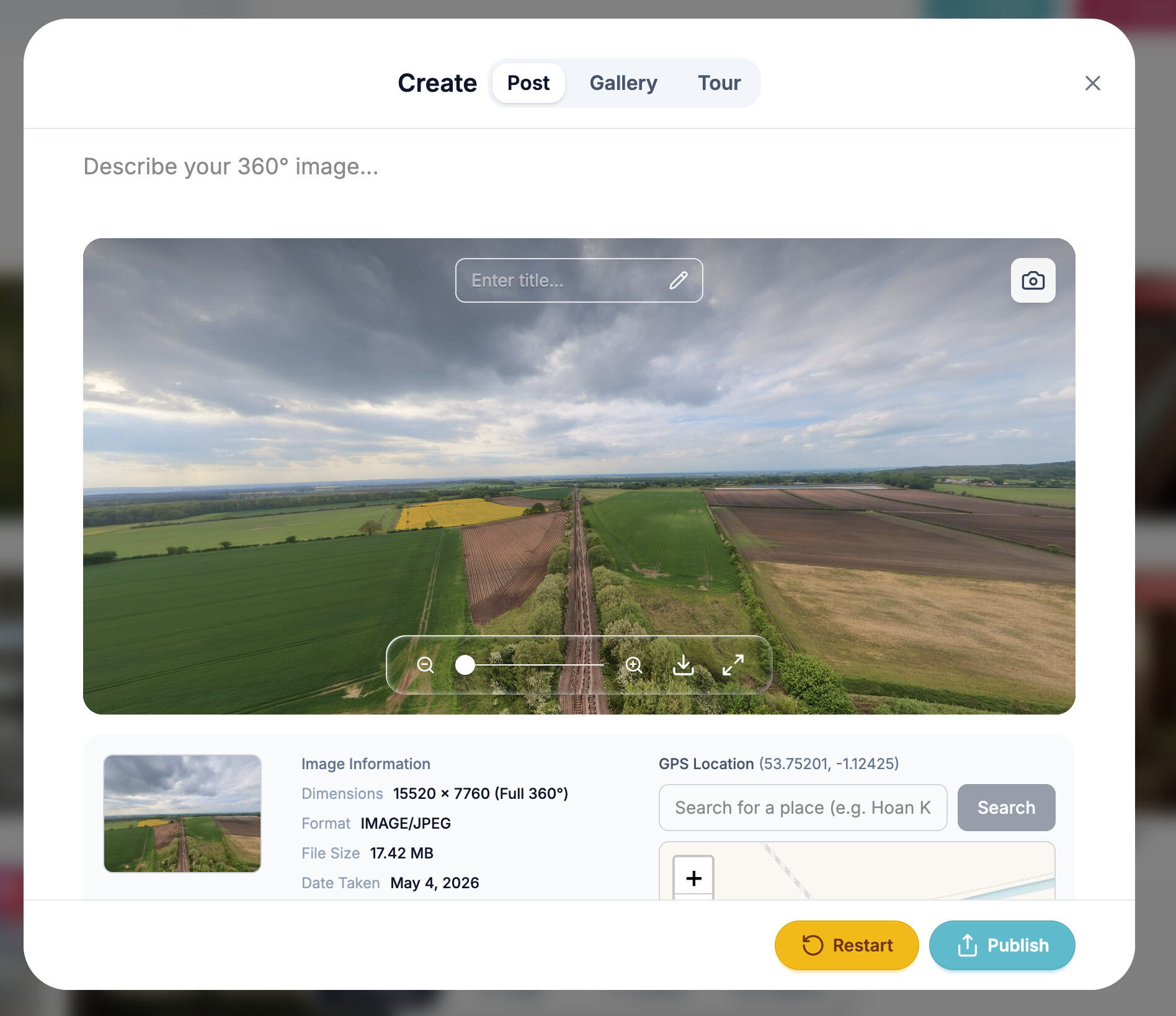
Upload your file (create), add a description and tags etc then publish (its as simple as that)

You can add options like unlist etc, so its not public and only folks with the link can view it (us)

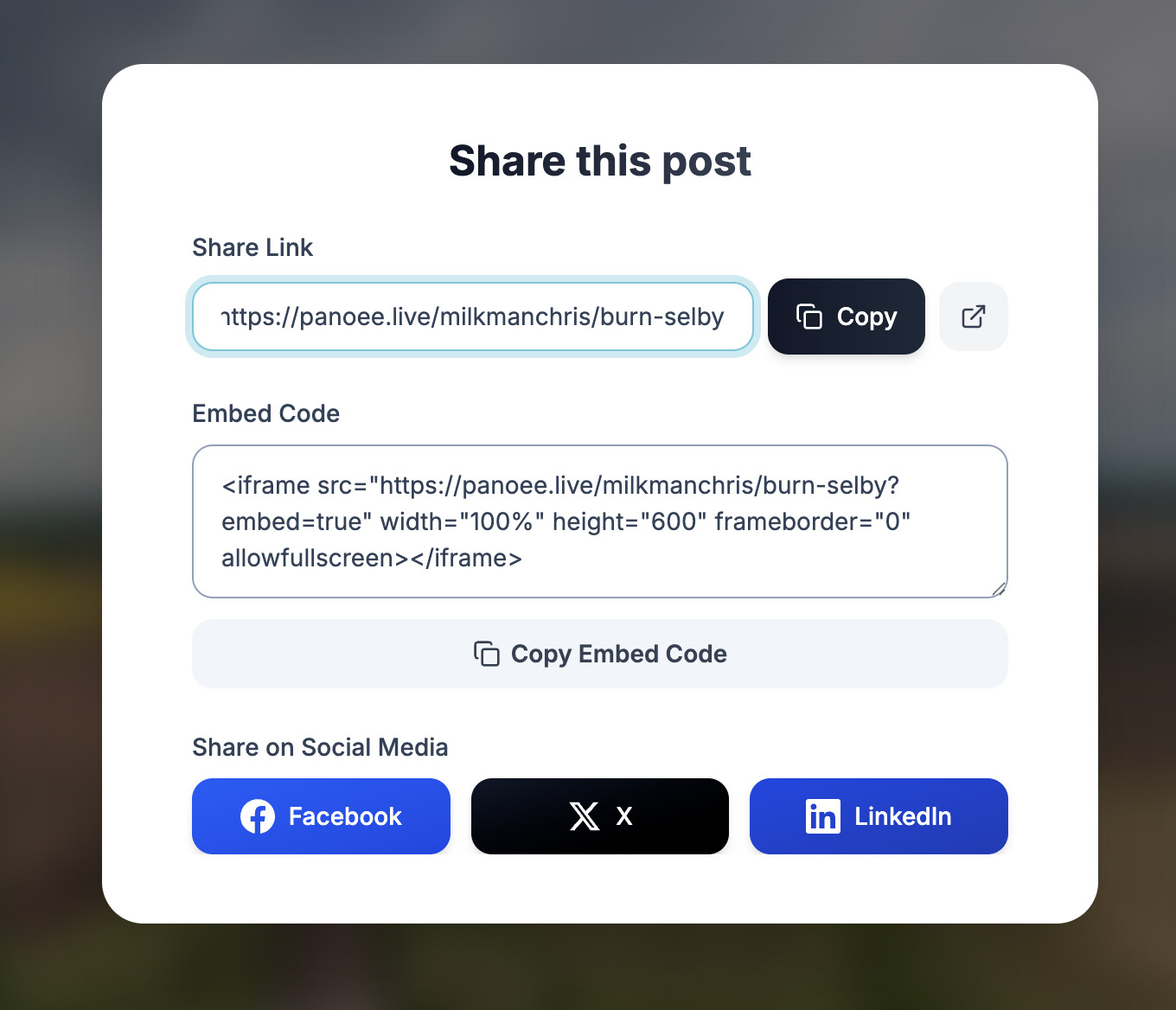
Then in the viewer click share and copy the embed code into your new post here on the forum

Continued in next post :backhand_index_pointing_down:

2 Likes

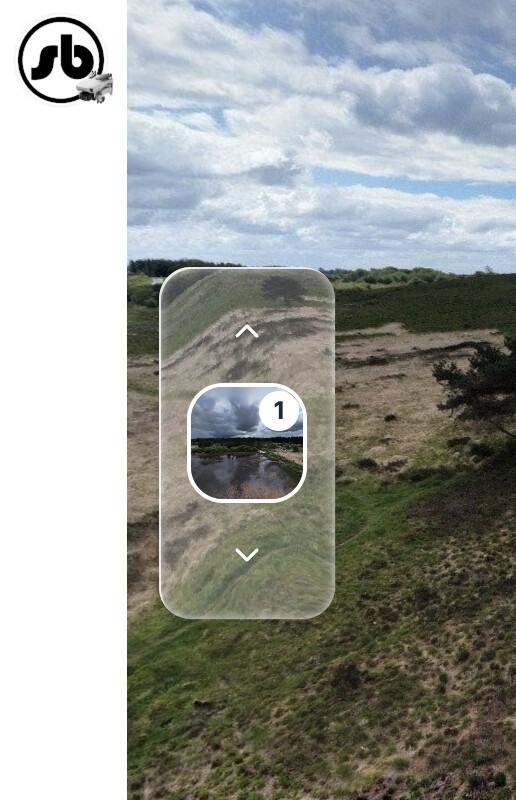
If you have done it right and pasted the embed into a new post you should have this

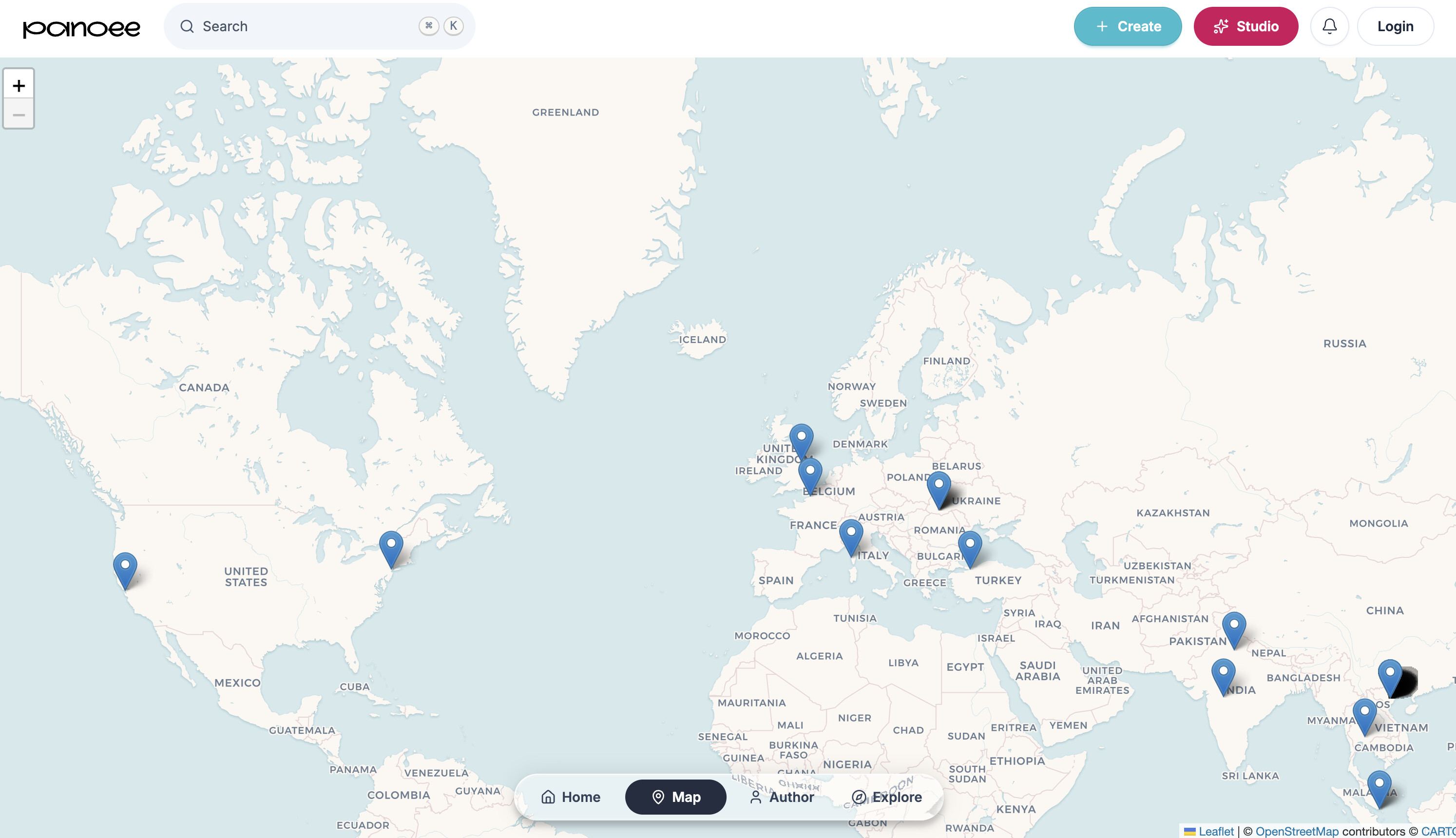
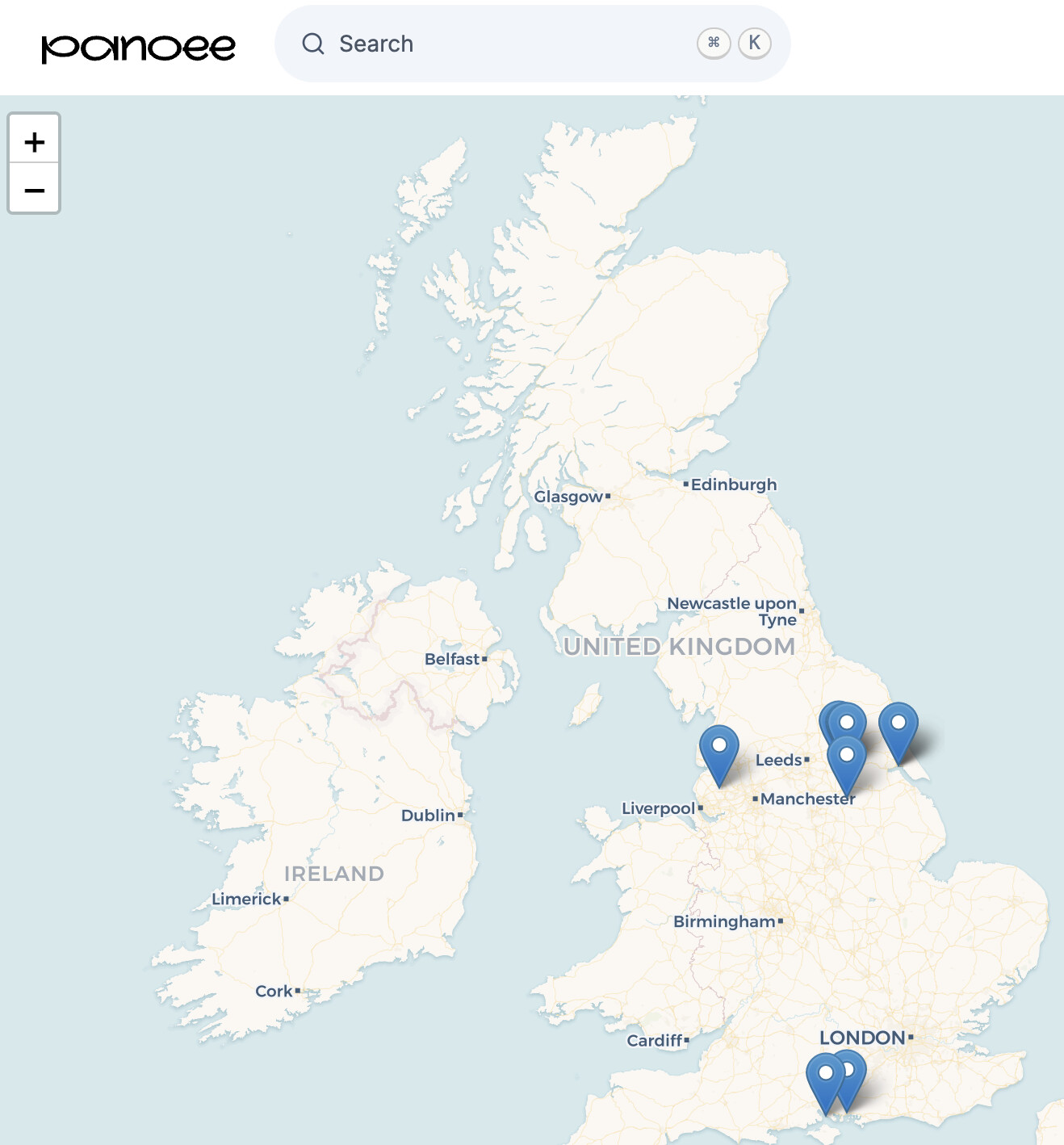
There are a couple of other great features I like (if your creation is public), such as search by map, as we are still in beta this is only going to fill up I’d imagine.

1 Like

Last one from me, while I am testing it

If you have any questions please use this thread I will try to answer or reach out to @panoee360 and @leo_panoee

3 Likes

If anyone wants to help out…

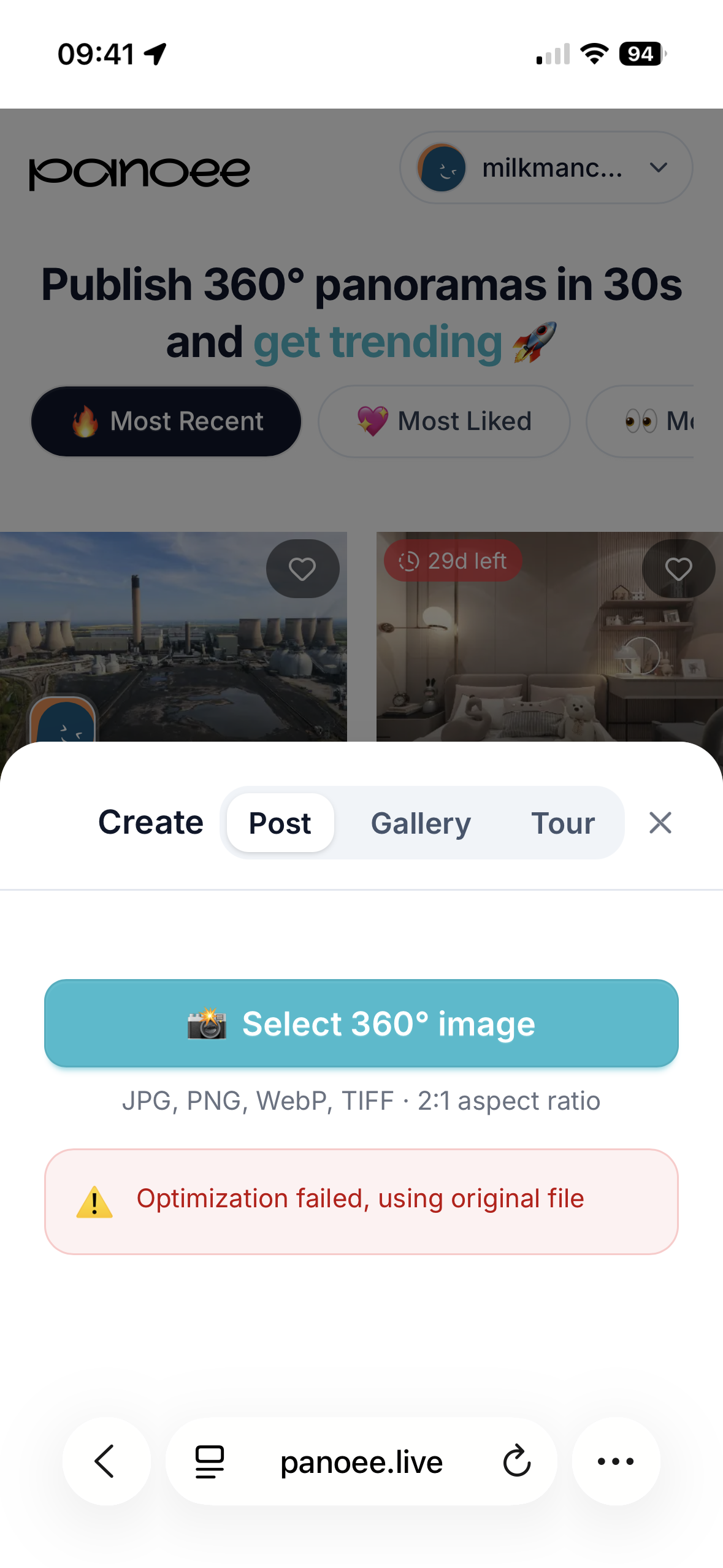
My beta tester @OzoneVibe has managed an upload via mobile (android), mine failed several times on Safari iOS

However it does work on via Chrome on my iPhone 15

Let me know how you get on.

Don’t forget to share your lovely Panos as always in the Panos by Drone category

And for anyone interested, my profile on there

2 Likes

I hope I have done this right :blush:

8 Likes

Brilliant Nic ;o)

Beacon never looked prettier

Don’t forget post them in the Panos Category as a post of their own so they don’t get lost in the chatter

1 Like

I always feel the urge to sing the Danone advert

2 Likes

Account created and posted :slightly_smiling_face:

4 Likes

Lets see how much action we can get on the map

3 Likes

Well, that was easy.

Easier than Kuula to upload and post but no on-site editing tools, corrections need to be done before upload. Quick too. Bookmarked the site.

Thanks for the link Chris :slight_smile:

6 Likes

Indeed - the lens flare and auto-rotate are something I’ll miss.

I like the larger size (pixel) limit though! :+1:
No idea what it is, but full res stitched-by-me don’t need size reduction. :+1:

Set opening heading for me, especially with the Avata 360 as I’m not always pointing at the main poi when clicking a photo

Just gonna try see how photo grabs from DJI Studios look

Lets see if I managed to follow those instructions properly. Only the second time I have flown my drone (and the first outside the confines of my garden!). This is Priddy Pools near Stockhill Woods, Somerset,

5 Likes

Looks good, however when you create it do it as a post not gallery you wont get the icons on the side then (unless you add more than one pano to your gallery)

Yeah - I realised what I did - just edited the post. Should be better now. Thanks for the help!

No worries, dont forget to post them in a new post in the Panos by Drone category with a bit of a description ;o)

1 Like

Created a Tour but using the embed code from one of the tour’s 360s, fingers crossed!
This is a view of the Morecambe Eden Project Hole which may or may not open as a real Eden project.

6 Likes

Has anyone worked out how to change the default starting position? I’ve edited the above to add a hotspot and that’s saved & working but can’t change the default view.
Not yet, Ive tried lots of things but cannot get it to stick, its on the list of questions I have for the Devs

1 Like