Sounds great, keep us posted !
Well the dining room table actually
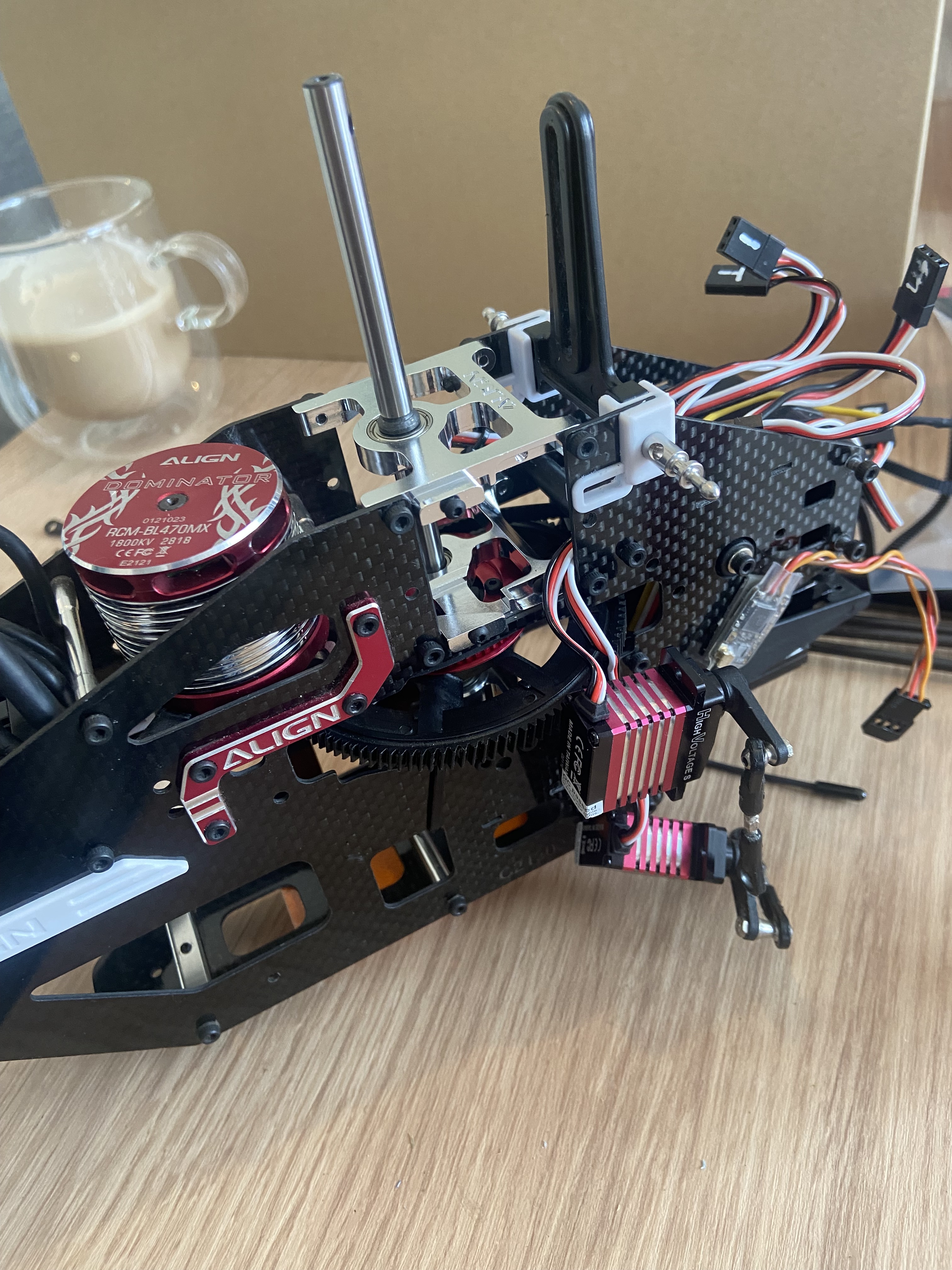
New main shaft and bearings in my TREX470 heli.
New tail boom and tail rotor to follow
It had rather a hard landing 
4 Likes
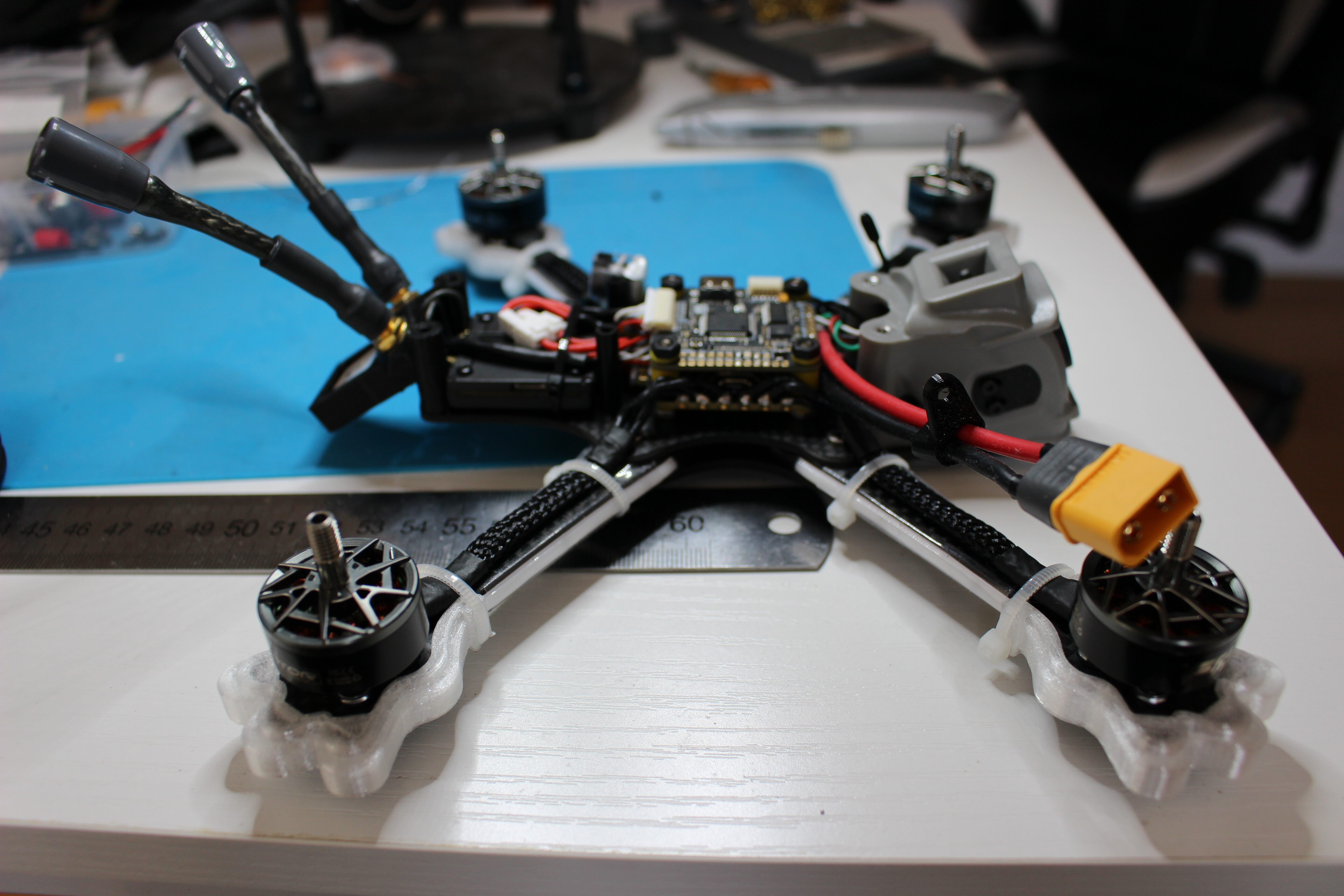
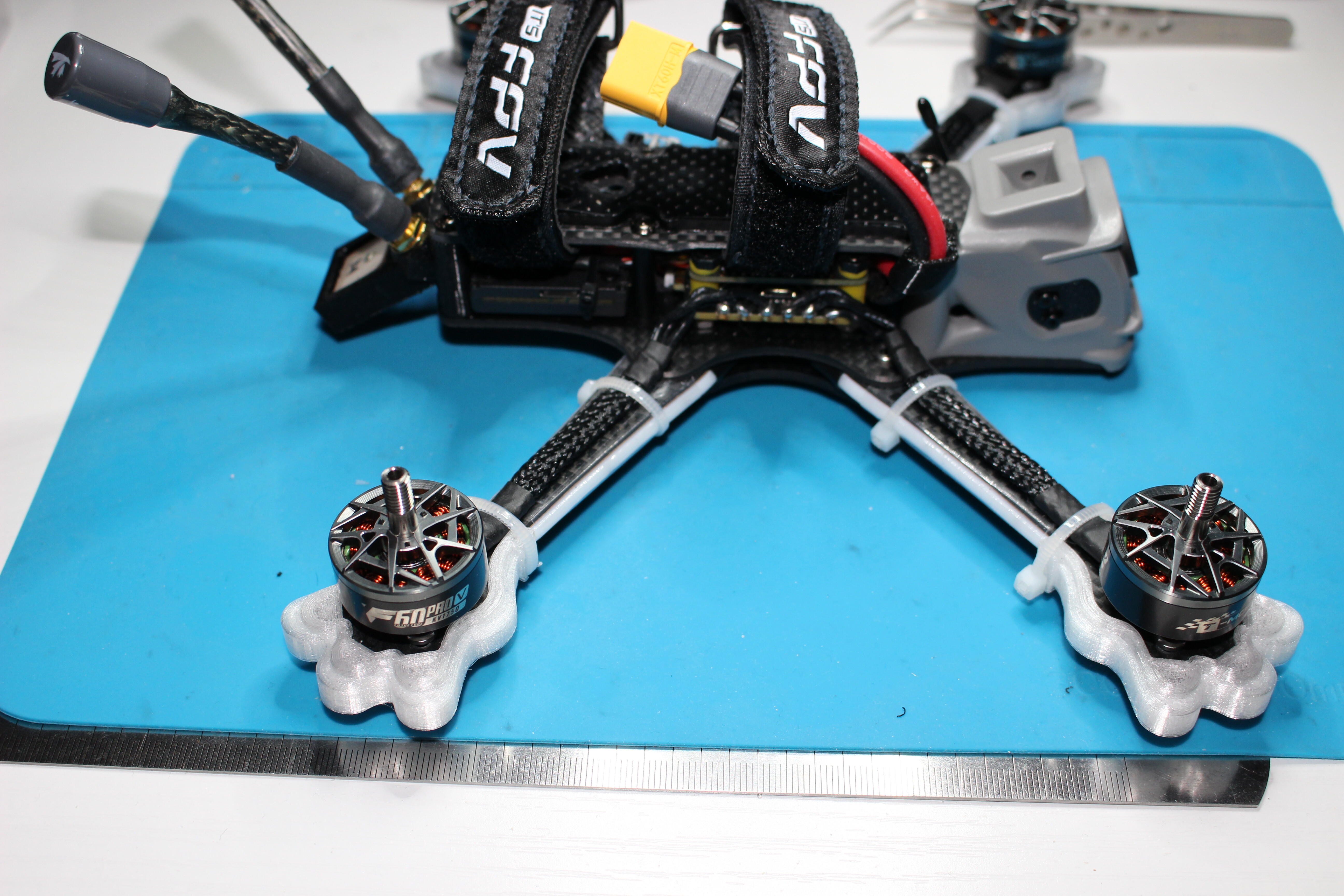
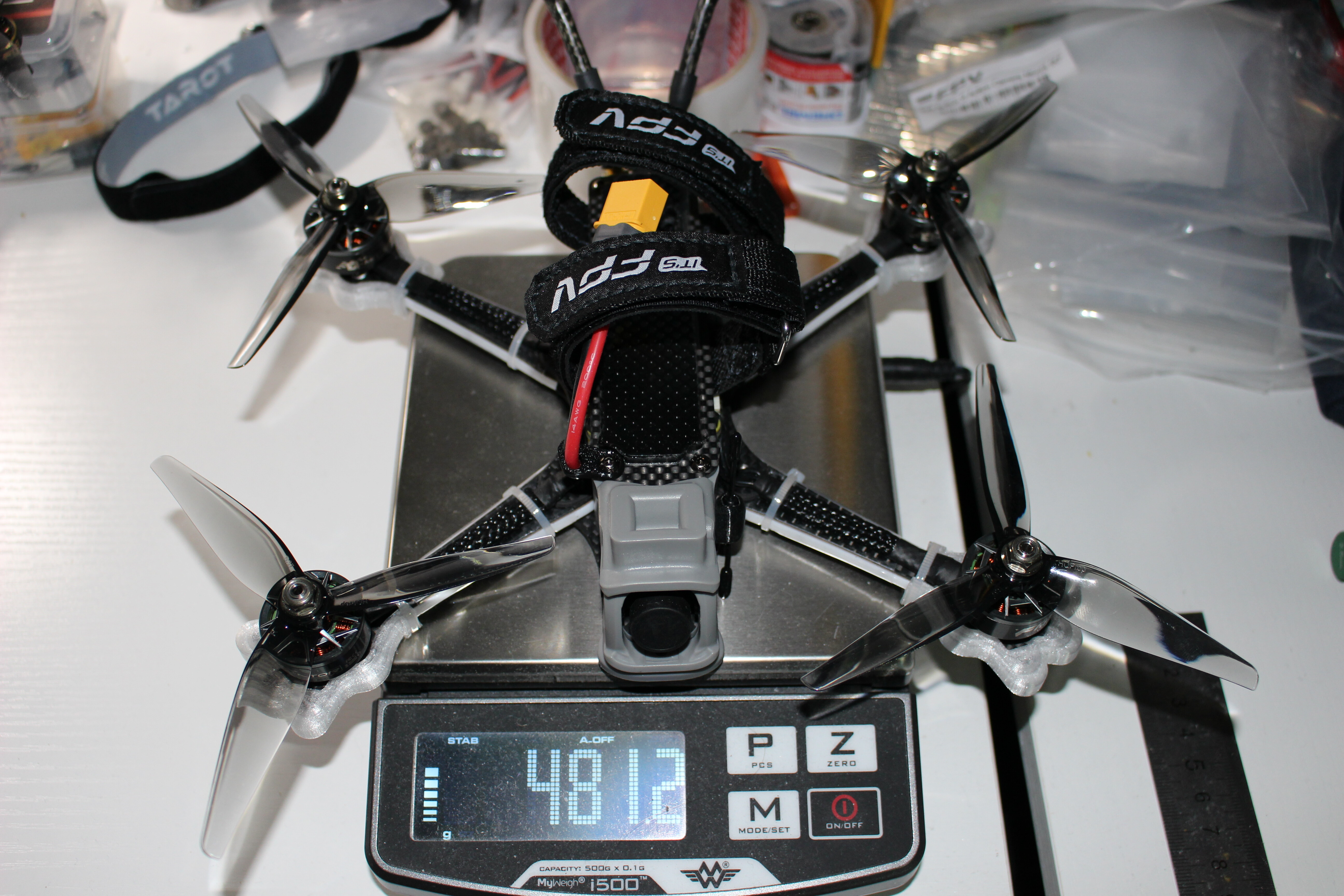
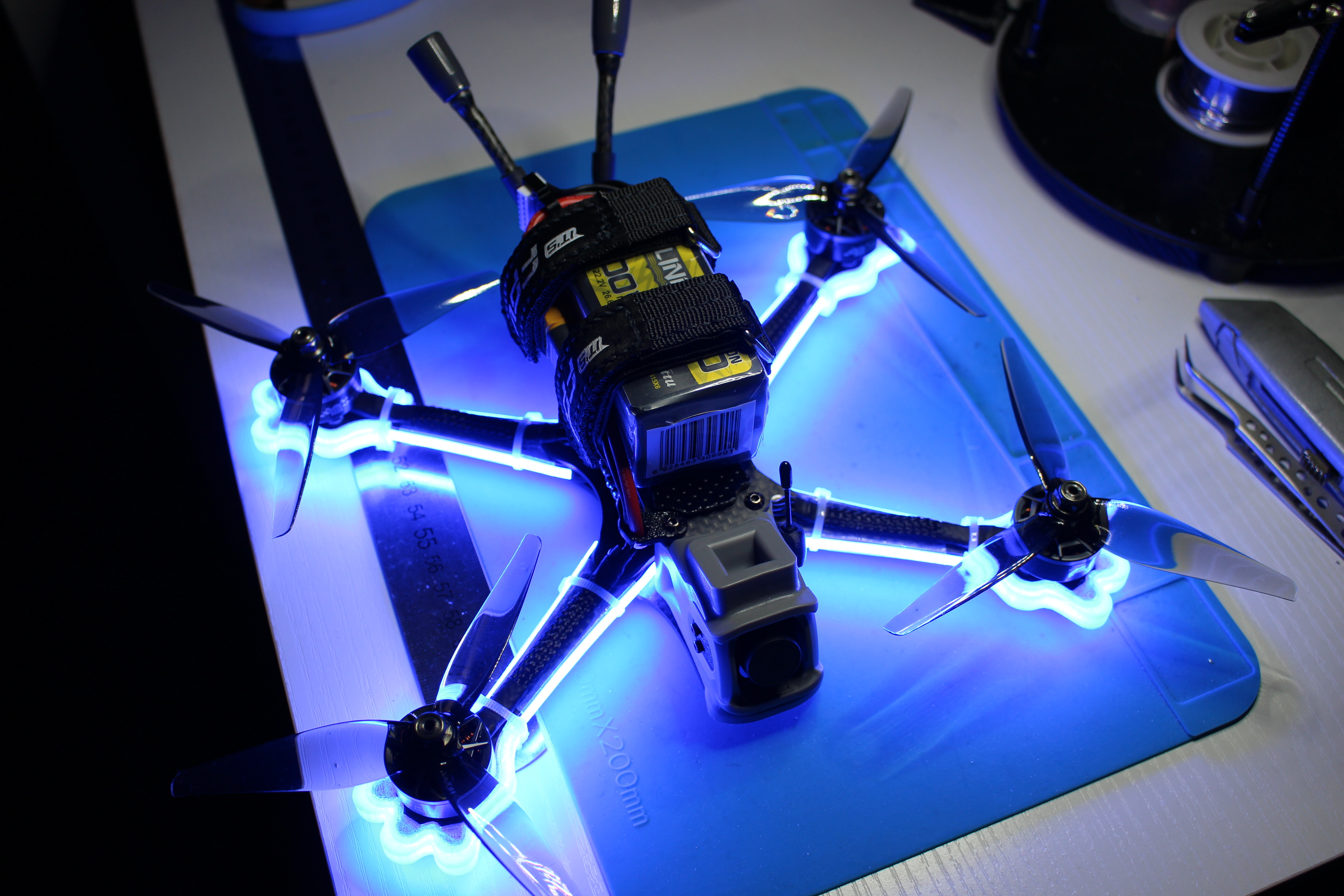
Ready for the maiden flight tomorrow - nice compact frame - a lot shorter and a bit narrower compare to my ‘long body’ AOS 5 but surprisingly 20g heavier so I hope/expect it will be solid/durable (it is sold as a ‘bando weapon’). I did use the 1750kv F60 I had on the AOS earlier - should give me plenty of throttle resolution for close quarter flying. Hopefully will get to do my first bando before winter settles in 
6 Likes
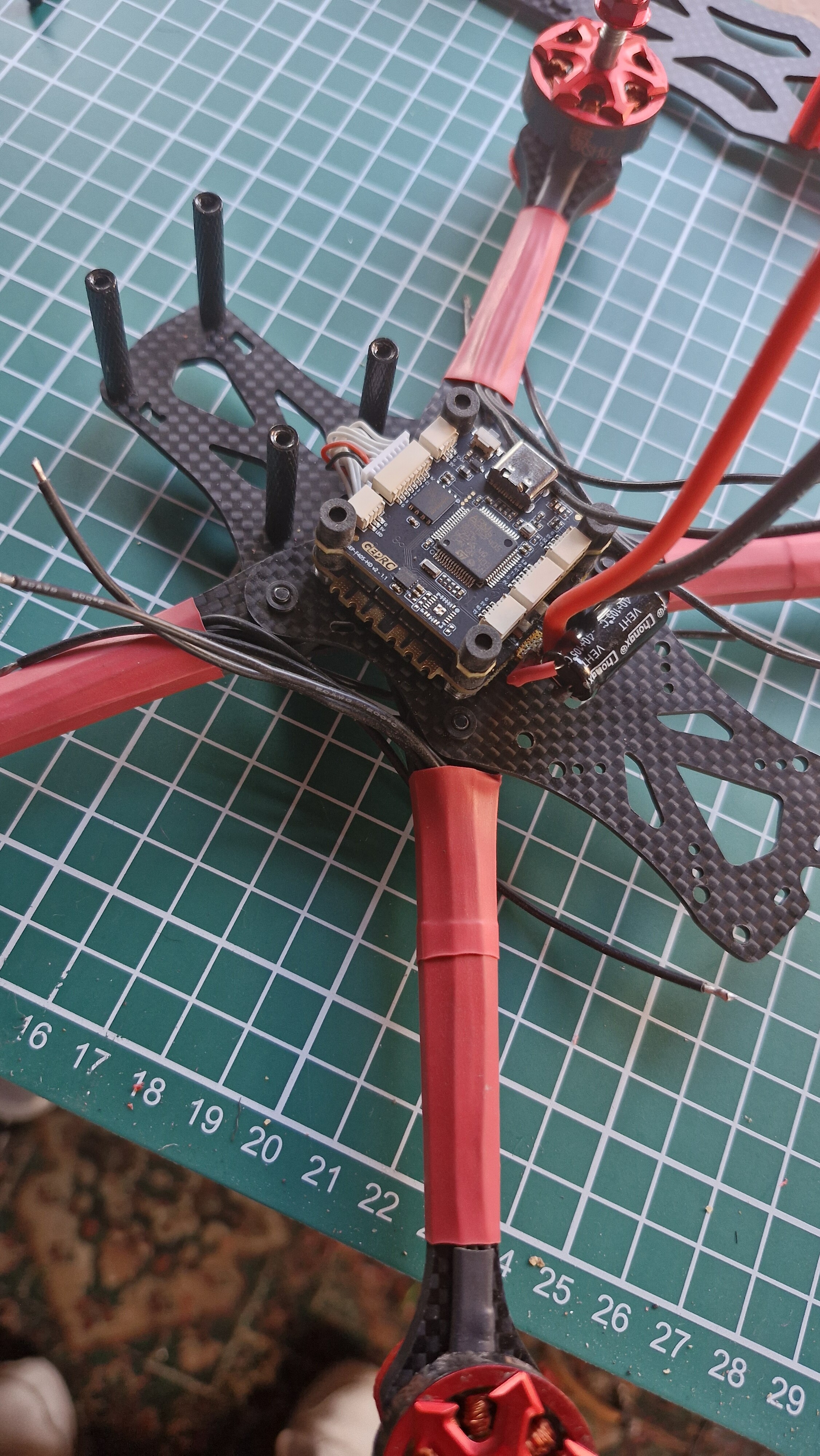
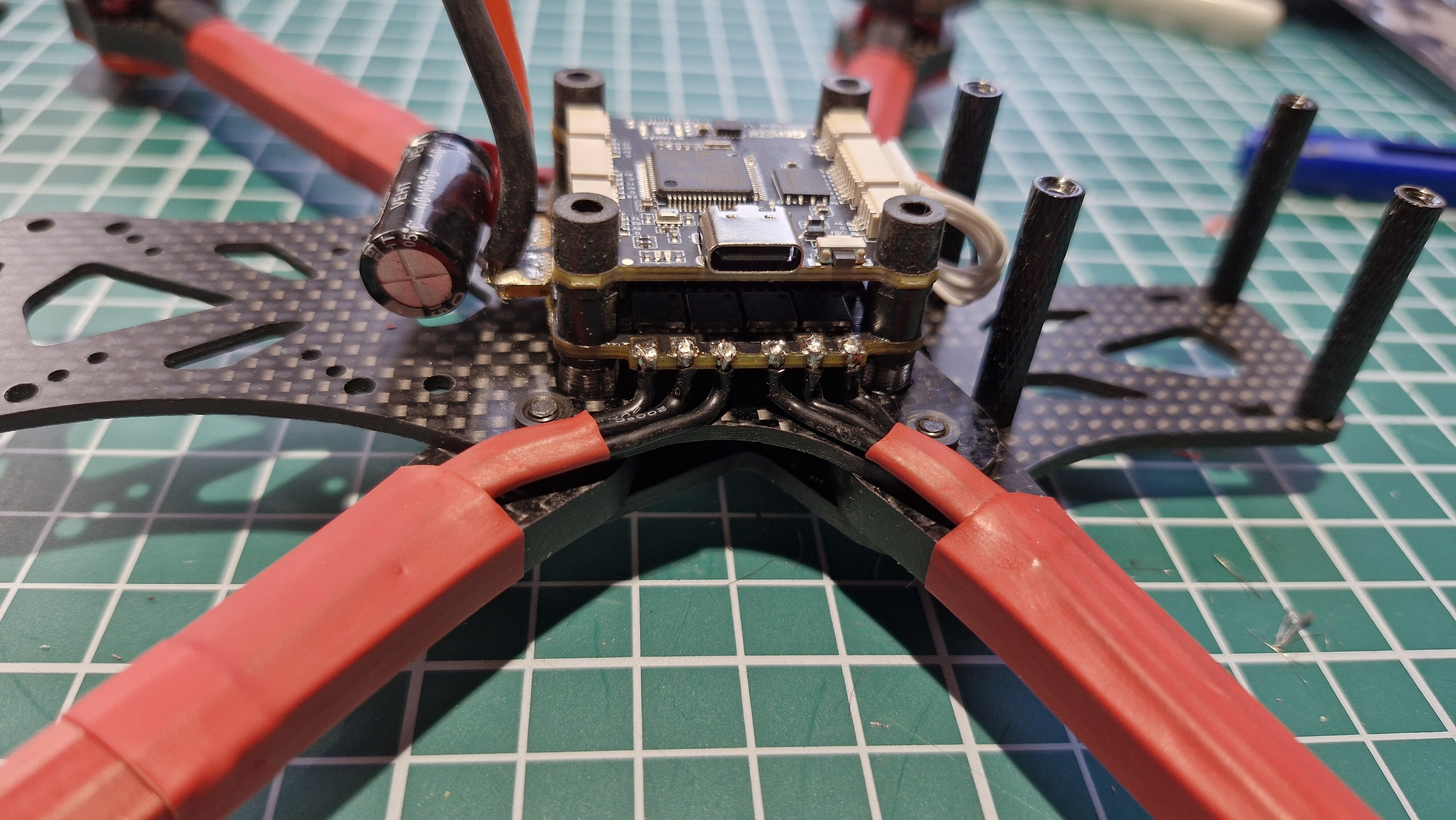
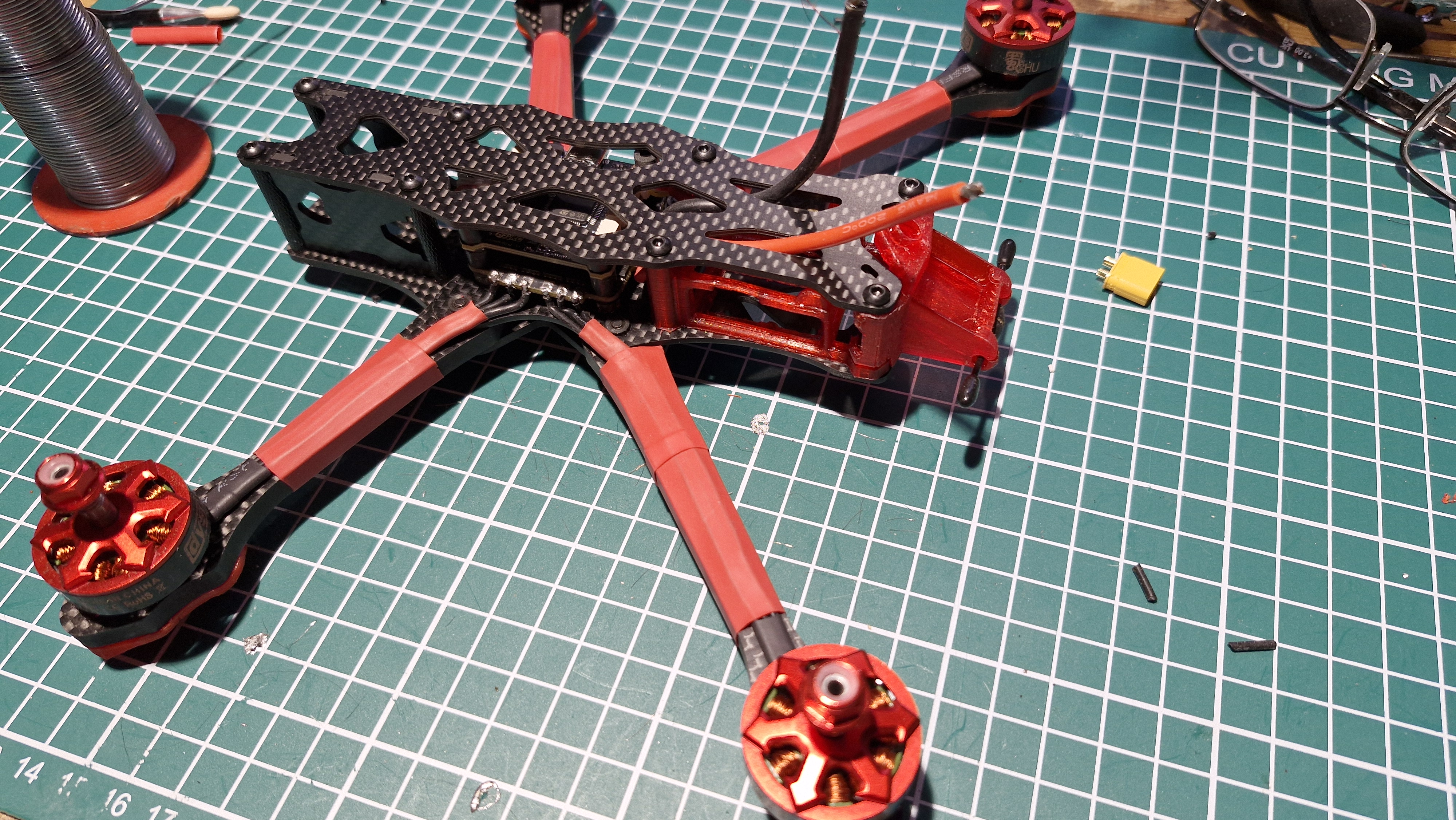
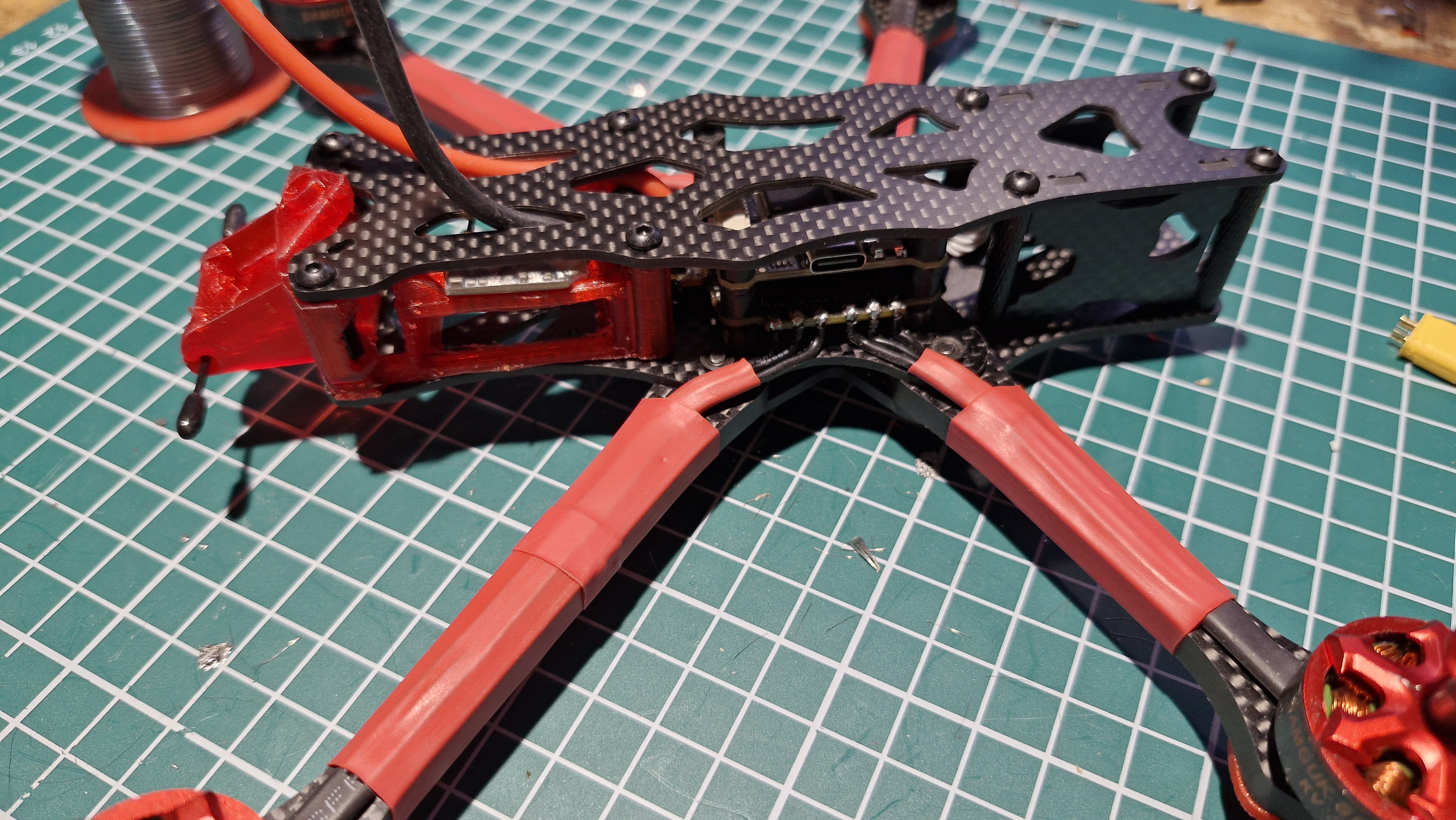
Building MY first fpv 5" dead cat ( sort of helped Sacha with his in the past ( need to help him with his rebuild))
Just gone basic on this one, just need a VTX system and a few batteries then good to go.
5 Likes
Which frame ?
Why not paint the frame red before anything more is added ?
1 Like
Chinese apex dc 5"
Why paint the frame?
I don’t want it 100% Red. I want black and red not red and black.
1 Like
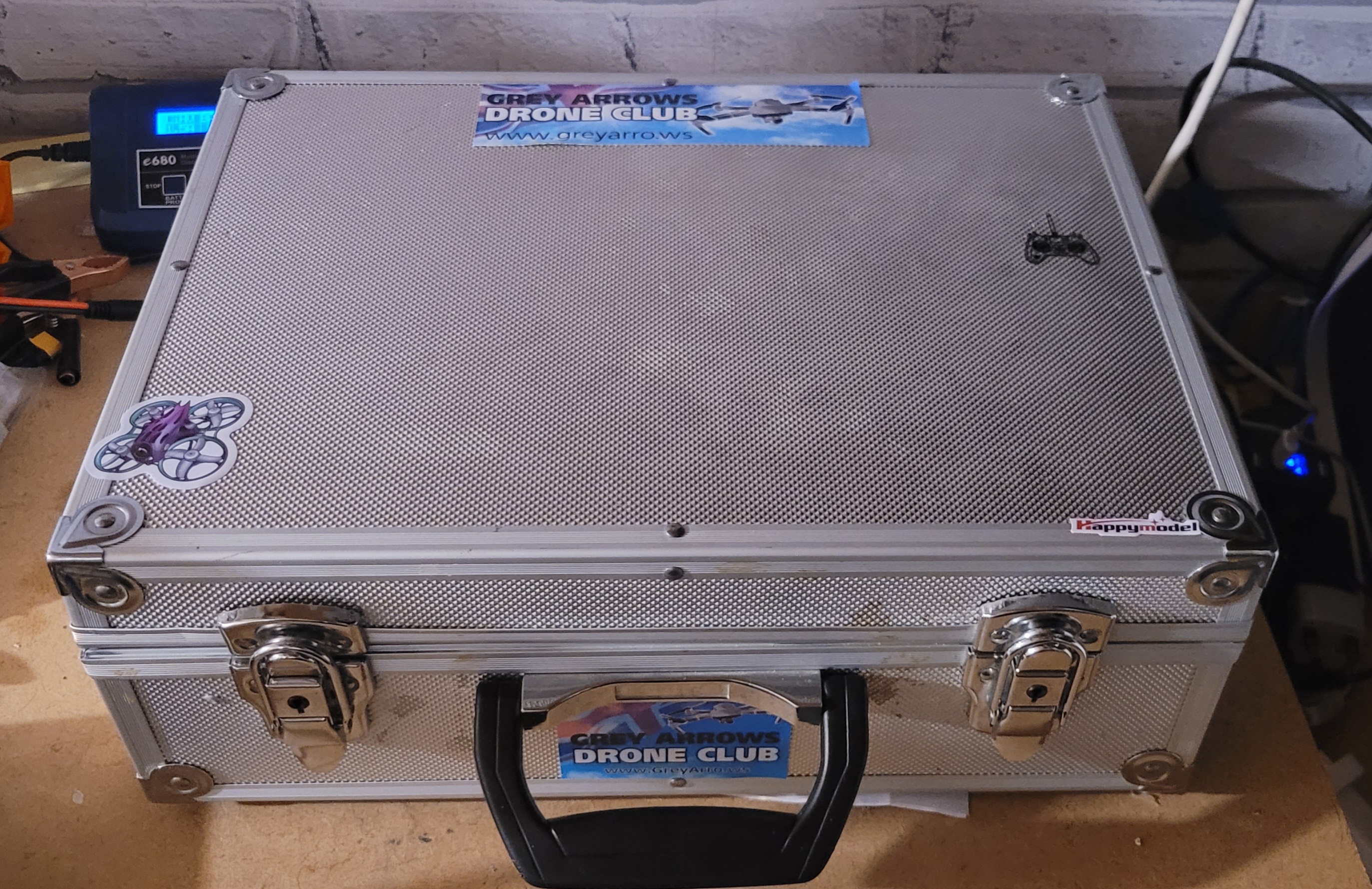
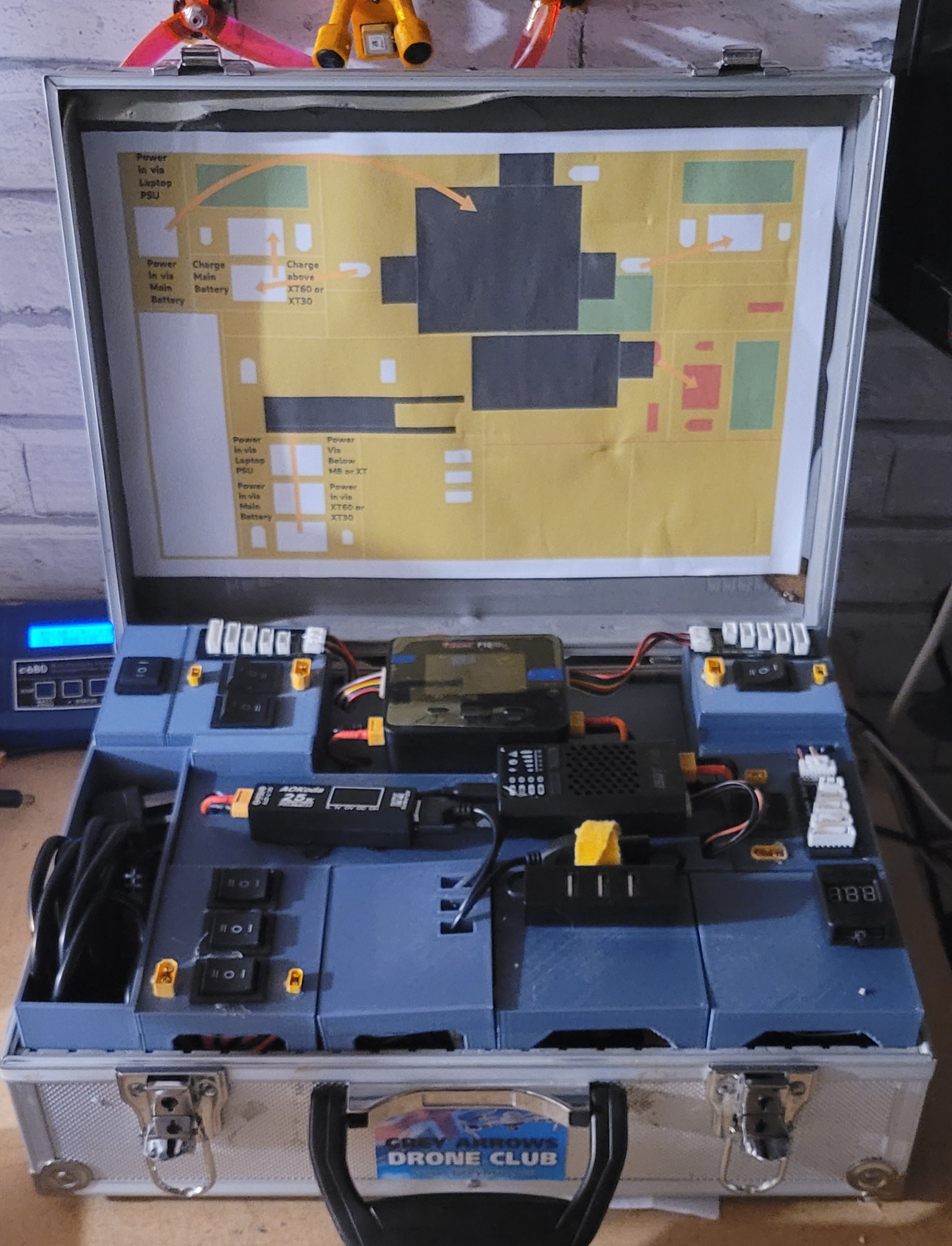
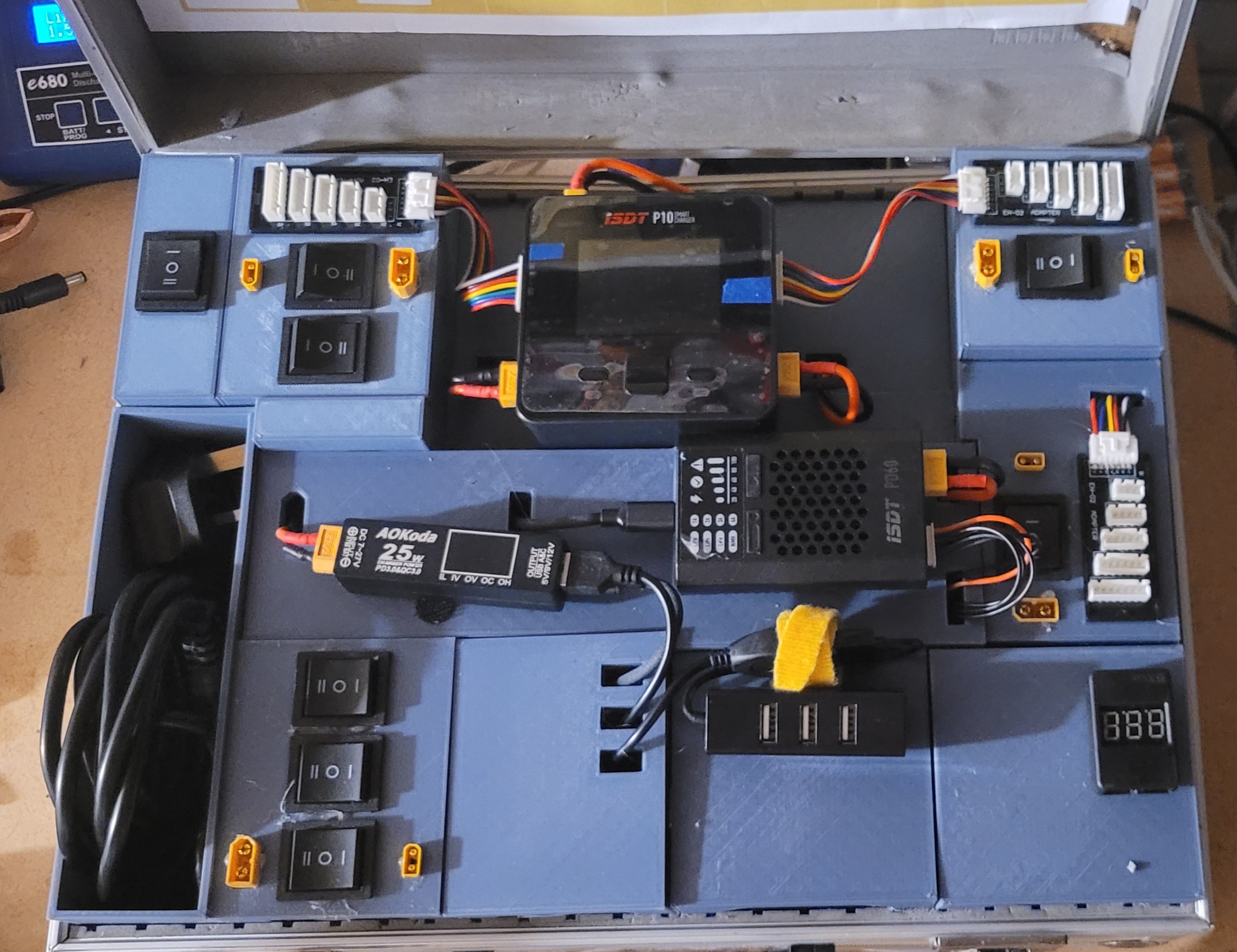
Finished
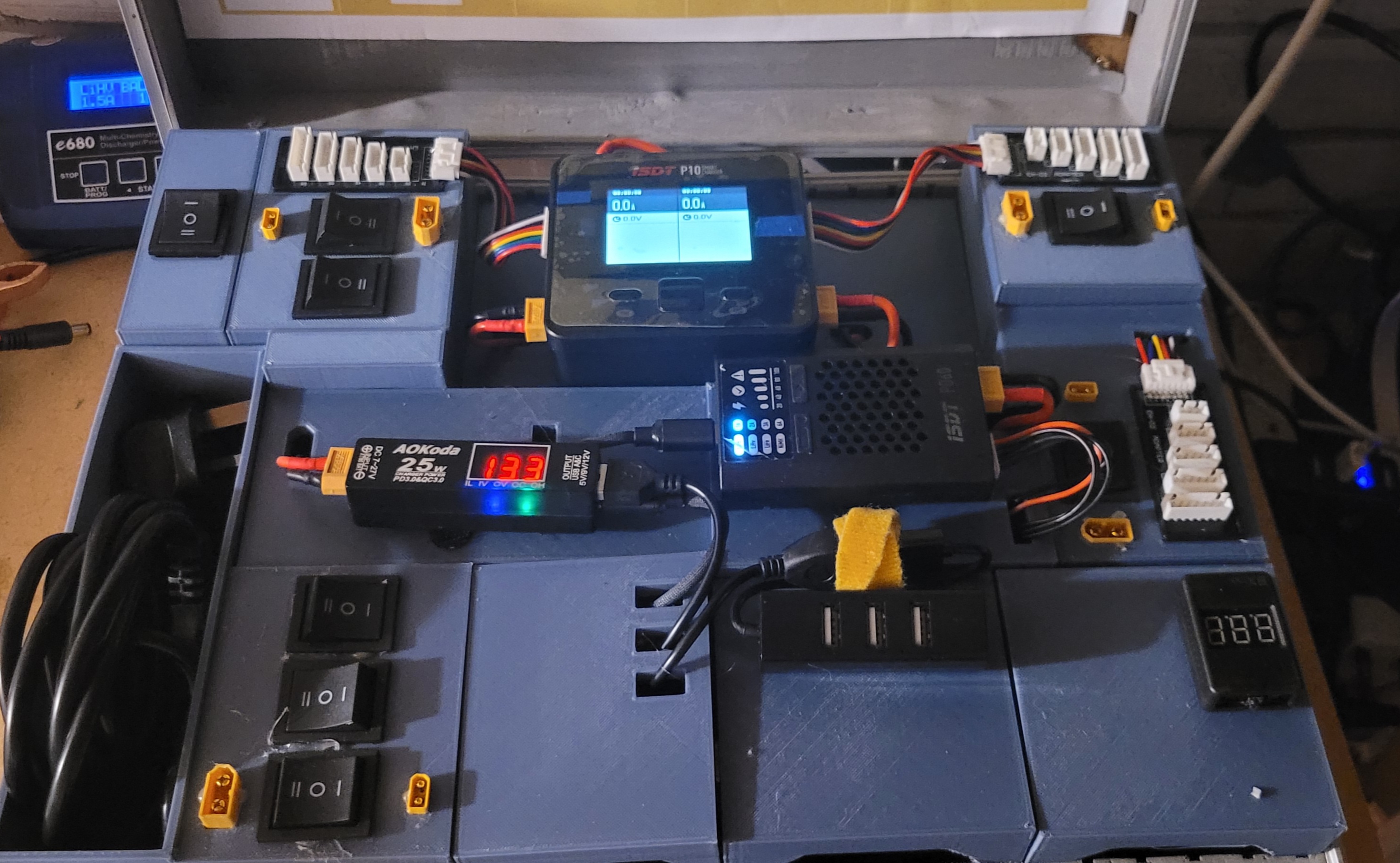
Good:
All wiring ok.
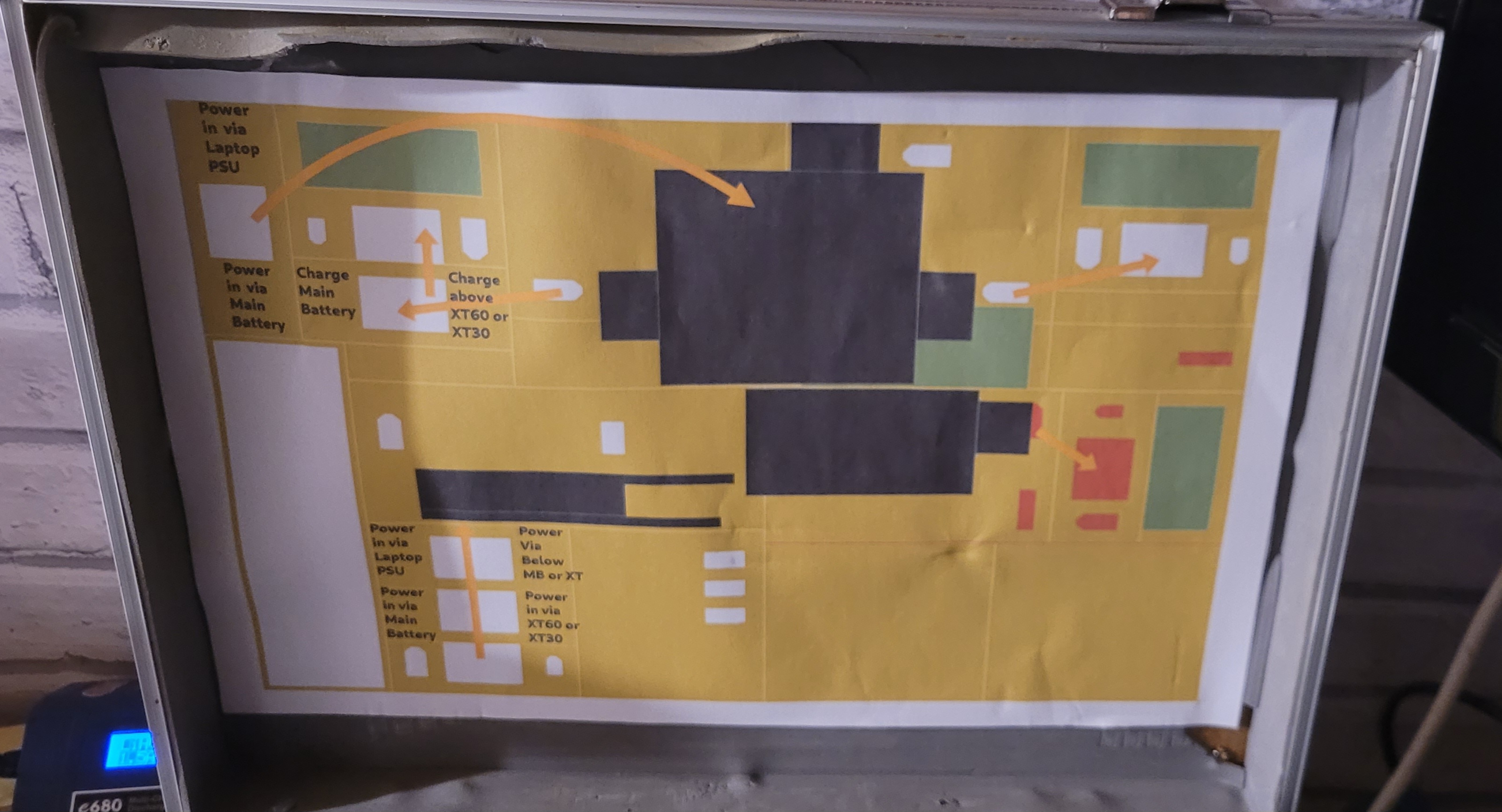
Can switch each charger to be powered from laptop PSU (mains) power or via internal battery.
Can switch each all three charging outputs from XT60 or XT30 output.
Charger one can switched to charger internal battery. (30Ah at 12V)
Can discharge to storage voltage using usb fan and AOK will stop discharging at correct voltage (by lower batch of switches)
Have USB power out.
All self contained no other wiring or adapters needed for any functionality.
Bad:
Can not discharge from an external battery to internal as USB C negotiation on charger 1 has a suspected firmware bug. I deciding the extra wiring and extra switches to go from charger 2 to internal battery too tight to fit in.
Ugly:
I can not get every grey printed panel to sit 100% flat. As the wiring underneath is very tight to fit in and I used 1.5 mm cable below (I had some spare mains cable from another project)
Parts above the panels are held in by velcro pads.
4 Likes
There’s some good ideas there Brendan 
I like that it’s modular, I bet once you’ve used it a few times in the field there’ll be things you’ll want to change so it will be a doddle to do 
1 Like
Yep - I added some USB 2S battery chargers and some USB-C / B cabling.
Its a little ugly on the photos, but function > aesthetics
1 Like
Finished building the dead cat.
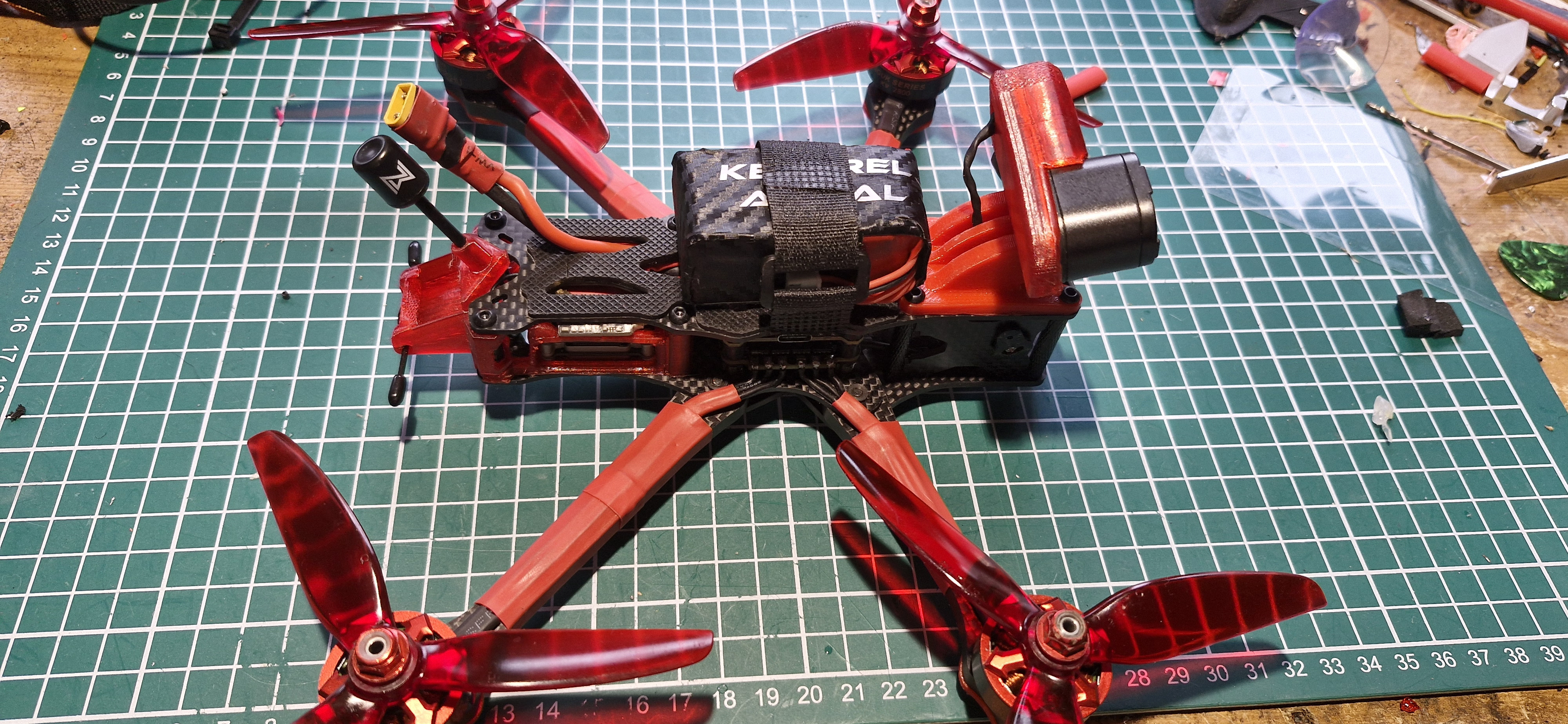
Just need to figure out why i have no osd.
Yes, the cables R right ( tx to rx etc.)
FC geprc f405, caddx vista to goggles 2.
MSP selected.
But changes to the layout of OSD are lost on a reboot?
4 Likes
assume you mean this is in the ports tab.
Have you selected correctly in OSD tab, top right corner?
Have you selected OSD in configuration tab?
Maybe you need to set this into CLI?
MSP_SET_OSD_CANVAS:
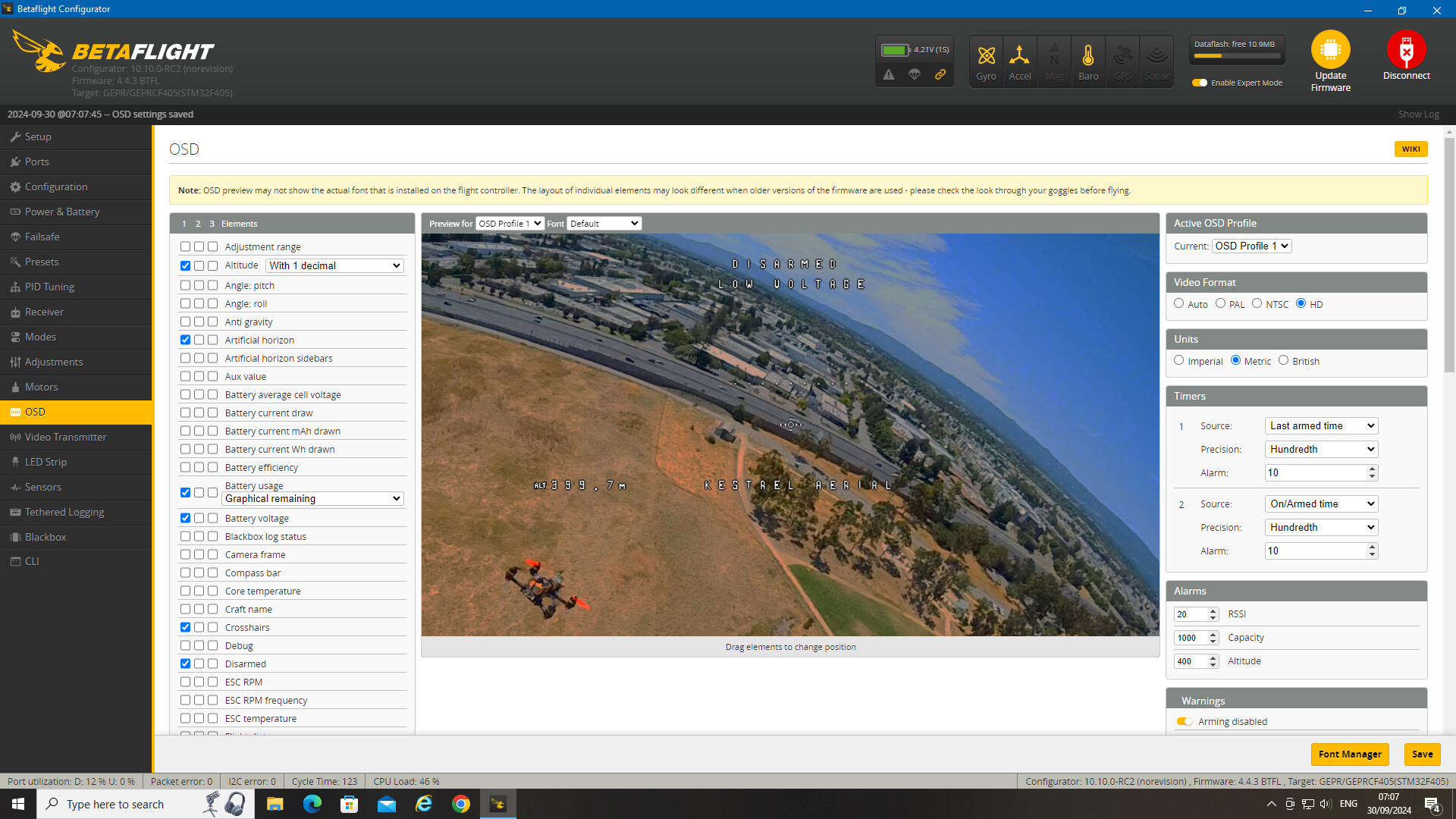
Cheers Steve. I have selected OSD in the Config tab. OSD TAB doesn’t give me much option top right apart from profile, theres no option for the different OSD types. Im on BF configurator 10.10.0. May try an up date tonight as well as trying CLI.
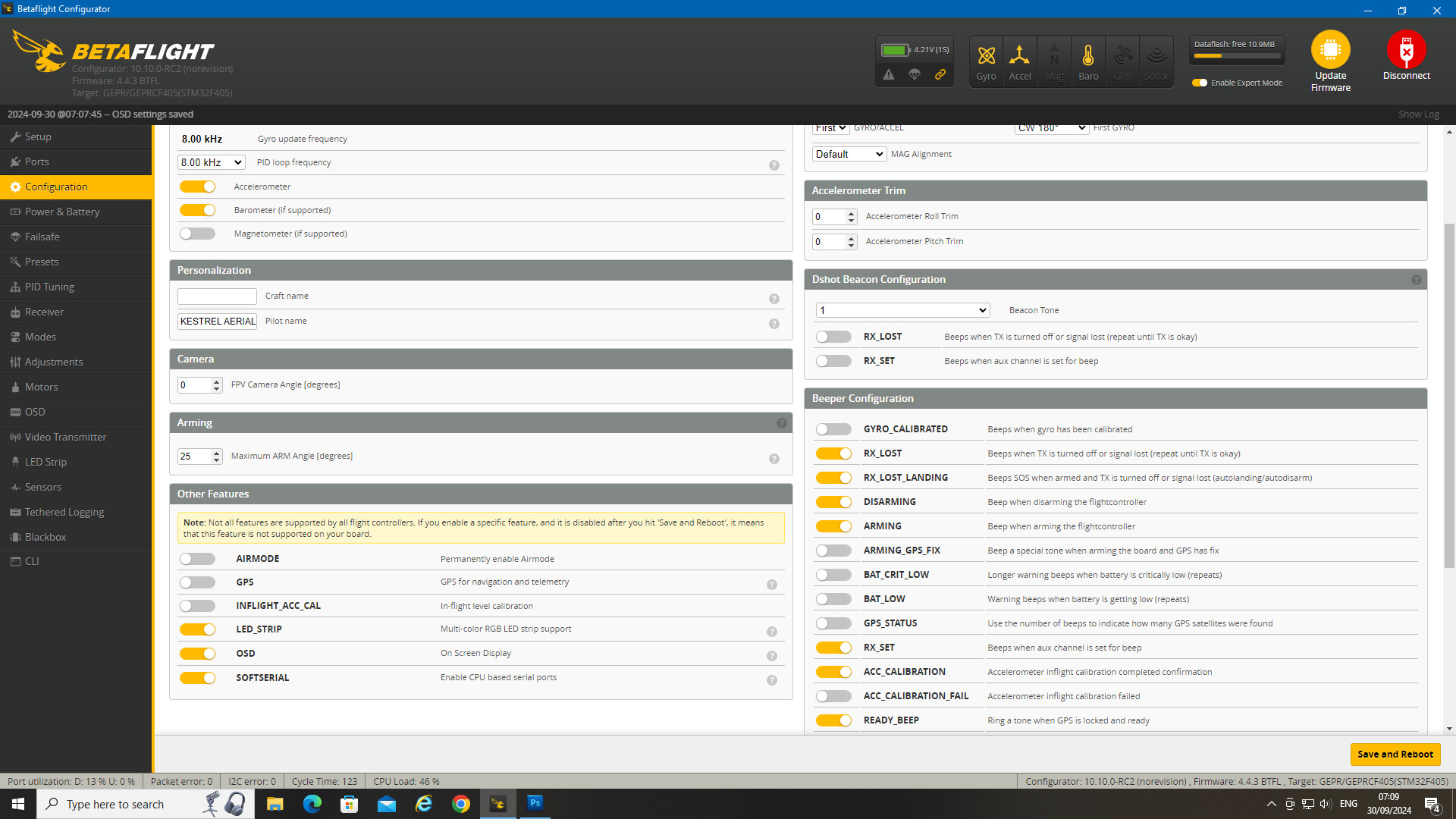
1 Like
What about the ports tab, you set the UART to MSP in there?
Edit: Would have screen grabbed myself, but seems MacOS version of BF doesn’t virtual mode…
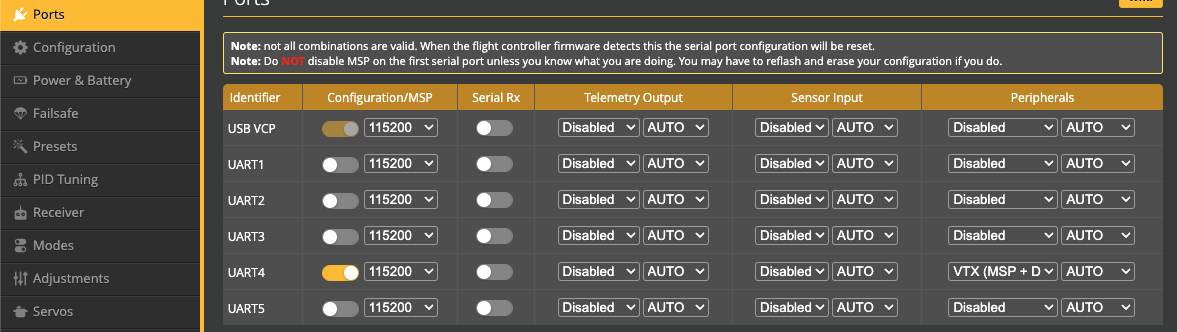
Yep I’ve actually cycled through each uart saving between each change.
My plan of attack tonight when i get home. Try CLI to change tge stteing as Steve @Steviegeek said.
Then will test the vista in the wing or Sachas quad. and if it does work there test the vista from that in my quad, to see if it’s the OSD chip on the fc that’s not working.
OSD chips on the FC have nothing to do with digital. MSP sends the data over UART to the VTX (in this case the vista), and the vista puts it on (or Walksnail, HDZero, O3, etc). The OSD chips on the FC’s are for analogue, and actually to save costs be nice to get digital only FCs these days, but guess it’s a few pennies, and the savings… meh!
It’s making sure the RX/TX lines are correct from the UART to the vista, and then setting the correct UART to MSP in the ports tab, tweak a few layout settings and done
So what controls what info, what layout and what font etc. being sent to the VTX?
The flight controller does that, the OSD chips on FC’s overlay it on an analogue feed.
So for digital it sends information over Serial UART to the VTX, and it’s the VTX that manages the font (for WTFOS you copy fonts onto the Vista, on analogue you upload them to the onboard OSD chip). MSP is just a protocol, which basically says which icon (512 options) appears in which position on the grid. so in 1x1 it could be a S, 2x1 T, 3x1 E, etc, etc…
So yeah in digital the Flight controller sends what glyph/icon to appear in which position, and the VTX (vista, WS, HDZero, etc) puts it in place. Make sure your goggles have Custom OSD switched on, as that consumes the MSP feed. Actually it is done on the goggles, not the VISTA, lol, but either way the overlay itself isn’t done on the FC!
On a 4.4.1 FC here, for a vista…
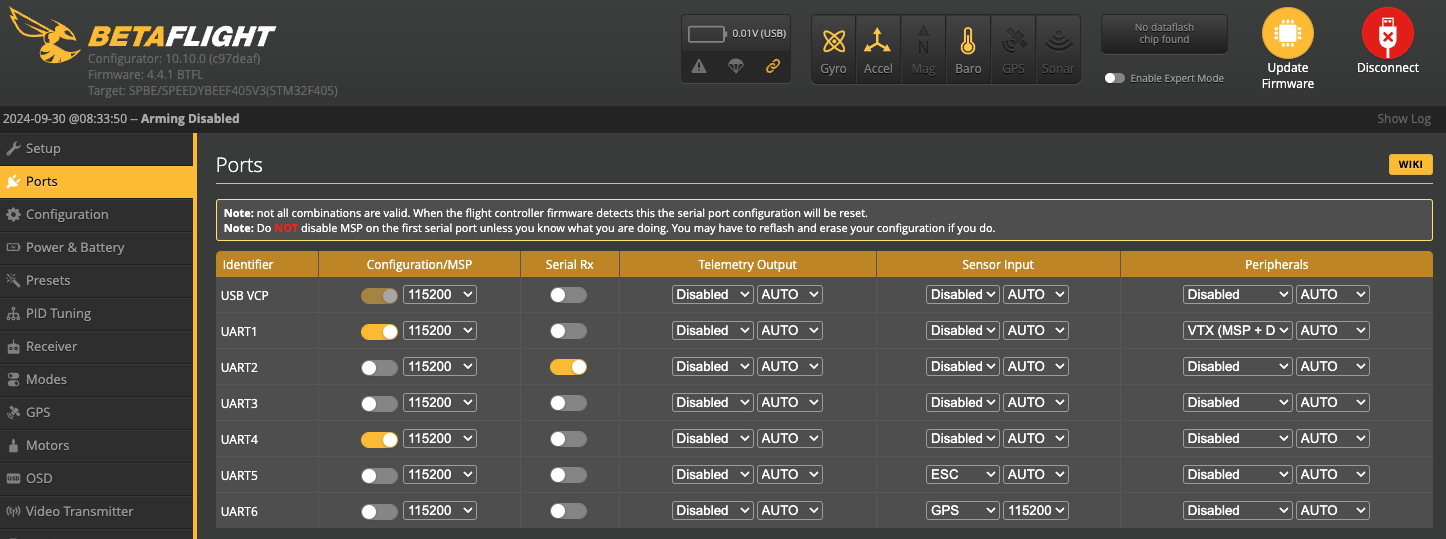
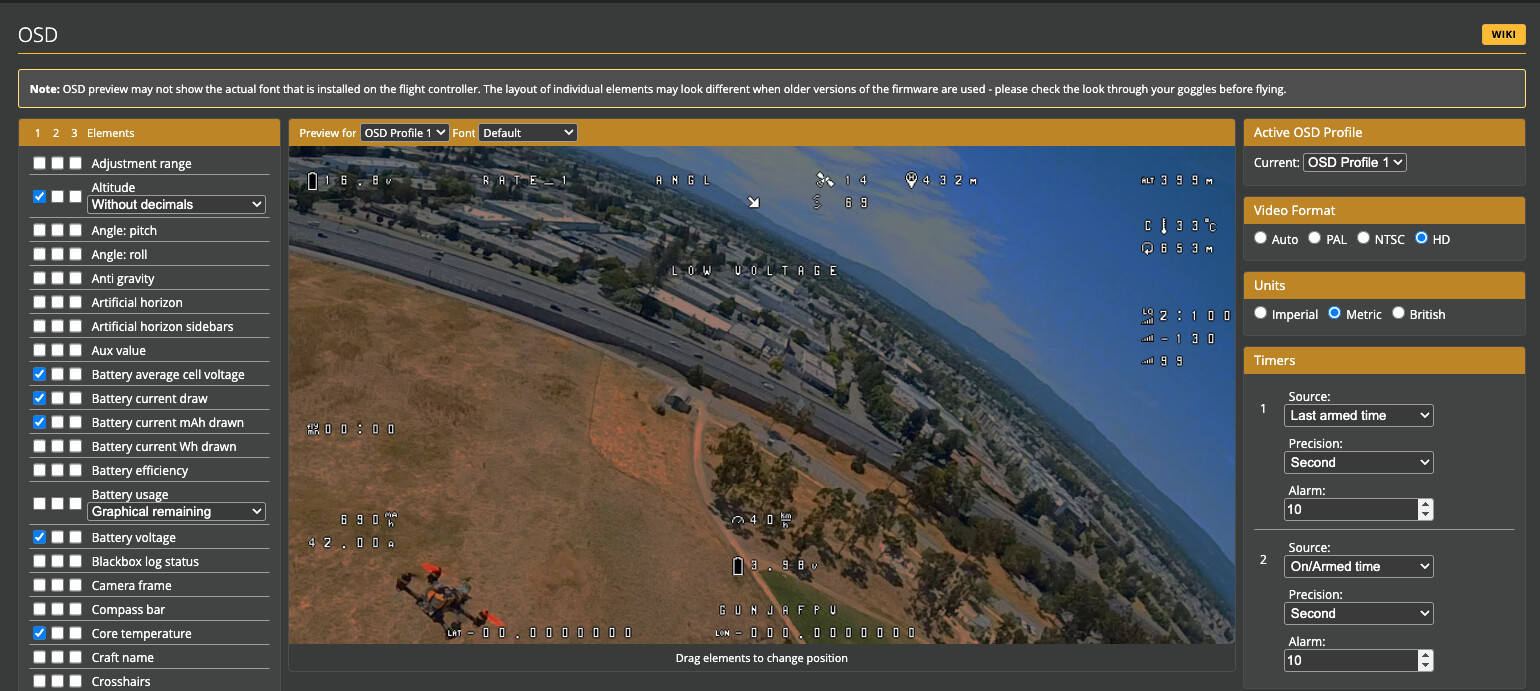
CLI:
osd_displayport_device = MSP
Allowed values: NONE, AUTO, MAX7456, MSP, FRSKYOSD
Default value: AUTO
Might be that…
So clarification to earlier, the font is copied onto my goggles actually which receives the MSP feed from the FC to the Vista to the Goggles, and overlays it on the goggles