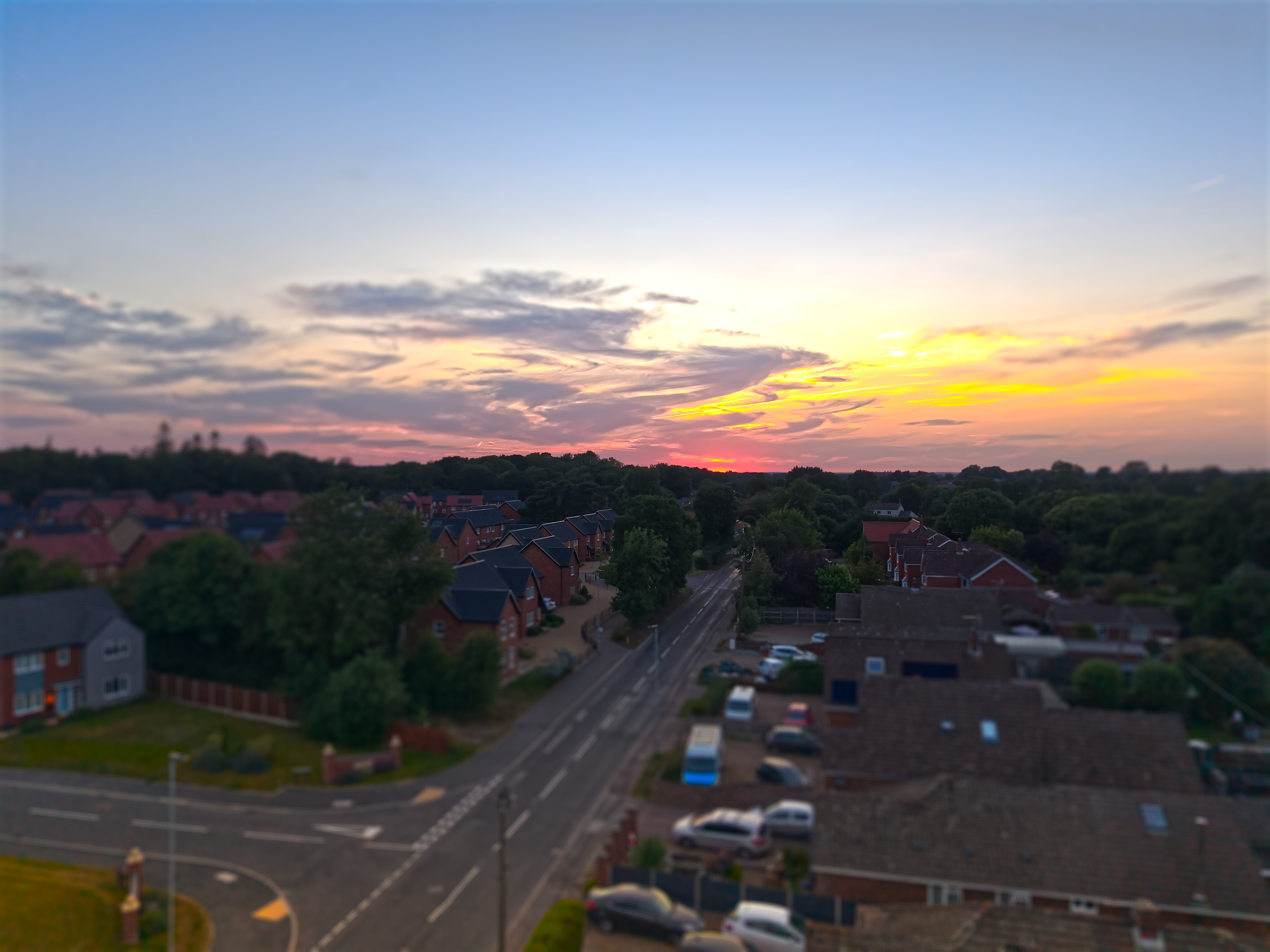
Sunset | Mini 5 Pro | D-Log M | Colour Grading
Continuing to get more familiar with my new Mini 5 Pro
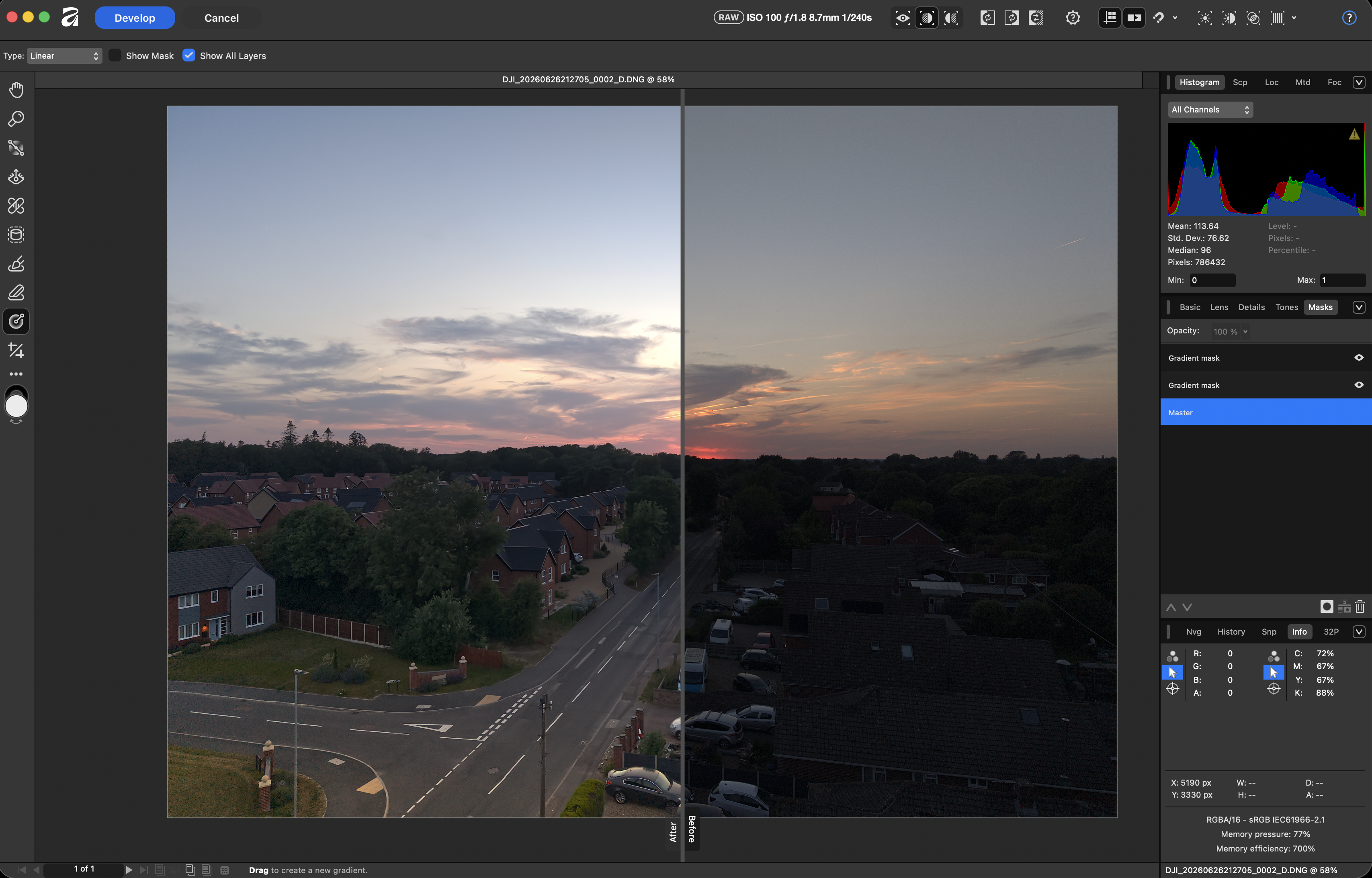
Trying to improve my skills in ‘Colour Grading’ using the excellent & free Affinity.Studio App on my iMac
7 Likes
Would be interesting to know what sort of workflows others use to process their interactive 360 panoramas? I now have mine but no idea if it is a ‘good one’ or whether there are better (affordable) ones you guys might be using???
I do this stuff on my M1 iMac
- Stitch collection of pano .jpg images from my Min 5 Pro using PanoVolo
- Colour Grade ‘stitched’ .jpg in Affinity.Studio (v3.2) export as HQ .jpg
- Reinsert 3d interactive pano Metadata into Colour Graded .jpg file using Exif Fixer
It is always possible/likely I’ve missed the point somewhere along the way!  Any better ways of doing this?
APG is the best option on Mac and has been for many years
The issue with this way is that the stitch line sometimes becomes more obvious, have you experimented grading the individual files before stitching
Have a read of this guide that @clinkadink did a few years ago, still very relevant
1 Like
Thanks for taking the time to reply.
In short, NO, have not seen the things you mention but will certainly look into all of them now
Cheers! 

1 Like
Managed to grab, install, register & try out your suggested AutoPano Giga App.
Another learning curve to climb! More ‘complex’ than I was expecting 
Sorry if I sound ‘dumb’ but, you suggest colour grading individual images before stitching? I’m guessing here you mean I’d colour grade one image, save those gradings as my own custom LUT and then apply that LUT to all the other images in the set???
Exactly that
The problem with colour grading a (flat) 360 is that the software does not k ow that the edges are going to be joined
1 Like