Thanks for the swift reply. And thanks for the welcome.
It happens whatever mission I set out. If the waypoint gimble pitch is set to POI, the gimble mainly heads down 90 deg, once its set on the path . If I set the waypoint gimble pitch to manual, I can operate gimple pitch as and when I like, with no dropping dropping down or extending skywards. Like I say, all the exact same settings, RC, phone are used for the mini2, all I do is swap the firmware over, before flying each drone. I’ve tried my spare RC also, no joy.
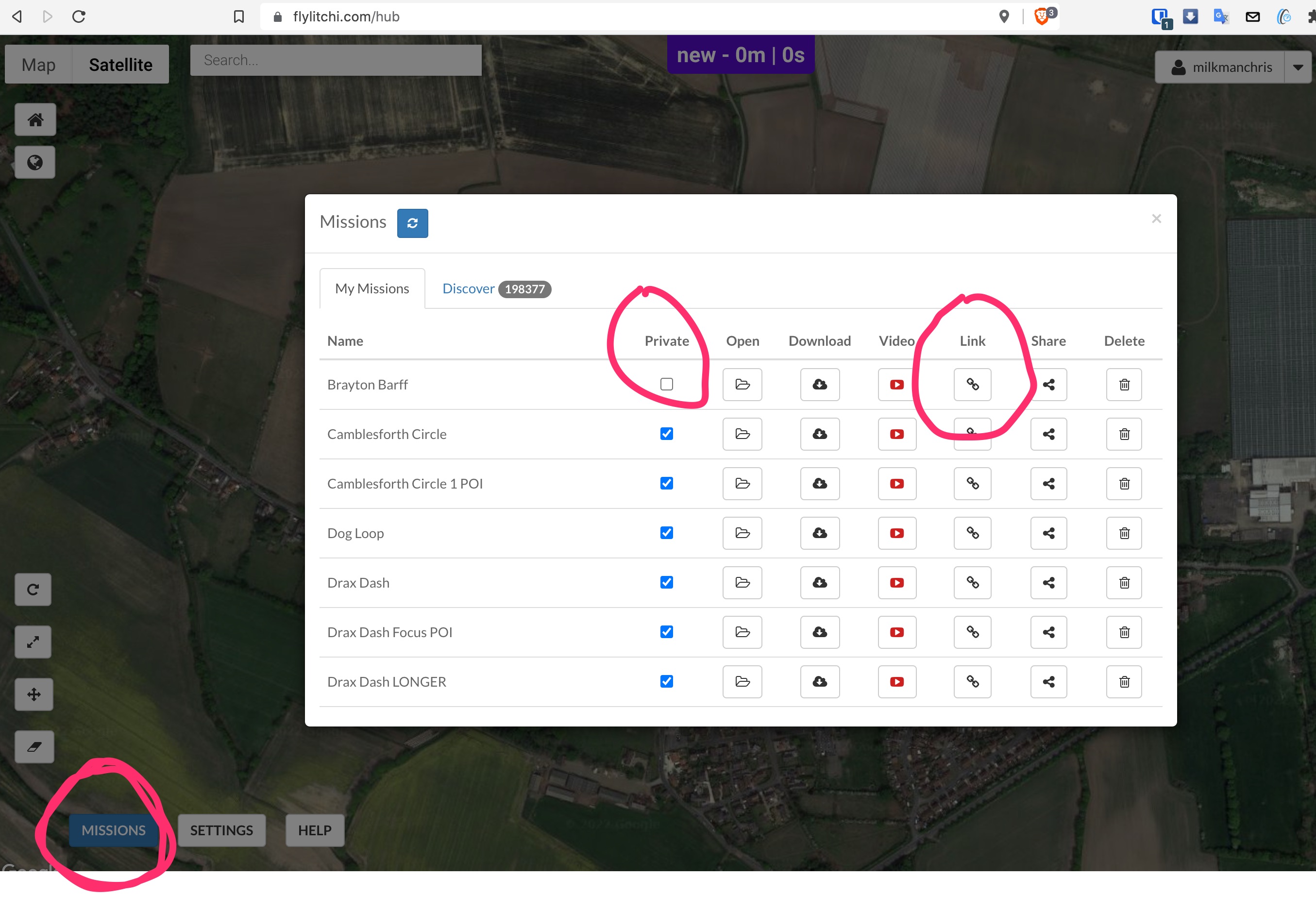
If you think upping the Url will help, no worries, I guess the ‘mission listings’ is on the mission hub, and not on the app.?
Cheers.
Worth reminding this is a beta. So may not be doing what you expect it too. File a bug report should people confirm the mission looks ok after posting.
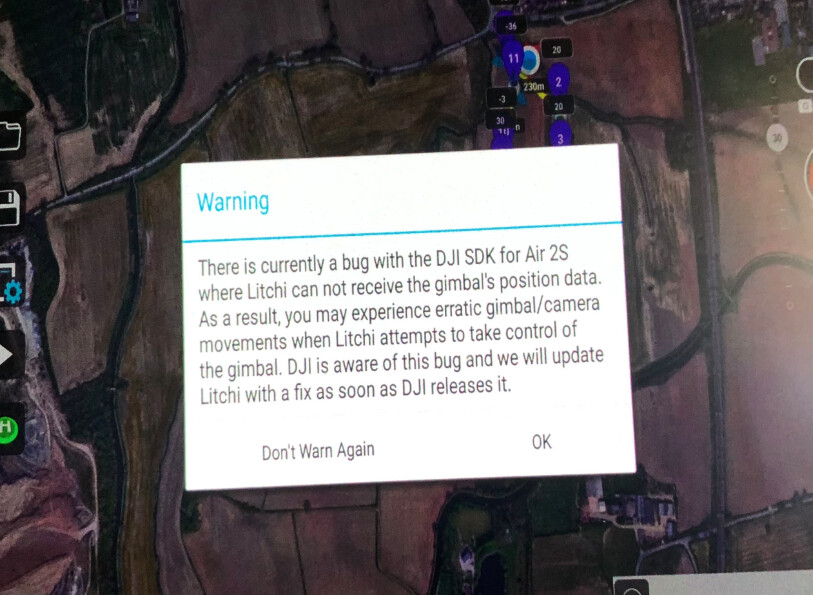
I’m sure I saw a message warning of this gimble issue on AIR2S
See if next build release cures it.
I’ll try it out tomorrow on my AIR2S, build 30003990
It could well do - there are mistakes that can be made that might be being made every time. Litchi missions take some learning and some things don’t always work quite how you might imagine.
Yes - the link is easiest to grab from a Mission Hub in a web browser.
So I’m not the only one whom thinks his voice makes him sound a little light in the loafers?
As for the content in his/her upload they are twisting conjecture and the anecdotal to come across as fact.
As @milkmanchris quite rightly points out, the upload is devoid of factual info, the true purpose is to farm for views. Just like many of the “DJI Influencers” he /she lacks understanding of the technology, so to validate themselves they wordsmith a narration of psycho-babble.
Apologies, I forgot that bit, I was getting ready for work this morning while doing it. The missions listing, where can I find that? I’ll change the private tag when I get home, on the desktop version. Thanks
Right, so I’m not losing it! Where abouts did you see the warning about the gimble thing with the air 2s?
It did cross my mind with the beta thing, its just the mini 2 played out the missions what I set, so I never expected the air 2s to be any different. The reason behind me wanting litchi, was for the air 2s, for night missions on a project what I want to start. So a bit gutted. If you do manage to try it on yours, give us a shout with your outcome. Cheers for the feedback.
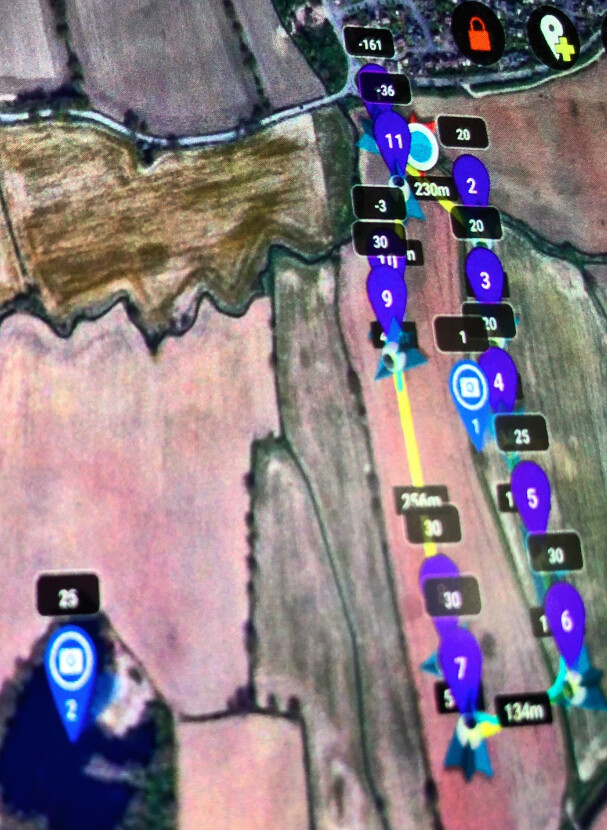
Then after starting the mission, drone flew to 1st waypoint and dropped height. Then I noticed that a few, not all, waypoints height were all to cock… point 1 was -161 point 10 was -3 point 11 was -36
all others were as created so I don’t think it was me selecting wrongly with AGL option.
I had set 2 POI’s, the first at 1 metre so camera should be looking at tree base, the second at 25 so as to look at tree top branches.
I corrected those incorrect waypoint heights on the screen, re-saved, and set off again. Flight was good in as much as it followed the course accurately.
However when it reached the first of the waypoints looking at POI-1 instead of aiming at tree base it tilted 90deg. down to look at ground below. It stayed like this for the rest of the flight (ignoring POI-2).
At the end I was able to raise gimbal using the ‘wheel’,
The gimbal angle indicator stayed on the screen at the position which would normally show 0deg. (horizontally ahead) but it showed the number 30. I can’t think why
As waypoint flying for cinematic filming is my reason to use LITCHI I’ll be looking out for the ‘latest’ SDK from DJI
Gotcha! Thanks for sticking with us! Ive sorted the private thing out, so heres the link
Take a look at it, but, the issue happens with all missions, gimble either decides to face the sky, or more so , the deck…nice shots of grass, This only happens with the air 2s, not the mini 2.
There were people having these same issues with Litchi and other mavics a couple of years ago from what I could gather off Mavic pilots. Couldnt tell if anyone had found a solution, wondered if anyone on here had tried Litchi beta with and AIR 2s.