I love that DJI feels like they have to tell me what I do with my drone and brick it without Information. Now I’m stuck on Drone Hacks Firmware and cannot undo the changes. Great.
Somehow I feel uncomfortable at the thought that there is some error in the flight controller in DH 0110, where I am now stuck. But fine, if Dji wants it that way, I’ll update it using the assistant and then send the thing to Dji. Let them fix the mess themselves.
Hello Folks, has anyone successfully ran the hack on the Mini 3 Pro? Everyone I apply the mod, I get the thumbs up to say it’s worked and to reboot manually if it hasn’t rebooted itself. When I click on the mods tab again it should show what it’s applied but it doesn’t. All I get is the option to apply the mod again that it said is already done.
I have been InTouch with tech support and day 3 we are no further forward.
Yeah I have gone through it with the team at DH and everyone seems baffled that it’s not working. The popup shows it’s complete but it won’t auto restart. I do a manual and it’s like it’s never been plugged in. Tried everything … cables … WiFi … 5G, disabled all security software and firewalls … nothing is working at all. Just want the FCC hack that’s it.
Certainly have. I’m awaiting support contacting me with a suitable time to VNC into the system to have a look as they are advising this is an unusual situation. Has to be the drone as everything out with has been tried twice.
I have tried the above several times unfortunately and same result - Displays the available modifications page with apply modification and it gets stuck on that. Can flash the firmware and the drone reboots no problem. Weird
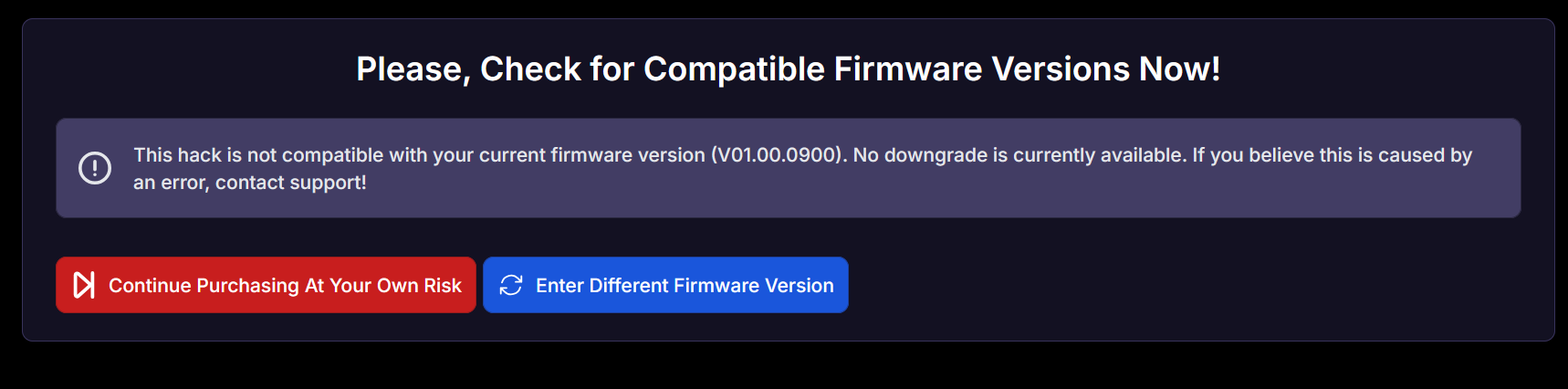
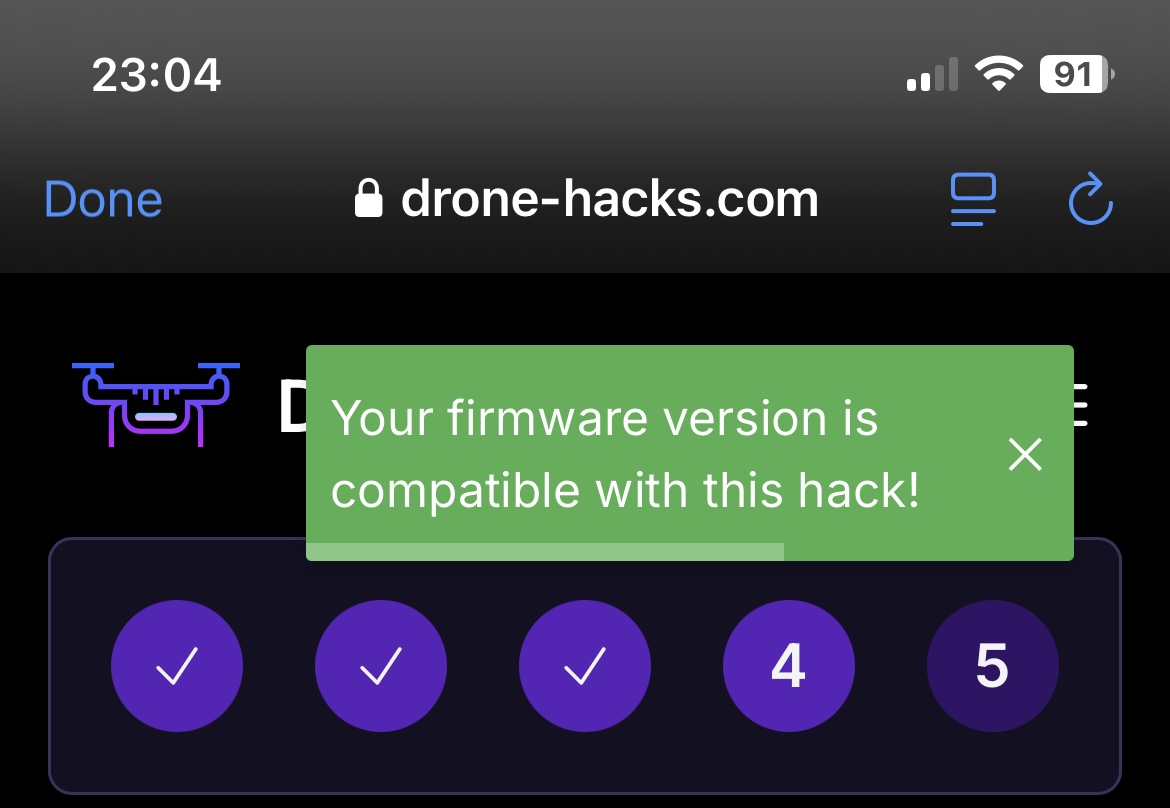
They released Drone Hacks 2.0.7 today and it still won’t work for me. I have been speaking to the guys for 3 days and they are aware I’m on 0900 and no one has indicated that it isn’t compatible.

 Drone-Hacks v2 Public Beta Has Been Released Today!
 Current Features for Mini 3 Pro:
 Download Now:
  Read the blog post: