A new version of Drone Scene has been released 
(Missed the August updates? Take a look here!)
What’s new in the November 2025 update? 
It’s all about map layers 


Read on for more details!
(Missed the August updates? Take a look here!)
New Feature
When you click a layer on Drone Scene to view its details, it’s previously only shown the information from the uppermost layer in the stack.
This meant that if several layers overlapped — for example, a NOTAM sitting on top of a Flight Restriction Zone — clicking the map would only display the NOTAM details. To see the underlying Flight Restriction Zone, you had to switch off the NOTAM layer and click again.
Not ideal.
As of today, that limitation is gone
You can now click any layer on the map and Drone Scene will automatically drill down through all the overlapping layers and gather the details from every layer beneath your click.
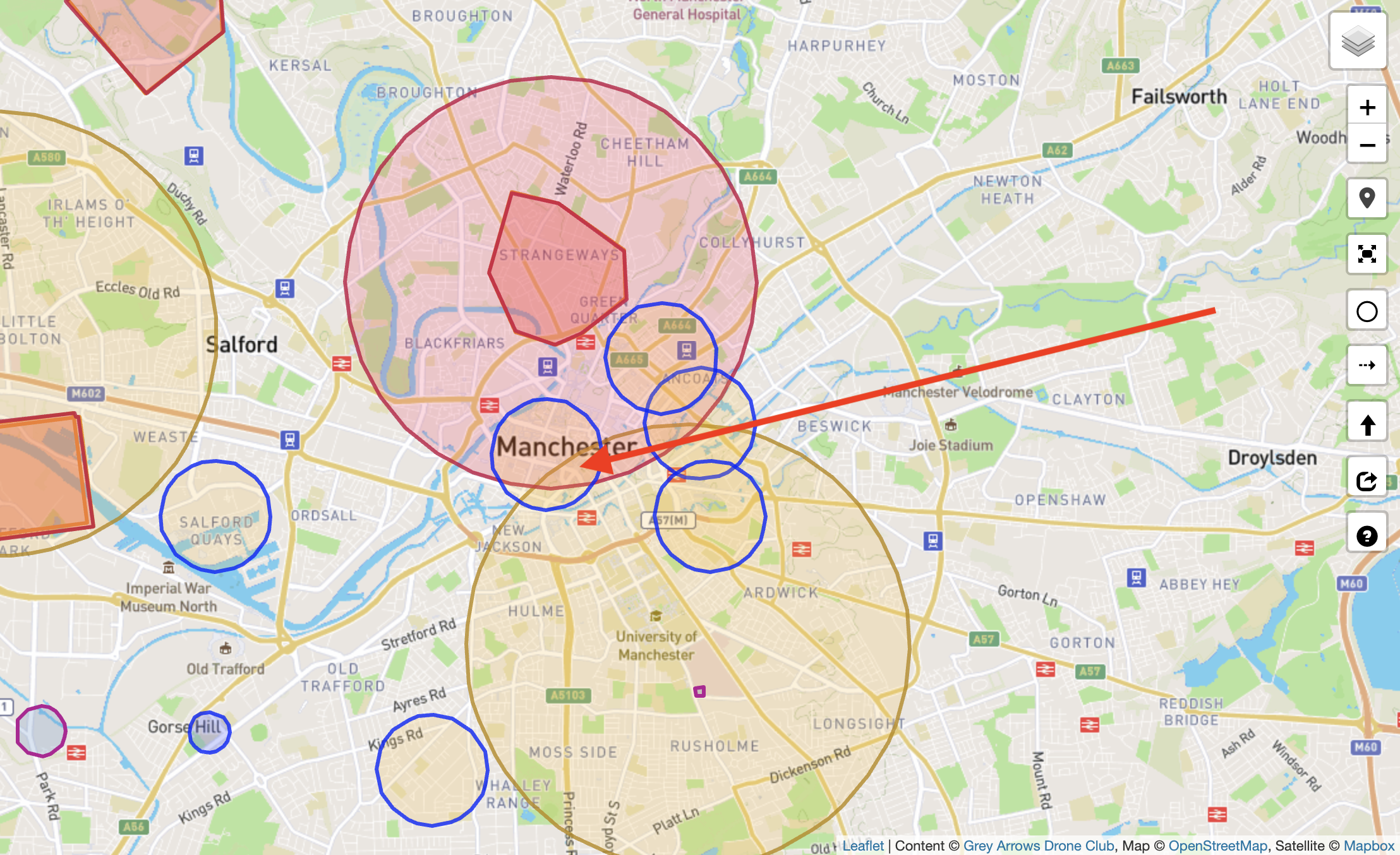
For example, in the past, clicking an area like this with three overlapping layers:
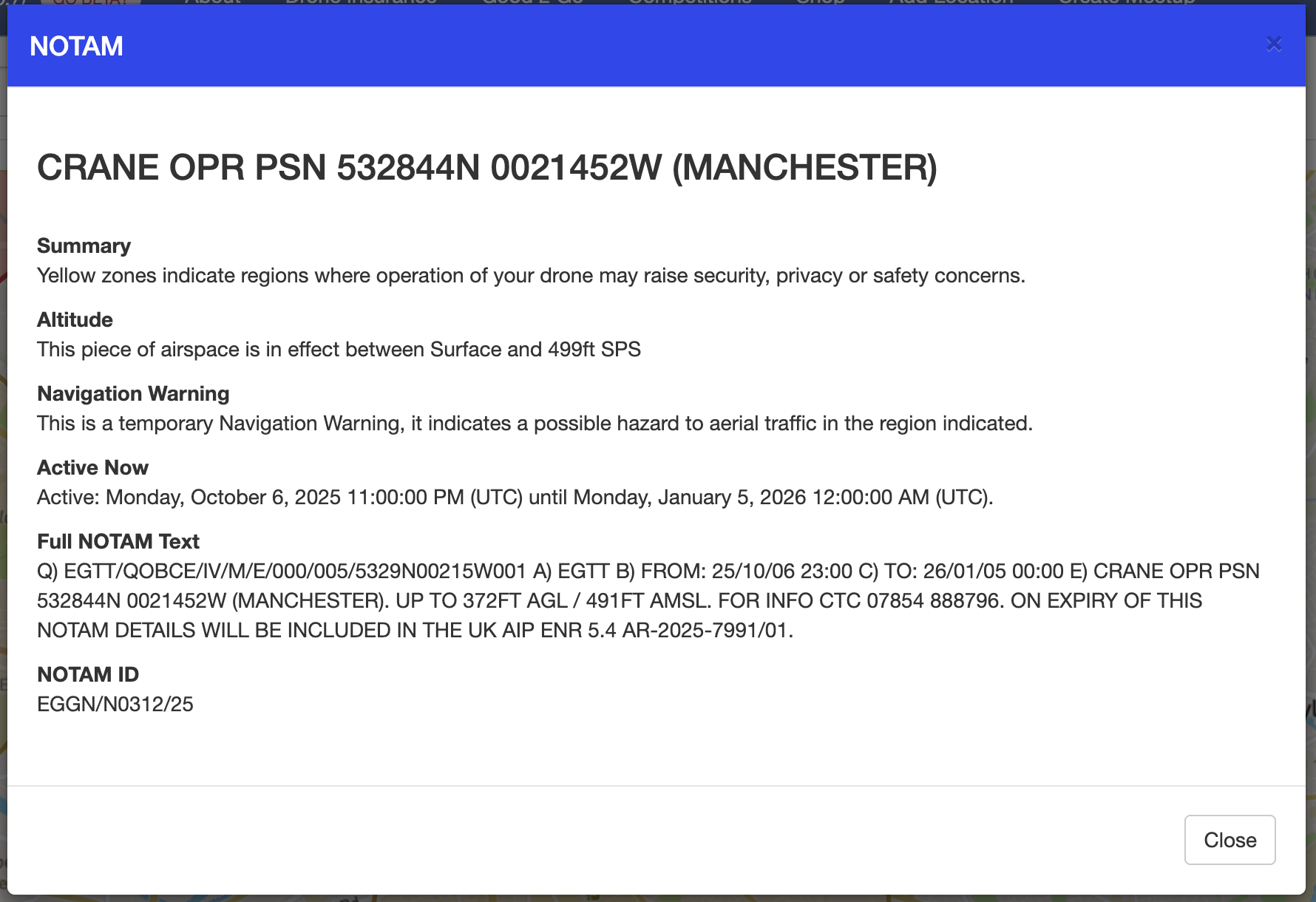
Would only give you details for the uppermost layer:
To see the others, you had to toggle layers on and off in the menu.
What happens now?
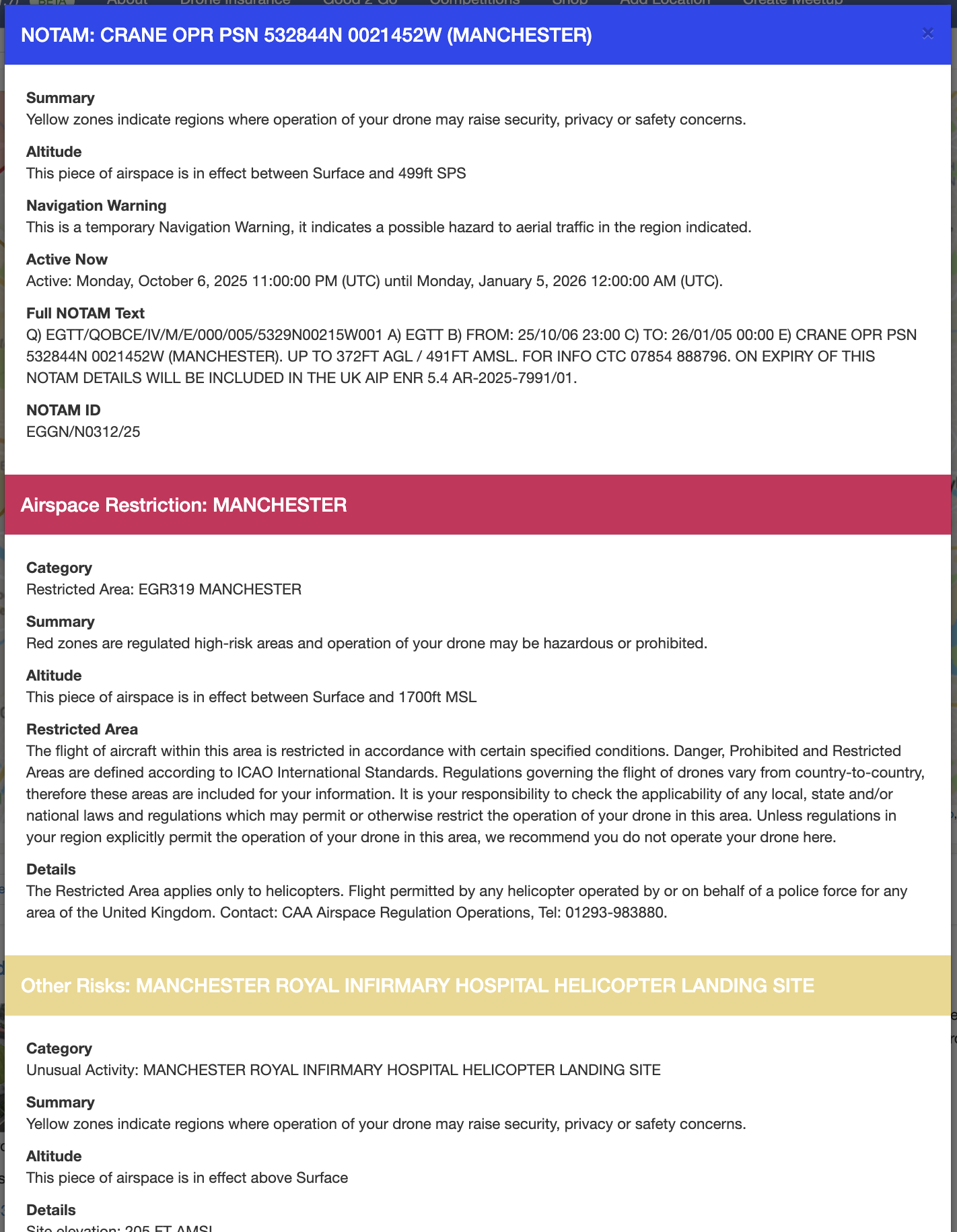
Click the same point of overlap:
And Drone Scene will present the details of all layers beneath your click:
There’s no depth limit.
Whether it’s two layers or seven layers, Drone Scene will tell you exactly what’s there 
UI / UX Change
Drone Scene displays many different layers of map data.
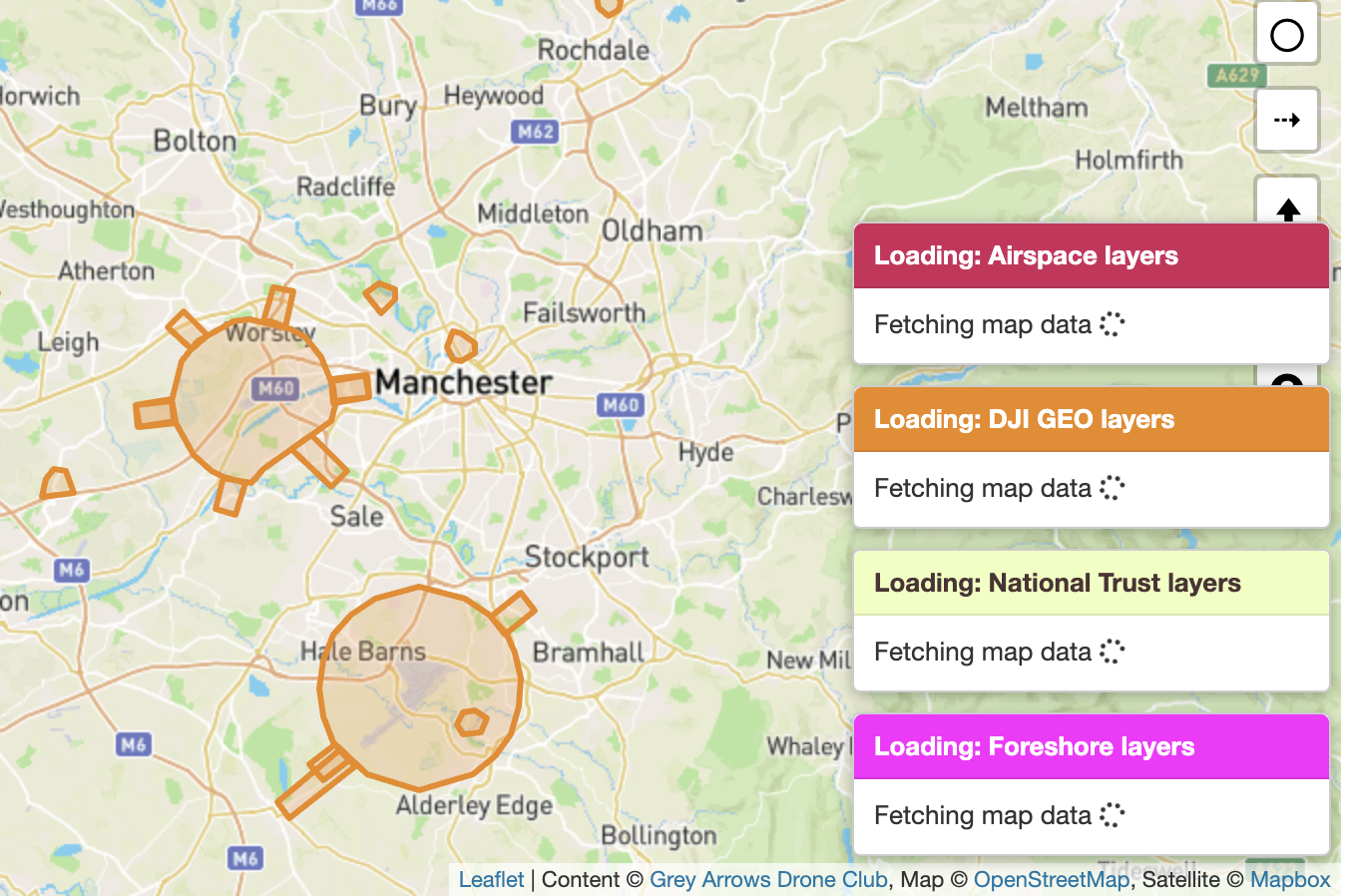
These vary greatly in size, format and complexity, with some layers naturally take longer to load than others.
To make this clearer, Drone Scene now displays a message indicating which layers are currently loading. This indicator is hidden on narrower mobile screens to avoid taking up valuable space.
UI / UX Change
Members already have the option to add locations to their own personal list of places they’ve flown at.
When a meetup is marked as completed, Drone Scene will now automatically add the meetup location to your own list of places you have flown.
Bug Fix
None this time! 

The forum has some buttons that members can click on to say they’re interested in attending a meetup.
These buttons were still actionable even if a meetup was in the past or had been marked as completed. Those buttons will no longer work on historic meetups.
Beta Tester Programme
We run a Drone Scene Beta Tester Programme and if you’re a Silver or Gold Member you may be eligible to join.
What do you get out of joining the Beta Tester Programme?


What do we need in return?

If this is something you might be interested in helping us with please get in touch and let us know why you think you’d be a great addition to the group 
Thank you
As ever, please keep those feature requests coming. Drone Scene is only as good as your feedback!
We also hope you find this level of release notes / details useful 
But don’t forget!
In order to use all the features of Drone Scene you need to be a Silver or Gold Member of Grey Arrows Drone Club.
Membership is available from as little as £1.34 per month
Amazing. This is the one thing I’ve been waiting for and has kept me using both this and the now unsupported Altitude Angel. I can now just use Dronescene 
Thank you for this!
It’s brilliant to see that you guys listen to our feedback and the new feature is going to be very helpful!
Amazing work!
The new layers thing is fab - exactly solves one of the issues I had previously.
Since you’re on a roll, this is could be the last gripe to have me make the switch to daily drive DS over DA.
When I move the map and zome, everything refreshes - it does my nut in  .
.
Examples below:
Drone Scene
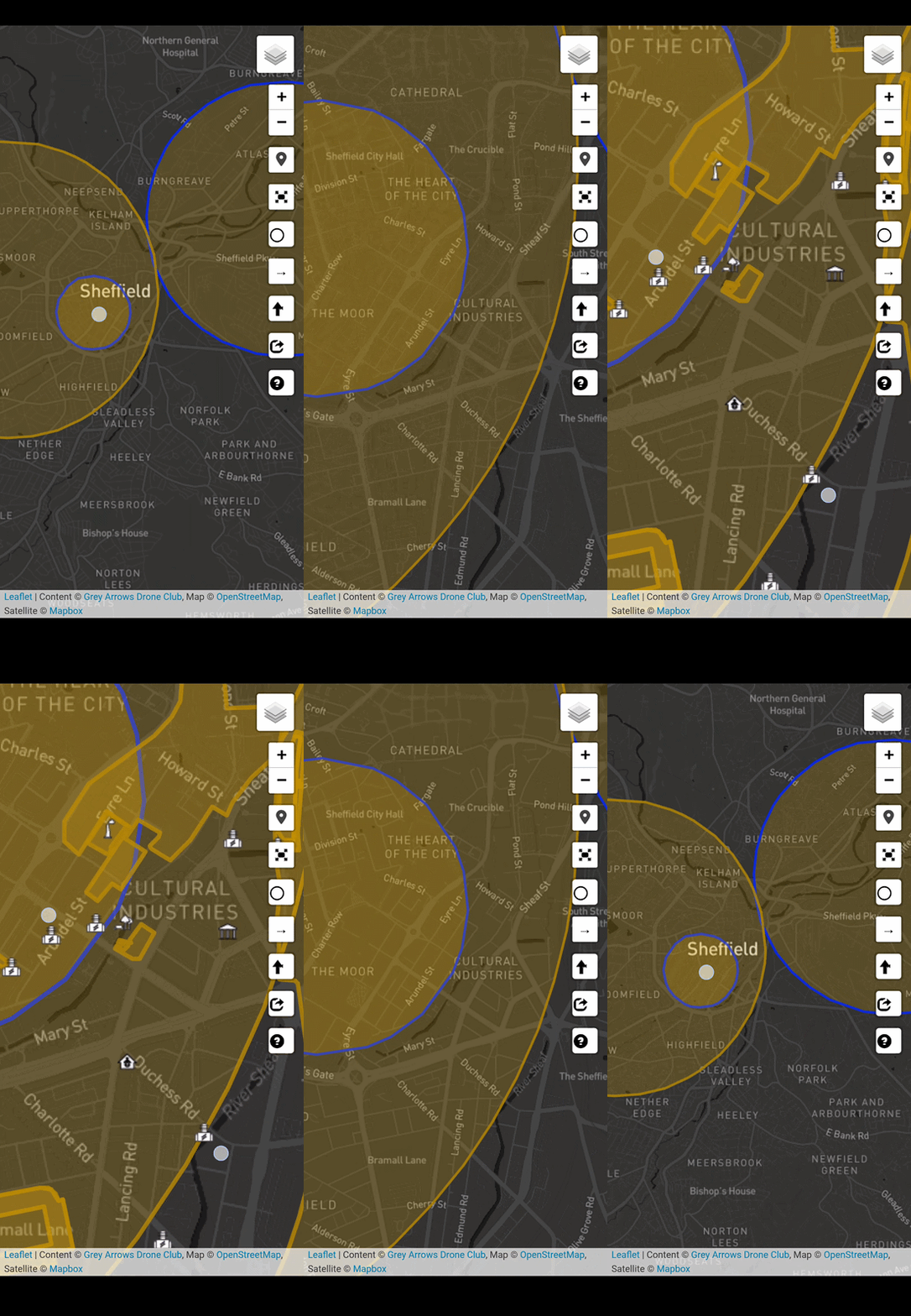
Drone Assist
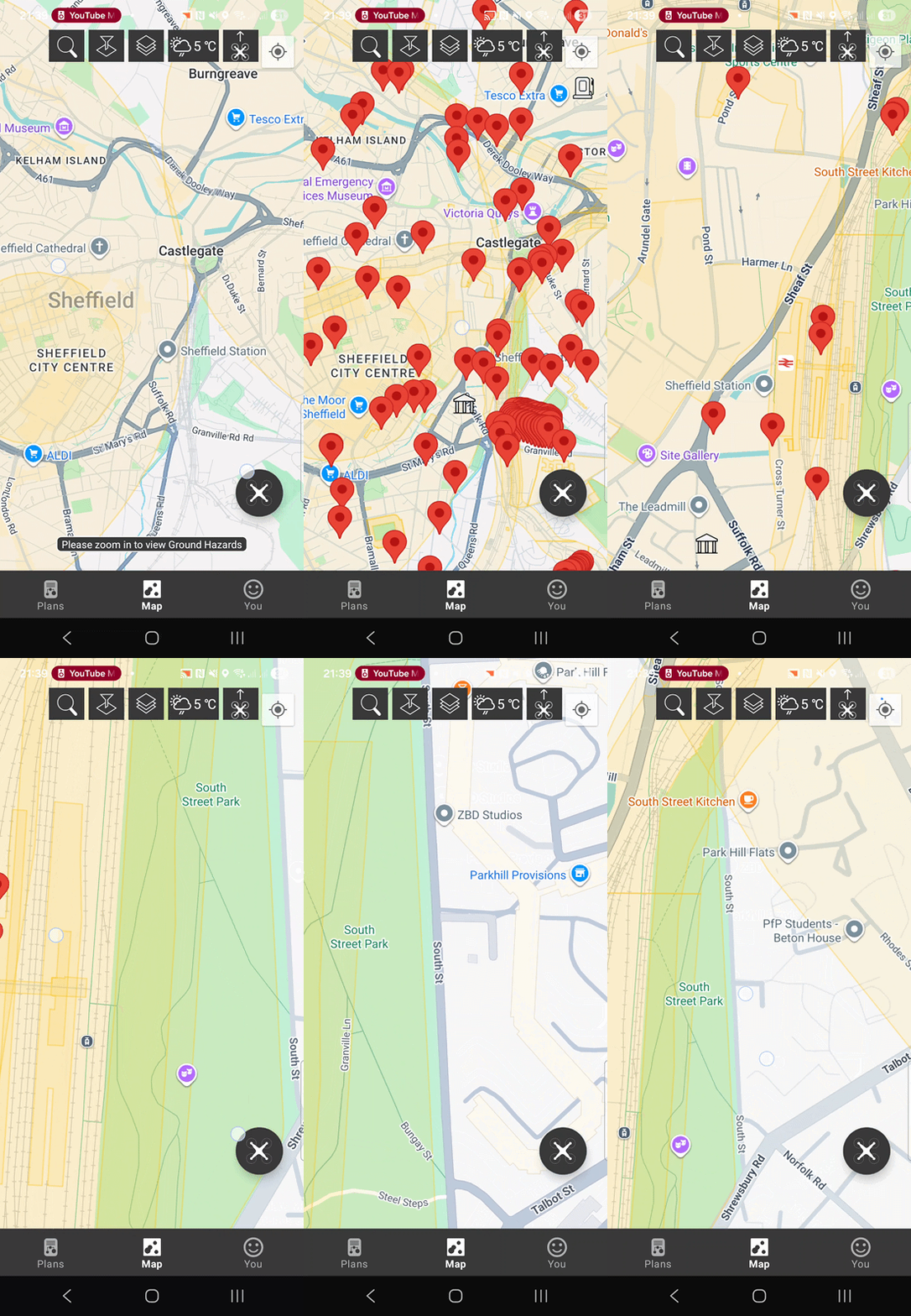
It’s not a major issue sat here at home on the sofa, just becomes a PITA sometimes when out in the field.
Drone Scene doesn’t own, or hold, any of the layer data .. so every map move forces Drone Scene to retrieve the relevant layer data for the displayed area from its source and draw it. This is unavoidable, unfortunately, but also ensures that what you see is completely up to date.
Okay, I do understand where you’re coming from. I’ve no direct experience working with OSM before, though I wonder if it would simply help to delay the map-overlay-clear until the new data has caught up? Would be less jarring.
It’s not OSM that’s the issue - that’s just the base map that’s almost instant.
All the airspace/NOTAM/other layers data is what has to be fetched for every map move.
This can be demonstrated by turning off all layers .. and you’ll see that the base map isn’t the issue.
Even on your screen record of Drone Assist .. the pins are drawn some time after the map has stopped moving. 
I’m not blaming OSM, just mentioning that I’ve not worked with it before - I have prior development experience with other platforms. With DS, the overlays are completely cleared and redrawn each time the map is moved. DA appears to maintain the overlays (for the most part) and simply hides some features when zooming.
In my example, DA does take a brief moment to display new data when zoming into an area I’ve not already visited - that’s perfectly normal. However, if I zoom in/out or move the map after it’s loaded, it sticks there. If you’ve used DA before, you’ll understand what I’m getting at.
I think that waiting for the data request to complete before clearing the map and redrawing might be a solid workaround.
Excellent news
We always have, and we always will